This tool (proxy) helps using the mobile data and OBD/ELM327 WiFi adapter at the same time. It's compatible with virtually any OBD scanner app but brings a special support for Torque Pro.
The tool usage scenario is based on built-in Android 8+ feature of using mobile data when the WiFi network connection has no Internet. Depending on your phone firmware, the system may show you a pop-up when WiFi with no Internet detected: the rule of thumb here is that you should select to use MOBILE DATA and KEEP the WiFi network connected.
Setup instructions (once):
- open Torque (or your OBD scanner app) Settings, OBD2 Adapter Settings, Change the WiFi adapter IP address from "192.168.0.10" to "127.0.0.1".
Usage instructions:
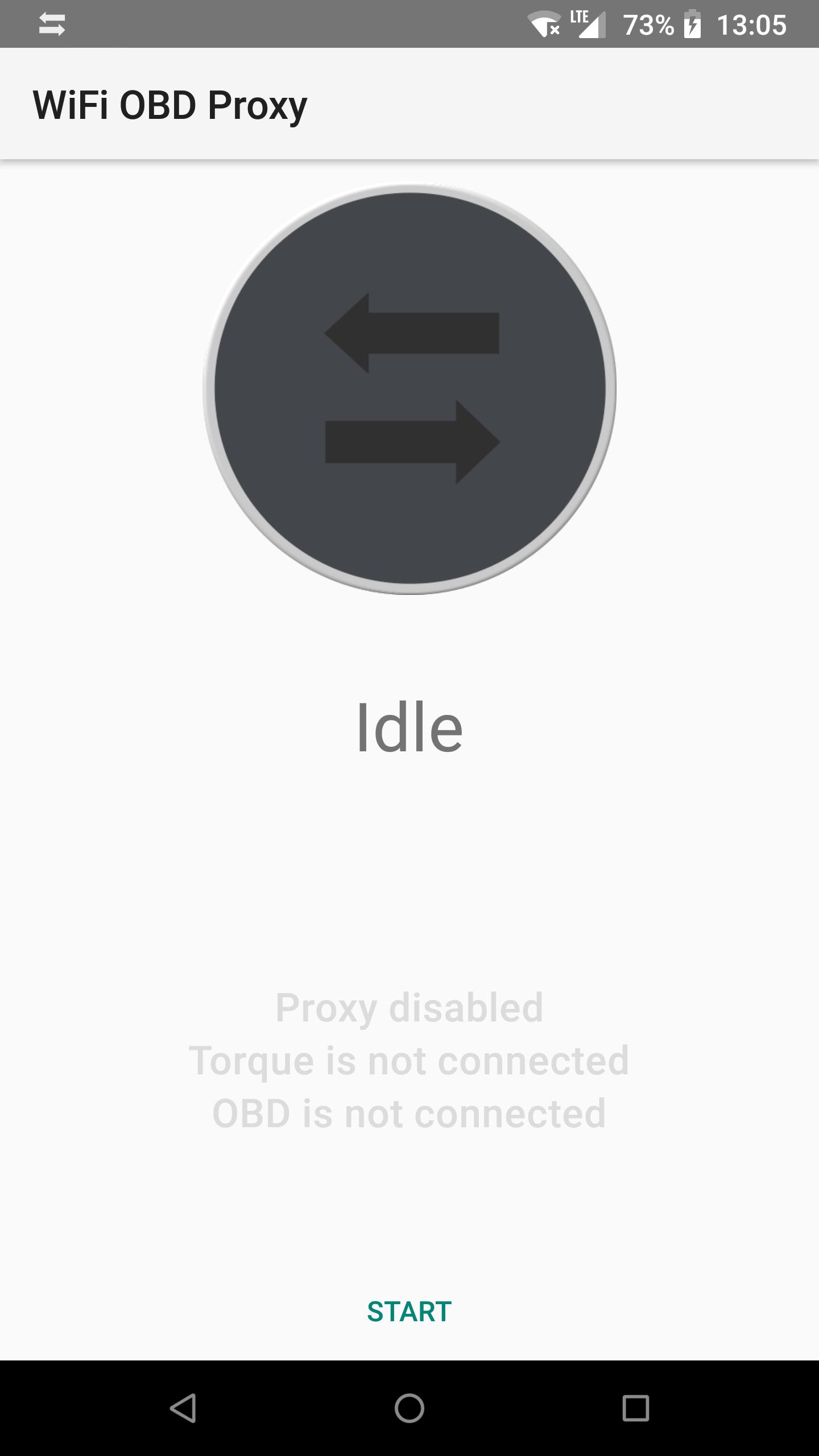
- open app and press "Torque" button to start the tool and launch Torque Pro (alternatively, press "Start" if different OBD scanner app is used);
- when no longer needed, press "Stop" and exit the app with Back button (optional).
The application has a 7-day trial period, afterwards you're asked to purchase it for the price of a small coffee. You may reinstall the app to repeat the trial period.
เวอร์ชันล่าสุด
1.0อัปโหลดโดย
Osei Amoako Succez
ต้องใช้ Android
Android 8.0+
Category
ฟรี เครื่องมือ แอปการจัดประเภทเนื้อหา
Everyone
รายงาน
ปักธงว่าไม่เหมาะสมLast updated on Jan 26, 2021
Torque Pro launch button added



APKPure - ร้านค้าแอปพลิเคชันแบบมัลติแพลตฟอร์มที่มุ่งเน้นระบบ Android เป็นหลัก พร้อมให้บริการเนื้อหาที่เกี่ยวกับแอปอย่างครบครัน ค้นพบแอปที่คุณต้องการได้ง่าย รวดเร็ว และปลอดภัยยิ่งขึ้น พร้อมการดาวน์โหลดและติดตั้งที่รวดเร็วและมีประสิทธิภาพ