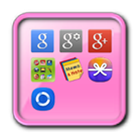
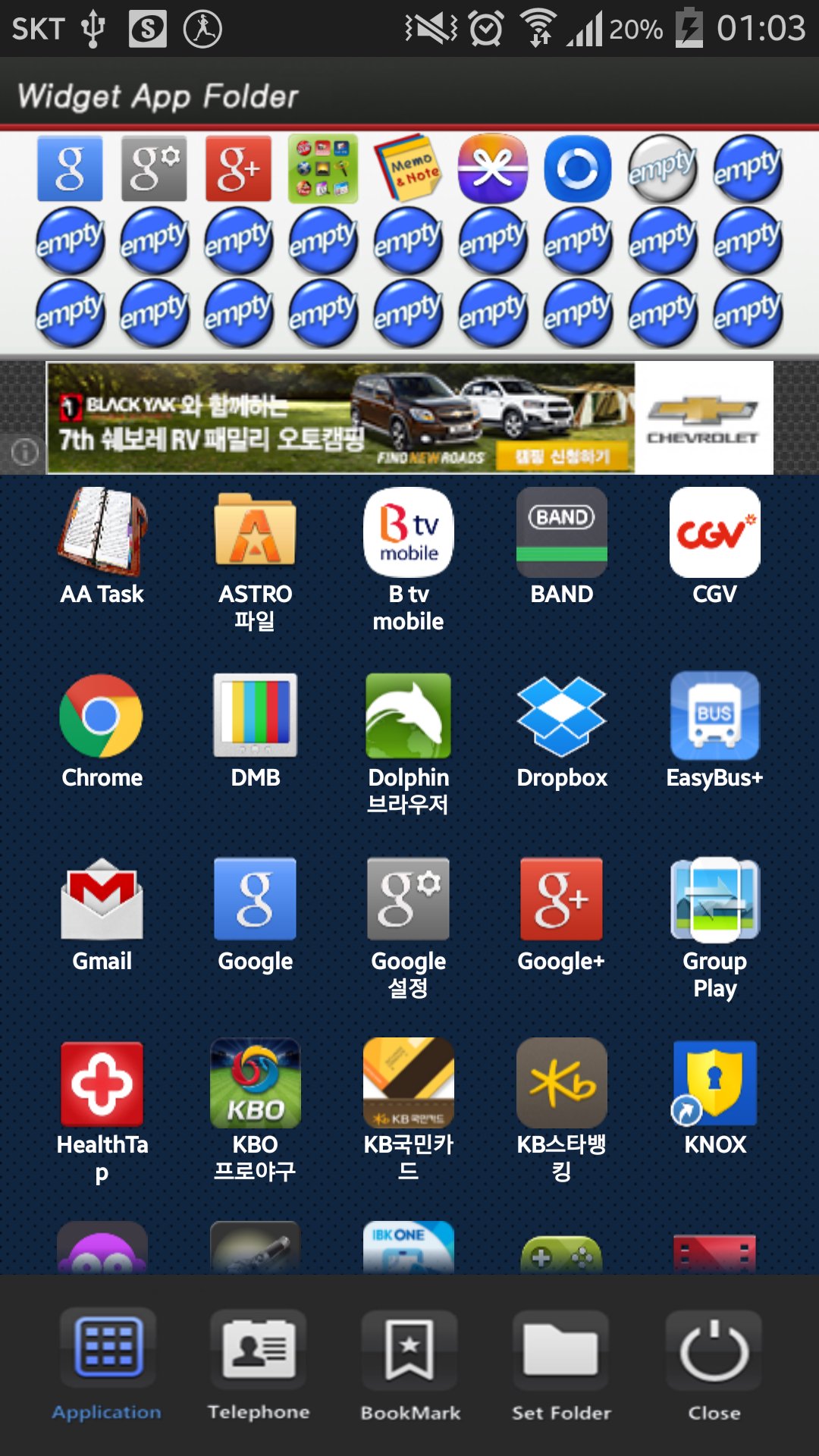
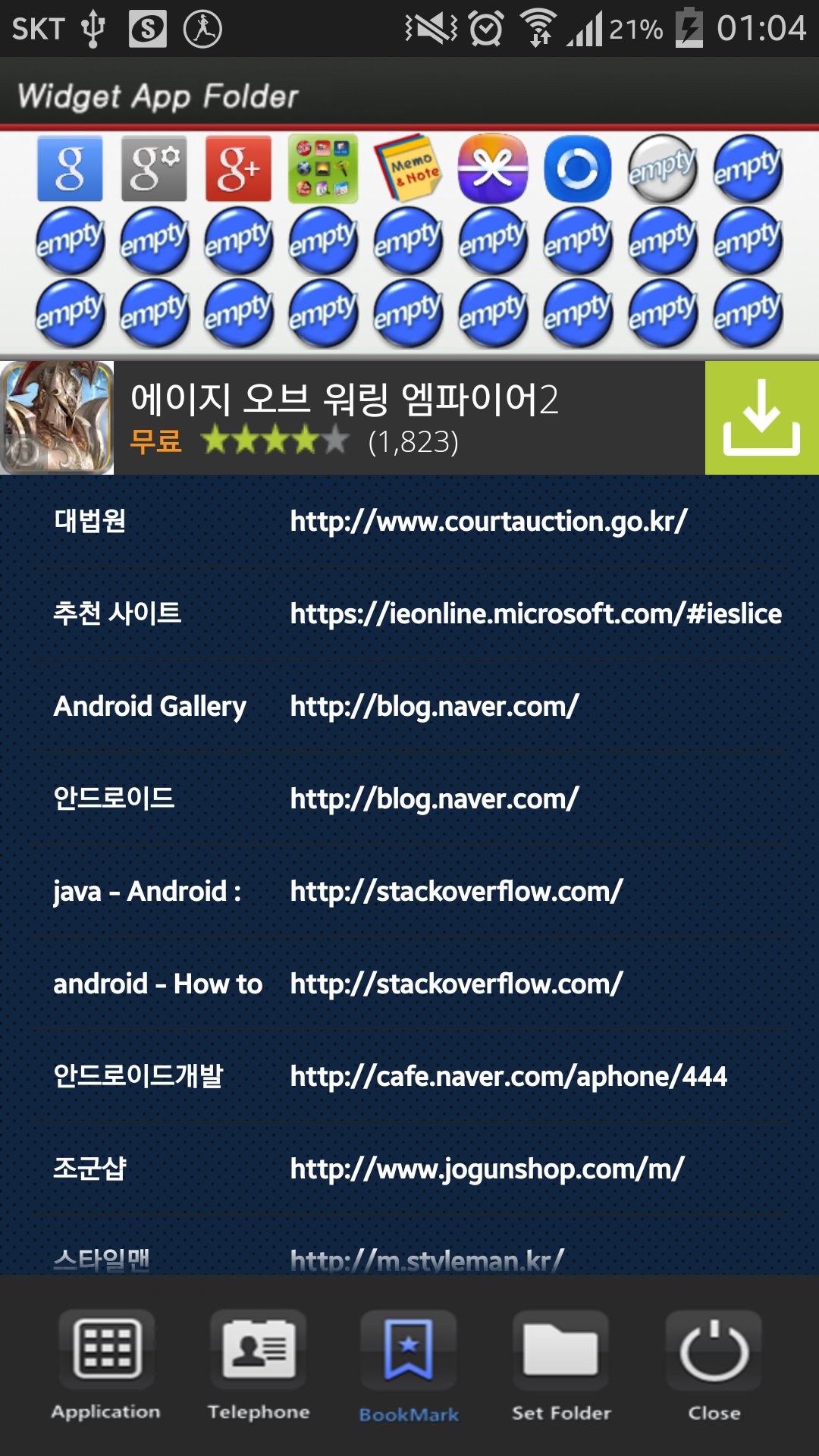
This application is a folder widget.
One folder can contain 16 Apps. and manage the screen effectively.
This color folder widget contains various colors and animations.
This App. has 10 colors and the color of text and widget folder can be changed.
**[Color Folder Widget Instruction]**
1. Press the main screen during about 2 seconds.
2. Select widget menu and then select Widget App Folders app.
3. The widget folder is created on the screen.
**[Put the Apps. into the Folder]**
1. Select the widget folder and click the set symbol at the right upper part.
2. Select the Apps. what you want to put. Then you can check the select apps. at the upper part.
3. To cancel a selection, click the selected apps. at the upper part.
4. Click the backspace button and OK popup to finish.
เวอร์ชันล่าสุด
1.0อัปโหลดโดย
Reza Maulana
ต้องใช้ Android
Android 2.3.2+
Category
ฟรี เครื่องมือ แอปการจัดประเภทเนื้อหา
Everyone
รายงาน
ปักธงว่าไม่เหมาะสมLast updated on Sep 5, 2015
เวอร์ชันนี้มีการแก้ไขข้อบกพร่องเล็กน้อยและการปรับปรุงทั่วไป อัปเดตเป็นเวอร์ชันล่าสุดเพื่อประสบการณ์ที่ดีที่สุด






APKPure - ร้านค้าแอปพลิเคชันแบบมัลติแพลตฟอร์มที่มุ่งเน้นระบบ Android เป็นหลัก พร้อมให้บริการเนื้อหาที่เกี่ยวกับแอปอย่างครบครัน ค้นพบแอปที่คุณต้องการได้ง่าย รวดเร็ว และปลอดภัยยิ่งขึ้น พร้อมการดาวน์โหลดและติดตั้งที่รวดเร็วและมีประสิทธิภาพ