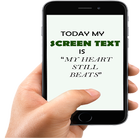
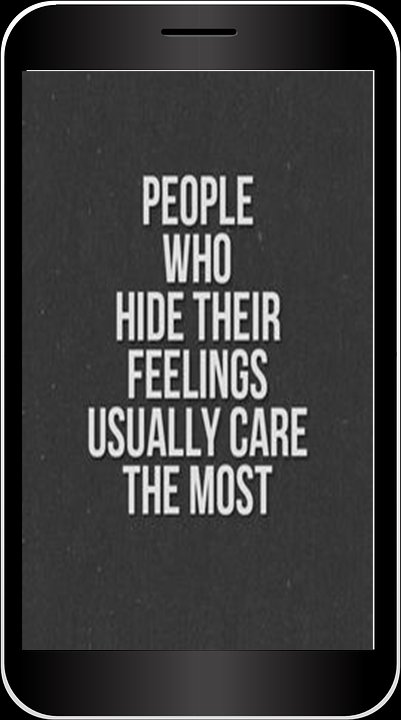
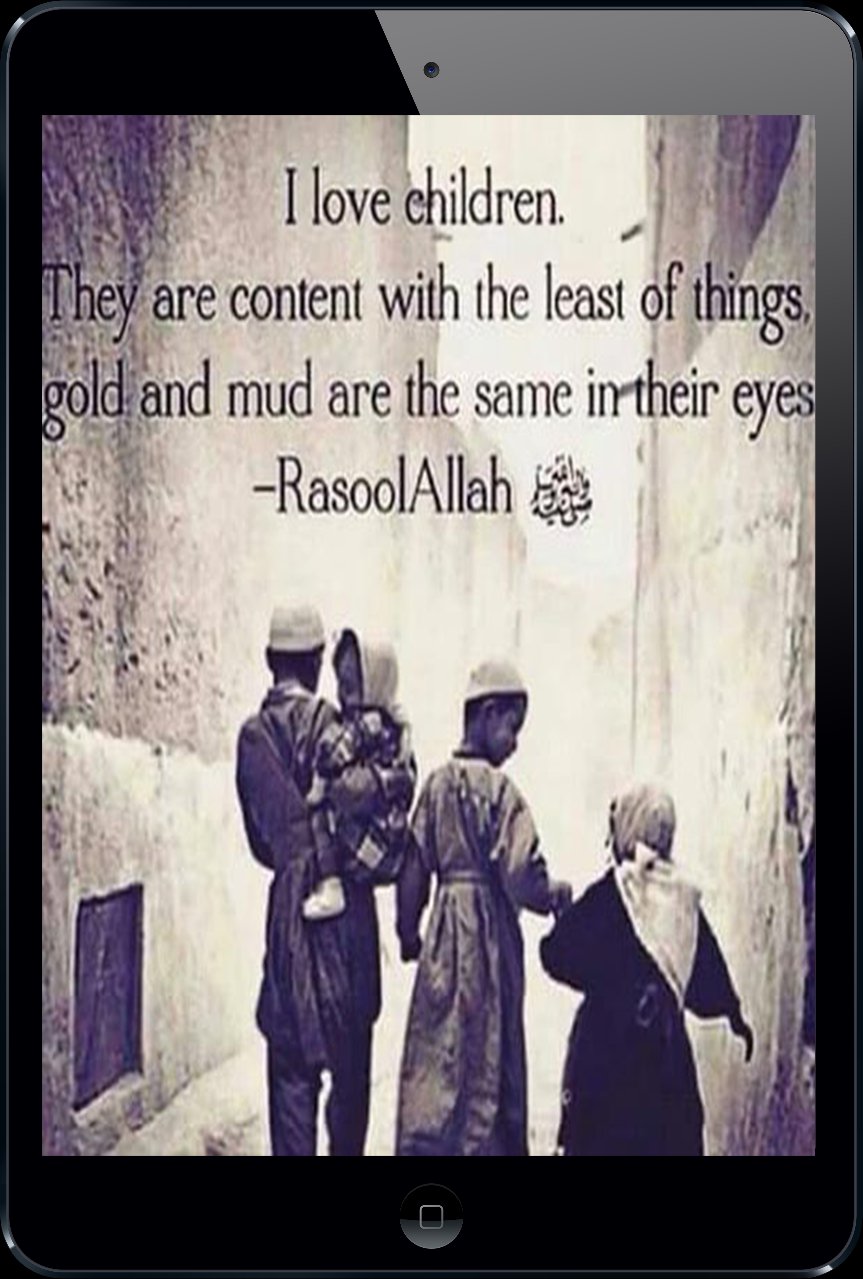
Screen Text Widget App provides you the widget on the screen where you can display you own text (YES, YOUR OWN TEXT, QUOTES, MEMOS, DAILY REMAINDER ETC) or anything that you like to appear on your mobile screen. You can change color of text, size of text with the settings page.
Steps to follow
1. Install the Screen Text App.
2. Go to the widgets
3. Drag the screen Text App icon from widgets to your screen where you like to place it.
4. Warm Welcome screen will appear, Press OK button to continue
5. Your Screen Text will appear on the screen.
6. Just click on the Text on the screen and change the settings.
7. Mission Accomplished
Thanks
เวอร์ชันล่าสุด
1.0อัปโหลดโดย
Pithein Pattinama
ต้องใช้ Android
Android 4.1+
Category
ฟรี เครื่องมือ แอปการจัดประเภทเนื้อหา
Everyone
รายงาน
ปักธงว่าไม่เหมาะสมLast updated on Apr 7, 2018
เวอร์ชันนี้มีการแก้ไขข้อบกพร่องเล็กน้อยและการปรับปรุงทั่วไป อัปเดตเป็นเวอร์ชันล่าสุดเพื่อประสบการณ์ที่ดีที่สุด



APKPure - ร้านค้าแอปพลิเคชันแบบมัลติแพลตฟอร์มที่มุ่งเน้นระบบ Android เป็นหลัก พร้อมให้บริการเนื้อหาที่เกี่ยวกับแอปอย่างครบครัน ค้นพบแอปที่คุณต้องการได้ง่าย รวดเร็ว และปลอดภัยยิ่งขึ้น พร้อมการดาวน์โหลดและติดตั้งที่รวดเร็วและมีประสิทธิภาพ