Task manager for android.
Features:
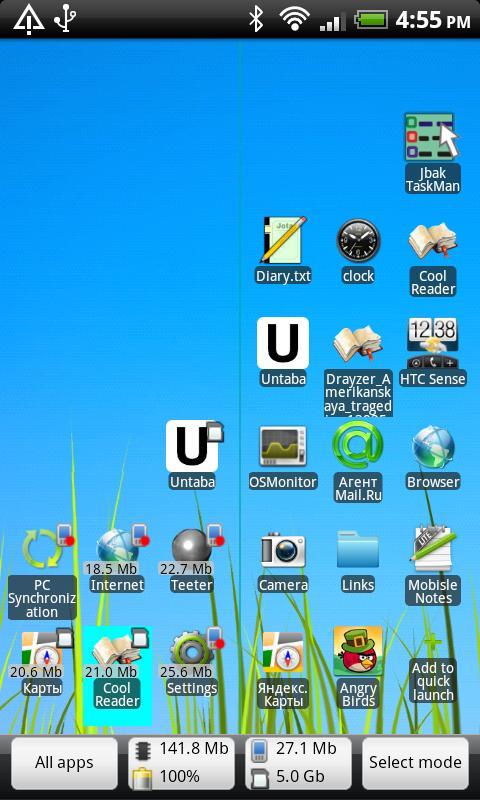
- Task-list and quick-launch in one window
- Replacement for standard task-switcher (long-home press)
- Detailed settings for HOME key - you can use simple, long and double press for launching apps
- You can put into quick launch contacts, files, applications, runned tasks, etc.
- Rules for application. There you can set screen backlight and orientation in any program.
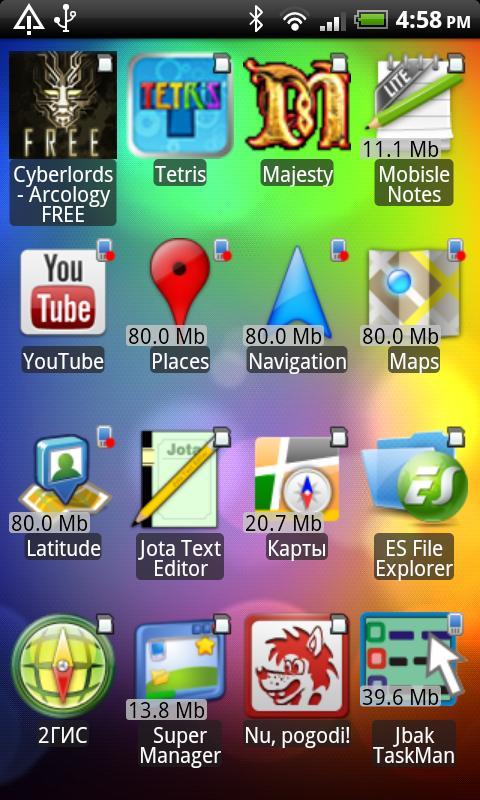
- List of all installed applications with sorting by name, storage-type and install date.
- With quick-launch you can create additional shortcuts for desktop - by copiyng it to desktop from context menu
- Organize item in quick launch with folders
- TaskMan can disable unlock slider
- And more
For correct work you need run service Jbak TaskMan in Accesibility settings (see taskman's settings).
For key HOME handling you need to set Jbak TaskMan as default desktop. If something set not correctly - then you can see warnings in application settings.
By default, taskman shows recent tasks, as system switcher. If you kill task from this list - item will not remove from list, this is not a bug.
You can set showing running tasks in settings - then items will remove from list after kill.
Long HOME handling works better, if window animations disabled in Settings-Display.
เวอร์ชันล่าสุด
0.86อัปโหลดโดย
Sajad Albasrawe
ต้องใช้ Android
Android 2.1+
Category
ฟรี ประสิทธิภาพการทำงาน แอปการจัดประเภทเนื้อหา
Unrated · Warning – content has not yet been rated. Unrated apps may potentially contain content appropriate for mature audiences only.
รายงาน
ปักธงว่าไม่เหมาะสมLast updated on Aug 17, 2015
(+) Rules for applications. With rules you can set task killing, backlight and screen orientation for any app
(+) Application list can be sorted by name, memory type and install date
(+) Settings for window background. You can use desktop background, system dark and system light.
(+) Added Italian translation.
(*) Many changes in app design
(+) Items in all lists can be placed from bottom to top
(+) In task list you can see all runned tasks
(!) And many other


APKPure - ร้านค้าแอปพลิเคชันแบบมัลติแพลตฟอร์มที่มุ่งเน้นระบบ Android เป็นหลัก พร้อมให้บริการเนื้อหาที่เกี่ยวกับแอปอย่างครบครัน ค้นพบแอปที่คุณต้องการได้ง่าย รวดเร็ว และปลอดภัยยิ่งขึ้น พร้อมการดาวน์โหลดและติดตั้งที่รวดเร็วและมีประสิทธิภาพ