Scan Date:Nov 13, 2025
Show More

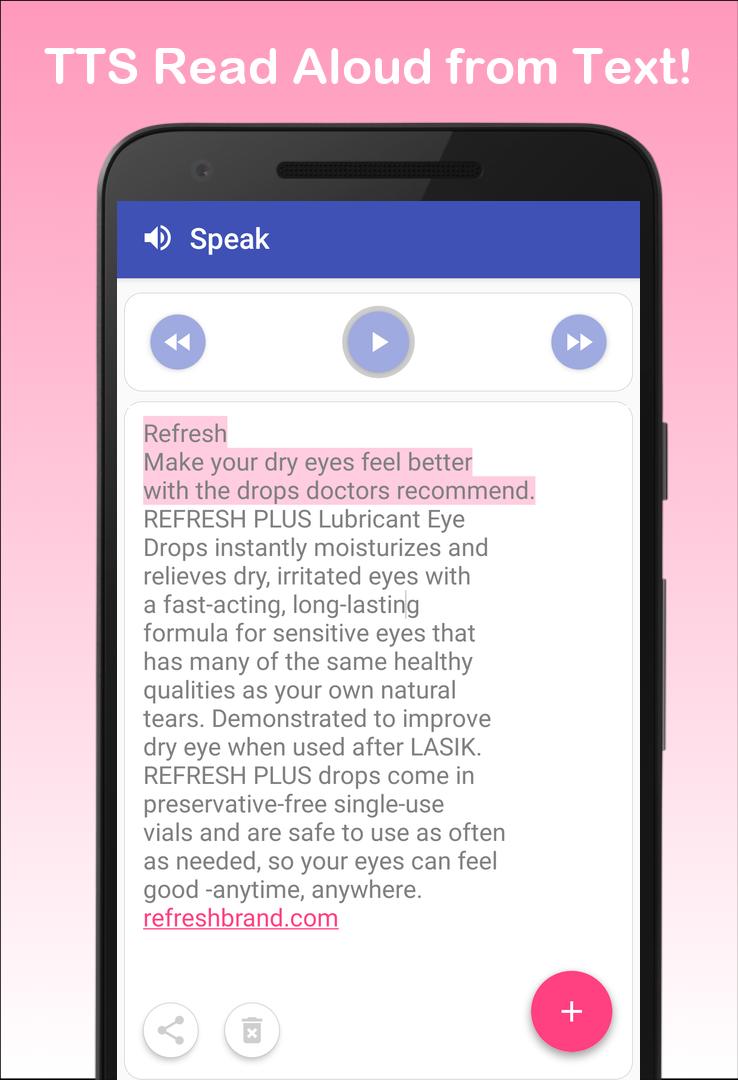
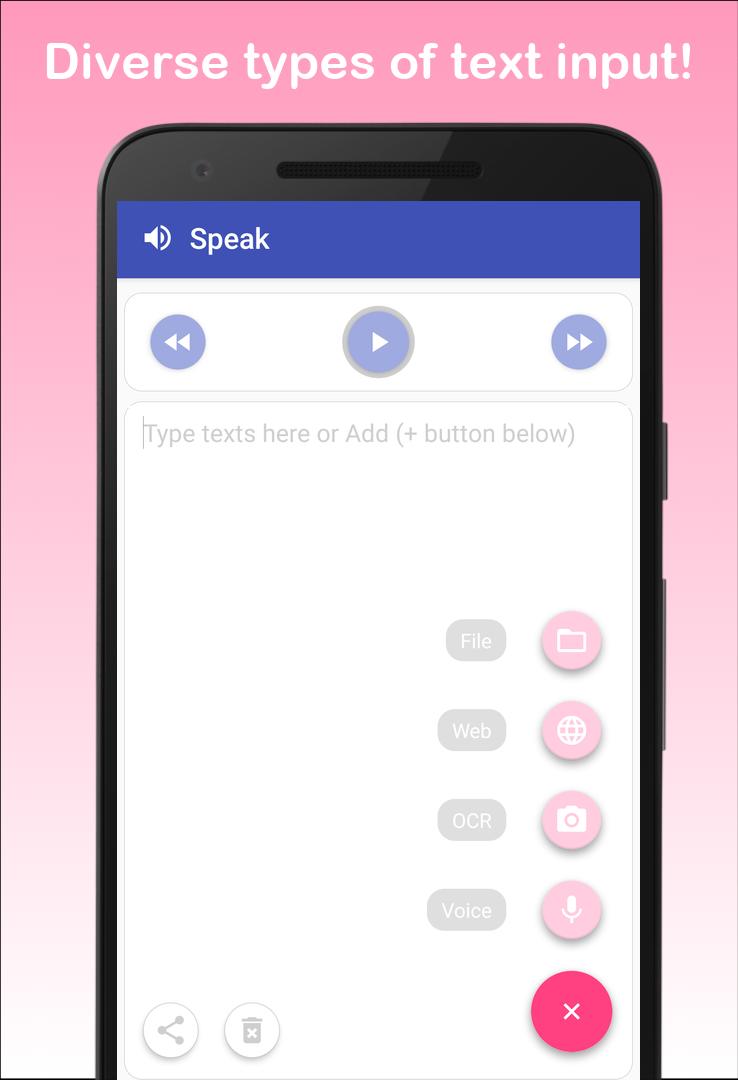
Support diverse types of text inputs reader (text to speech)
1. You can read text from files (PDF and TXT) like your ebook, papers, news article, email
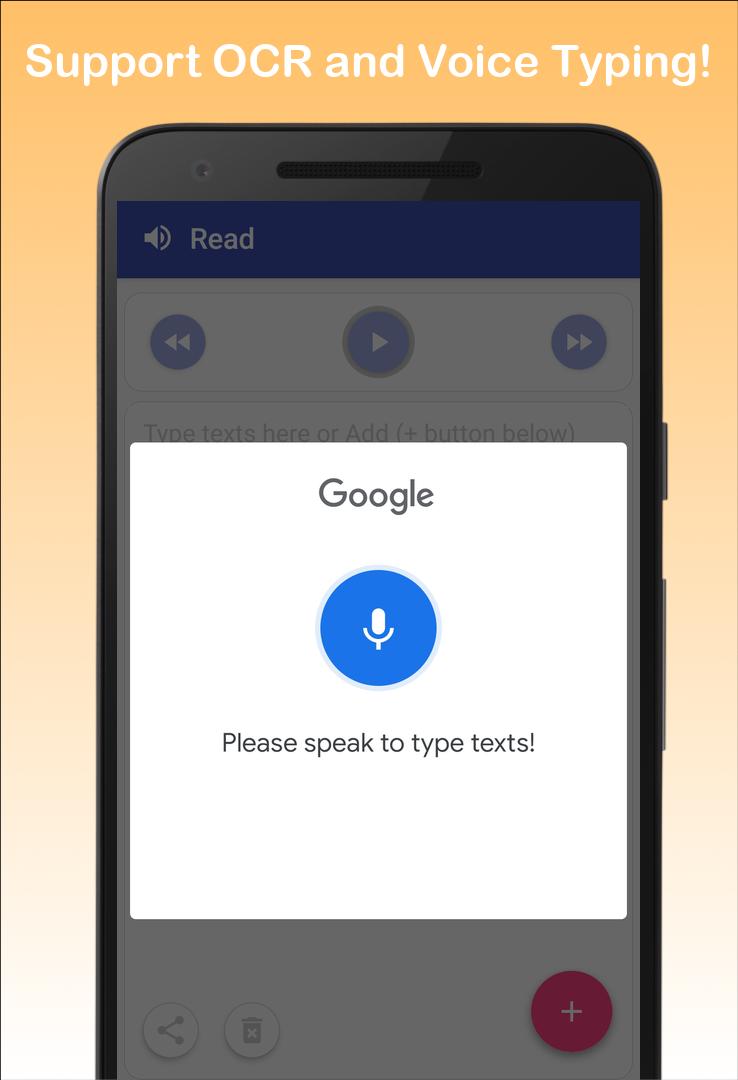
2. You can input or type text easily via google speech recognition
3. You can even scan text from book or real papers via camera-based OCR text scanner and text reader (only latin characters supported)
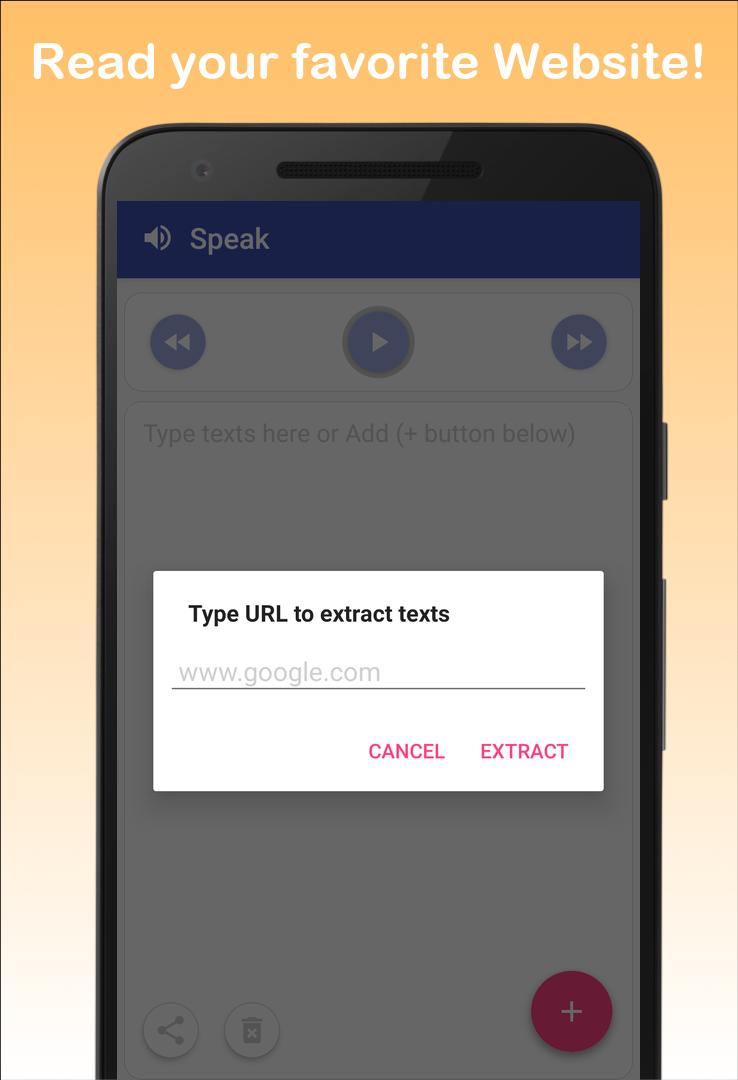
4. You can load text from your favorite websites (e.g, HTML and web page reader)
5. Still you can type text with keyboard
Support easy control of Text-to-Speech (TTS)
1. Play/Pause/Forward/Backward functions of TTS
2. You can easily change language, speed, and pitch of TTS reading voice
(volume change should be done by physical volume keys)
3. Auto scrolling on text while read aloud on text
It’s ALL FREE
1. No restrictive features (e.g., unlimited read aloud and TTS speak)
2. Unlimited OCR, voice input, web page reading, no words limits
Support sharing feature
1. Share your texts - send an email, copy to clipboard and send to other apps
2. You can easily copy texts from other apps too. Then, paste and read aloud in our main read screen
* We strongly recommend to install google text-to-speech (TTS) engine. Our text to speech app is best compatible to it. Then, our app can read to me.
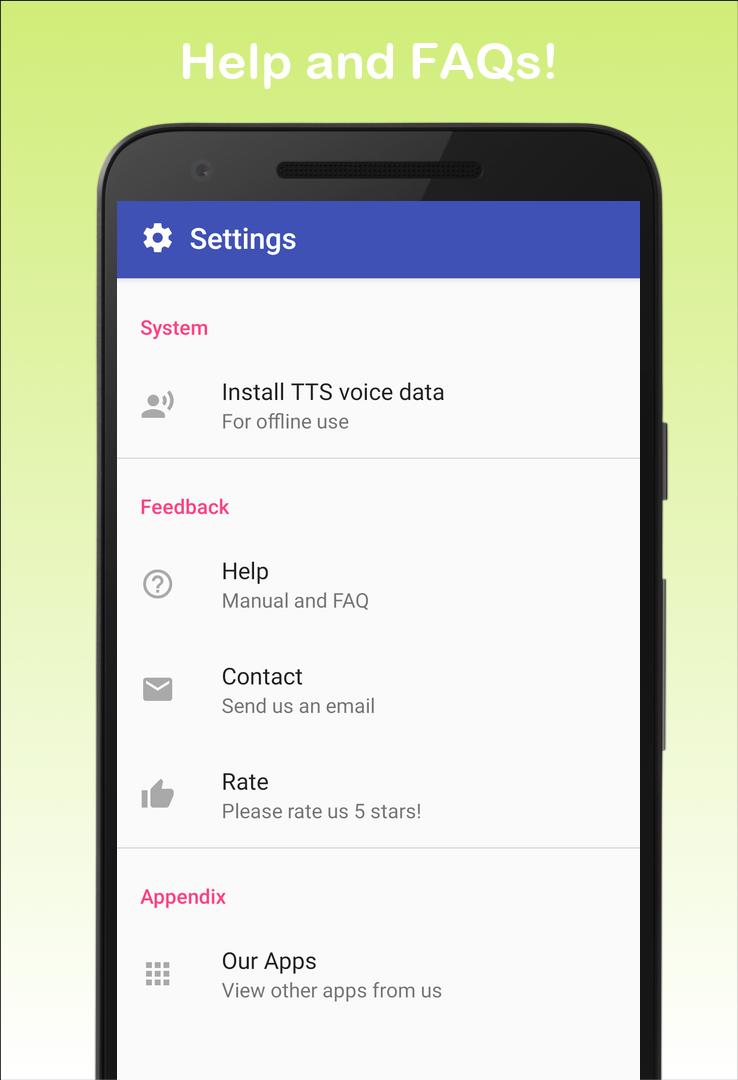
* For offline use, you need to install text-to-speech (TTS) voice data reader in advance. Please go to setting tab and click "Install TTS voice data". Then, you can download a specific text to speech voice you want.
* We'd appreciate your valuable feedback. Please, report bugs or request features to bluefish12390@gmail.com.
Latest Version
0.0.15Uploaded by
Hassan Mezil
Requires Android
Android 10.0+
Category
Free Tools AppContent Rating
Everyone
Security Report
Report
Flag as inappropriateLast updated on Oct 27, 2025
Minor bug fixes and improvements. Install or update to the newest version to check it out!


APKPure - A multi-platform app store primarily focused on Android, providing extensive app-related content. Discover the app you want easier, faster, and safer, with quick and efficient downloads and installations.