________________________________________ ¤ Convert text to words
- text to speech.
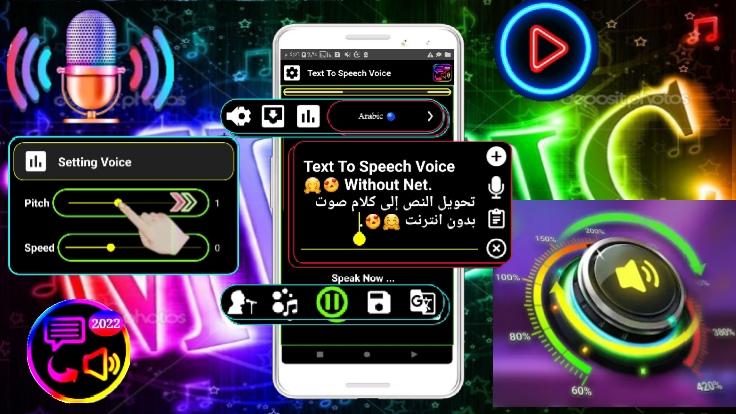
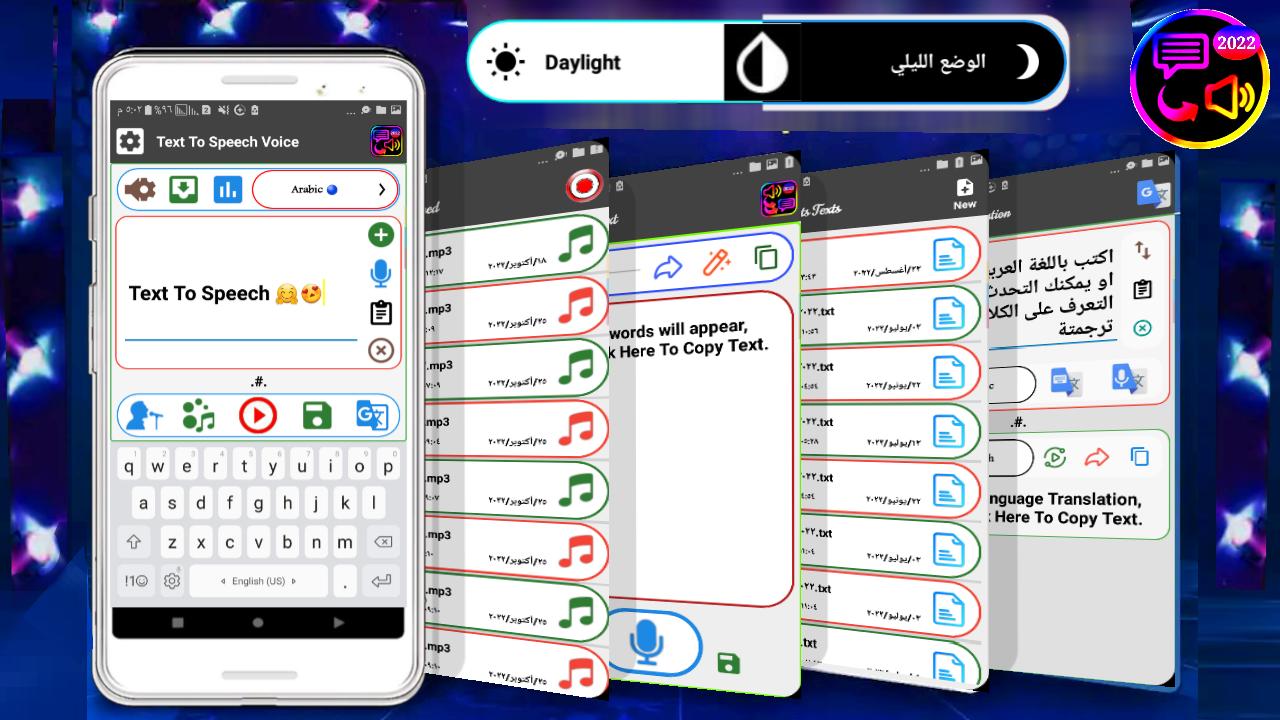
▪ It is an application that speaks everything you write with the ability to save texts as an audio clip.
- In the path [Download/TtsStt/TextToSpeech/]
_______________________________________________
▪ You have to download the audio packages only once for the language you want to work in the application.
- To find out how to download audio packs and choose a sound: -
- Click on icon》》
Settings》》
Last button if the application does not speak.
- You can download all the language packages of the world.
_______________________________________________
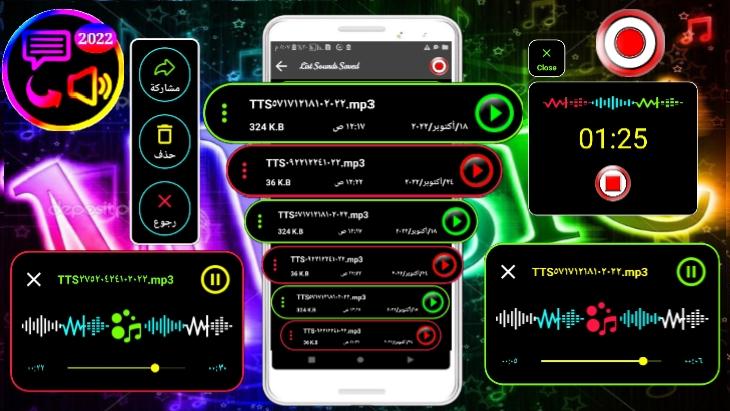
▪ saves sounds in / texttospeech /
- so you have to allow it to reach storage.
▪ There are 6 formats for saving the sound and they are: -
(mp3 .3gp .m4a .oGG .wav .aac.)
▪Exist There is a professional voice recorder.
___________________________________________
¤ Converting speech to texts
- Speech to text.
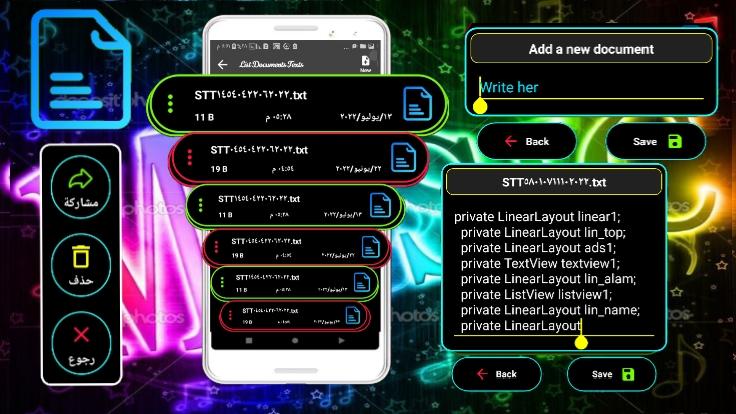
▪ And he writes everything that is interpreted online with the ability to save texts as a text document and amend them.
▪ It saves text documents in the folder
[ Download/TtsStt/SpeechToText ]
_______________________________________________
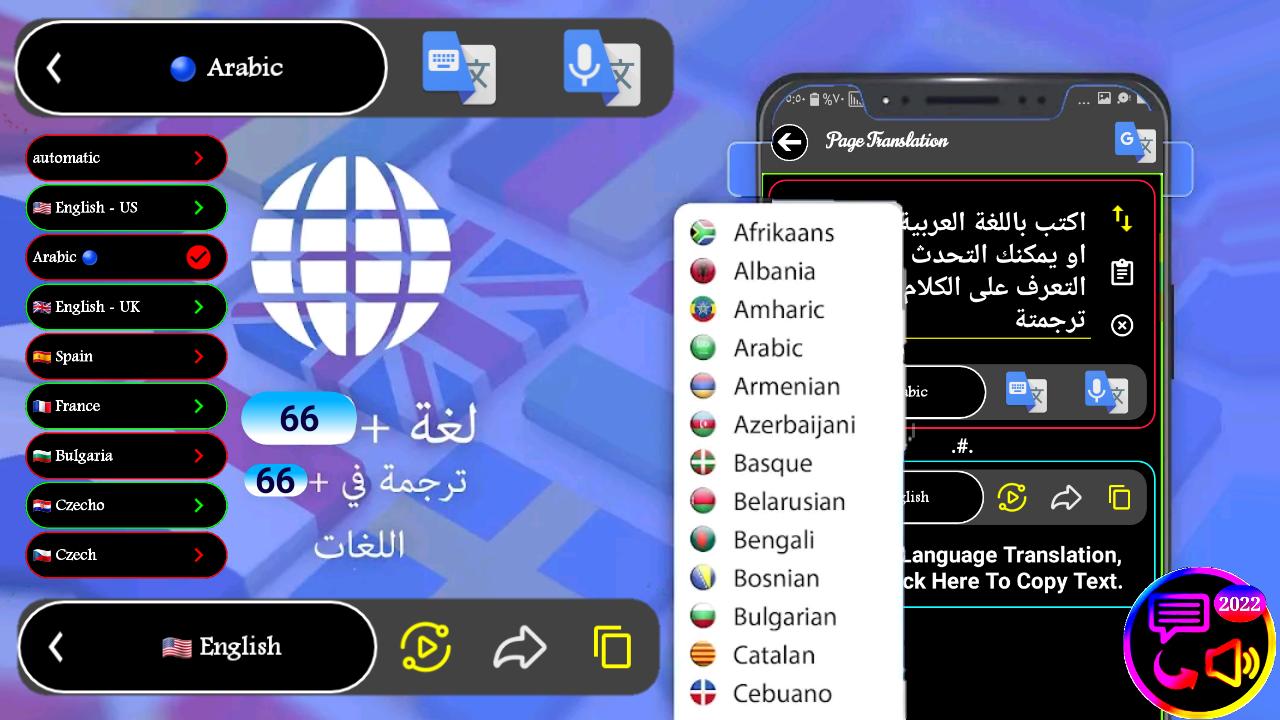
¤ Translation into all languages of the world - translation.
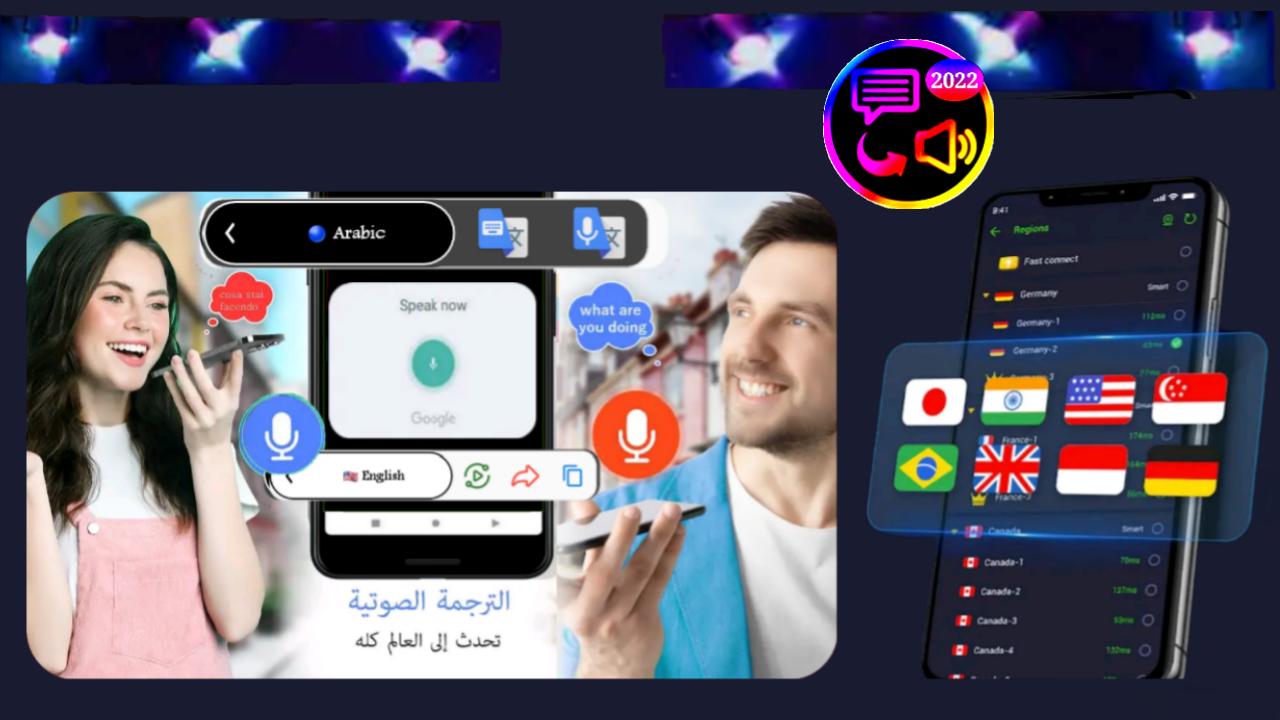
▪Write or speak with your voice in a language, the application shows you the language of translation in any language you specify or speak the voice of the language that you translated.
_______________________________________________
¤ Note.
- Explanation of how to download audio packages
https://youtu.be/jjGIuMNAg0k
▪ Explanations links for previous versions on YouTube: -
- version 45
https://youtu.be/VQGOxE6TKf0 -
version 38
https://youtu.be/KDE1ZA68L4o
- version 30
https://youtu.be/gAbKEjNw08c
___________________________________________
▪ Application website link. https://textospeech.wordpress.com
_______________________________________________
▪ Privacy Policy.
https://textospeech.wordpress.com/privacy
_______________________________________________
🌟 I hope you can rate the app with 5 🌟⭐🌟⭐🌟 stars so that we can continue to be creative and progress. 🌟 Thank you.
___________________________________________
Latest Version
10.4Uploaded by
سيد حسين الياسري
Requires Android
Android 5.0+
Category
Free Tools AppContent Rating
Everyone
Report
Flag as inappropriateLast updated on Mar 26, 2023
- You can read emoji(😁😂😃😍😉❤).
- Text To Speech to save the audio as an audio clip,
- Just download the language audio packages once only to work without the Internet,
- There is a voice recorder,
- Speech To Text by Internet.
- With the ability to save as a text document,
- Translate writing or speech, select the language of input and the language of output, speak in a language that the application responds to by translating your words in any language in the world that needs the Internet.


APKPure - A multi-platform app store primarily focused on Android, providing extensive app-related content. Discover the app you want easier, faster, and safer, with quick and efficient downloads and installations.