Package Name:com.speechtotext.voicetyping.dictationapp.voicerecognition
SHA-256:dfc86a780c327334b4a5f1092fddc74efce663d51d8c1ddb55e20155a14036b8
Show More

Translate any Speech to text in over 90+ languages and vice versa with this photo translator.
Text to speech is the ultimate translator for Android for communicating with foreigners Speaking different languages. This Translator, Text to speechgives translation in multiple ways and can provide translation of any text in a variety of ways.
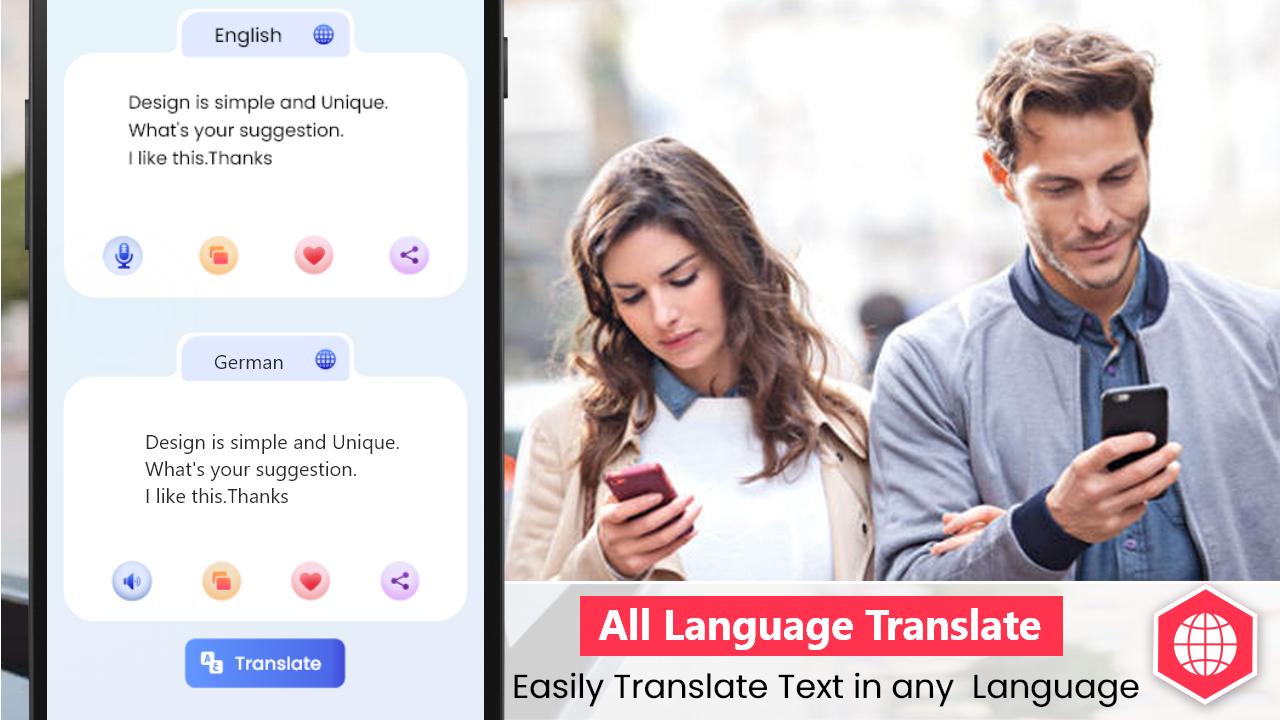
This translator is best for translation from any language to any other language you want. It is useful because it translates the Speech of any language into the text of your desired language so you can communicate easily.
Key Features of Text to speech: Translator:
- Text to speech Voice Recognition
- Camera translator (OCR)
- Voice Translator
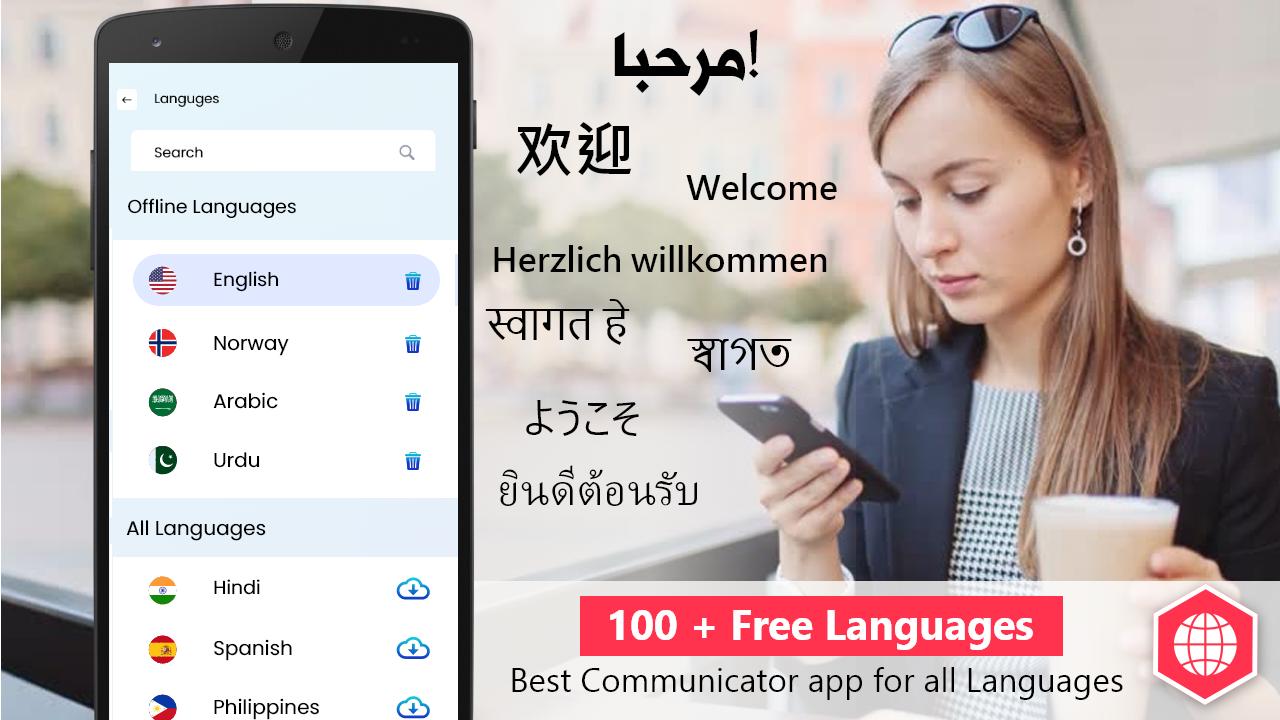
- Multiple Languages Supported
- Offline translator
- Photo Translator
- Mark Favorite Text
- Dark and Light Mode
How these Features Work:
☛ Text to speech Voice Recognition:
Speak to text translator converts any speech into text of any language widely popular in the world.
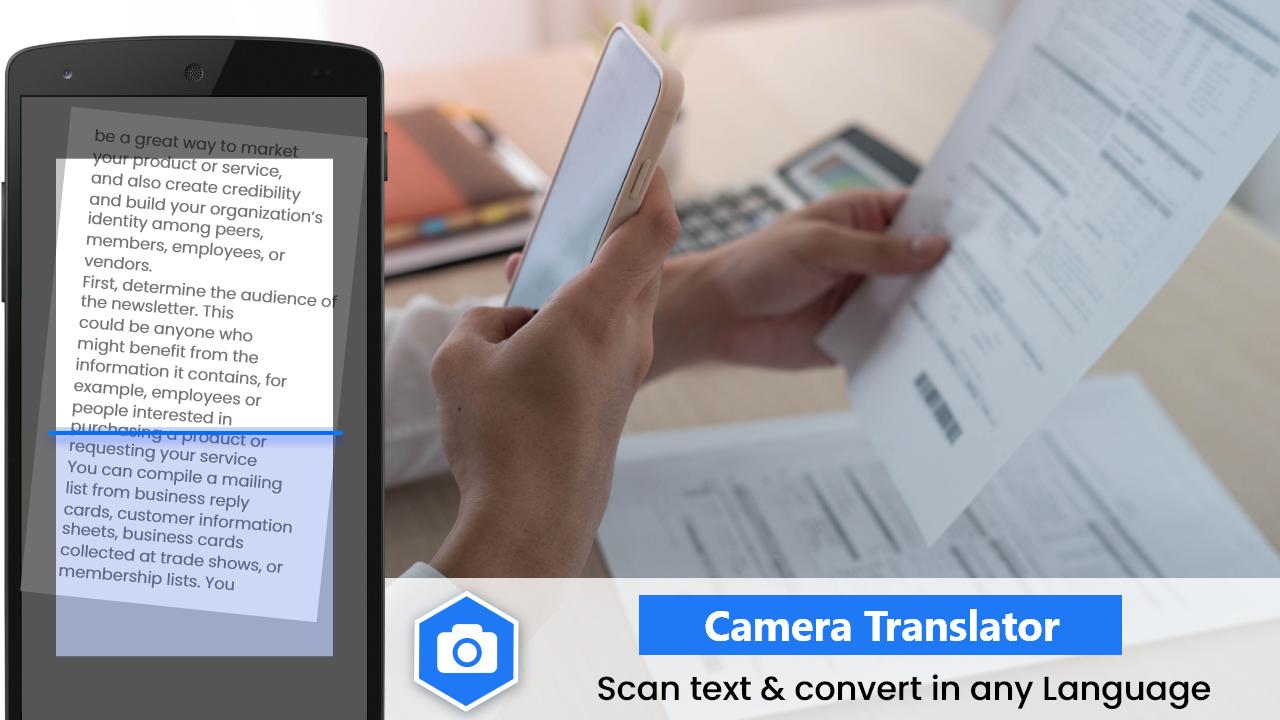
☛ Camera translator, OCR:
This Text to speech translator works as a photo translator. Just click a photo of written text and this OCR supported translator will convert it to text and then translate for free in over 90+ languages accurately.
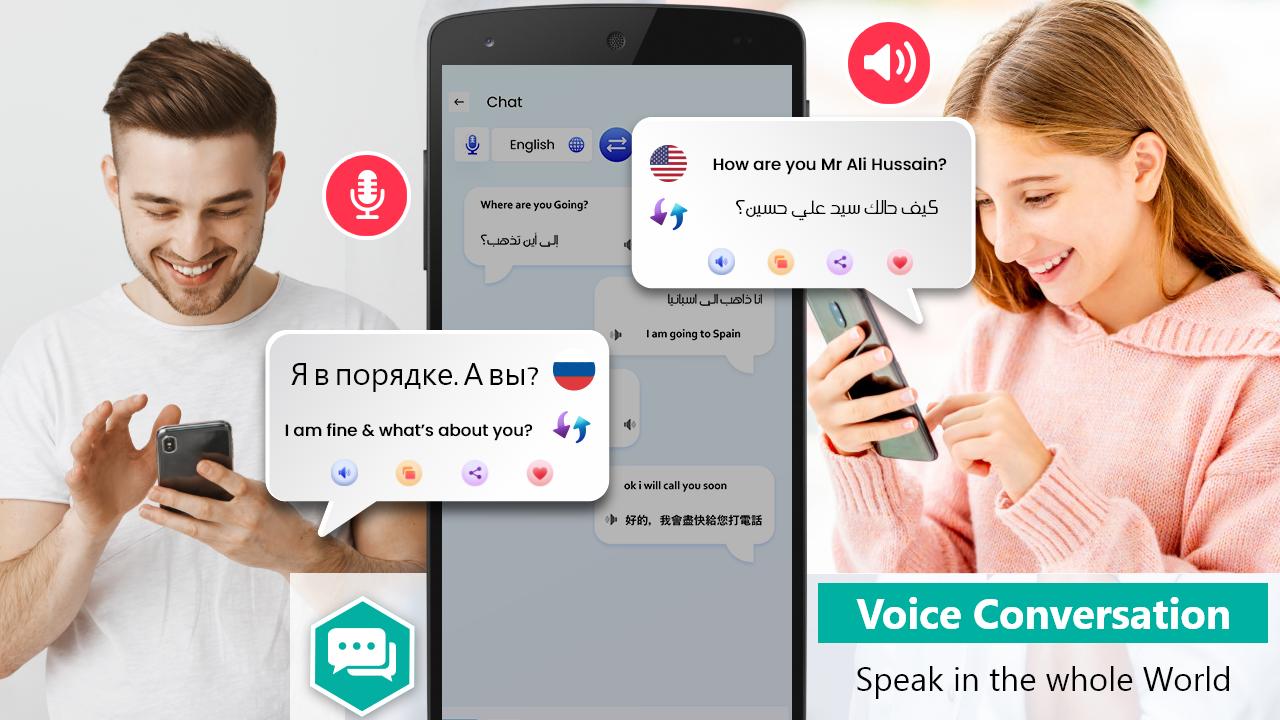
☛ Voice translator:
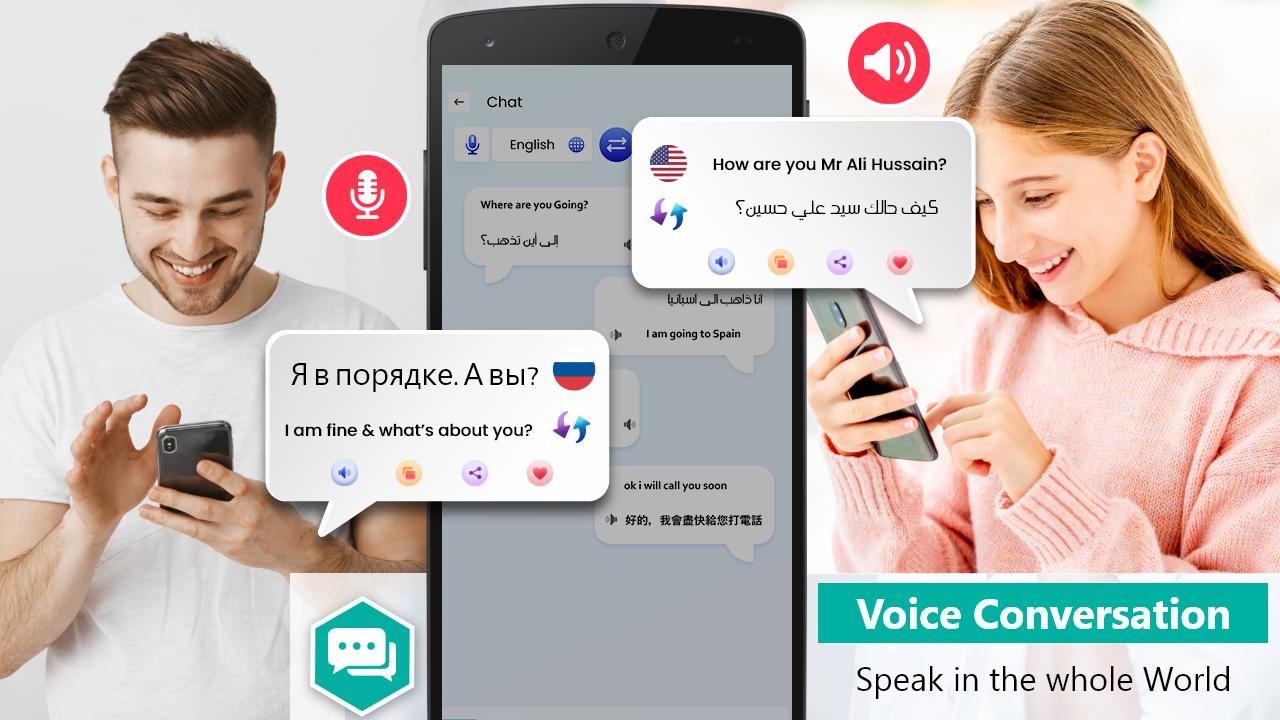
In this translator you can talk to foreign people like a normal conversation. This speech to text can translate your language to the desired language. Just Speak in the app and it will translate the whole conversion.
☛ 90+ languages:
This translator has over 90+ languages supported, and these languages are completely free, which means you can talk to literally anyone on the globe in any language.
☛ Offline translator:
You can have the free translator offline with you, for that you just need to download the desired language while having a stable internet connection. Once it's downloaded you can translate the downloaded language wherever and whenever.
☛ Mark favorite:
In this Text translator, you can mark your commonly used text/phrases as your favorite.
☛ Dark and Light Theme:
Speak to Text translator can please your taste in the theme on your phone. If you like dark themes on your phone you can change the translator setting to dark and enjoy it with the best aesthetic pleasure.
How to use it?
1. To use the speech to text feature just select the spoken language and it will translate it into the desired language.
2. To use the chat translation just choose your language and select the desired language to start chatting.
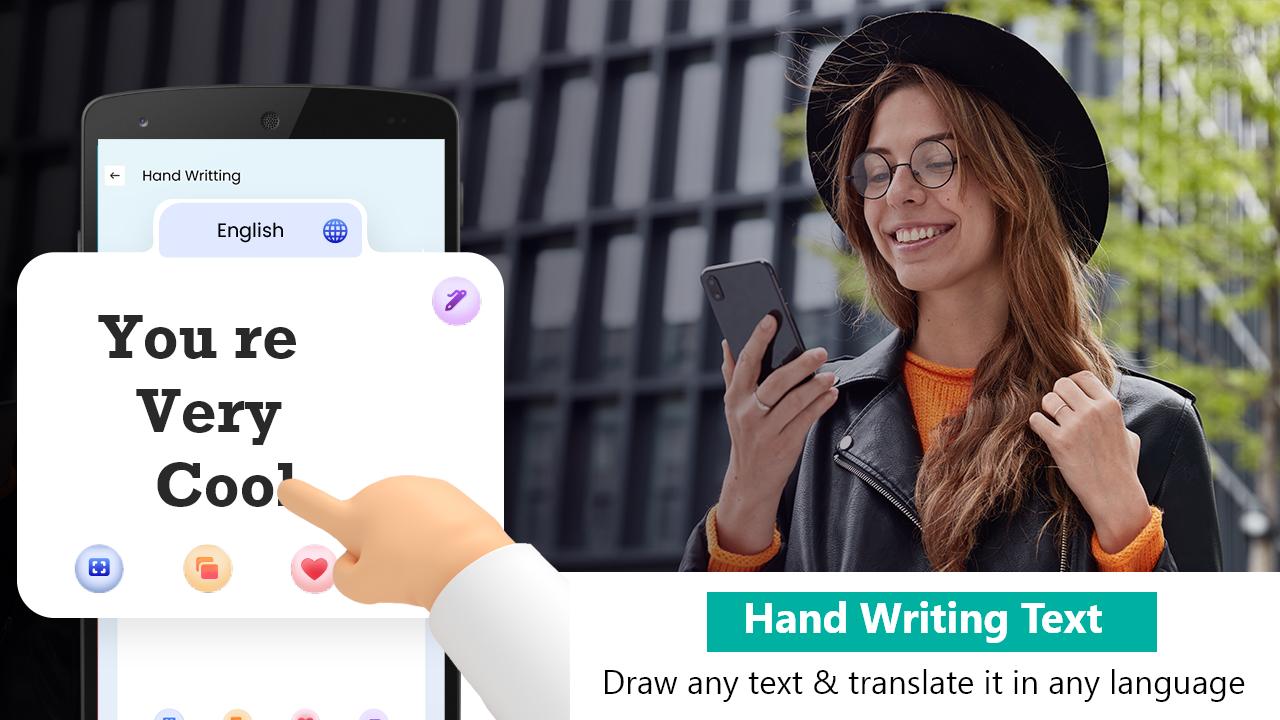
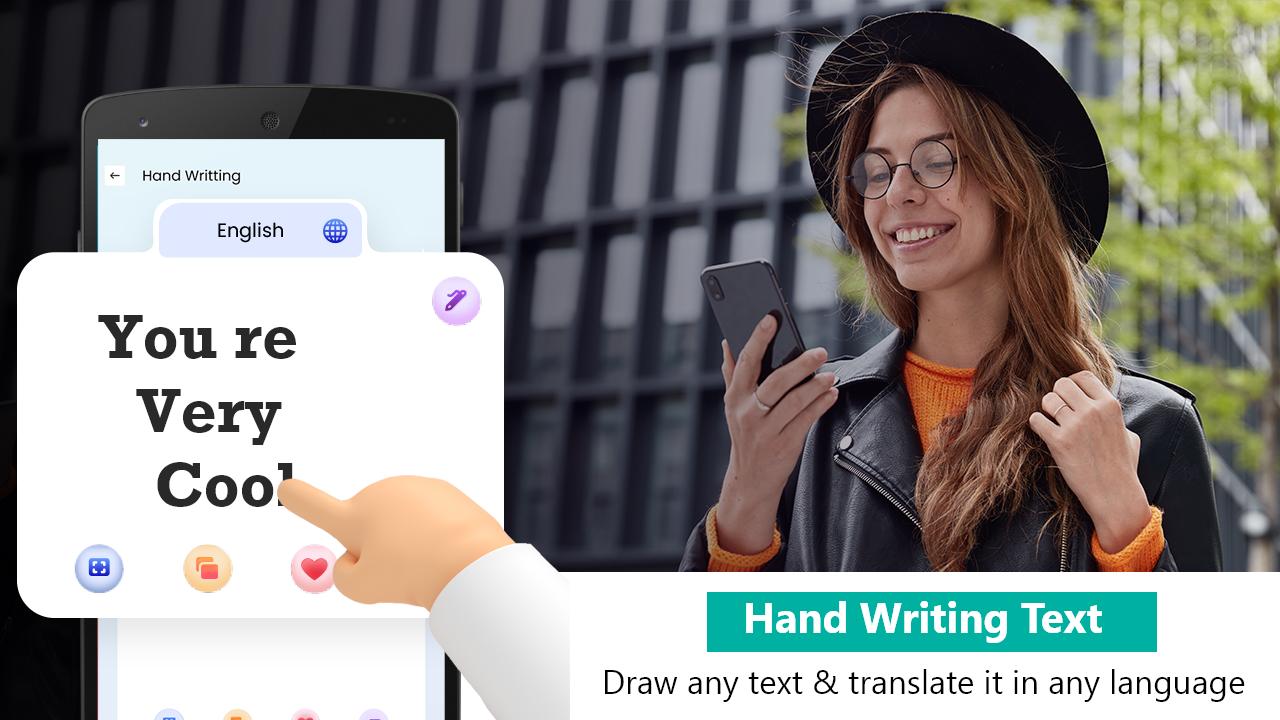
3. To use the handwriting translation feature just write the text with finger tips and it will translate it immediately.
Permissions:
For the photo translation this translator needs some permissions like camera to take a picture to translate and also the gallery if you want any photo from your phone to be translated in any other language, as well as microphone access to act as a speech to text translator.
Text to speech Translator can be a:
✓ Japanese translator
✓ Korean translator
✓ German translator
✓ Russian translator
✓ Chinese translator
✓ French translator
✓ Spanish translator
✓ Russian translator
✓ Dutch translator
✓ Arabic translator
✓ Hindi translator
✓ Italian translator
✓ Indonesian translator
✓ Malay translator
And many more, these are just a few popular ones.
Latest Version
2.0.9Uploaded by
Hamif Hhdjd
Requires Android
Android 5.0+
Category
Free Tools AppContent Rating
Everyone
Security Report
Check Now
Report
Flag as inappropriateLast updated on May 12, 2024
Feature Updated


APKPure - A multi-platform app store primarily focused on Android, providing extensive app-related content. Discover the app you want easier, faster, and safer, with quick and efficient downloads and installations.