
The application allows to change the font for your phone completely free and fast.
+ You need to change the font size of your device, but you don't know how or your device doesn't support it! The "Text size, Change font size" application will help you do this simply and quickly.
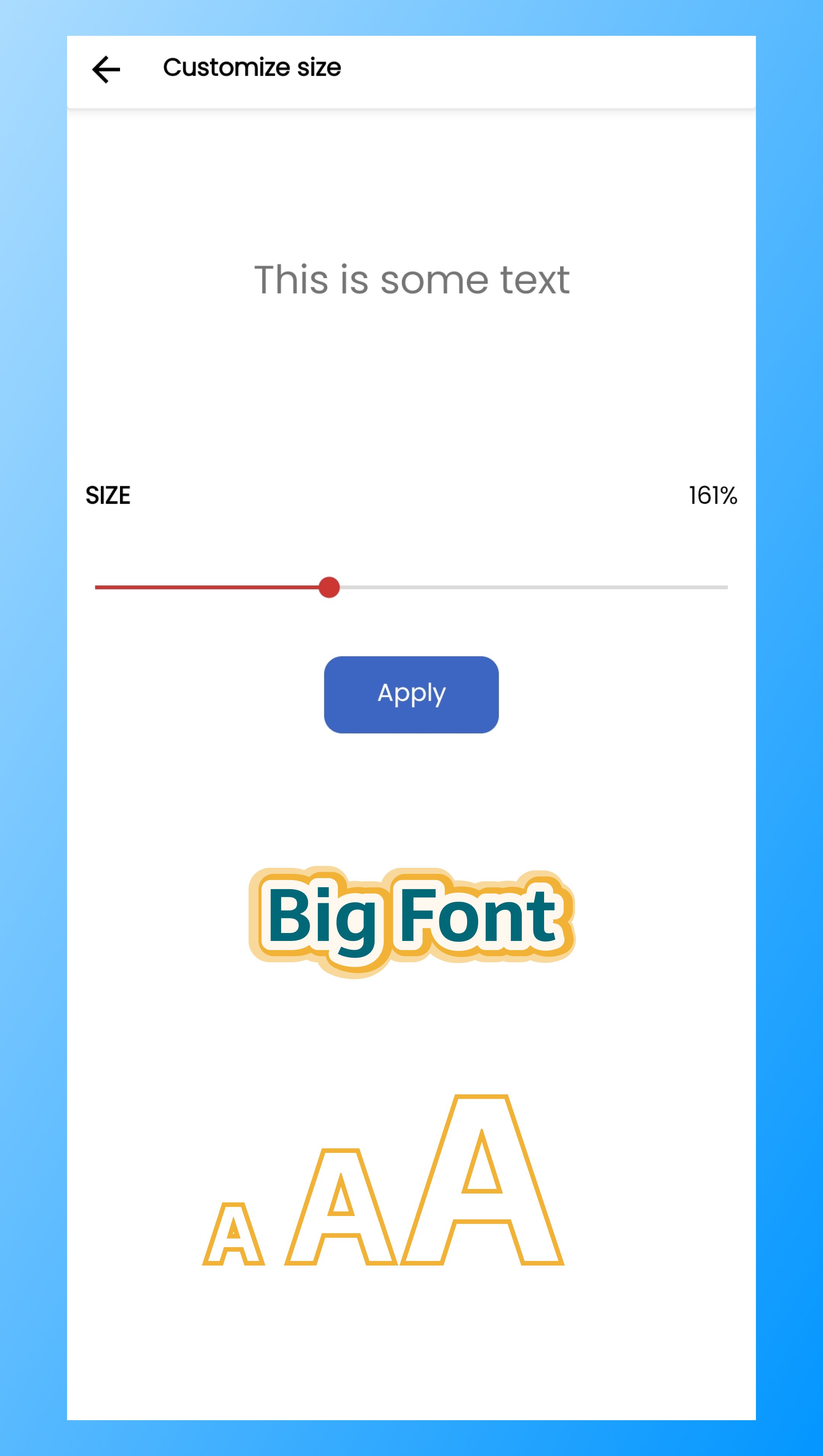
+ The application allows you to choose the size of the text as you want, or you can choose the sizes that we have defined if you find it suitable, just 1 click "Apply" you have changed successfully .
+ For the elderly, weak eyes will need to use large font size "Text size, Change font size" application will be the perfect choice for you.
User manual :
Step 1: Open the application.
Step 2: Choose the size you want.
Step 3: Click the "Apply" button.
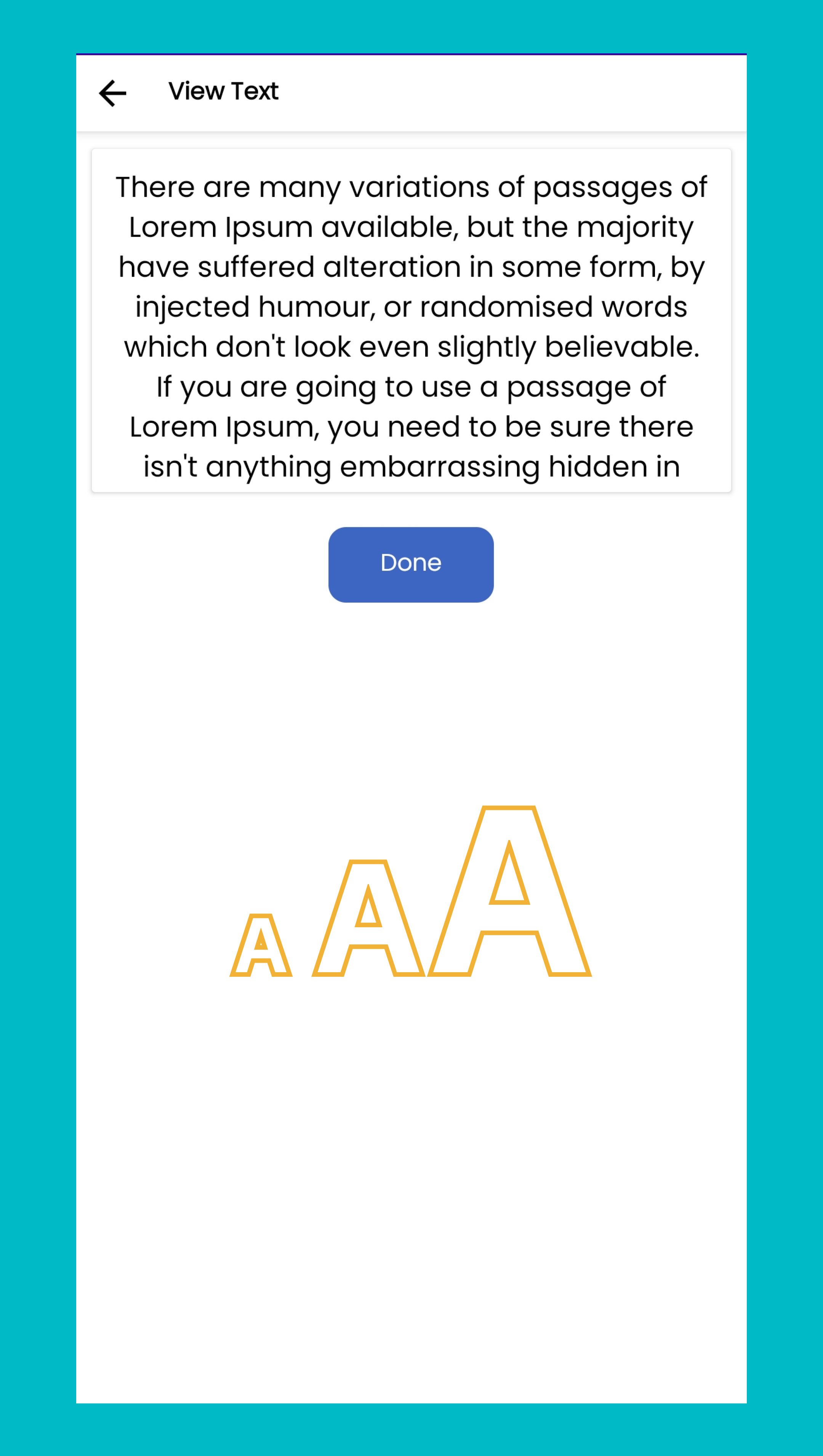
Step 4: See the result.
Note: To restore the default font size, you just need to open the application to select the font size (100% - Default) and select "Apply" you will restore the original font size state of the device.
Permissions : We need the "Permission android.permission.WRITE_SETTINGS" permission to make changes to your device's font size settings.
Thank you for using the application, do not forget to recommend to your friends and give us a review.
Latest Version
1.0.2Uploaded by
Khang Khang
Requires Android
Android 6.0+
Category
Free Tools AppContent Rating
Everyone
Report
Flag as inappropriateLast updated on Dec 9, 2023
Minor bug fixes and improvements. Install or update to the newest version to check it out!





APKPure - A multi-platform app store primarily focused on Android, providing extensive app-related content. Discover the app you want easier, faster, and safer, with quick and efficient downloads and installations.