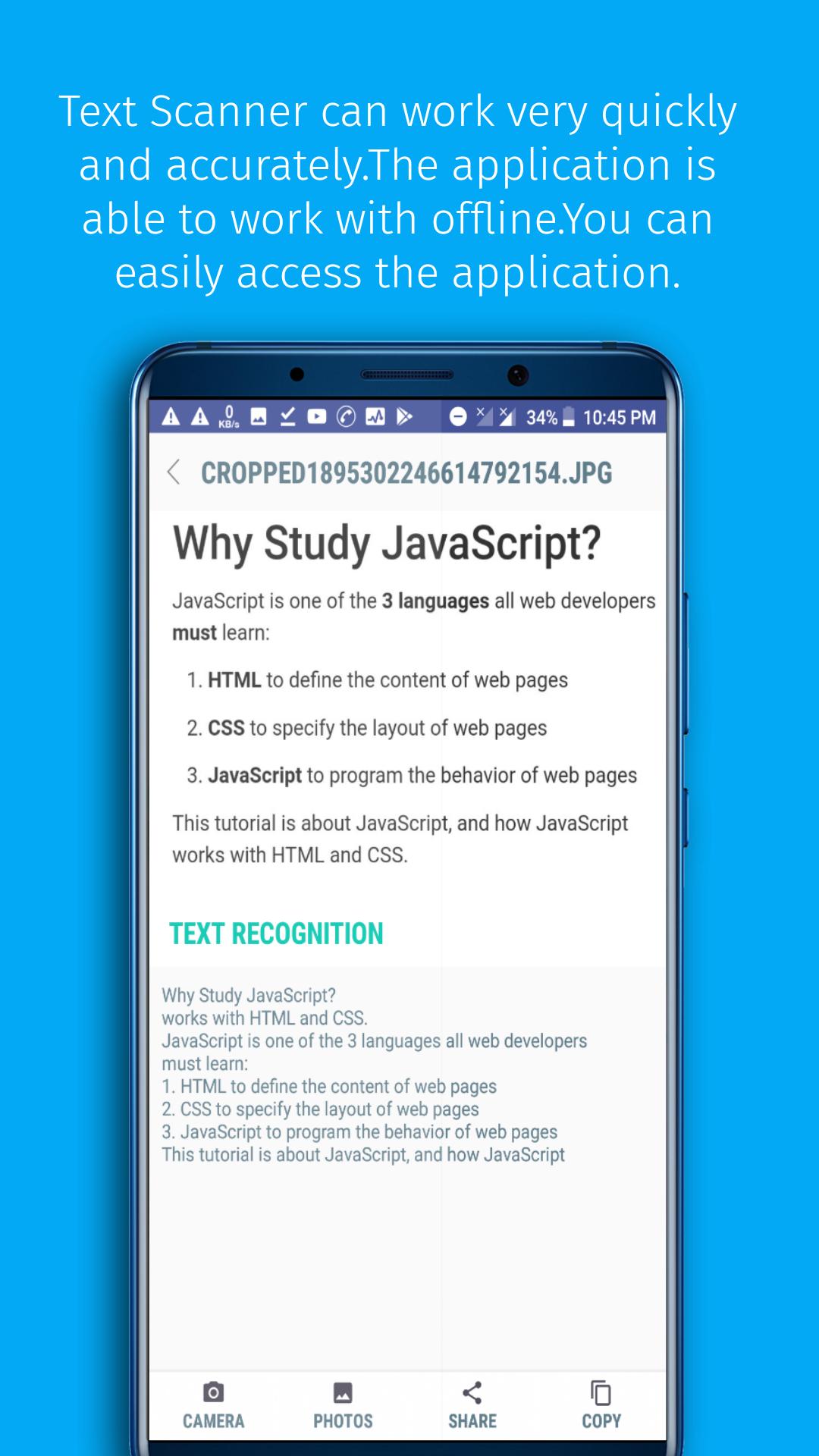
Text scanner is one kinds of optical character reader(OCR).That can be detect text from the picture.It can work very quickly and accurately.The application is able to work with offline.You can easily access the application.The app has beautiful material design.
How to use this app :
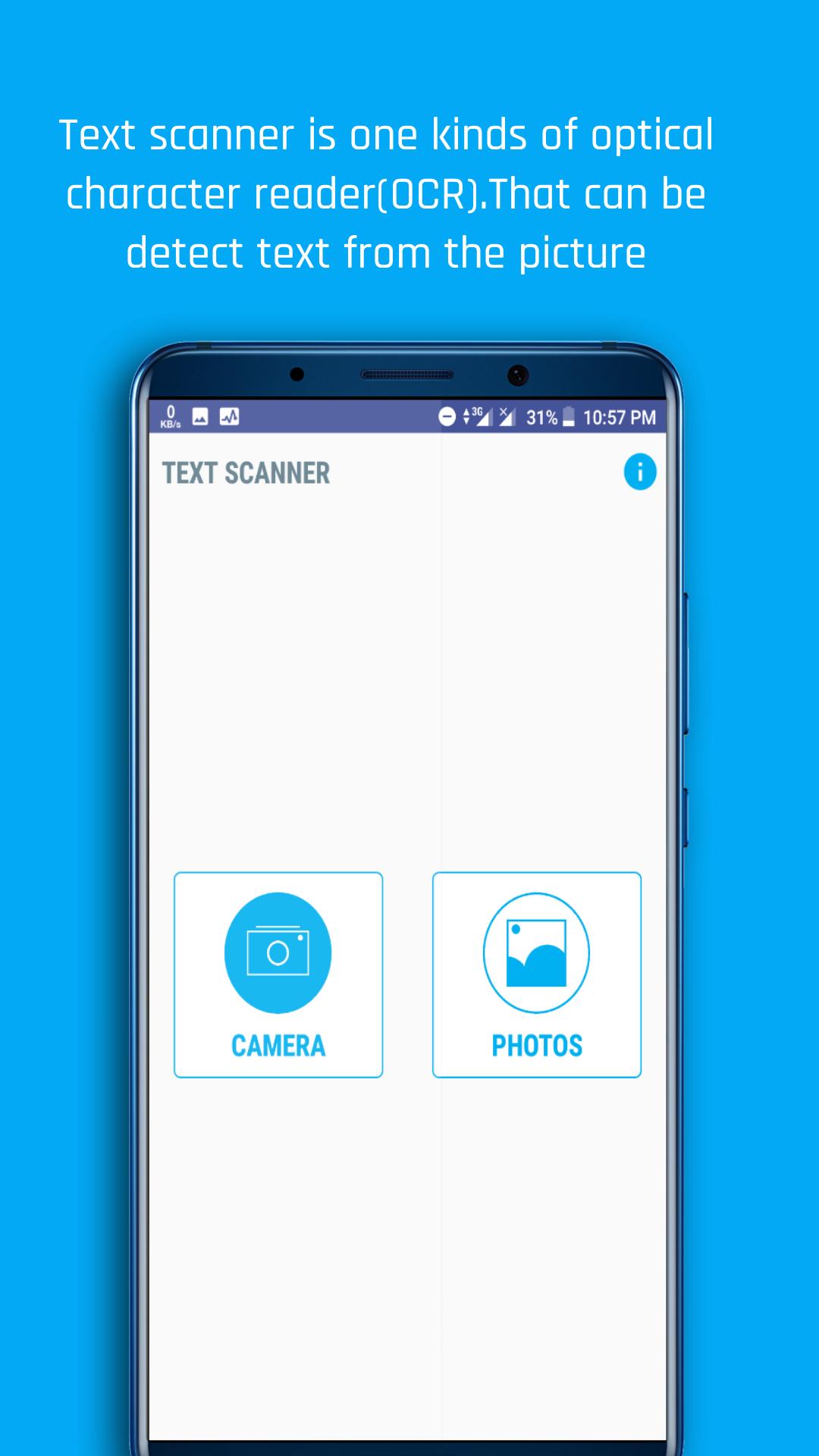
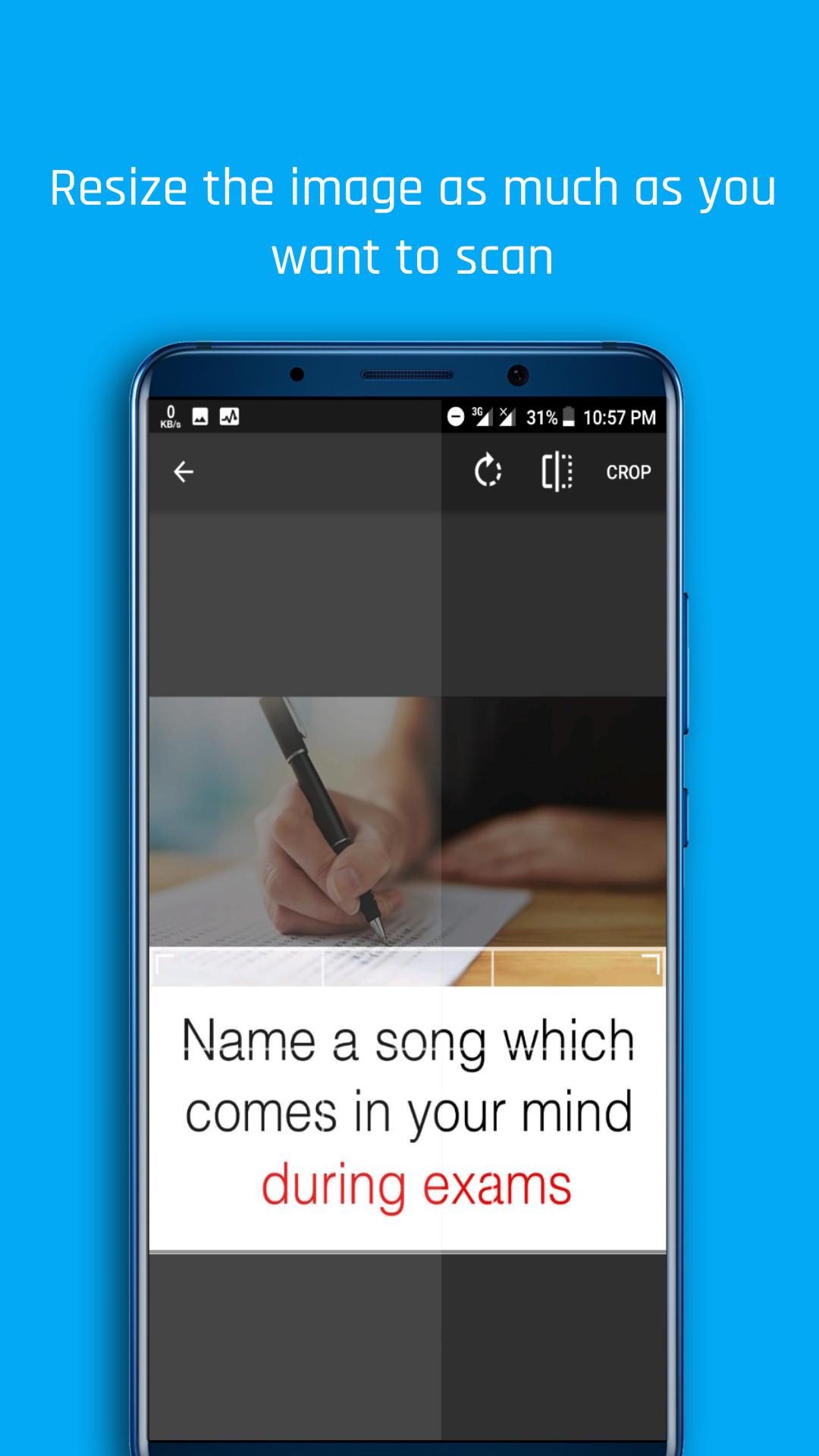
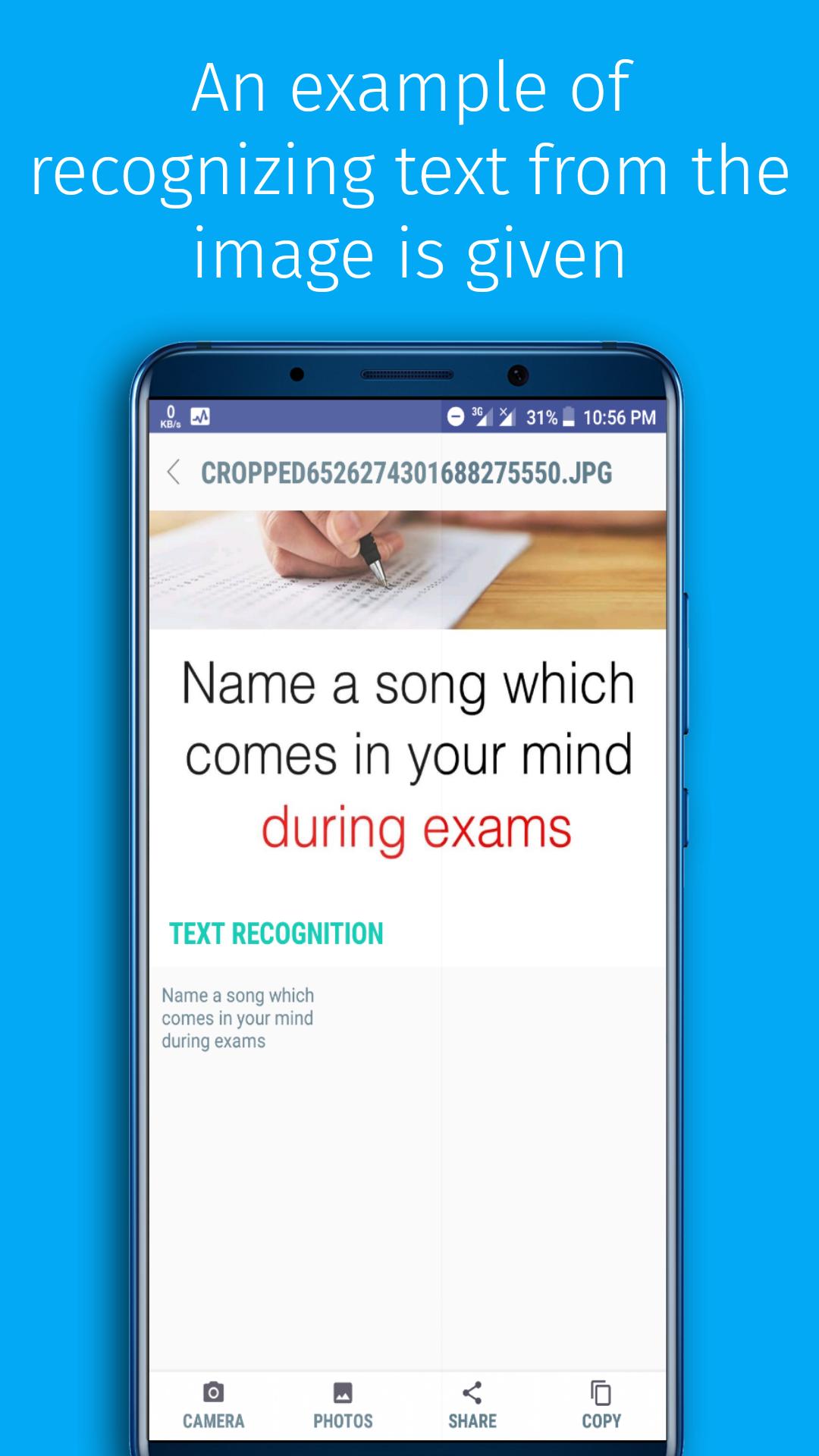
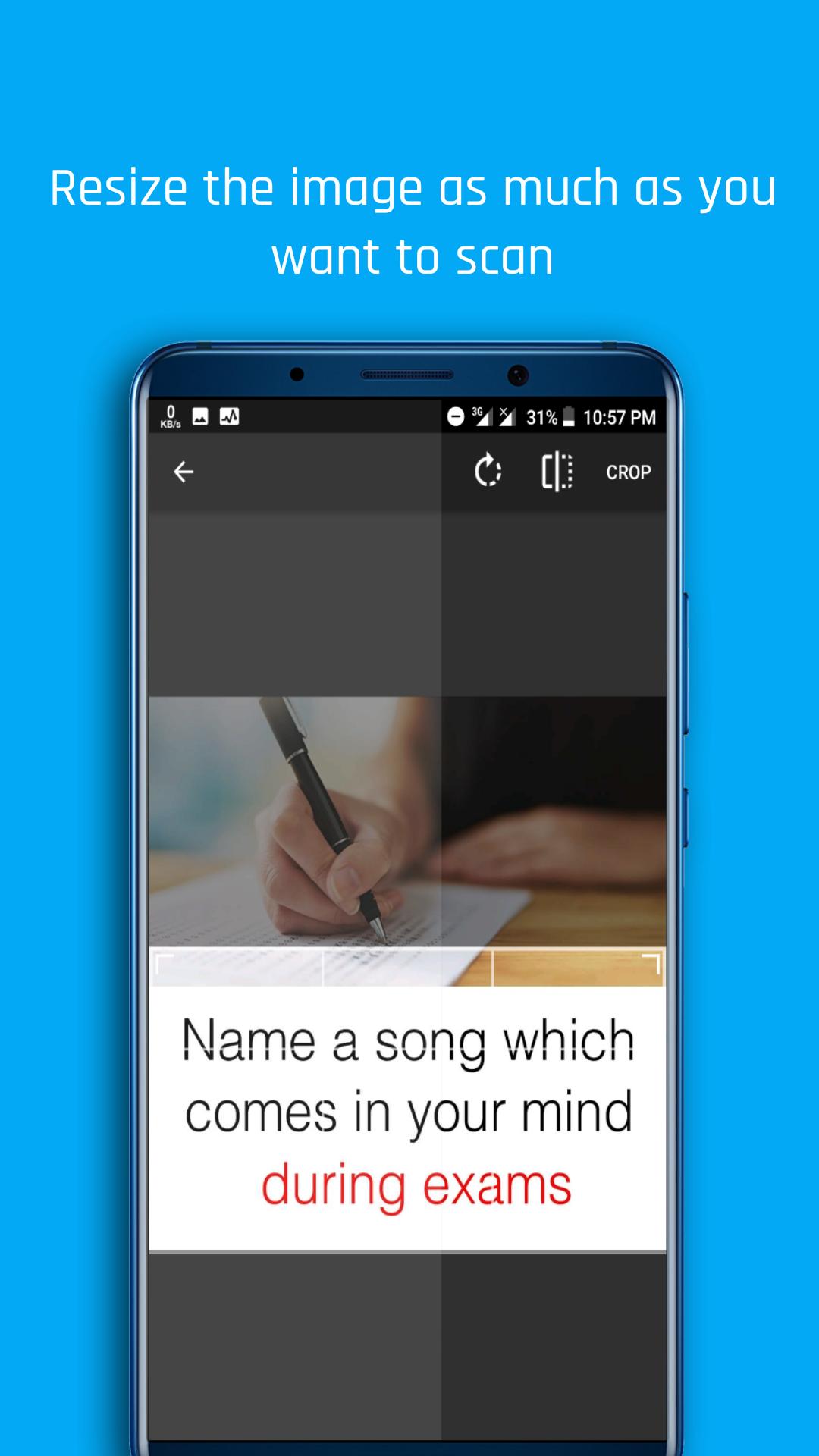
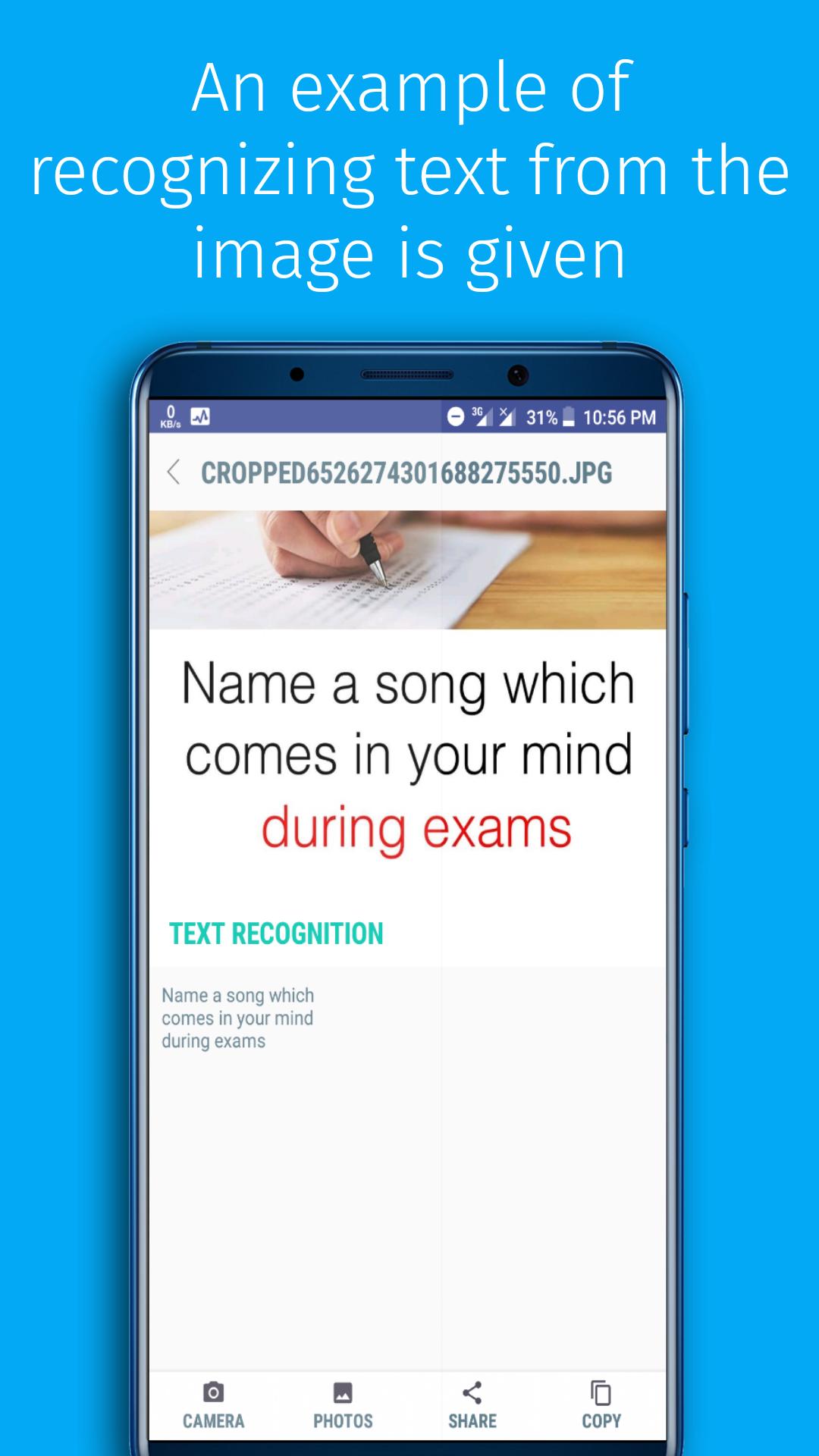
√ First, open this app. Then click on the photos button from the home screen. Then select an image from your gallery.After this application will recognize the text from your selected image.Now you can copy the text of the image by clicking the Copy button.
Latest Version
1.1.1Uploaded by
Edy Apriwan
Requires Android
Android 5.0+
Category
Free Tools AppContent Rating
Everyone
Report
Flag as inappropriateLast updated on Jul 21, 2018
Minor bug fixes and improvements. Install or update to the newest version to check it out!



APKPure - A multi-platform app store primarily focused on Android, providing extensive app-related content. Discover the app you want easier, faster, and safer, with quick and efficient downloads and installations.