
Termux suits users who want a practical command-line workspace on a phone or tablet. It helps students, administrators, and developers manage servers, write and run scripts, and learn Unix without a PC. The app starts with a minimal setup, then grows as you add tools using familiar commands, so it adapts to simple tasks or deeper projects. Meanwhile, your work stays on-device for quick access wherever you are. For easy reference, many users search for Termux APK when getting started.
Linux packages with APT
Termux provides a Linux environment that does not require root, so you can install and update packages with APT. You can access thousands of tools along with man pages and libraries, which makes learning and troubleshooting straightforward. This approach feels similar to Debian or Ubuntu workflows, so common commands work as expected.
Multiple shells and editors
You can choose a shell that fits your habits, including Bash, Zsh, or Fish. Editing is flexible as well, with options like nano for quick changes and Vim or Emacs for larger projects. For file management inside the terminal, tools such as nnn help you navigate and organize content efficiently.
Secure networking and remote access
Termux supports OpenSSH for logging into remote servers, which helps with maintenance and deployment while on the move. With curl and rsync, you can transfer files and back up data using secure protocols. This makes it practical to keep systems in sync without leaving the terminal.
Build and debug on Android
Termux includes developer toolchains that allow you to compile with clang and build projects with make or cmake. You can manage code using Git and debug with tools like gdb, lldb, and strace. This setup lets you iterate on code directly on your device and test quickly.
Scripting and Android integrations
Termux runs popular runtimes such as Python, Node.js, Perl, and Ruby for automation and small utilities. With the optional Termux:API add-on, shell scripts can read device information or trigger actions. For example, termux-battery-status and termux-location return useful data to your scripts. External keyboards, a mouse, and an external display are supported for longer sessions and more comfortable editing.
Termux is a command-line tool, so it works best if you are comfortable typing commands. The project is open-source and relies on standard Linux tools, which helps with transparency and familiarity. Users who need stability can check the Termux latest version details on the app page to understand recent changes and improvements. If you plan extended use, a Bluetooth keyboard or an external display can improve typing speed and readability.
For deeper help, many users read the community wiki and browse r/termux for tips and troubleshooting ideas. The source and development activity are visible on Termux GitHub, where issues and contributions are discussed. In community posts, you may also see references to Termux F-Droid when people compare build variants or release timelines. These resources are useful when exploring advanced workflows or diagnosing unexpected behavior.
This quick guide shows a common first setup that adds packages and enables storage access. It helps you move from a fresh install to running tools and connecting to servers. New users often refer to the Termux app while following these steps.
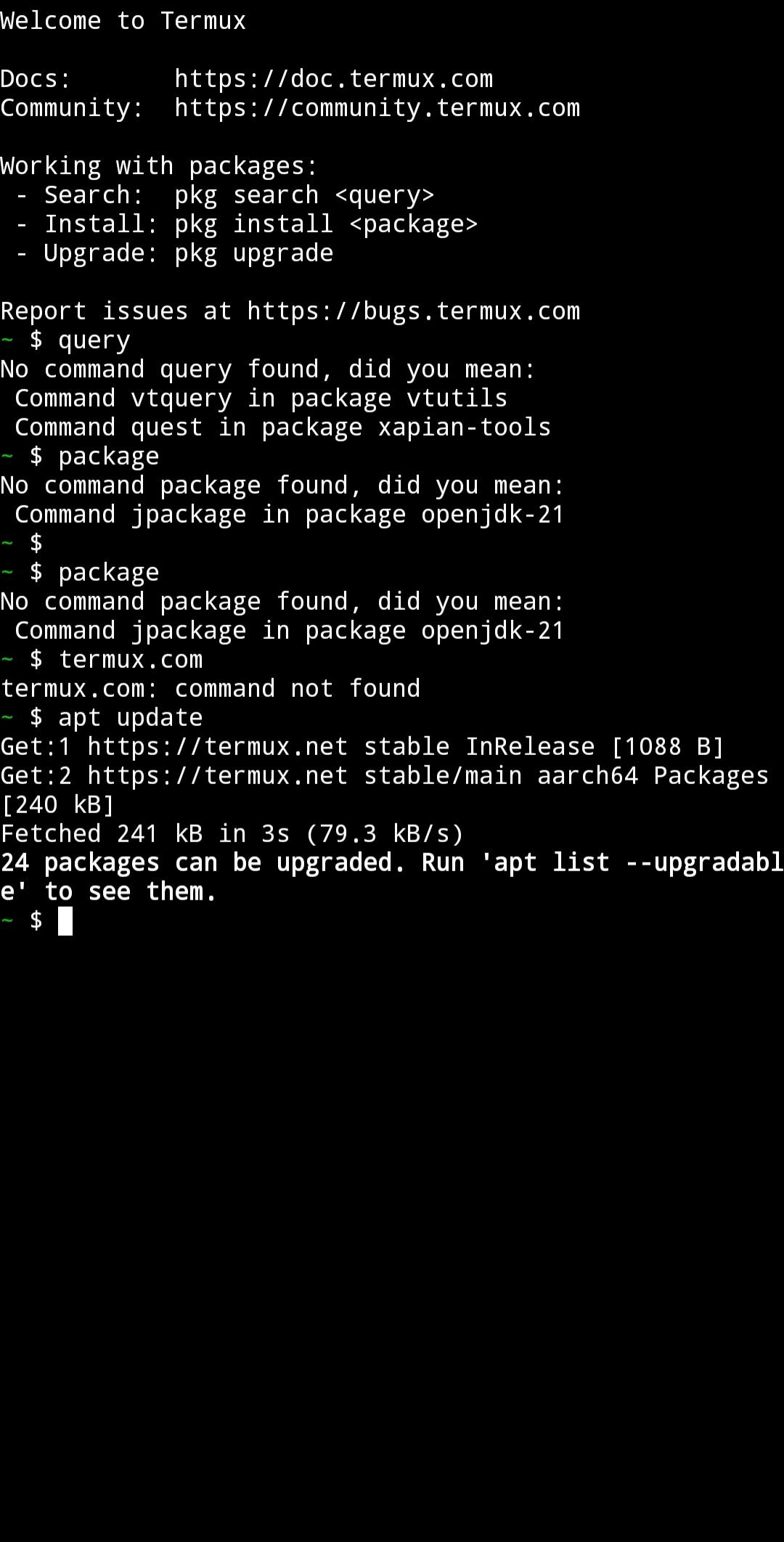
Open Termux, then update the package lists and base packages by running apt update followed by apt upgrade. This prepares the environment for installing new tools.
Grant shared storage access with termux-setup-storage, then reopen the app if prompted. This lets you read and write files in shared directories.
Install tools you need with apt install, for example apt install git python nodejs vim. Use man toolname to read manuals and confirm usage.
Set up remote access by generating or adding SSH keys, then connect with ssh user@host. You can transfer files with scp or synchronize folders with rsync.
Start scripting by running python or node, or execute a script file. If you install the Termux:API add-on, try termux-battery-status or termux-location to integrate device data into your scripts.
Termux gives you a portable Linux command line for scripting, development, and remote administration on Android. To begin with practical tools and standard workflows, download Termux and set up packages that match your tasks.
Latest Version
googleplay.2026.10.09Uploaded by
Cristobal Alarcon
Requires Android
Category
Free Tools AppContent Rating
Everyone
Report
Flag as inappropriateLast updated on Oct 10, 2026
• Request local network access on Android 17.




APKPure - A multi-platform app store primarily focused on Android, providing extensive app-related content. Discover the app you want easier, faster, and safer, with quick and efficient downloads and installations.




 #geek# full sandboxed linux using android kernel, i use it for managing my static website with git. starting on android 11 the best way to access files in it is through a saf enabled file manager such as material file... so i can enjoy jota editor.#coding#