Scan Date:Apr 26, 2026
Show More

As the name implies, Tennis Swing Analyser is an app for analysing your tennis swing. The app uses the sensors in your Wear OS watch to recognise the tennis shots that you play, and can tell you the swing speed and swing time for each stroke. Optionally the app can also give you information about your wrist rotation, arm rotation and wrist elevation. Tennis Swing Analyser runs on your Android phone and on your Wear OS watch as companion devices.
Tennis Swing Analyser can be used in ‘analyse mode’ to show details on your watch of each shot played, and simultaneously display the results in real time on a phone that’s being used by a tennis partner or coach.
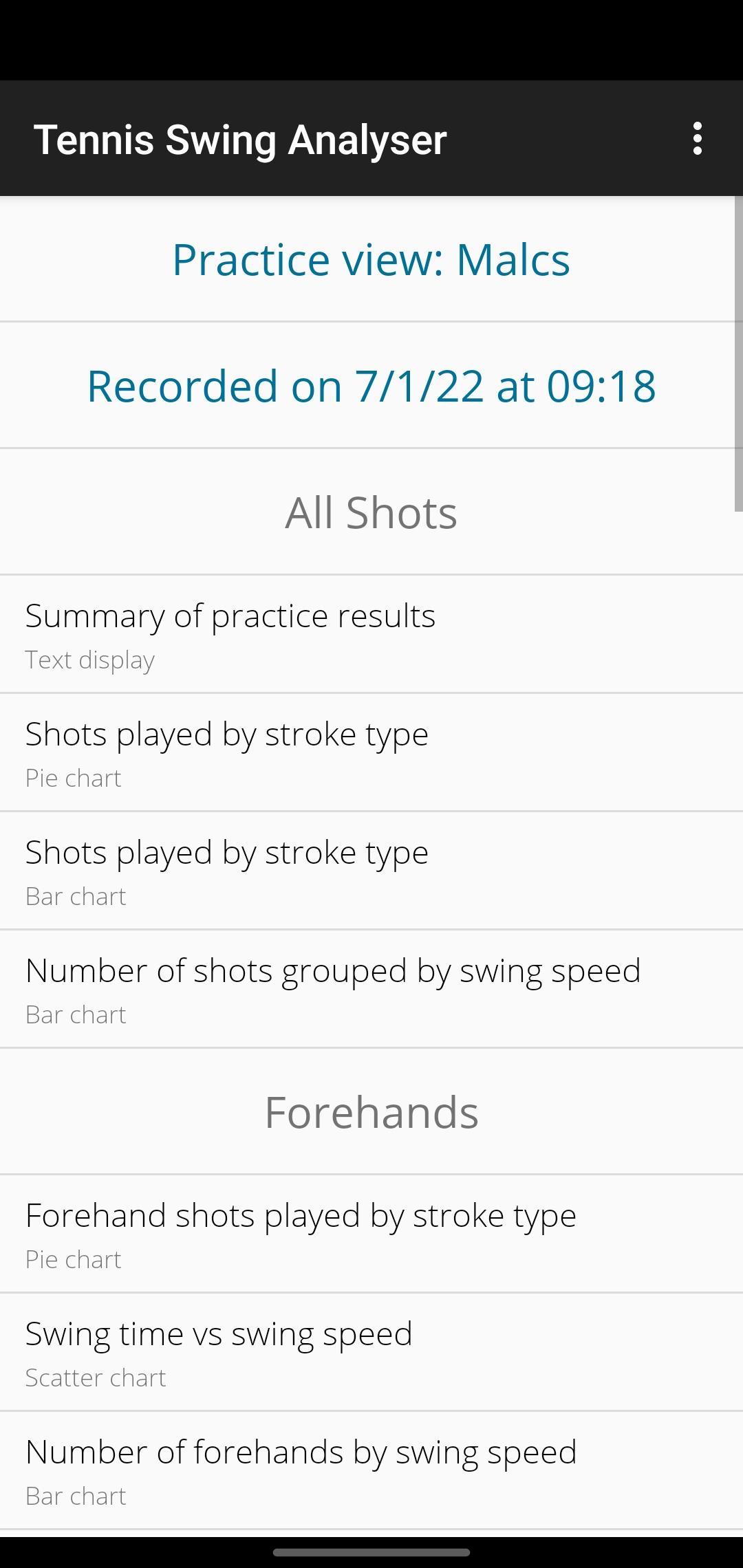
Tennis Swing Analyser can also be used in ‘practice mode’ where it will record every shot that you play during a practice or coaching session or while playing points and games. The results are sent to your phone and can be displayed graphically or exported to a spreadsheet for further analysis.
When using the 'Analyse with video' feature, the phone's camera app will be opened in video capture mode, while Tennis Swing Analyser continues to receive tennis shots from your watch and perform analysis in the background.
During your tennis practice and only while using the app, Tennis Swing Analyser records your tennis shots and your heart rate from your Wear OS watch. The app will continue to record this information even when in the background, until you finish by tapping the Finish button.
'On the watch' video: https://youtu.be/29WTvyCD0c4
'On the phone' video: https://youtu.be/PJ7l0GQrAzA
'On the court' video: https://youtu.be/LVgy6ET7ka4
Quick Start Guide: https://docs.google.com/document/d/13Jxg75mDX9x8WCGtgLeaToybfeFbnPKxo3e6t3DBp0I/edit?usp=sharing
User Guide: https://docs.google.com/document/d/19iw9cPHsQrLgjP0iUVMkIC_KeEVOMIjDVm_IcrUtnWw/edit?usp=sharing
How the app can help my tennis: https://docs.google.com/document/d/1vr1vjIBf5Lf2cZ02xh3SfXiCcJmZb4MxxRCXpd-fbbM/edit?usp=sharing
Understanding wrist & arm rotation: https://docs.google.com/document/d/1esjS27wY2xP1Jcucy-GVvQ9qItT8ouiibSLadhGwjuM/edit?usp=sharing
How shots are analysed (technical): https://docs.google.com/document/d/1nnj62OnuCR0hGeJGs3t6kHdJbBlZfYI2tgaNv02IQZQ/edit?usp=sharing
Tennis Swing Analyser does not encrypt your locally stored data, but such files are held in a secure sandbox. The app provides an option to delete some or all data stored on the device. You can optionally export your data to a comma separated value (CSV) file to visualise your data in other services.
Health Connect on Android phones allows the interchange of fitness and health information between various third-party apps. Tennis Swing Analyser does not read or otherwise access any data from Health Connect. However you can choose to write data recorded in Tennis Swing Analyser to Health Connect which can then be accessed by other third-party fitness apps to which you have granted permission. The data which can be written to Health Connect are: (a) the duration of your tennis practice along with the number of shots played, (b) your heart rate during the exercise, (c) an estimate of the active calories burned.
No data from Tennis Swing Analyser are written to Health Connect unless you, as the user, make an explicit choice to do so. Such data can be deleted subsequently as needed.
Tennis Swing Analyser's use of Health Connect fully adheres to the Health Connect Permissions policy including the Limited Use requirements: https://support.google.com/googleplay/android-developer/answer/9888170?sjid=8998901795904597274-NA#ahp
Latest Version
3.22Uploaded by
David BG
Requires Android
Android 8.0+
Category
Free Sports AppContent Rating
Everyone
Security Report
Report
Flag as inappropriateLast updated on Mar 5, 2026
* Added battery level indicator to watch in practice view
* Modified 'analyse with video' processing to remove foreground service



APKPure - A multi-platform app store primarily focused on Android, providing extensive app-related content. Discover the app you want easier, faster, and safer, with quick and efficient downloads and installations.