
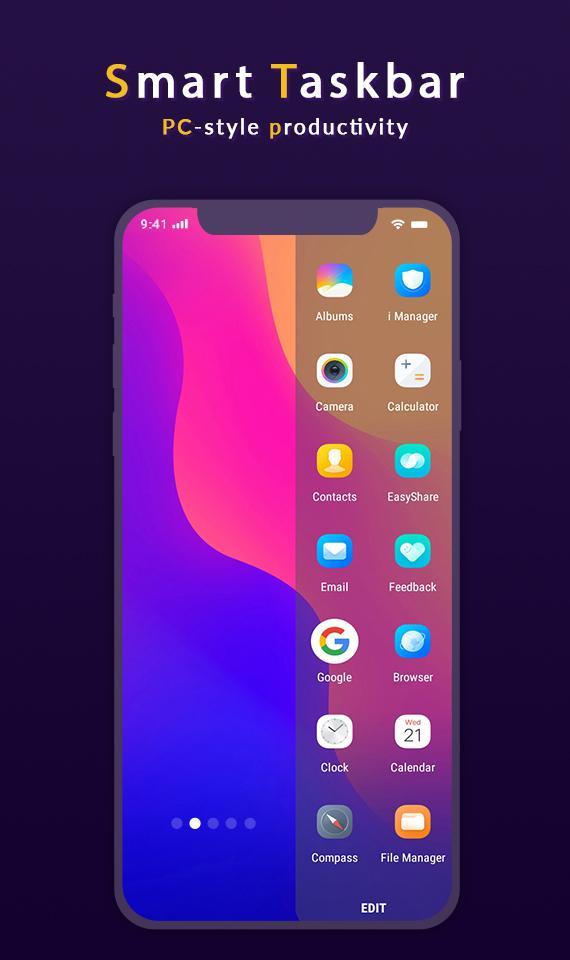
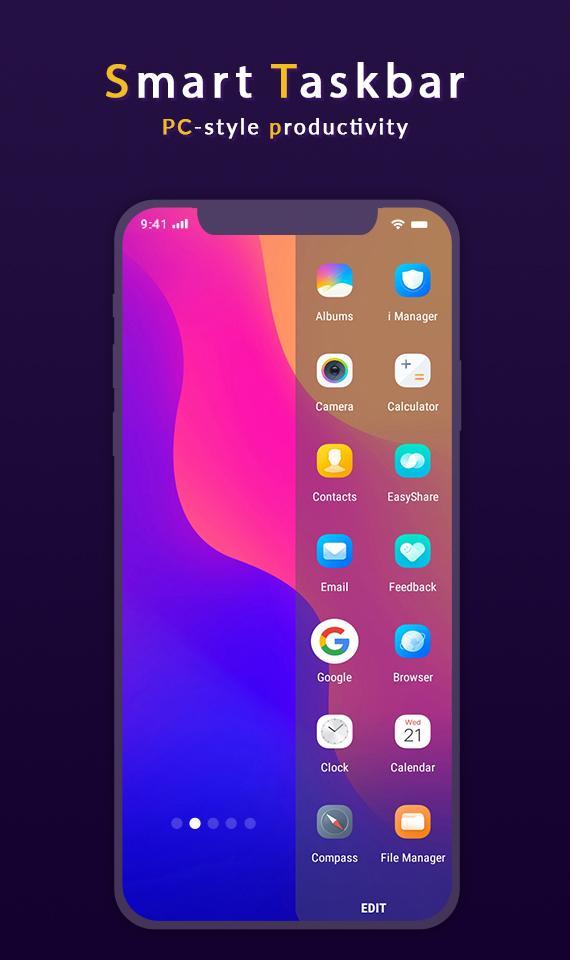
Taskbar puts a start menu and recent apps tray on top of your screen that's accessible at any time, increasing your productivity and turning your Android tablet (or phone) into a real multitasking machine]
[On devices running Android 7.0+, Taskbar can also launch apps in freeform windows for a PC-like experience! No root required! (see below for instructions)]
[Taskbar is also fully supported on Chrome OS - use Taskbar as a secondary Android app launcher on your Chromebook!]
Features:
:- Start menu - shows you all applications installed on the device, configurable as a list or as a grid........
:-Recent apps tray - shows your most recently used apps and lets you easily switch between them........
:- Collapsible and hideable - show it when you need it, hide it when you don't.......
:-Many different configuration options - customize Taskbar however you want..........
:- Pin favorite apps or block the ones you don't want to see.........
:- Designed with keyboard and mouse in mind..........
:- 100% free, open source, and no ads..........
[Enjoy This App]
Latest Version
1.4Uploaded by
Kisielewski Hendryk
Requires Android
Android 5.0+
Category
Free Tools AppContent Rating
Everyone
Report
Flag as inappropriateLast updated on May 23, 2022
This release includes minor bug fixes and general improvements. Update to the latest version for the best experience.





APKPure - A multi-platform app store primarily focused on Android, providing extensive app-related content. Discover the app you want easier, faster, and safer, with quick and efficient downloads and installations.













