
There is no need to take your phone out of the pocket if you want to skip current song. Just tap the back of your phone to skip the song - simple & easy.
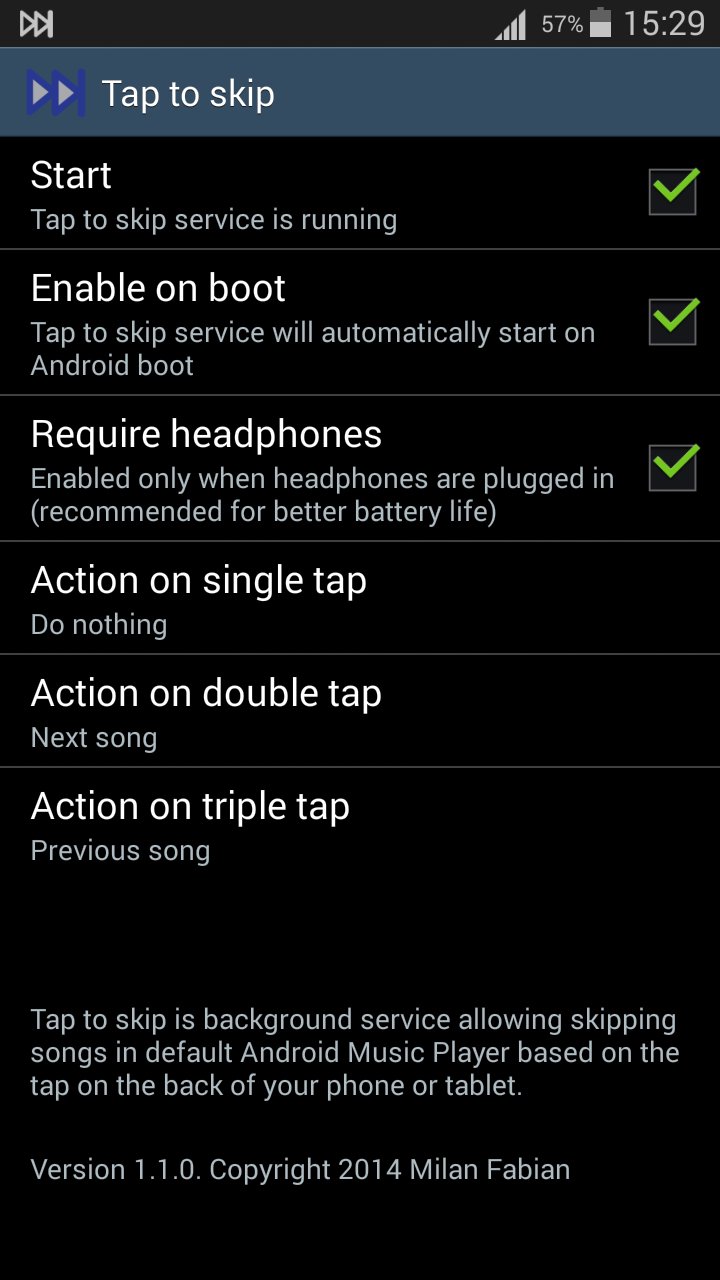
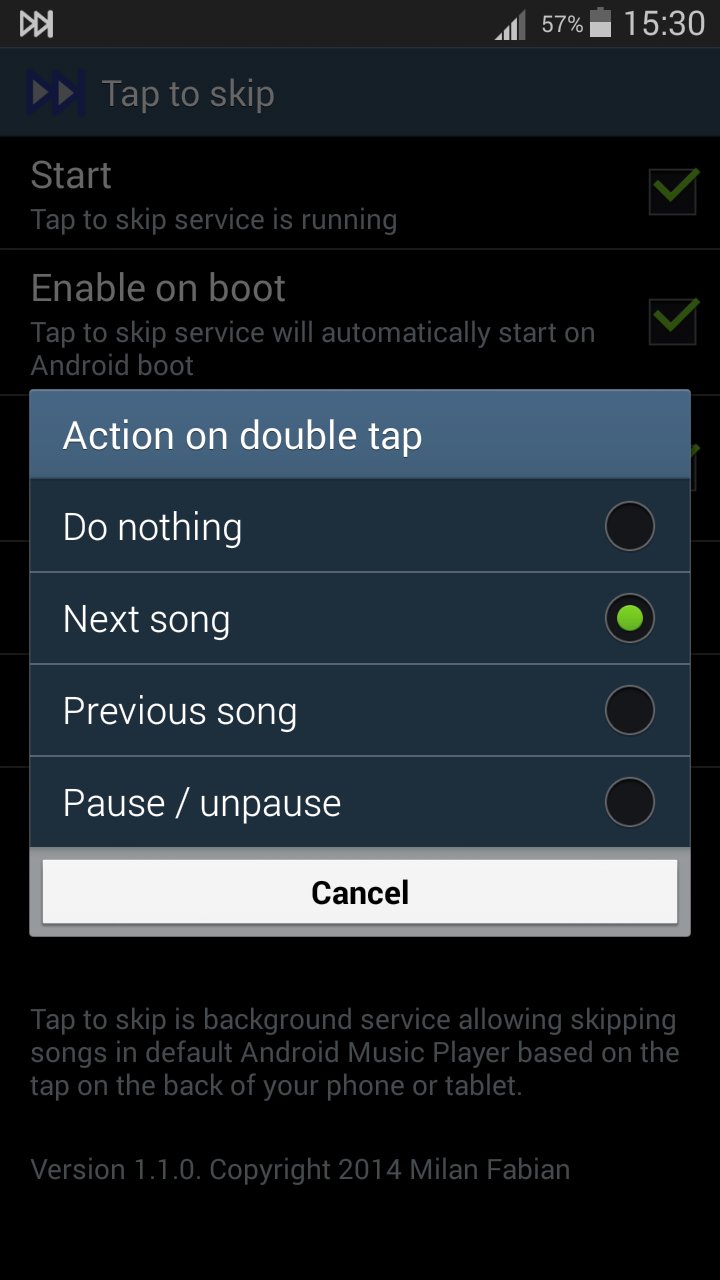
Tap to skip is background service allowing skipping songs in default Android Music Player based on the tap on the back of your phone or tablet. Additionally you can choose different action on single, double or triple tap: go to next song, go to previous song, pause/un-pause.
Uses hardware accelerometer for detecting tap. Tap should be perpendicular to the screen, in either direction (to screen or to back). The application is optimized for detecting taps when device is in pocket of jeans or just placed on the table, but it should also work in any other case. Please don't tap too hard, author of this application is not responsible for any damage made to your phone by tapping too hard.
Tested on Samsung Galaxy S3 with default Music Player.
Latest Version
1.1.0Uploaded by
Chan Koksol
Requires Android
Android 2.0+
Category
Free Music & Audio AppContent Rating
Everyone
Report
Flag as inappropriateLast updated on Aug 16, 2016
Version 1.1.0:
Now you can add custom action to single, douple or tripple tap.

APKPure - A multi-platform app store primarily focused on Android, providing extensive app-related content. Discover the app you want easier, faster, and safer, with quick and efficient downloads and installations.