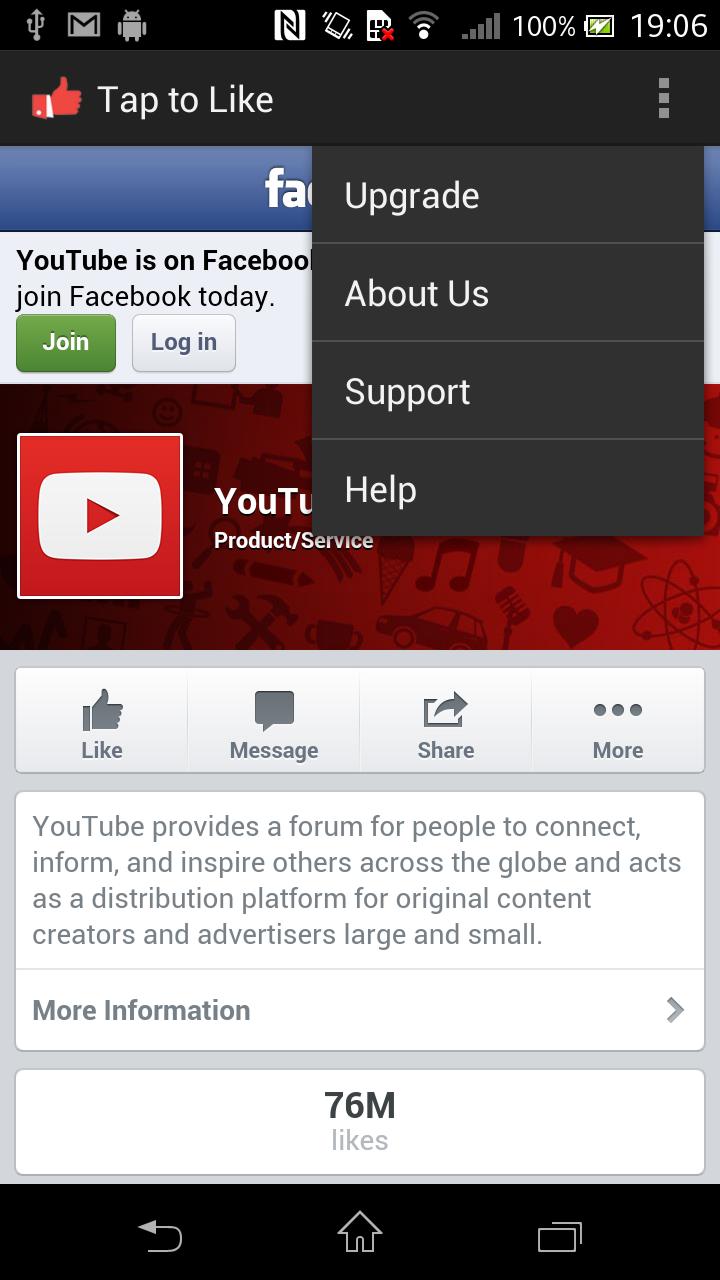
The “Tap to Like” app allows you to Like a Facebook page by a simple tap of the NFC Tag.
The NFC Tag (N-Mark) is the place where you need to Tap your smartphone. The NFC Tags are usually placed on the NFC smartposter.
The “Tap to Like” app works on the NFC non-compatible smartphones by utilizing the QR Scanner. The smartphone switches to QR scan mode and once the QR is scanned it displays the Facebook page.
http://TapOrScan.net is specialized in providing NFC Solutions. It has a variety of NFC products of the shelf / custom made to enable customer engagement, customer assistantship. Visit our website to understand many other related products that we have in our portfolio. If you are interested to reach out to us at sales@taporscan.net for a NFC solution
Step by Step (on NFC enabled smartphones)
a. Unlock the screen.
b. Tap your smartphone on the object with “N-Mark” and the smartphone vibrates/ rings to indicate the activity start.
c. Touch Like button on the Facebook page to express your happiness. Facebook login prompts if not logged-in.
Step by Step (on NFC non-compatible smartphones)
a. Unlock the screen.
b. Touch the app launcher icon to launch the app.
c. Scan the QR code next to the N-Mark and the smartphone vibrates/ rings to indicate the activity start.
d. Touch Like button on the Facebook page to express your happiness. Facebook login prompts if not logged-in.
In case of any issue, check the following.
a. Check if the NFC is enabled on your smartphone.
b. Screen is not unlocked when you tap the N-Mark. Unlock the screen and try.
c. Check if your smartphone case is creating an interruption to read NFC tag at the N-Mark. Remove the case and try.
d. The NFC Tag might have an interruption on the base where it is placed, inform the issue at support@taporscan.in
e. The NFC Tag might have been damaged, inform the issue at support@taporscan.in
Note:
The N mark is a trademark or registered trademark of NFC Forum, Inc.
Latest Version
1.2Uploaded by
Nguyễn Thị Hằng
Requires Android
Android 2.2+
Category
Free Social AppContent Rating
Unrated · Warning – content has not yet been rated. Unrated apps may potentially contain content appropriate for mature audiences only.
Report
Flag as inappropriateLast updated on Dec 11, 2015
Minor bug fixes and improvements. Install or update to the newest version to check it out!


APKPure - A multi-platform app store primarily focused on Android, providing extensive app-related content. Discover the app you want easier, faster, and safer, with quick and efficient downloads and installations.