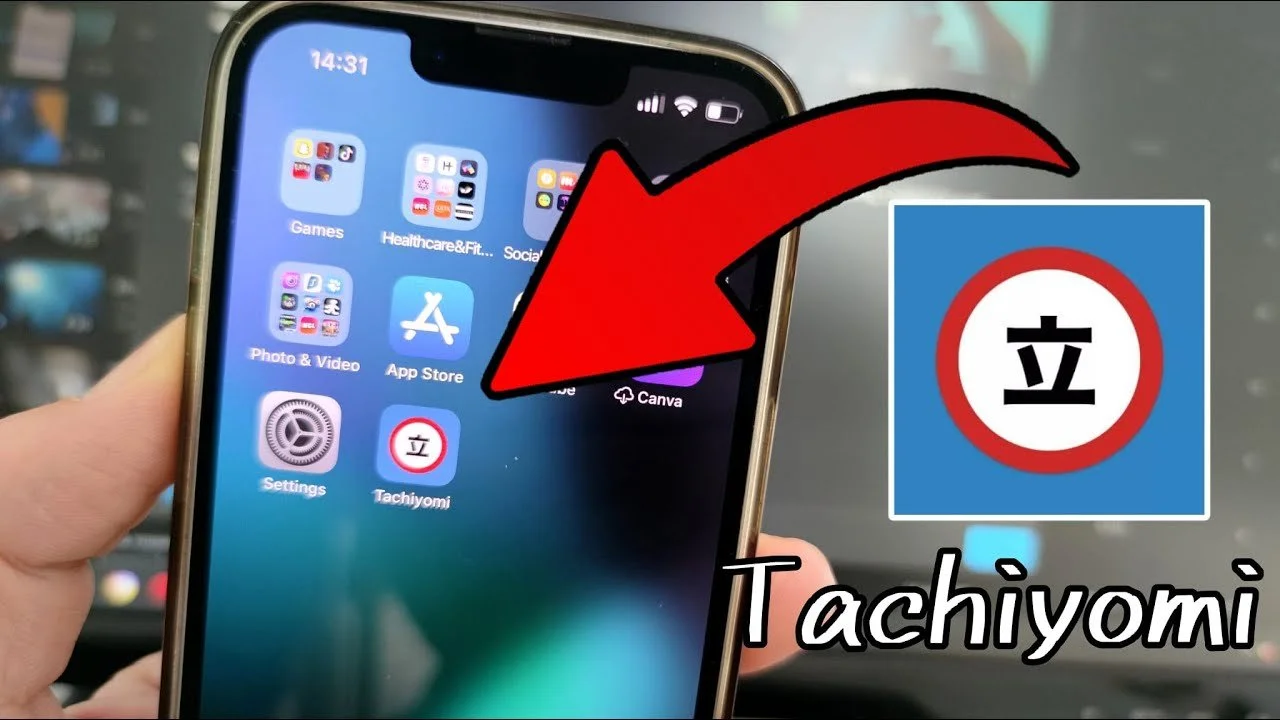
Tachiyomi helps readers who follow series across different sites keep everything organized in one place. It focuses on flexible reading that adapts to short breaks and longer sessions, and it stays lean by letting you choose what to include during setup. Meanwhile, practical controls help manage offline chapters and storage. If you plan to download Tachiyomi, expect a fast reader that reduces manual checking for updates and keeps everyday use simple. First launch guides theme and storage choices so you start quickly.
Extensions and sources
After installing the Tachiyomi APK, you can add extensions to access many providers. You choose which sources to enable, then search within each one to find titles or browse categories. If a source changes or fails, updating the extension or switching to another provider usually restores access.
Reader controls and comfort
Library and alerts
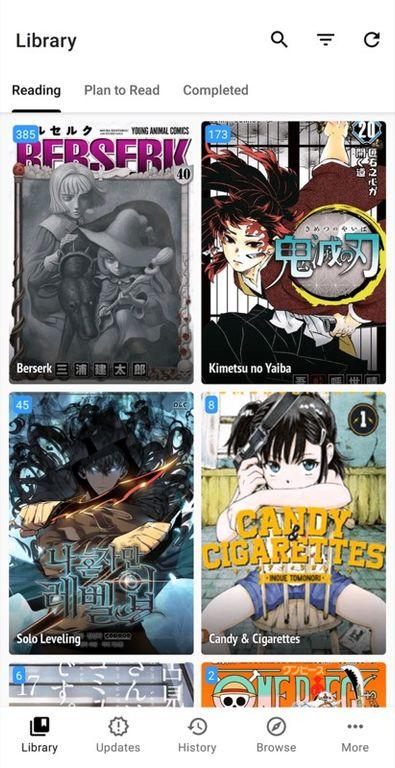
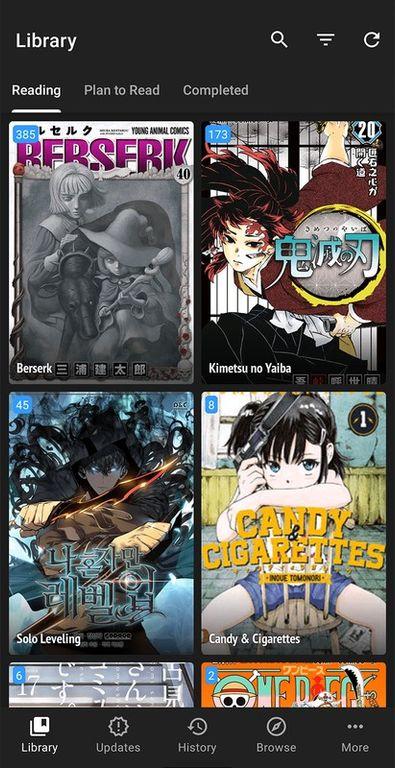
Favorite series to build a Library for quick access. Tachiyomi can notify you when new chapters arrive, which saves time compared with checking each source. Organizing by ongoing or slower titles helps you return exactly where you left off.
Downloads and storage
Restrict downloads to Wi‑Fi to avoid mobile data use. Auto delete after reading keeps storage from filling up. You can pick a folder for saved chapters and monitor space during big pulls. If a download pauses, reconnecting to stable Wi‑Fi and retrying usually continues.
Tachiyomi suits readers who want control over sources, comfort settings, and offline access. Set up extensions, tune the reader, and organize a Library before diving into chapters. For the Tachiyomi latest version, check this page for updates and install when convenient. Confirm storage space if planning bulk downloads.
Latest Version
0.15.3Uploaded by
inorichi
Requires Android
Android 6.0+
Available on
inorichi
Category
Free Comics AppReport
Flag as inappropriateLast updated on Aug 28, 2024
Minor bug fixes and improvements. Install or update to the newest version to check it out!






APKPure - A multi-platform app store primarily focused on Android, providing extensive app-related content. Discover the app you want easier, faster, and safer, with quick and efficient downloads and installations.