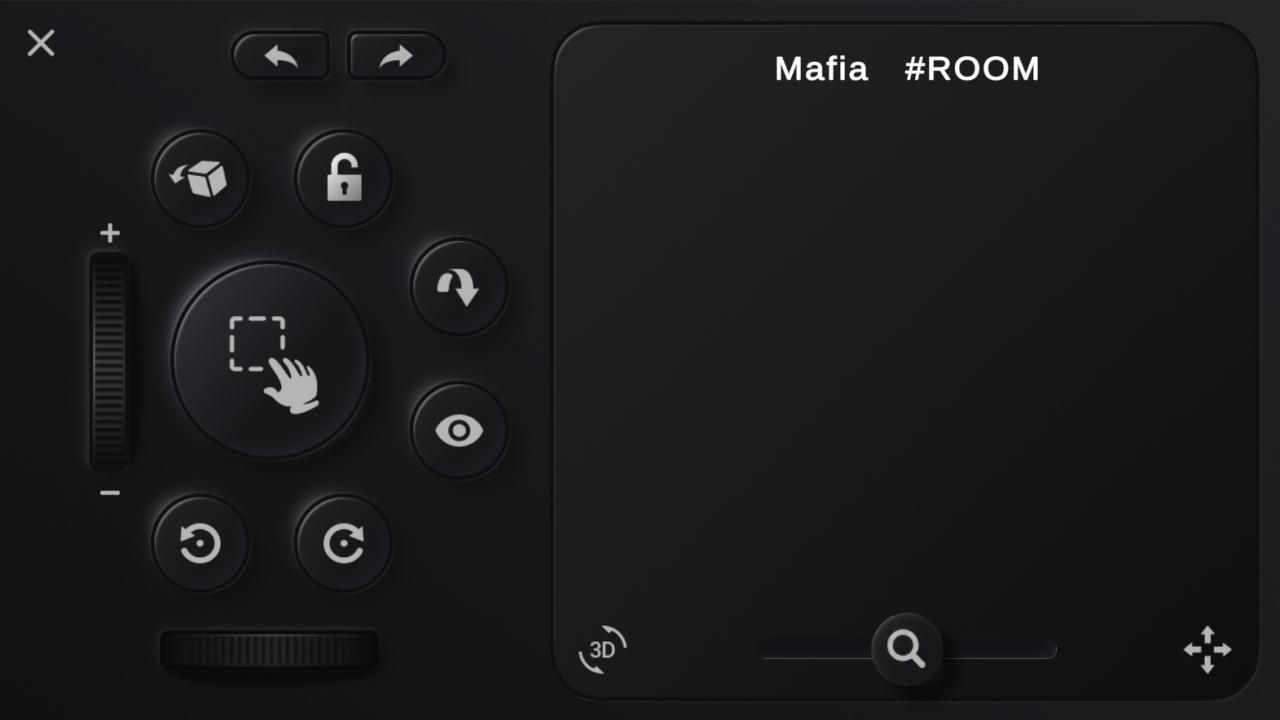
This is companion app intended to work with Tabletopia Family browser based game client as a remote control. Web based game client is available at
https://test.tabletopia.com/static/clients/webgl/test/index.html
1. Open web link
2. Choose any game to test, press Play
3. Wait for the game to be loaded and the Room Code to be shown at right
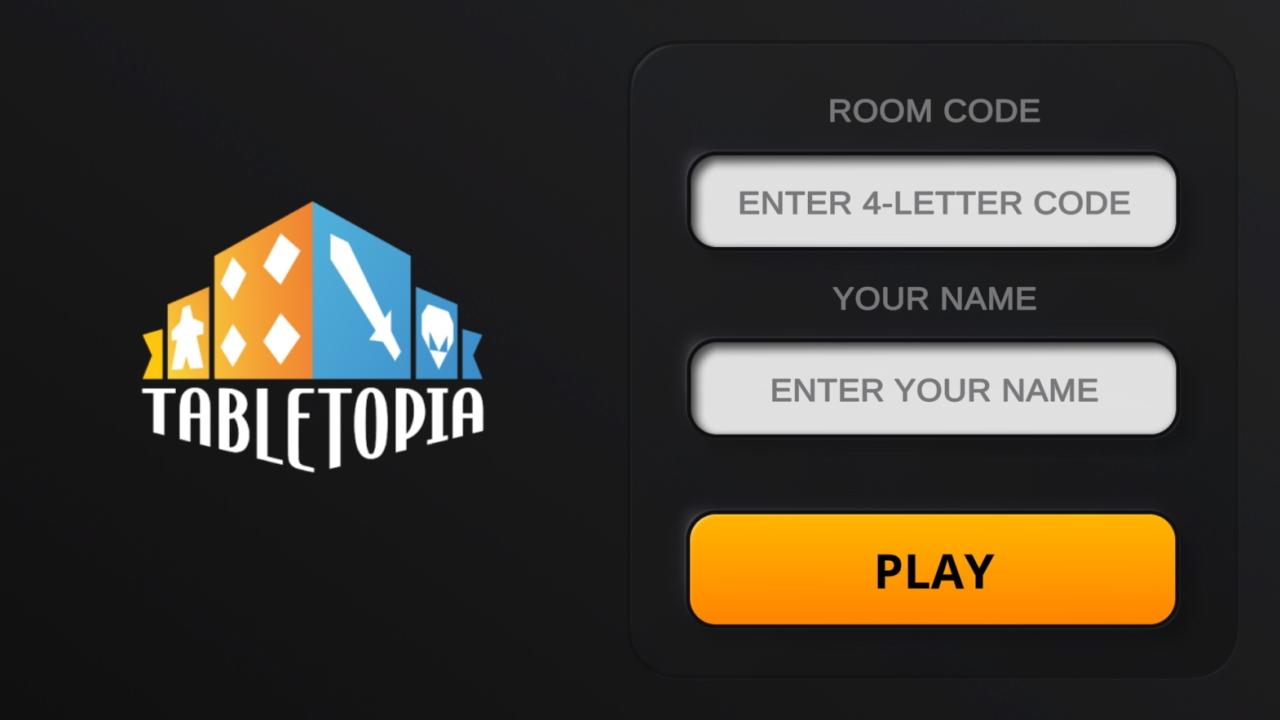
4. Launch Tabletopia Remote app
5. Enter the Room Code a the player name, press Play
You are ready to control a game cursor in the web app using the Touchpad and other controls in the mobile app
Latest Version
0.1.8Uploaded by
Guillaume Berger
Requires Android
Android 4.4+
Category
Free Entertainment AppContent Rating
Everyone
Report
Flag as inappropriateLast updated on Oct 19, 2022
- Camera switch button added
- In-game help button added
- Minor improvements & bug fixes

APKPure - A multi-platform app store primarily focused on Android, providing extensive app-related content. Discover the app you want easier, faster, and safer, with quick and efficient downloads and installations.