Tired of the limitations imposed by normal mobile browsers?
Sudo Browser, designed to overcome the obstacles you encounter while browsing the internet, discover hidden media, and have complete control over web pages, is the most powerful web tool in your pocket. Whether you're a web developer or a reader who wants to quote from articles, Sudo offers you the freedom of being at your computer.
🔥 HIGHLIGHTED SUPERPOWERS:
🎵 Smart Media Sniffer
Want to download an audiobook, podcast, or video you're watching? Sudo listens to the network traffic of the page in the background and instantly detects hidden media files such as MP3, M4A, and MP4. You can copy the link with a single click or download it directly to your phone.
🔓 Copy and Right-Click Restriction Breaker (Anti-Ban)
No more "Text cannot be selected on this site" warnings! Sudo's built-in shield automatically disables all site locks that prevent you from copying text, poems, or articles you're reading. Freely choose and copy the quotes you like.
🚫 Advanced Ad and Pop-up Killer
Get rid of betting sites and fake alerts that suddenly pop up when you touch something on the screen. Sudo prevents unwanted new tab openings (pop-ups) before they even happen and hides annoying banner ads within the page, giving you a clean reading/listening area.
💻 Mobile F12 Developer Console (Eruda)
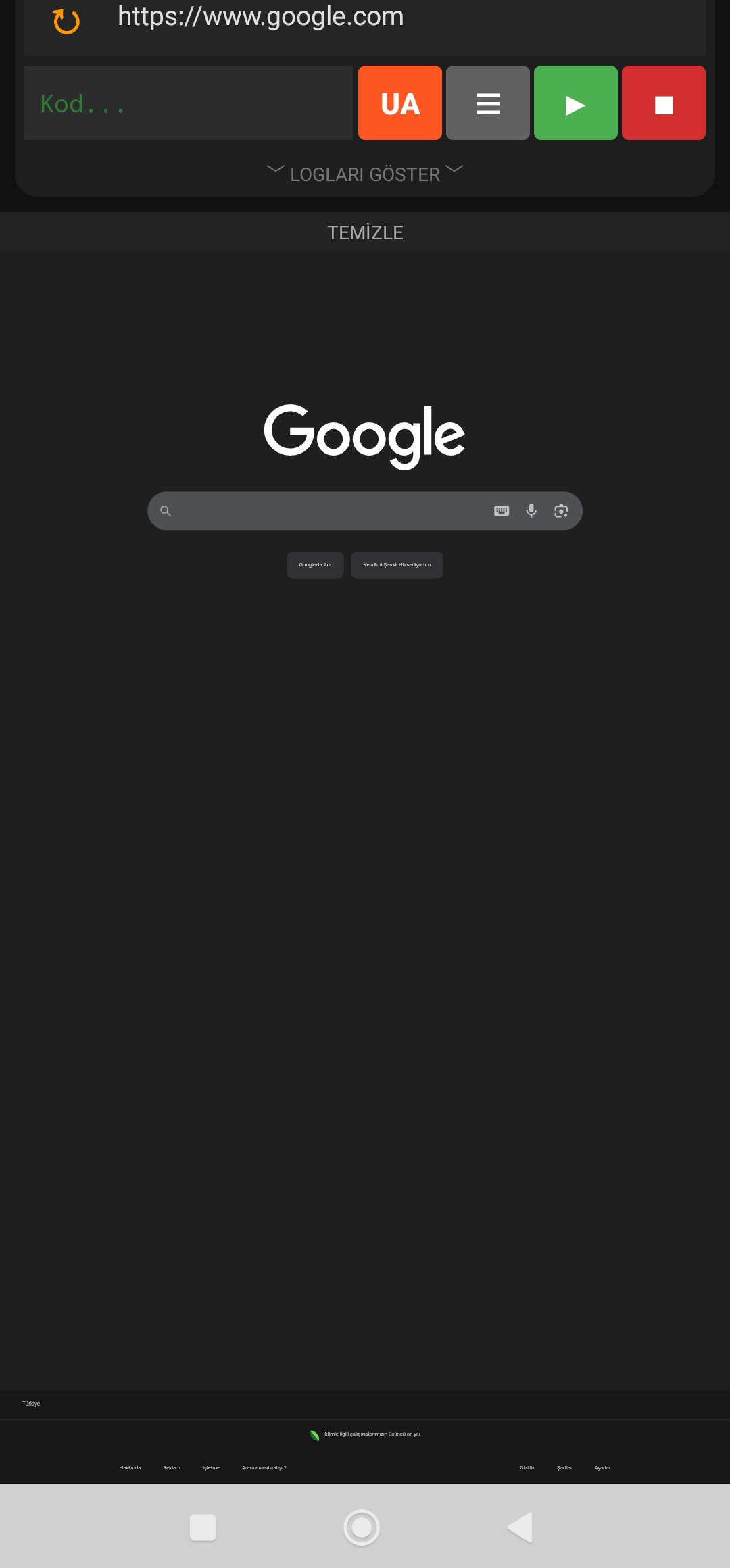
Open the advanced "Inspect (F12)" panel with a single click, just like in desktop browsers. View the site's code (DOM), read Console errors, monitor network traffic, and make instant CSS/JS interventions.
⚡ Custom Script (JS) Injection
Write your own JavaScript code, save it to the application, and run it on any website with a single click. Automation processes or changing the appearance of sites are in your hands.
📱🖥️ Fast Desktop Mode and Ergonomic Design
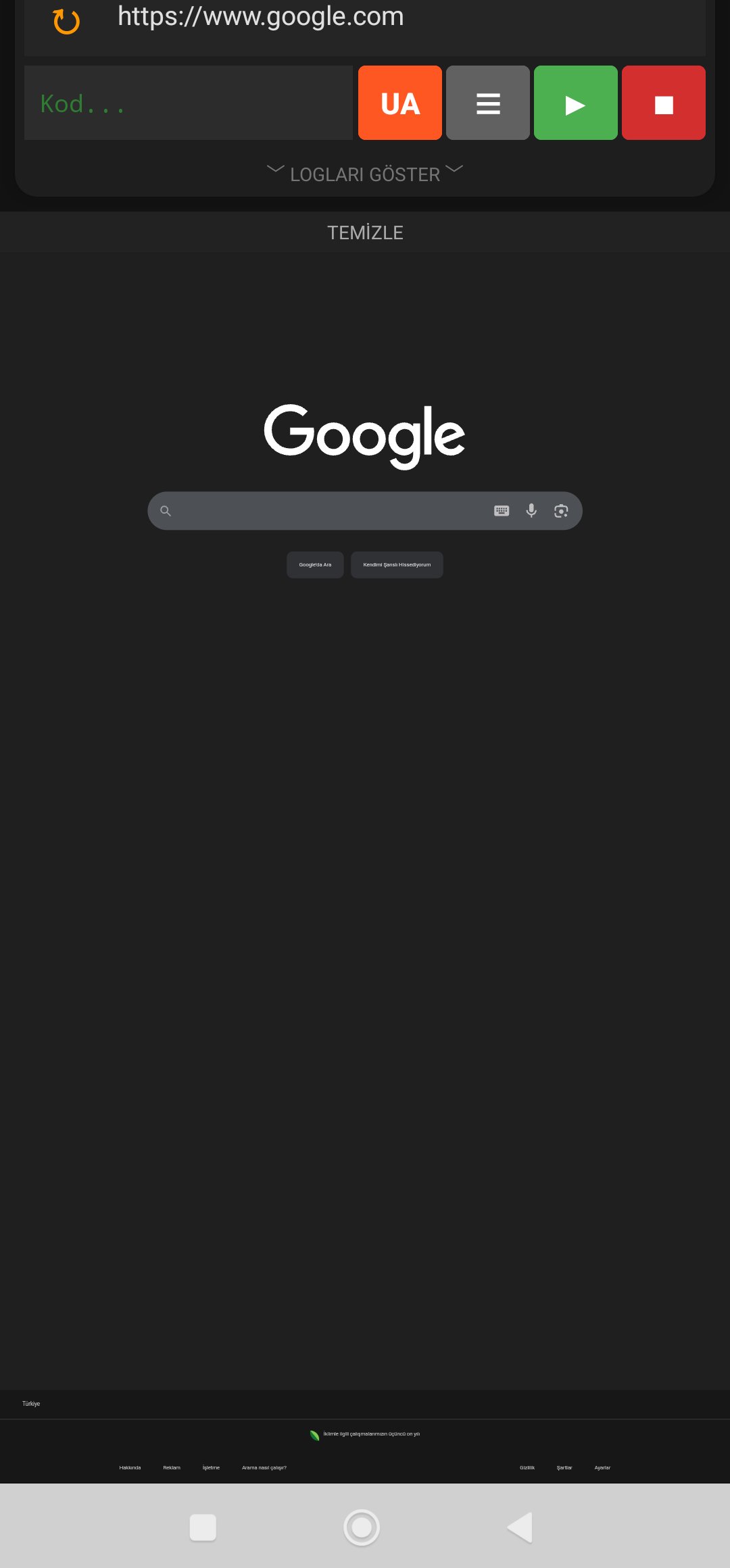
Open websites with restricted mobile versions in seconds in "Desktop (PC)" mode. Use comfortably with one hand thanks to the custom interface where the address bar is at the top and the control and developer tools are entirely under your thumb (at the bottom). Experience a smooth experience with pull-to-refresh.
Who is Sudo Browser Ideal For?
Those who want to archive audio files (music, audiobooks) that cannot be downloaded.
Researchers and readers who want to quote from blogs, literary sites, or ebook platforms that have copy restrictions.
Those who are annoyed by sudden pop-up ads on the sites they visit.
Programmers who want to debug errors on websites while on the go.
Experience the internet on your own terms. Download Sudo Browser now and take control!