


Package Name:com.edupoint.studentvue
SHA-256:344c8109890068d2f5bb2196b8d735e2c447220f41c0399ecfcf96f7e876531c
Show More

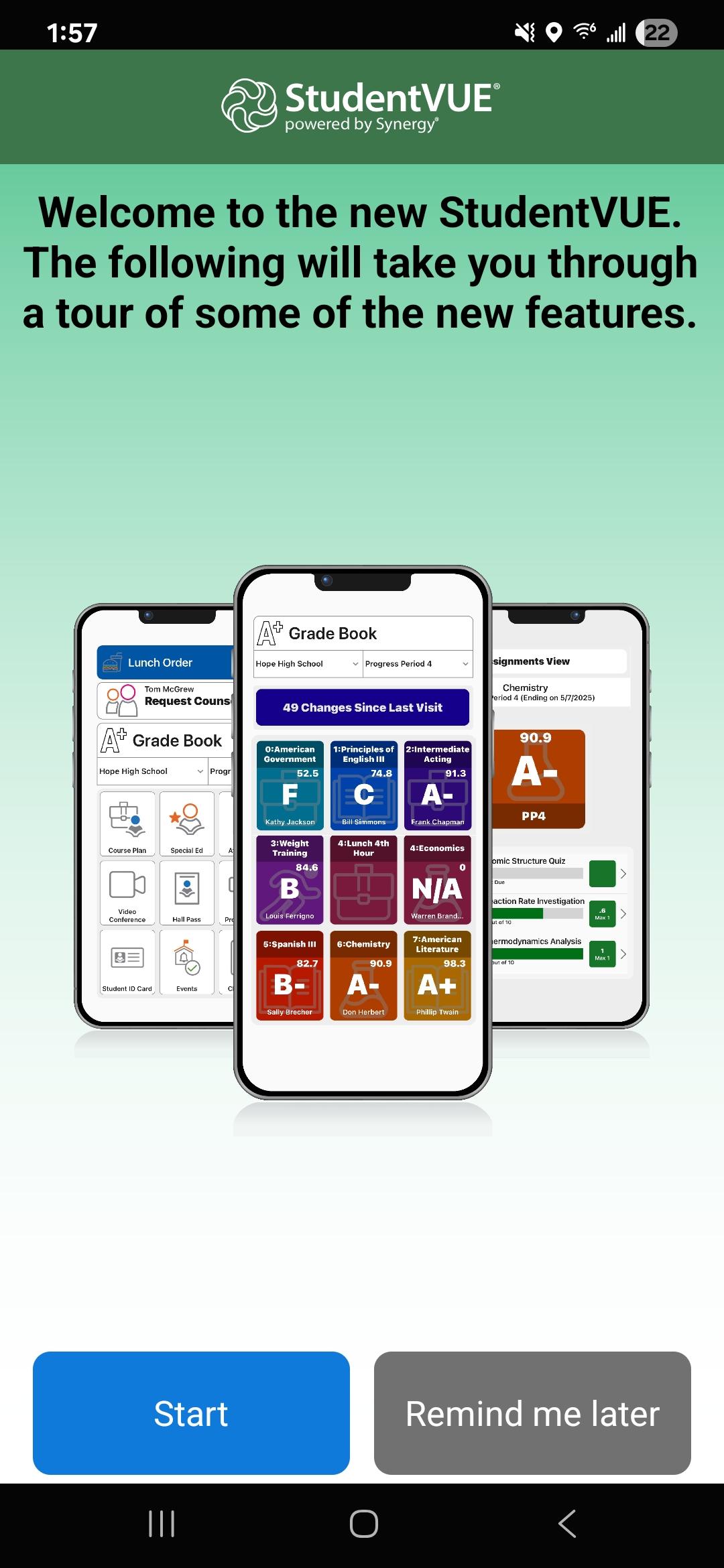
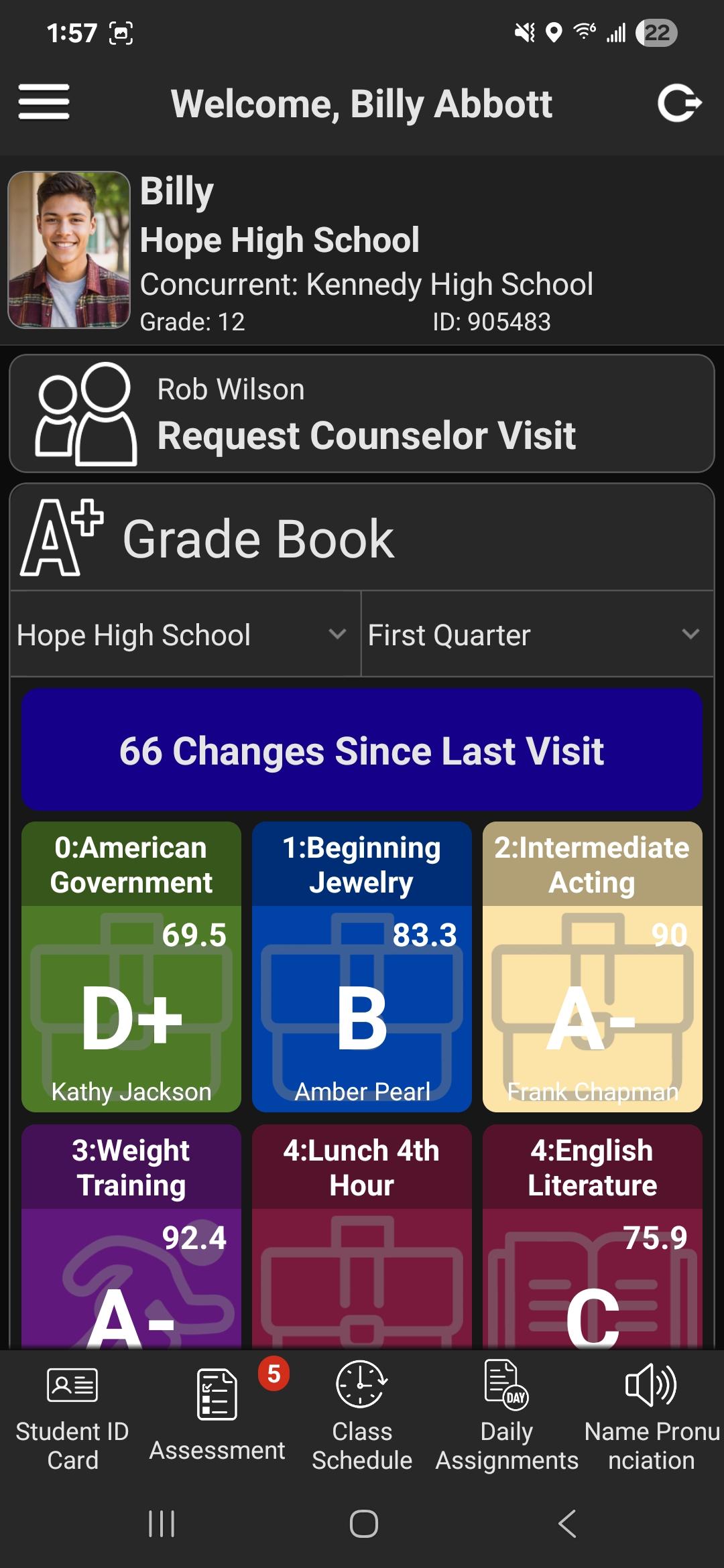
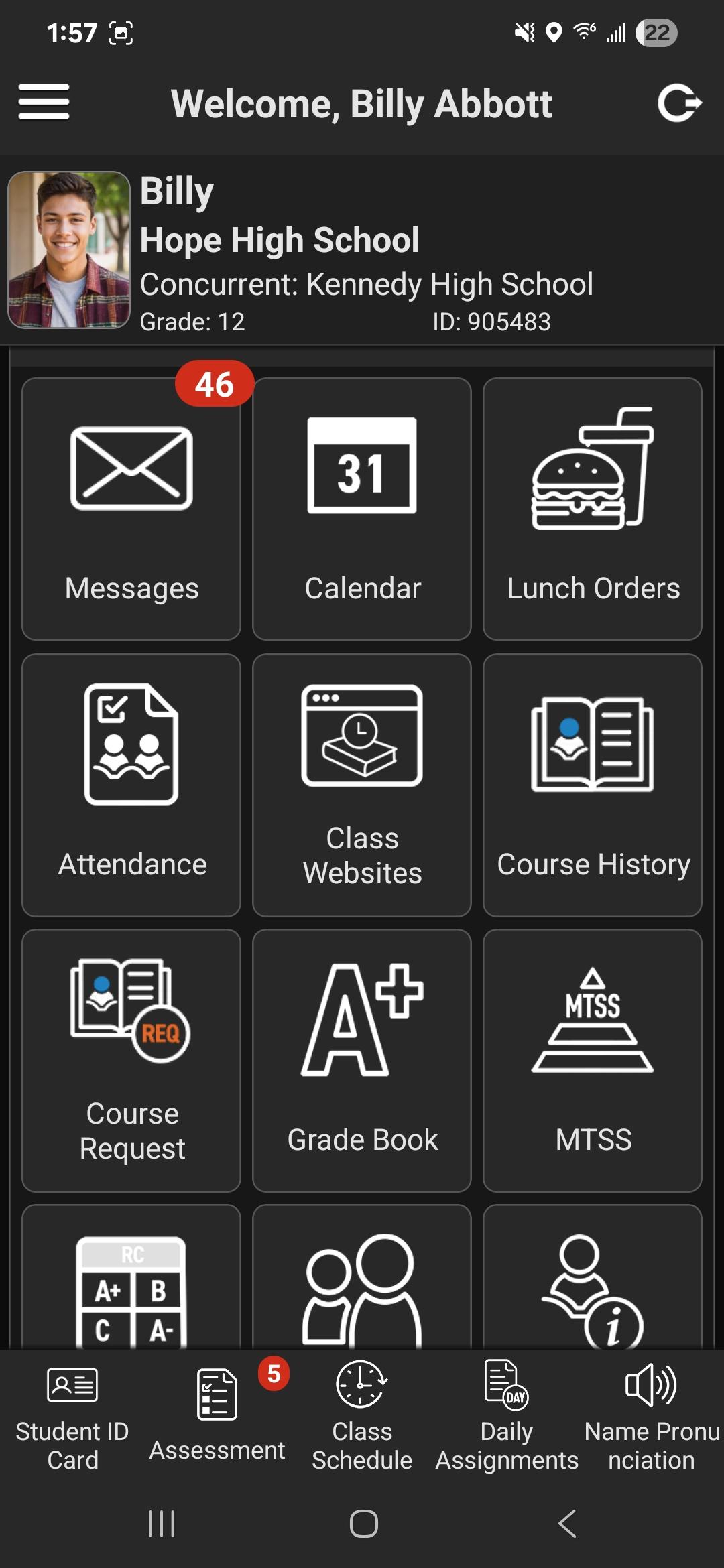
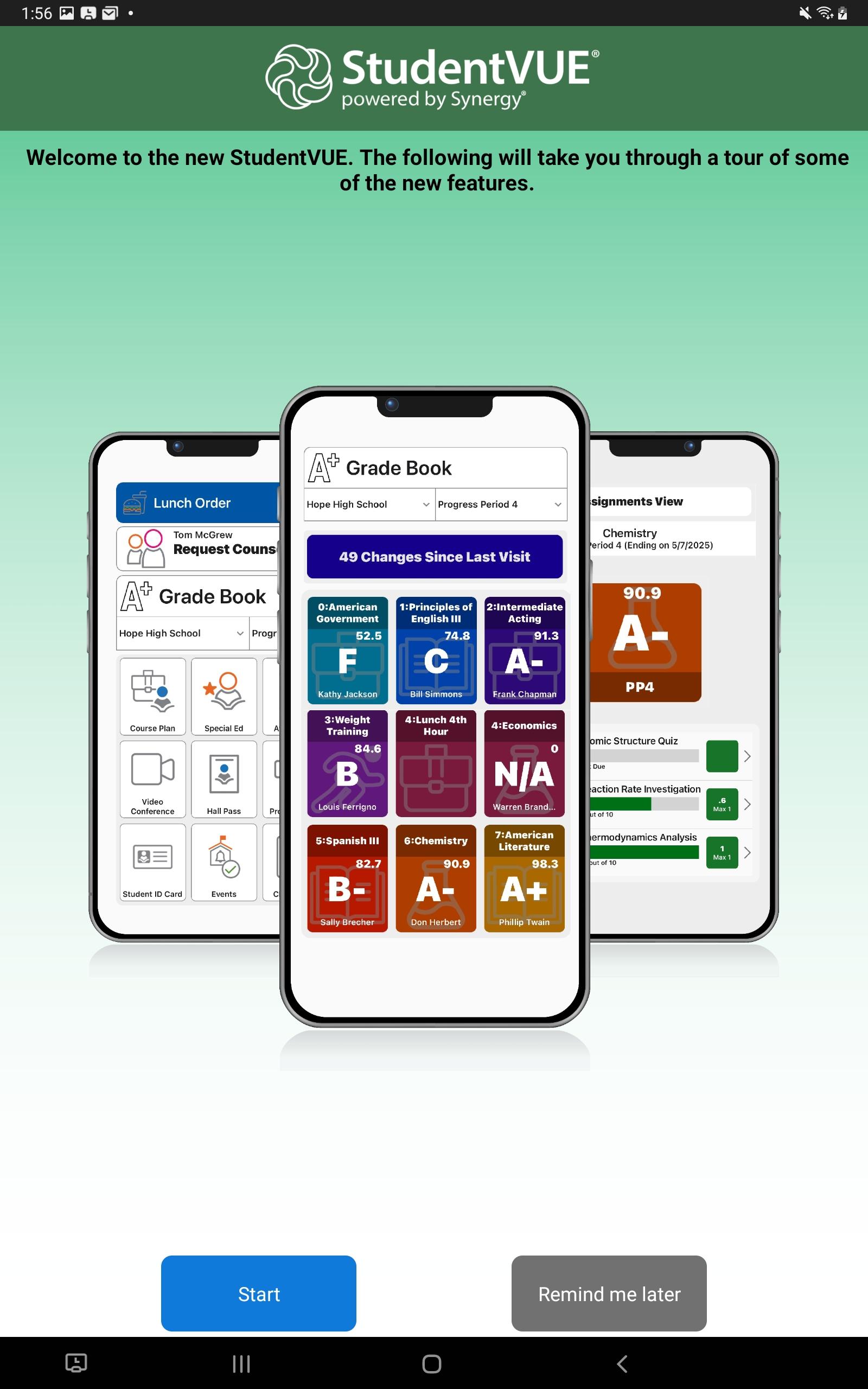
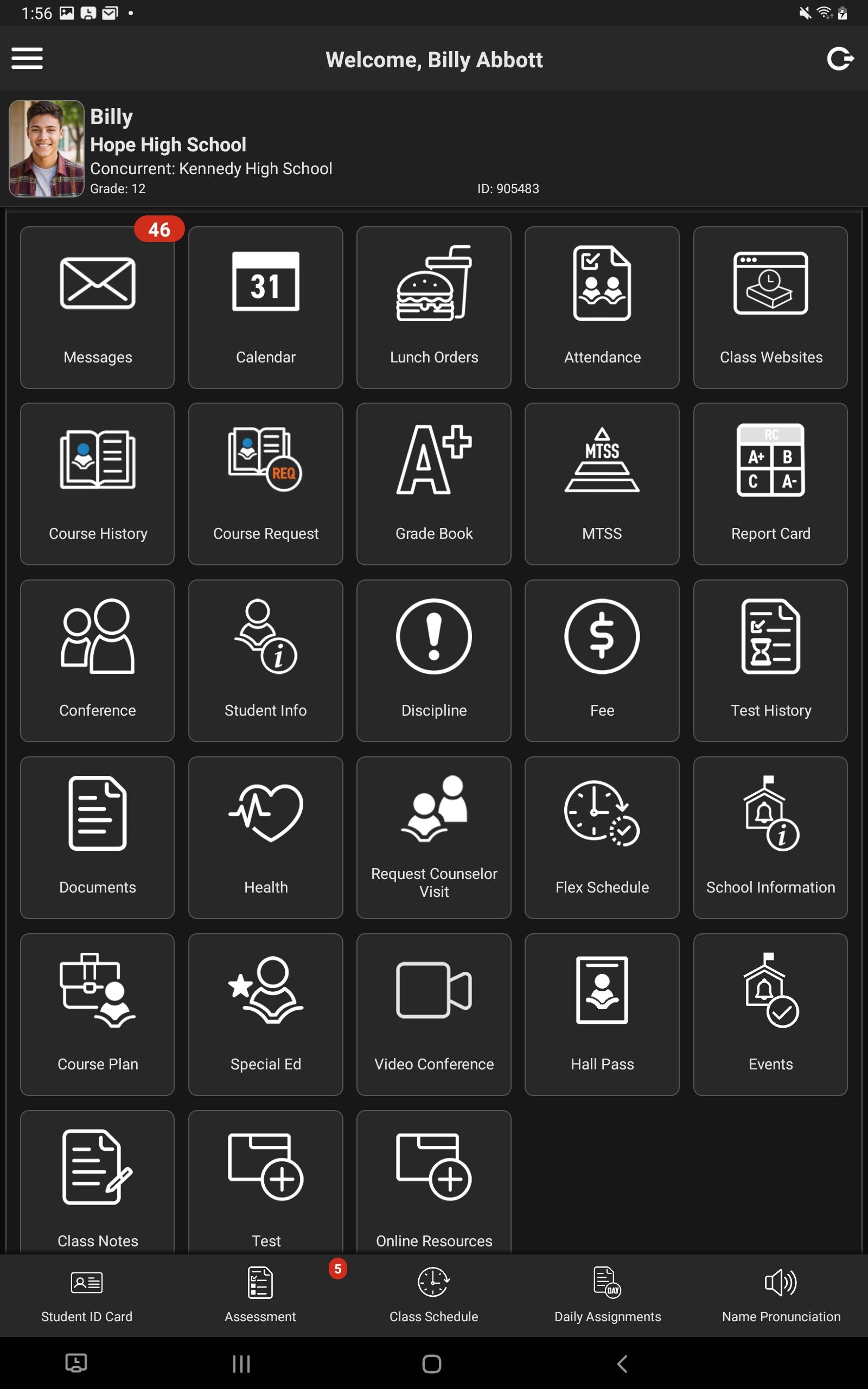
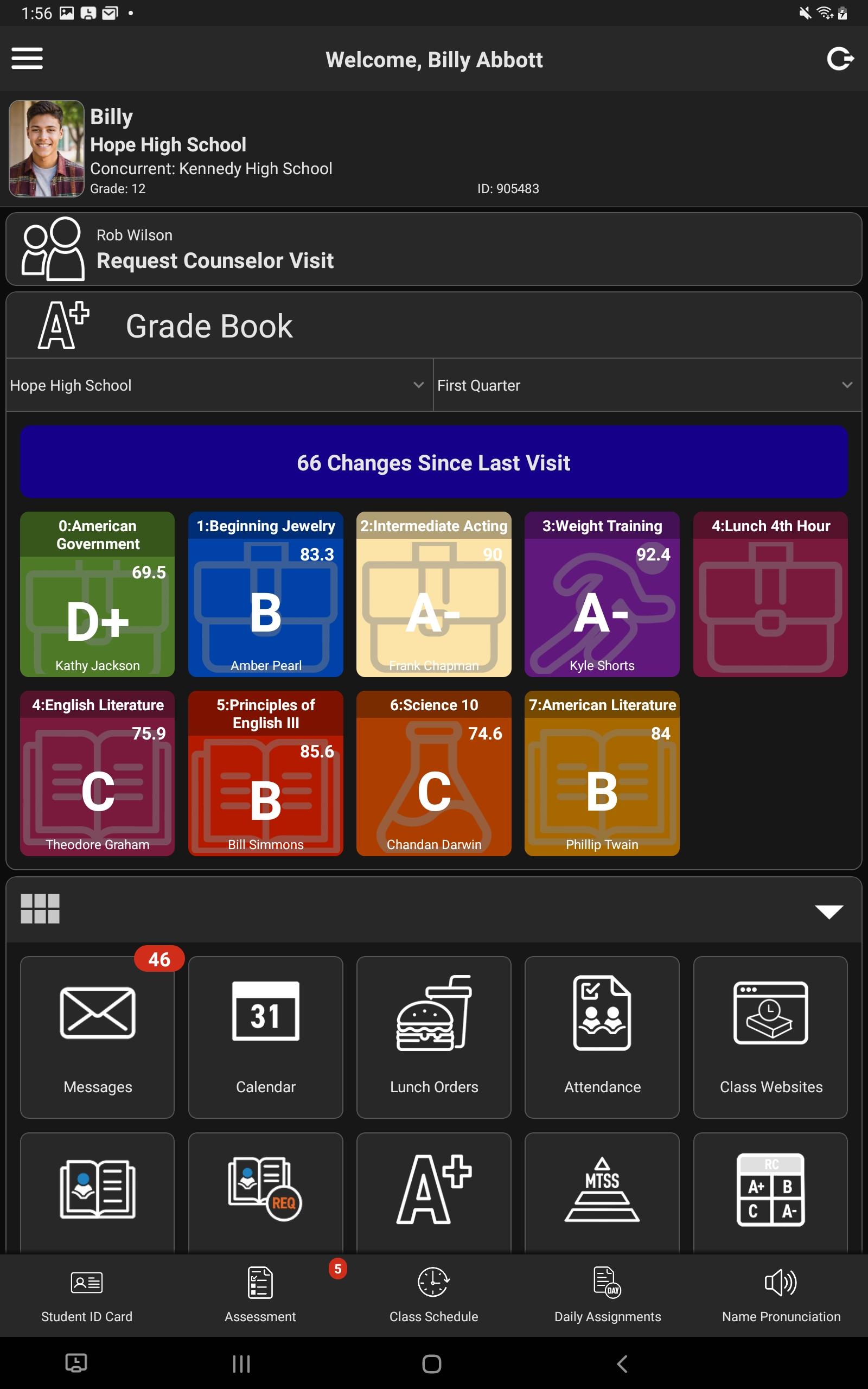
The StudentVUE mobile app helps parents and students stay informed and connected by providing day-to-day insight into the student’s academic experience. The mobile app works with Synergy® Student Information System (Synergy® SIS) in much the same way as the web portal, allowing parents and students to view student classroom assignments and scores, attendance, demographic information, and much more.
• How to find your school district and login information •
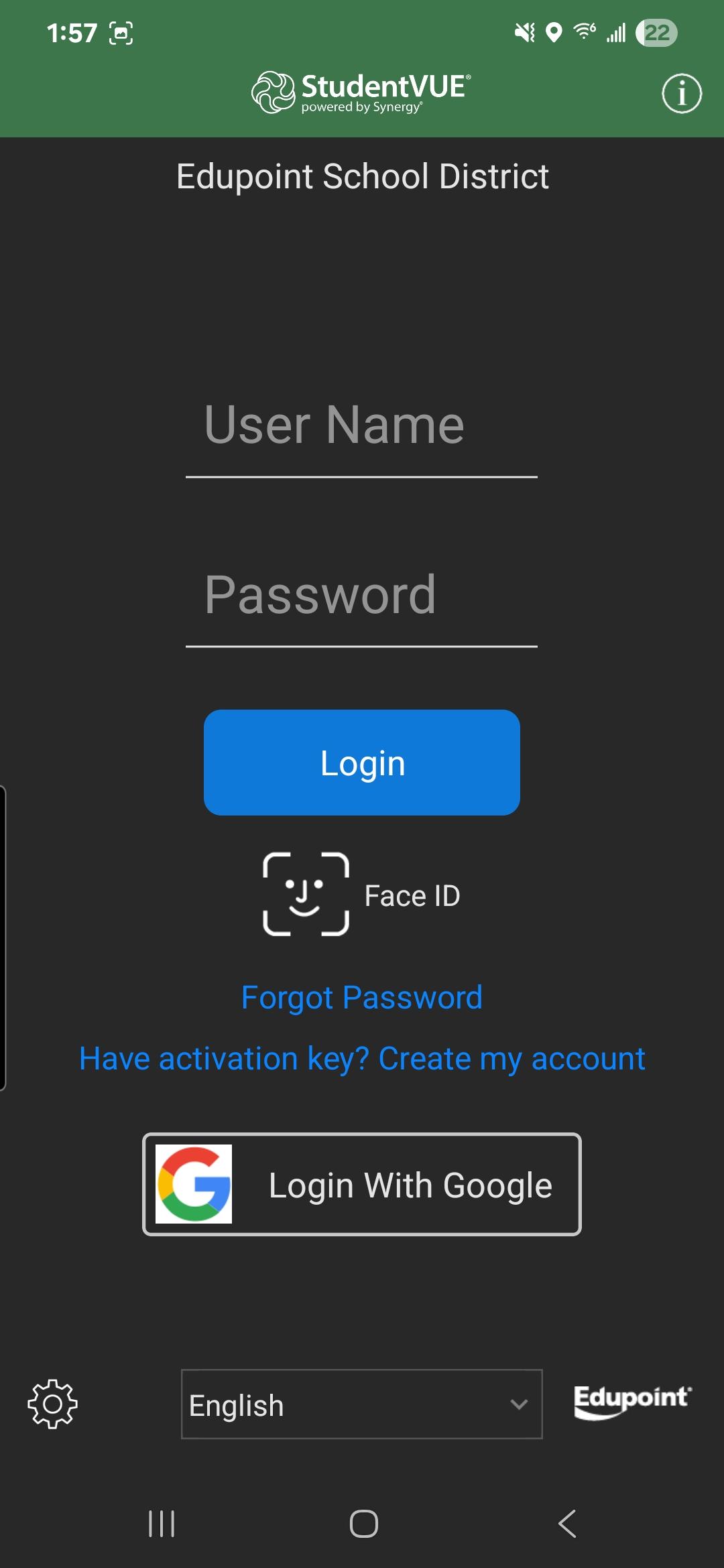
- The StudentVUE mobile app may request location permission to find school districts using Synergy® SIS. Alternatively, you can search for your school district by providing the zip code of the district office. StudentVUE lists all school districts near your location or the provided zip code.
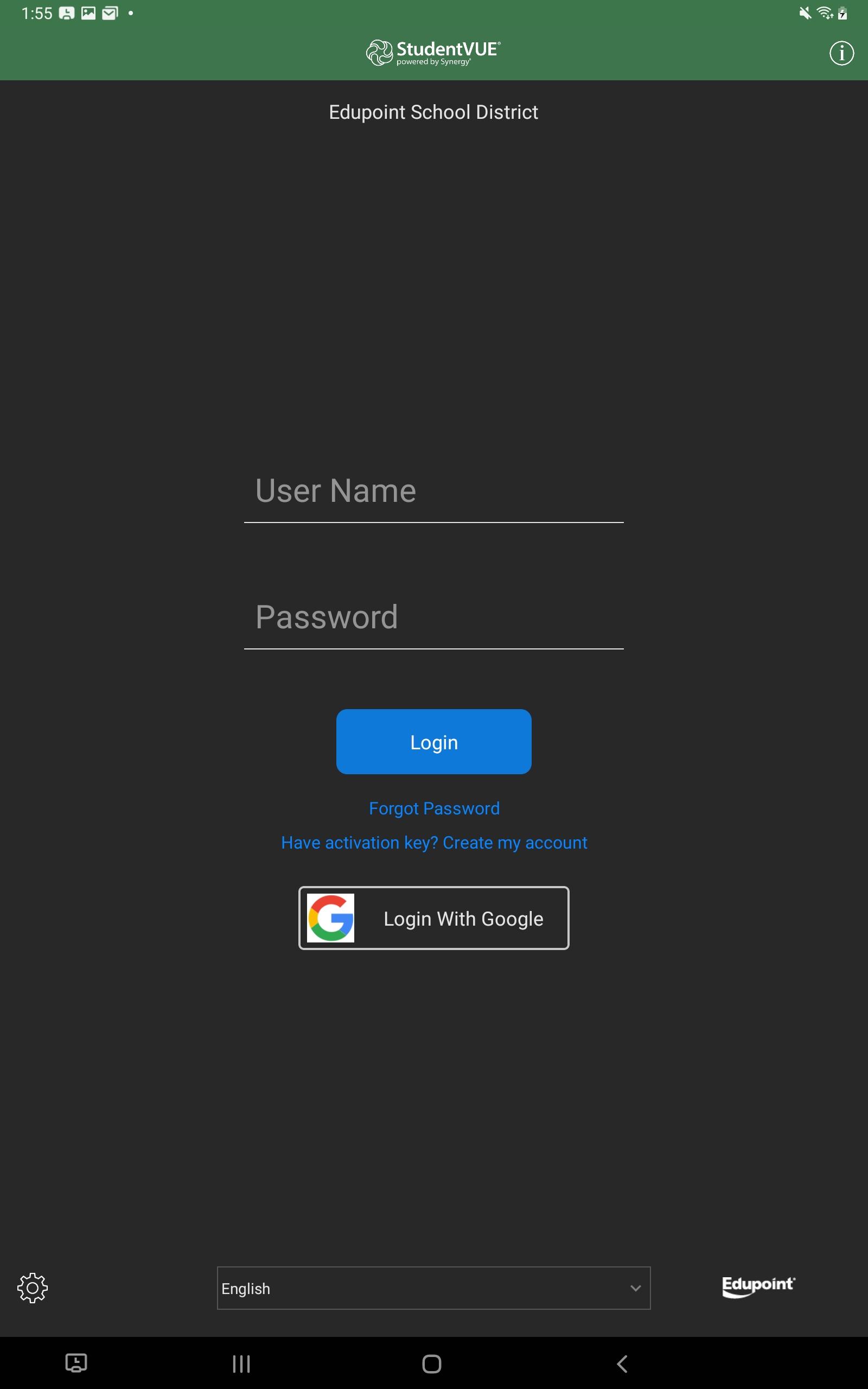
- The StudentVUE mobile app uses the same user login as the web-based portal. If you need help, please contact your school district’s administration for user login information.
• Requirements •
- Only school districts using Synergy® SIS v2025 and higher can support the StudentVUE mobile application. Please contact your school district’s administration to verify the Synergy® SIS version.
- An internet connection is required.
- The StudentVUE mobile app uses the same user login as the web-based portal. Contact your school district’s administration if you do not have this login information.
Latest Version
1.8.0Uploaded by
Nguyễn Văn Phương
Requires Android
Android 10.0+
Category
Free Education AppContent Rating
Everyone
Security Report
Check Now
Report
Flag as inappropriateLast updated on Mar 19, 2026
- Improvements and updates related to Synergy Mail and Name Pronunciation.


APKPure - A multi-platform app store primarily focused on Android, providing extensive app-related content. Discover the app you want easier, faster, and safer, with quick and efficient downloads and installations.












