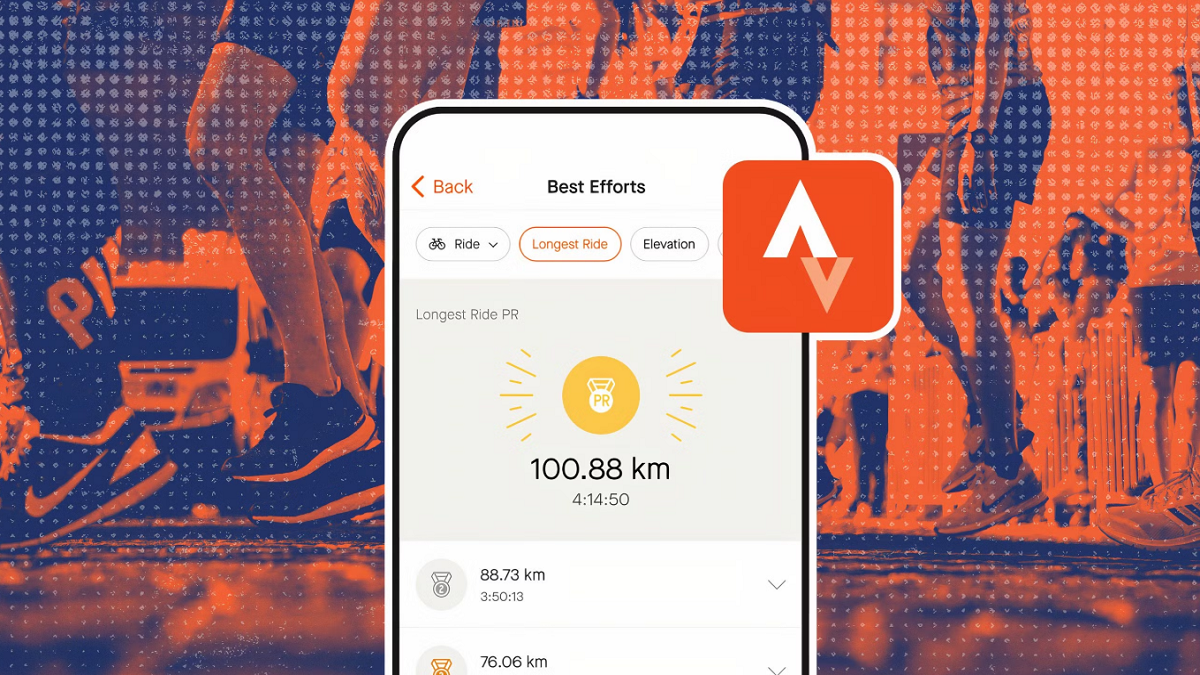

Strava helps people who want to keep their walks, runs, rides, gym sessions, and outdoor activities in one place. It suits casual users building a regular routine as well as athletes working toward personal records. The app combines GPS fitness tracking with workout history, route ideas, and social interaction. As a result, users can review their activity over time and stay connected with people who enjoy similar sports. You can download Strava to begin recording supported activities on Android.
Record activities across many sports
Strava can track more than 40 sports, including running, cycling, walking, hiking, yoga, strength training, and HIIT sessions. During GPS activities, you can record your route and view core workout statistics. This makes the app useful as a running and cycling tracker, while also supporting training that does not depend on outdoor routes.
Bring workouts together
You can connect compatible watches, bike computers, and training services to Strava so activities appear in one history. Supported connections include Garmin, Fitbit, Peloton, Apple Watch, and Wear OS. Strength workouts can also include sets, repetitions, weights, and muscle maps when the linked service provides that information.
Review training history and goals
Strava stores completed activities in a training history, allowing you to look back at past efforts and best results. You can use training logs and goals to follow your progress over time. Subscribers can access more detailed training tools, custom goals, and Athlete Intelligence insights for questions about their recorded activity data.
Find routes for runs and rides
Strava shows route recommendations based on location and preferences, which can help when you want a different place to run or cycle. You can also create a route for a planned activity. Basic route viewing is available without a subscription, while advanced route tools require a subscription.
Join challenges and connect with others
You can follow friends and other athletes, share activity photos, give kudos, and join clubs. Strava also includes monthly and group challenges where users can earn badges after meeting the stated activity targets. Segments and leaderboards let you compare an effort with other recorded attempts, while Live Segment updates are available with a subscription.
The free version includes activity recording, basic statistics, route viewing, social sharing, clubs, and standard challenges. This is enough for users who mainly want to log exercise, view a route, and follow friends in the fitness community. A Strava subscription adds advanced route options, detailed training logs, custom goals, Group Challenges, Recover Athletics exercises, Live Segments, and Athlete Intelligence.
Before installing a Strava APK, consider how you plan to use the app. Users who only need activity tracking and community features can start with the free tools. People who regularly plan routes, compare segment results, or want deeper training information may find the subscription features more relevant.
Strava gives you controls for deciding who can view your activities. You can choose an activity audience and hide map points near private locations, such as your home or workplace. Beacon can share your live location with selected contacts during an activity, which may be useful when exercising outdoors alone.
If you use a compatible watch, bike computer, or training service, it may need to be linked to Strava before workouts can sync. The connected device or service may also request permission to share activity information. Check these connection settings if a completed workout does not appear in your Strava history.
Strava follows a simple process for recording activities, reviewing results, and sharing selected workouts. The Strava latest version can be used for GPS sessions or for workouts imported from connected devices. Start with one activity type and adjust sharing settings before posting anything publicly.
Open Strava, create or sign in to an account, then choose the sport you want to record, such as a walk, run, ride, or hike.
Allow location access if you want GPS route data, then start recording before you begin the activity.
When you finish, stop and save the activity so its route and available statistics are added to your history.
Review the saved activity, then choose its audience and hide start or end map points if the route begins near a private place.
Connect a supported device or service from the app settings when you want completed workouts to sync automatically in the future.
Strava combines activity recording, workout history, route planning, friendly competition, and social sharing for active people. Install the app, select an activity, and adjust privacy settings before your first recorded session.
For product details and account support, visit the official website.
Official website: https://www.strava.com/
Latest Version
481.10Uploaded by
Prengki
Requires Android
Android 10.0+
Category
Free Health & Fitness AppContent Rating
Teen
Report
Flag as inappropriateLast updated on Sep 15, 2026
Hi there. We fixed a couple bugs and made some performance improvements, so the app should now be almost as speedy as you. Have fun out there!



APKPure - A multi-platform app store primarily focused on Android, providing extensive app-related content. Discover the app you want easier, faster, and safer, with quick and efficient downloads and installations.