Stratida PDF Scanner turns photos of paper into clean, shareable documents — privately, on your device.
Point your camera at a page. Stratida finds the edges, captures when the view is steady, removes the background, and straightens perspective so the result looks like a real scan, not a snapshot. Import photos from your library the same way. Nothing is uploaded. Scanning, OCR, and saving all run locally, even offline.
SMART SCAN
• Live four-corner detection that frames the whole page
• Auto-capture when you hold the phone still
• Perspective correction that flattens skew and warp
• Drag-to-adjust corners if you want a tighter crop
• Tap to focus and pinch to zoom
• Multi-page sessions — capture up to 50 pages in one go
• Import up to 50 JPG, PNG, or HEIC images from Photos
SAVE IT YOUR WAY
• High-contrast full color for signatures, stamps, photos, and fine print
• Crisp black-and-white for letters, receipts, and forms
• Exact ISO A4 pages in portrait or landscape
• Export as PDF, Word (.docx), Excel (.xlsx), PowerPoint (.pptx), or plain text
• On-device OCR for Word, Excel, PowerPoint, and text — review the result after saving
• Name each document before you save
STAY ORGANIZED
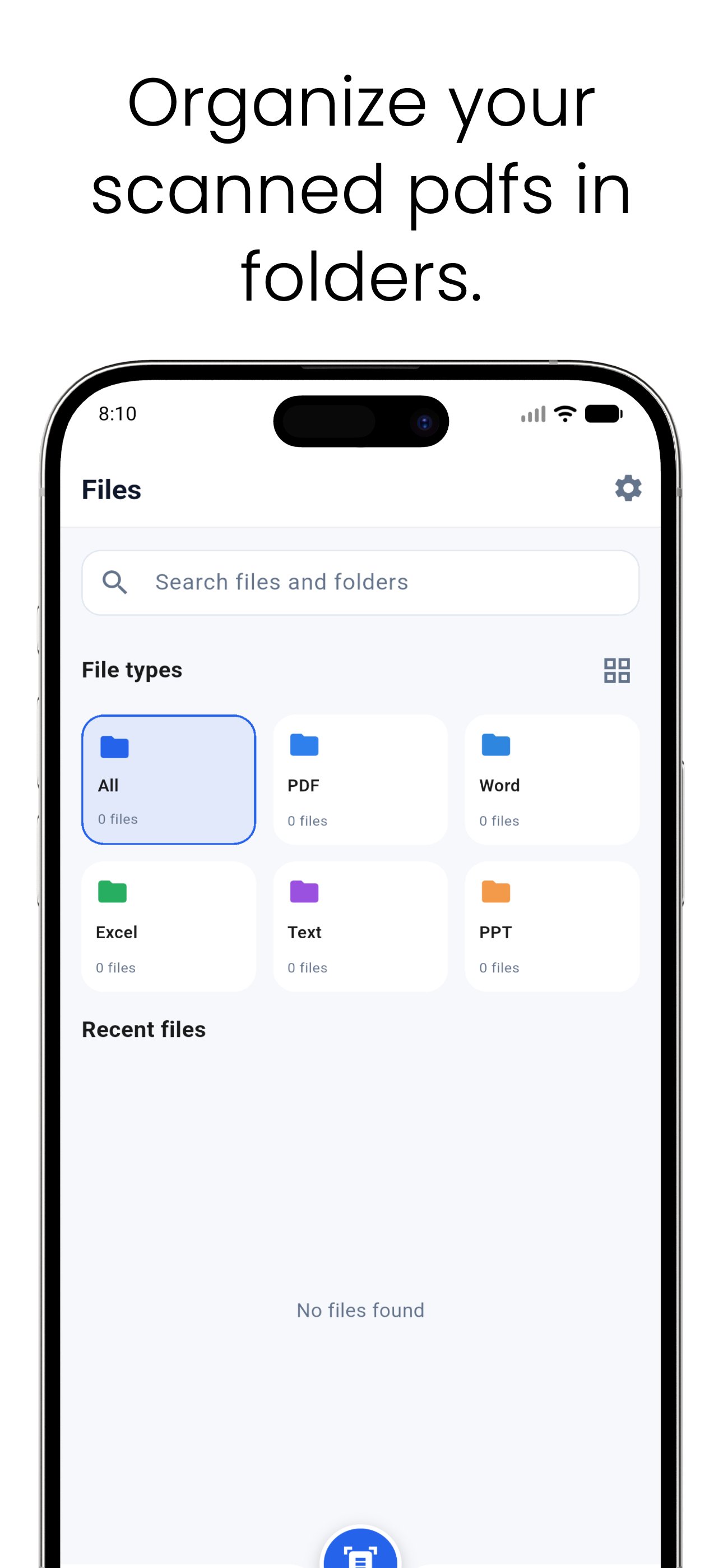
• Home for recent scans and folders
• Nested folders with create, move, copy, rename, and delete
• Files browser with filters for PDF, Word, Excel, text, and PowerPoint
• Built-in viewer for the documents you create
• Share, rename, or delete from the document
• Extra delete confirmation when Privacy Lock is on
PRIVACY FIRST
Your scans stay on this device. Stratida PDF Scanner does not collect usage analytics, does not require an account, and does not need the internet to scan or save. Camera access is used only to find page edges and capture scans. Photo library access is used only for the images you choose to import.
WHO IT IS FOR
Receipts, contracts, IDs, homework, meeting notes, whiteboards, and anything else you need as a clean A4 file — without sending pages to the cloud.
How to scan: place the document on a contrasting surface, keep all four corners in frame, use even light, and hold steady. A short in-app guide walks you through it.
Questions? Email hello@stratida.com
Privacy policy: https://stratida.com/privacy-policy/
Terms of service: https://stratida.com/terms-of-service/
Stratida PDF Scanner. Clean scans. Yours alone.
Latest Version
Varies with deviceRequires Android
Category
Free Tools AppContent Rating
Everyone
Report
Flag as inappropriateLast updated on Aug 20, 2026
This release includes minor bug fixes and general improvements. Update to the latest version for the best experience.




APKPure - A multi-platform app store primarily focused on Android, providing extensive app-related content. Discover the app you want easier, faster, and safer, with quick and efficient downloads and installations.