
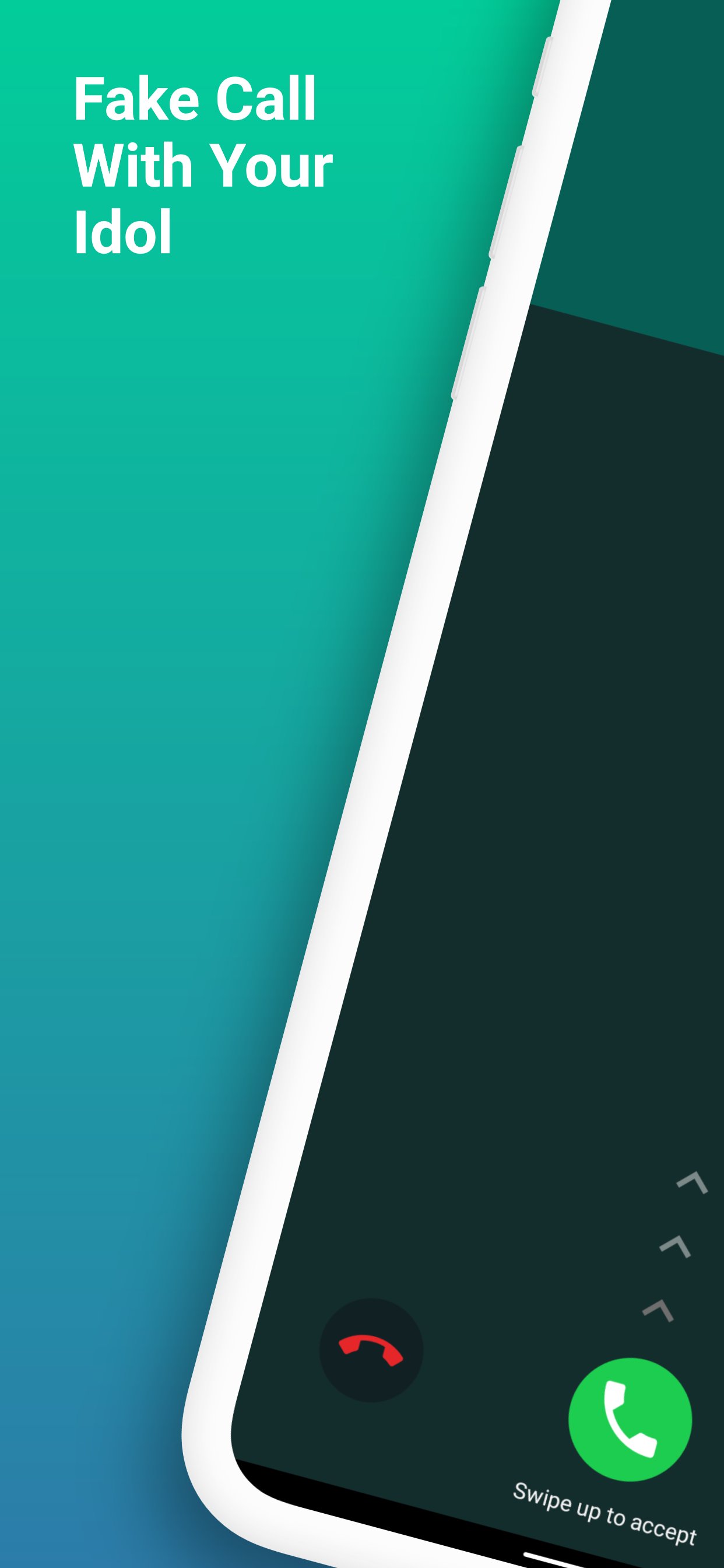
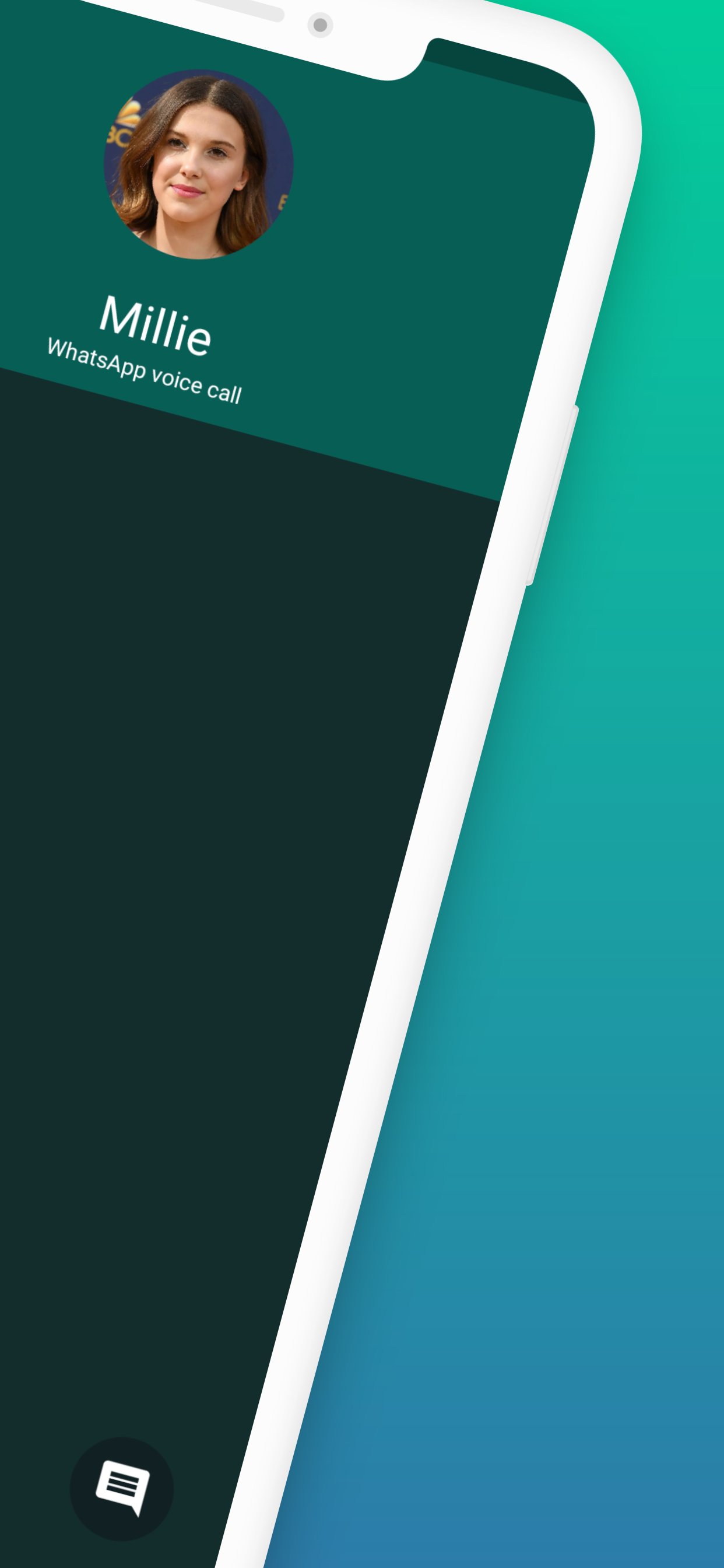
This Video Call with StrangerThings is made for entertainment purposes only, where it is as if you are making a video call or voice call. You can share screenshots to surprise your friends or family.
How to Use Fake Call StrangerThings App:
1. Open app
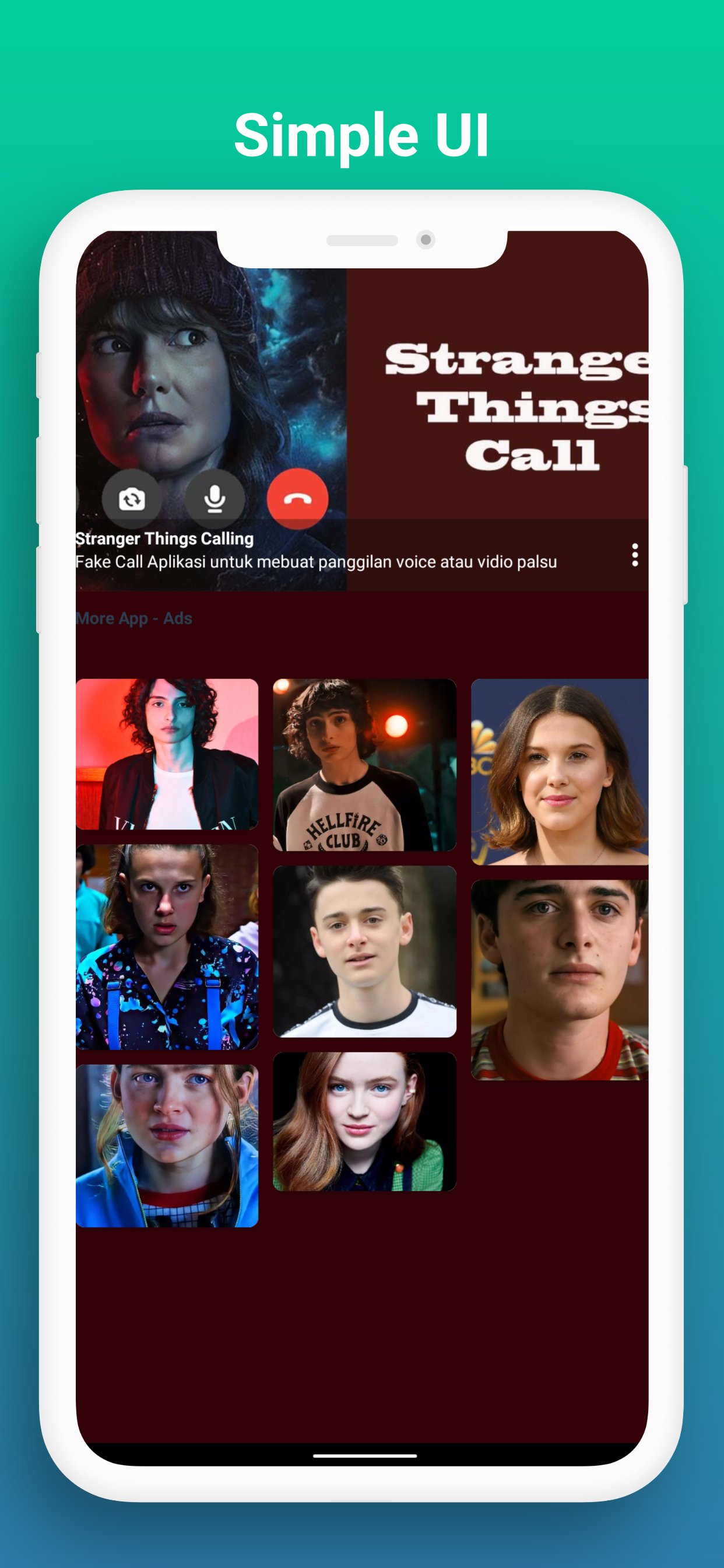
2. Choose the Your idol wallpaper you want
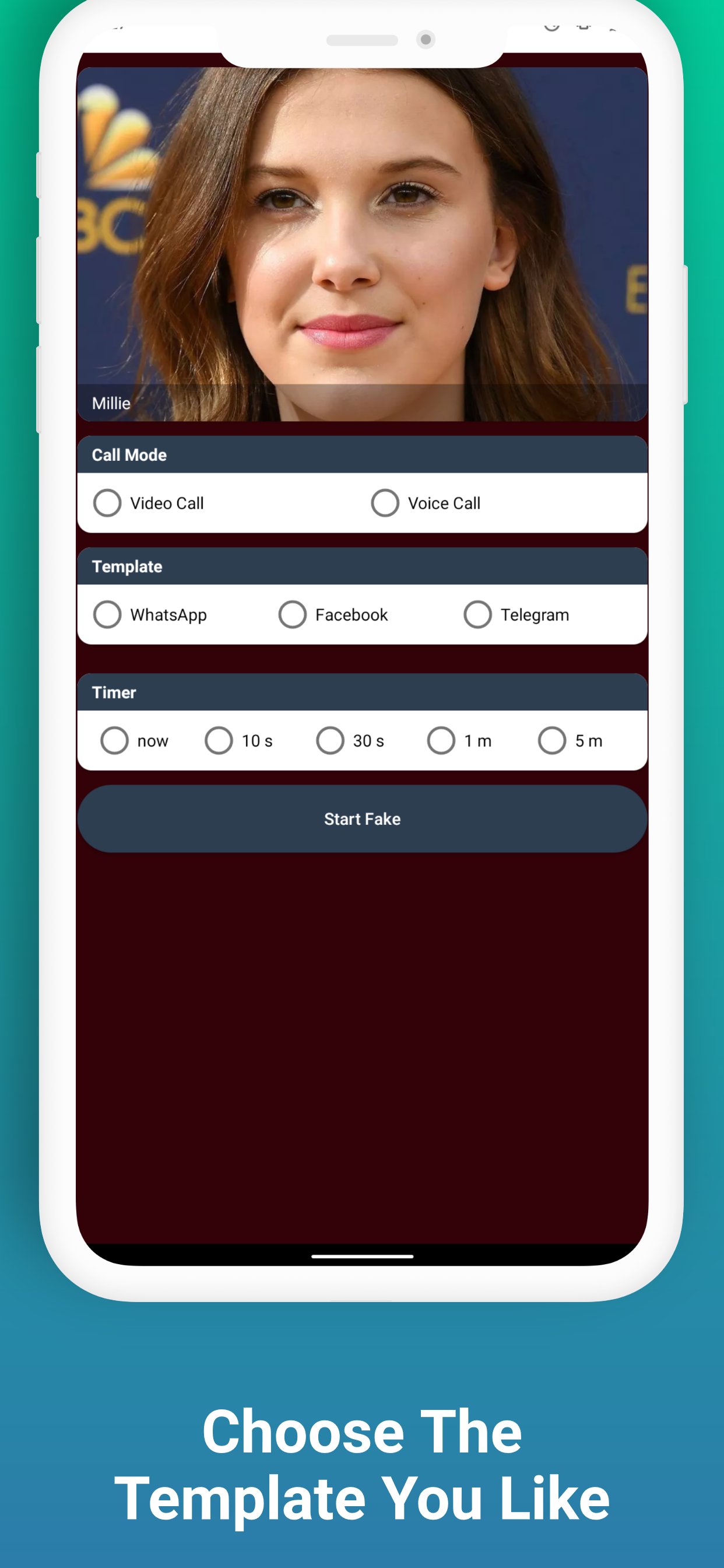
3. Choose video call or voice call
4. Choose a template
5. Choose a time
6. Click the Start Fake Call button
Latest Version
4.0.u25Uploaded by
علي خاتم
Requires Android
Android 5.0+
Category
Free Entertainment AppContent Rating
Everyone
Report
Flag as inappropriateLast updated on Aug 28, 2022
- Simple and easy to use interface
- Cool UI and UX design
- 100% This app works offline (you don't need internet connection to use the app)

APKPure - A multi-platform app store primarily focused on Android, providing extensive app-related content. Discover the app you want easier, faster, and safer, with quick and efficient downloads and installations.











