
※ What is STOVE Authenticator?
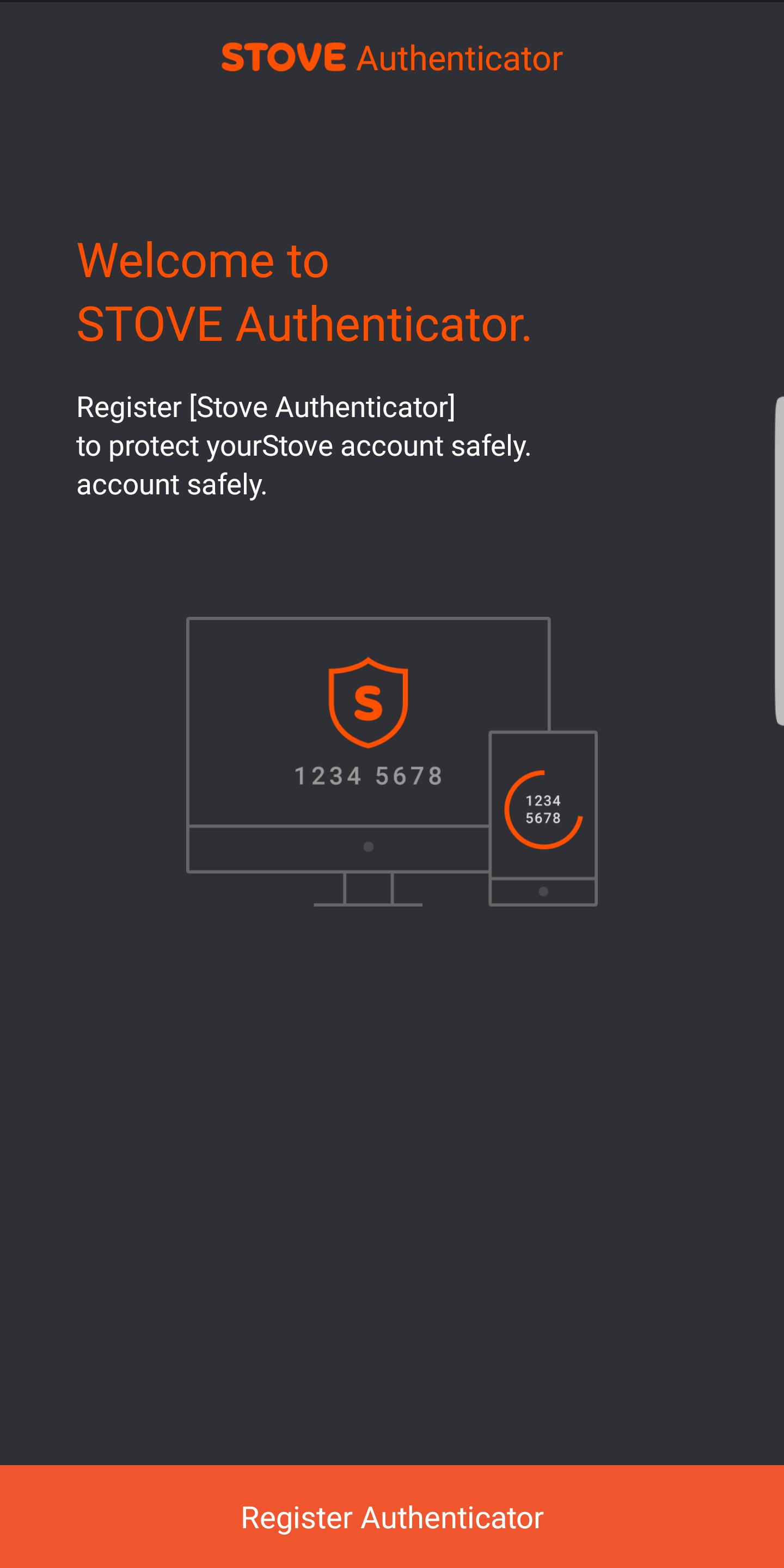
STOVE Authenticator is an OTP (One Time Password) app that creates and controls an 8-digit OTP in the two-step verification to strengthen the security. Using the OTP authentication, STOVE Authenticator protects your account from password hacking, account fraud, disclosure of personal information, and other forms of attack.
※ How to Register STOVE Authenticator
① Install the STOVE Authenticator app from Google Play Store.
② Go to http://www.onstove.com from your PC or smartphone and log in.
③ In the top right menu, select My Info > STOVE Authenticator Settings.
④ Enter the unique number and authentication number displayed on the Authenticator app screen to register your STOVE Authenticator.
※ Supported Language
① Korean
② English
③ Japanese
④ Traditional Chinese
Latest Version
1.2.1Uploaded by
No Sloy
Requires Android
Android 4.1+
Category
Free Tools AppContent Rating
Everyone
Report
Flag as inappropriateLast updated on Dec 22, 2022
This release includes minor bug fixes and general improvements. Update to the latest version for the best experience.



APKPure - A multi-platform app store primarily focused on Android, providing extensive app-related content. Discover the app you want easier, faster, and safer, with quick and efficient downloads and installations.