How many times has it happened to you that you set a reminder and end up removing it from notification bar and forgetting it later? Need to buy some groceries, call some old friend or pay some bill by the end of the day, Sticky Reminders will help you complete all these kind of tasks. This app puts the reminders on your notification area (which will also be visible on lock-screen) and they are persistent. They don't go off on swiping or even when you clear all notifications.
Features:
• Create: Create your custom notifications which always stays on the notification bar (even on lock-screen).
• Edit: Edit your reminders by tapping on them from notification bar or from "View All" menu.
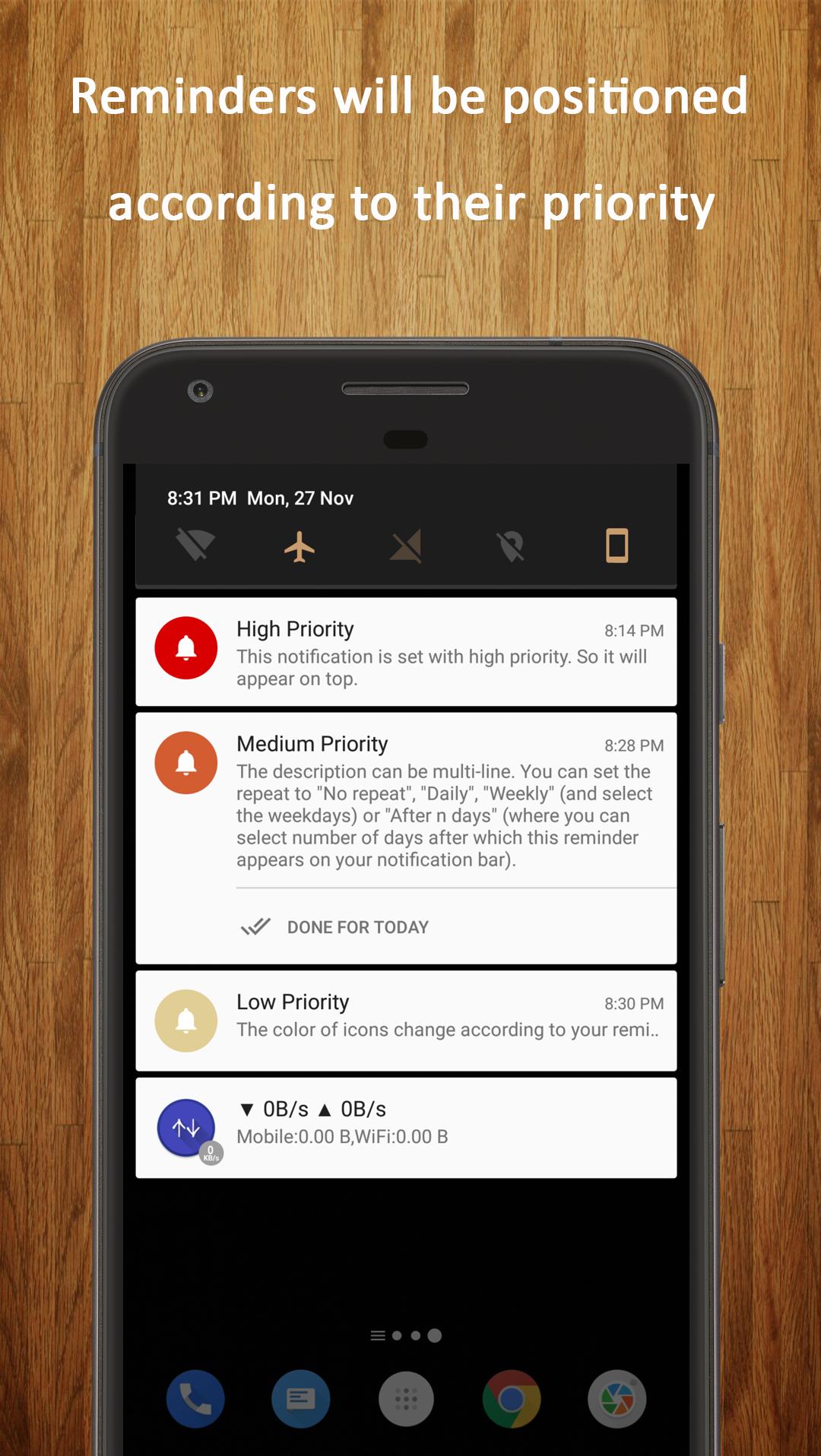
• Prioritize: You can set priority of the reminders. Higher the priority higher is the position on the notification bar.
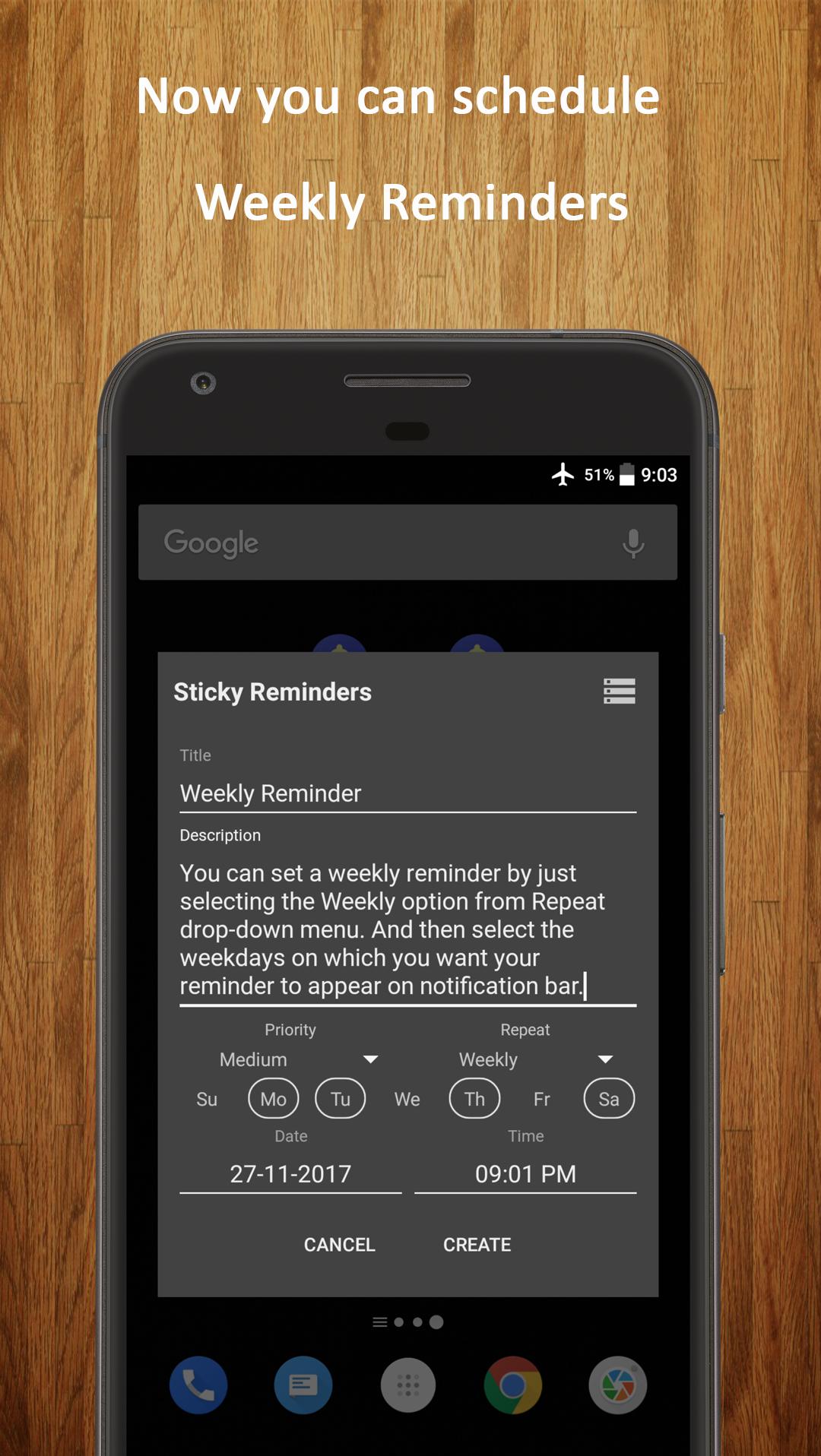
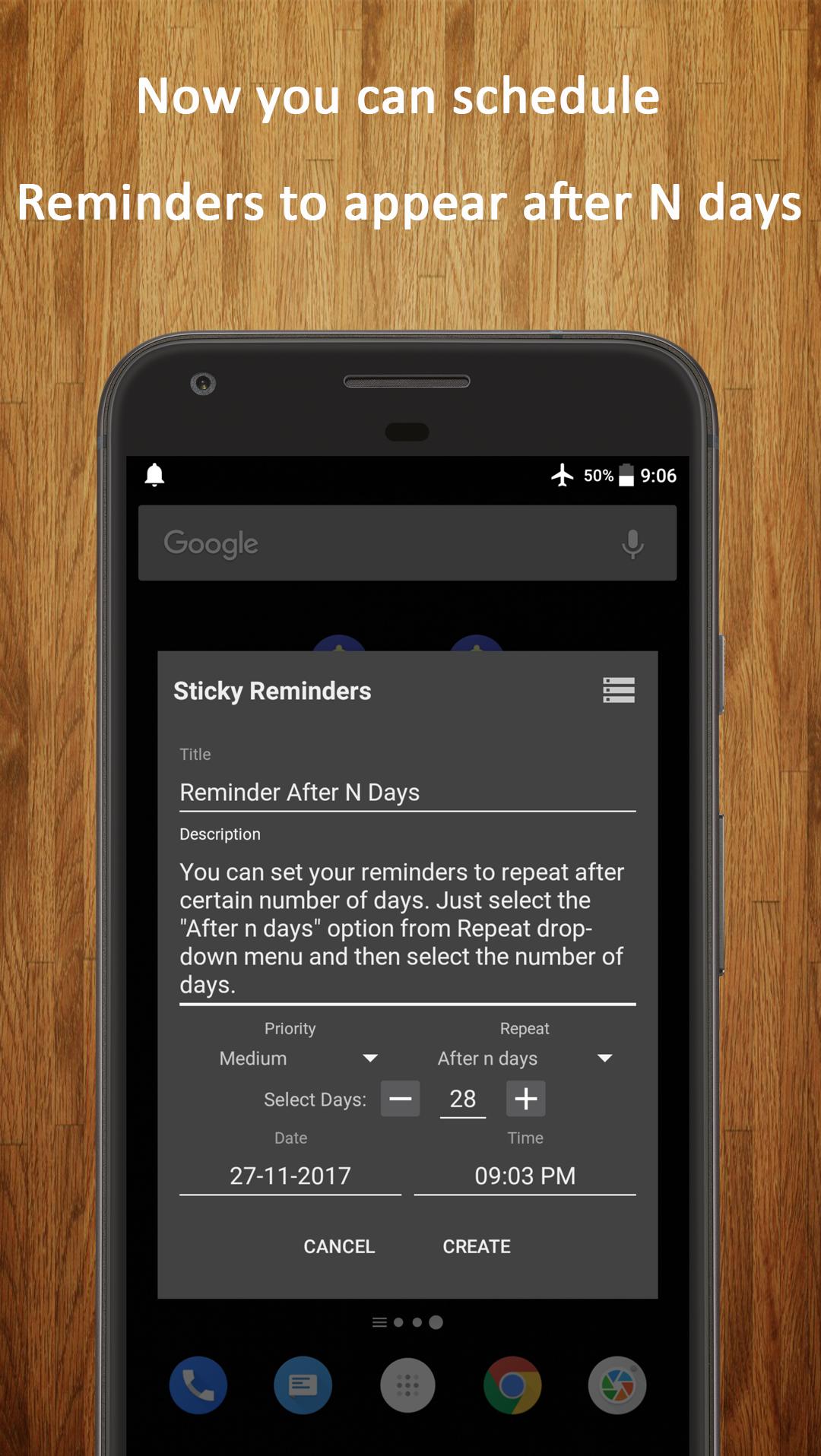
• Schedule: Don't want the reminder to appear on the notification bar from the time you create it? Schedule the reminder for a later time and the reminder will appear on your notification bar from that mentioned time.
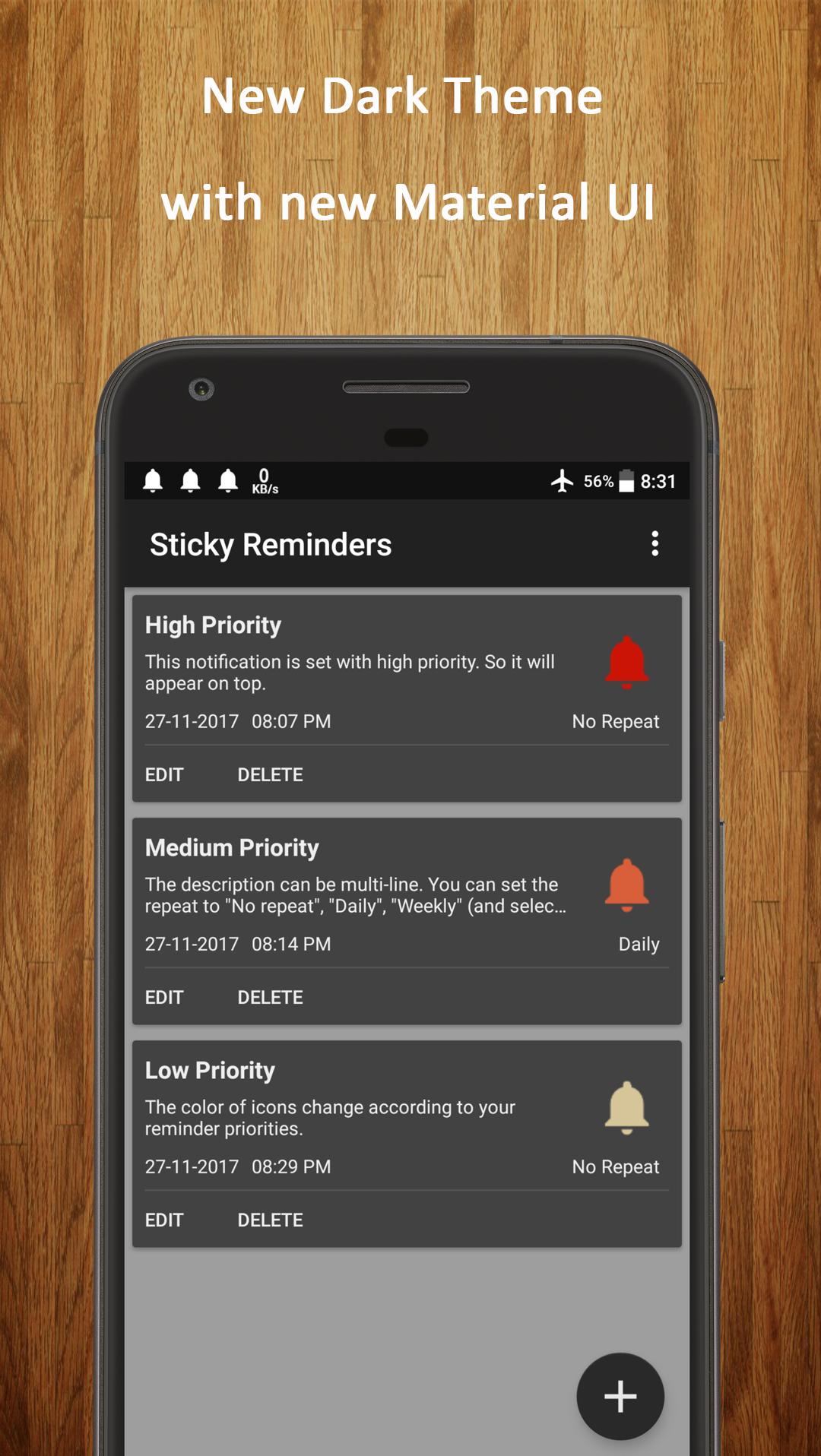
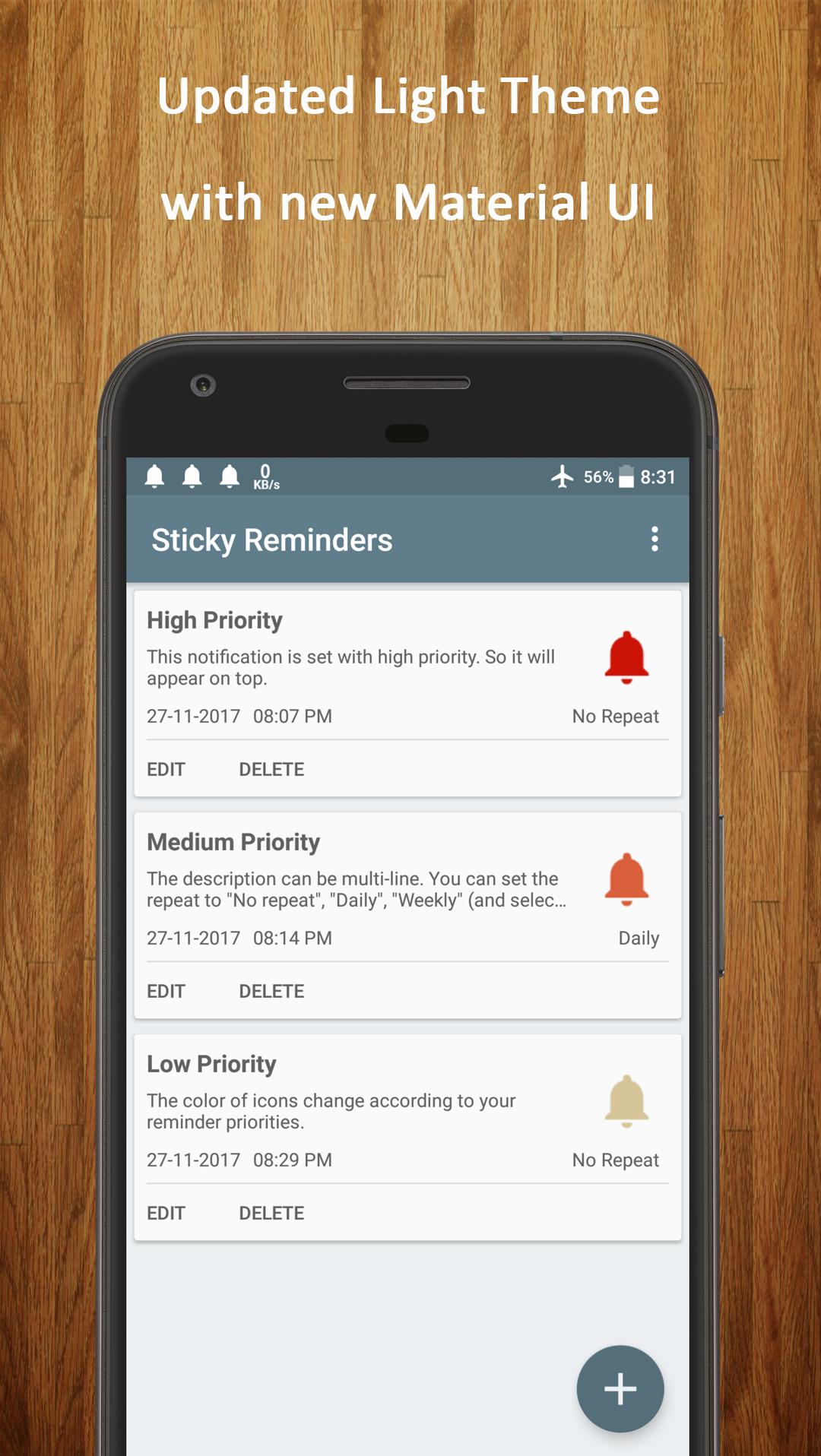
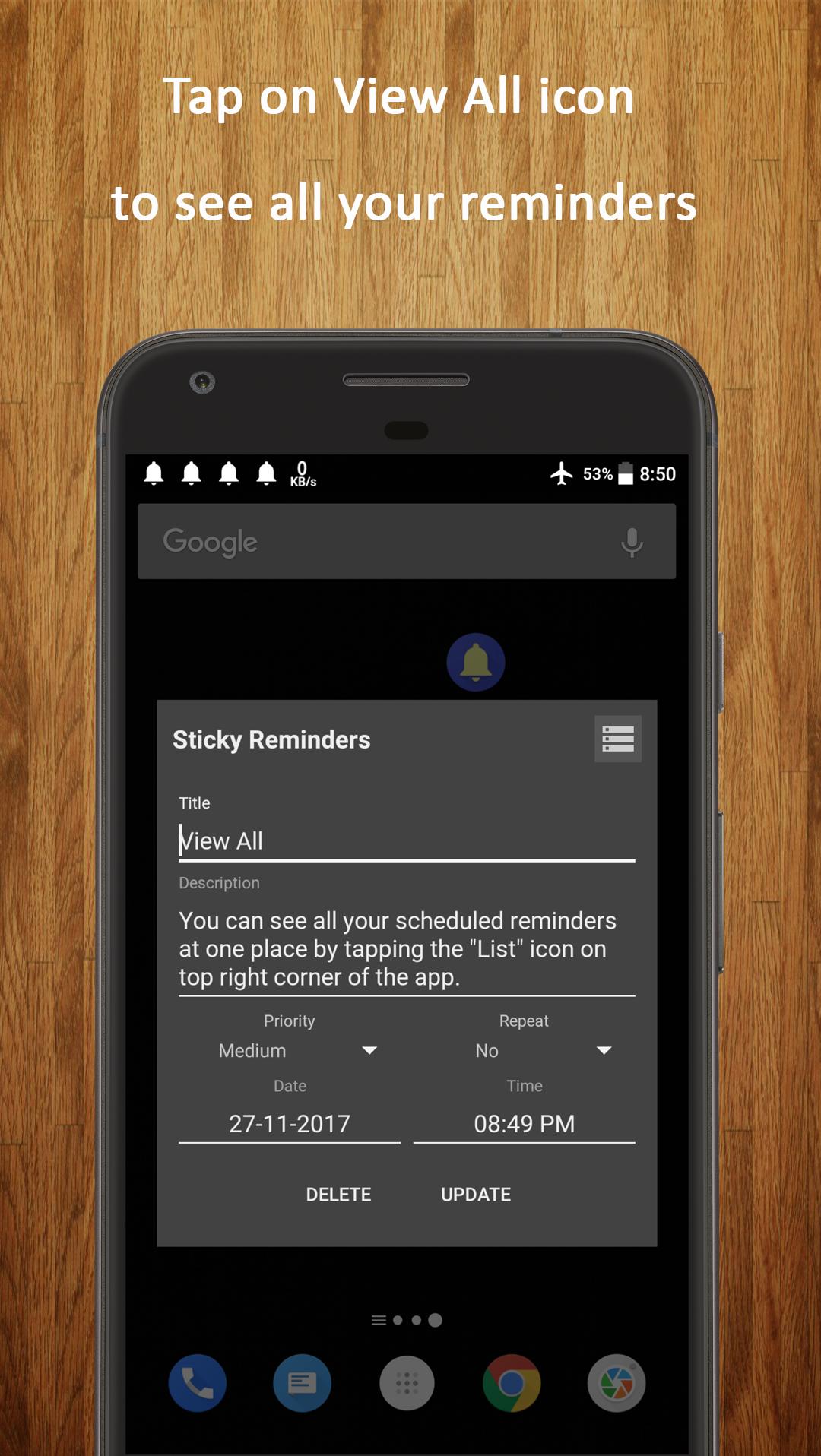
• View All: View all of your scheduled reminders at one place and edit or delete them.
• Sort: You can sort all your reminders based on the priority you had set or on the scheduled time.
• Colors: Icon colors based on the priority to help you recognize them easily.
• Battery & Memory Friendly: It won't drain your devices battery or memory.
• Don't miss anything even if your device gets rebooted. All the reminders will stay on the notification bar.
**NOTE: On some of the devices, earlier set reminders do not show after the phone restarts. This issue is because of some phone manufacturers disabling apps to auto-start after phone reboot. Please check your phone settings and allow Sticky Reminders to auto-start or allow it in background apps.**
• Ads Free
Thank you Akshay Uppal, Rohit Kumar Sharma and all other friends for your valuable suggestions and feedback.
Latest Version
2.1.2Uploaded by
ကိုေမာင္ ကိုေမာင္
Requires Android
Android 4.0+
Category
Free Productivity AppContent Rating
Everyone
Report
Flag as inappropriateLast updated on Nov 20, 2018
Bug Fixes:
- App crashes
- Reminders coming even after being deleted
- Repeating Reminders not coming after 2-3 occurrences
New Features:
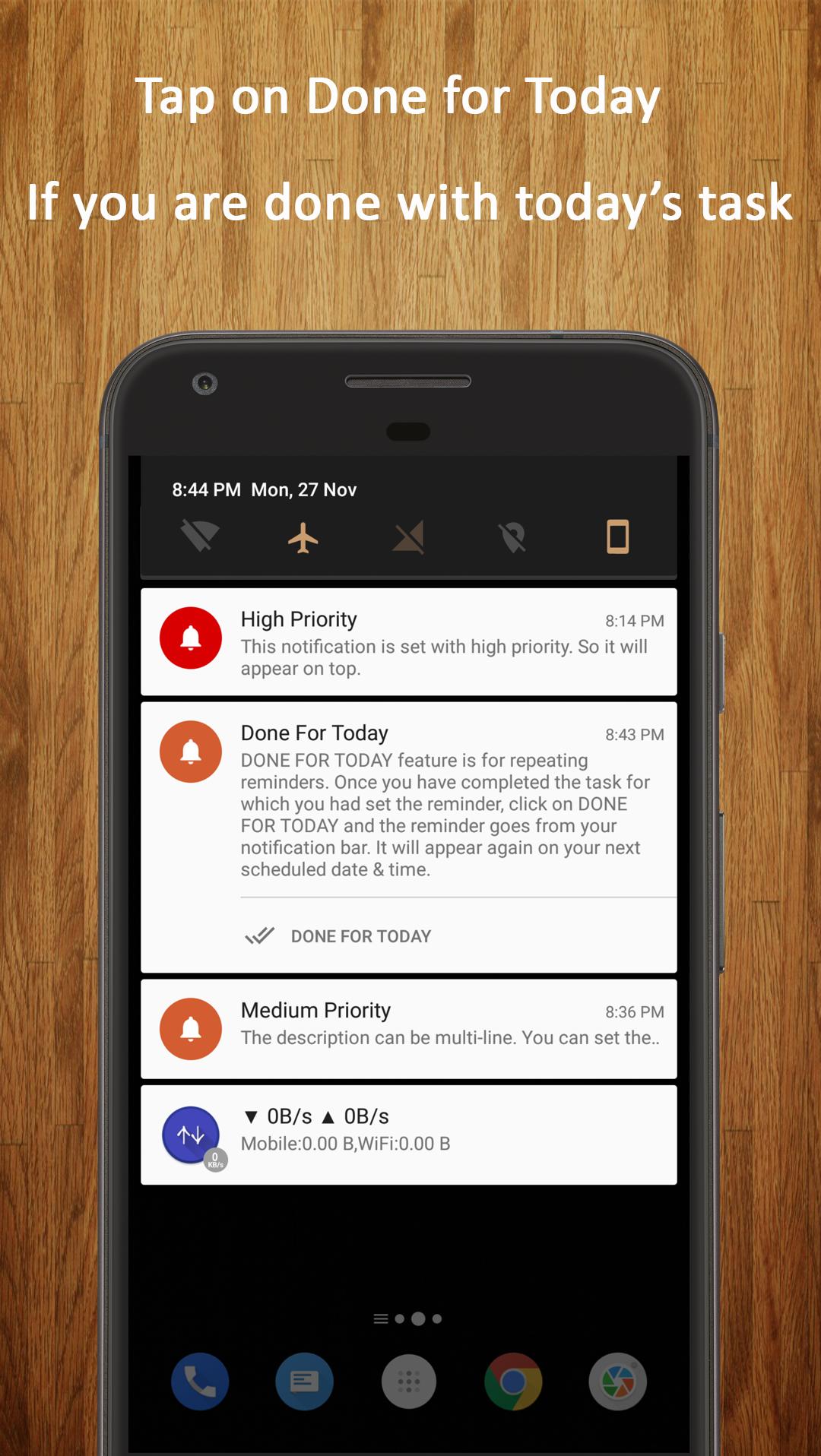
- Added a DONE action for reminders. Completed reminders can be marked DONE (instead of mandatorily deleting the reminders). Helps keep track of your older reminders.
- Redesigned View All page
- Tap on any of the reminders to see the details like detailed description, next occurrence, etc.
- Current status of reminders can now be tracked


APKPure - A multi-platform app store primarily focused on Android, providing extensive app-related content. Discover the app you want easier, faster, and safer, with quick and efficient downloads and installations.