
HOW TO USE :-
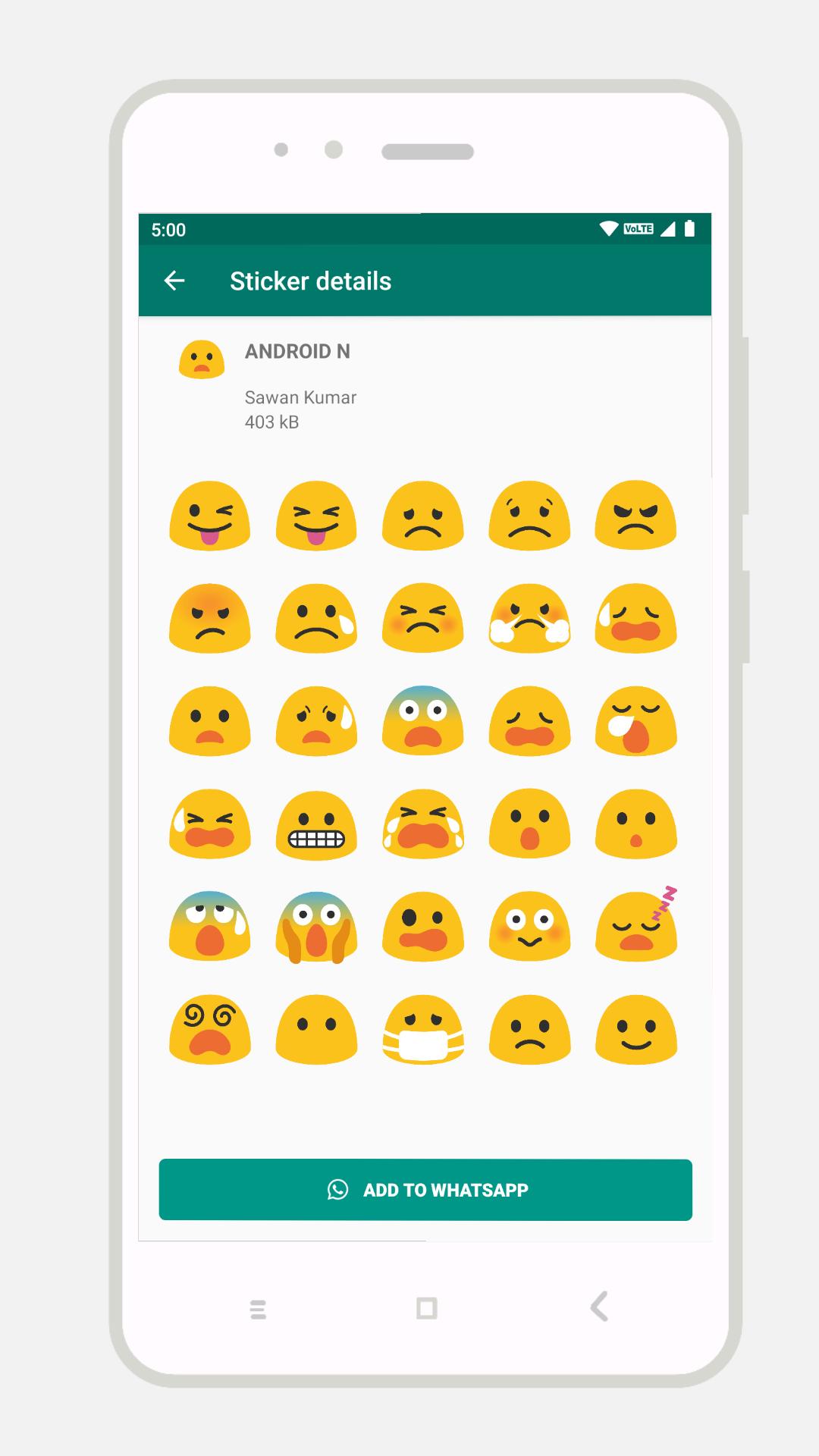
☝️ Install and open this app.
☝️ Tap on ADD to WhatsApp.
☝️ Open WhatsApp and go to a chat.
☝️ Tap on the Emoji icon.
☝️ You will see a new sticker icon at the bottom. Click that emoji.
FAQ :
Ques : I add these stickers and use after sometime it's not available in my WhatsApp.
Ans : Some phones doesn't allow this app to run in background.
Goto Settings-->Battery-->Battery Optimization and then choose this app then choose "Don't Optimize".
IMPORTANT:
The "Whatsapp" or "WhatsApp" name is copyright to WhatsApp,inc.
This app is in no way affiliated with, sponsored or endorsed by WhatsApp, Inc.
Latest Version
5.0Uploaded by
Sivita Yothatip
Requires Android
Android 4.1+
Category
Free Social AppContent Rating
Everyone
Report
Flag as inappropriateLast updated on Nov 22, 2019
Initial Release






APKPure - A multi-platform app store primarily focused on Android, providing extensive app-related content. Discover the app you want easier, faster, and safer, with quick and efficient downloads and installations.














