Scan Date:Apr 29, 2026
Show More


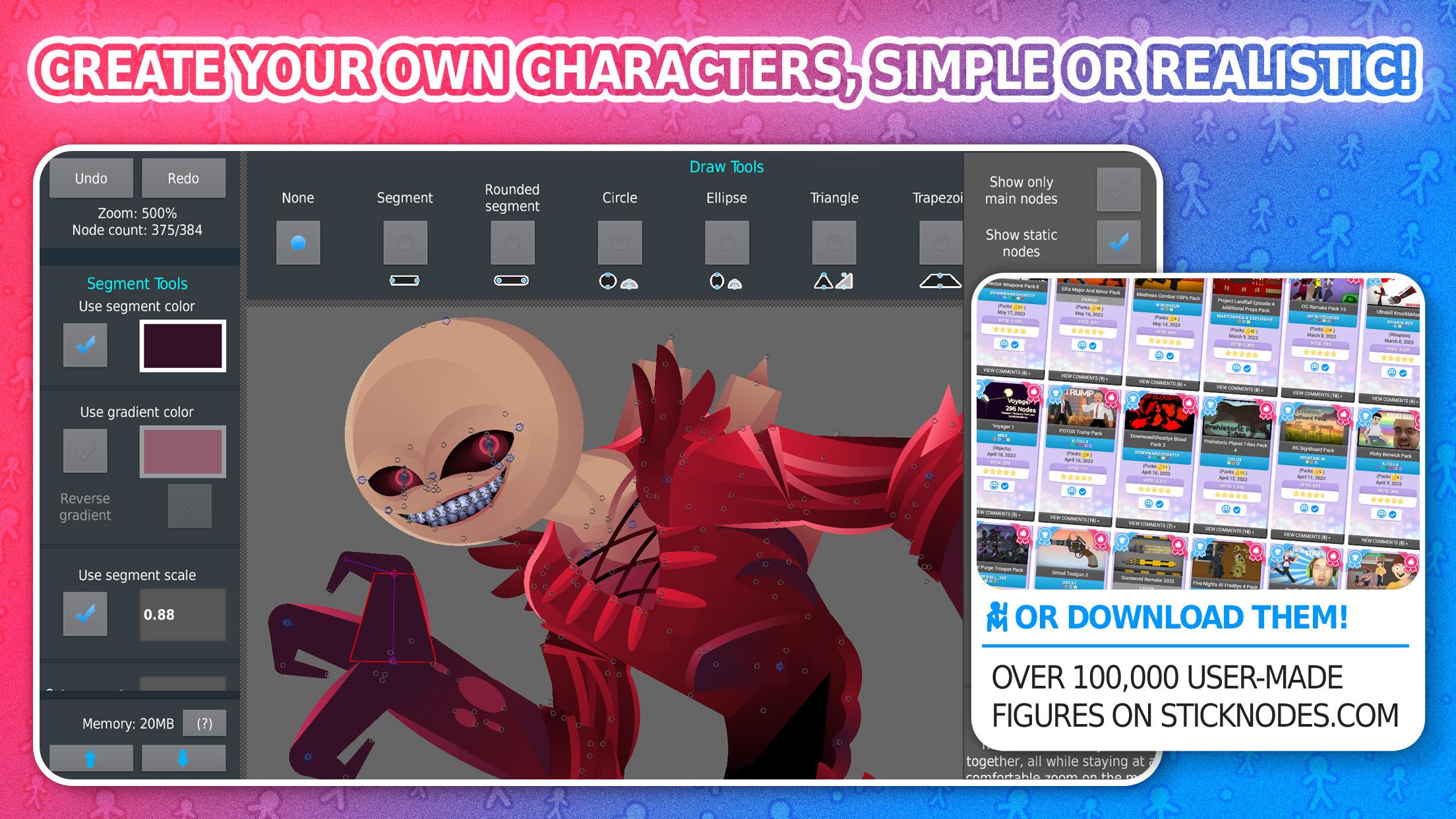
Stick Nodes suits users who want to animate directly on a phone without a desktop setup. It focuses on clear, frame by frame control so you can build scenes at your own pace, while learning tools that stay approachable. Through an active community, you can find ready figures and inspiration to speed up your process. As projects grow, you can keep workflows simple and share results easily. For installation details, many users look for Stick Nodes APK to get started quickly.
Automatic frame tweening
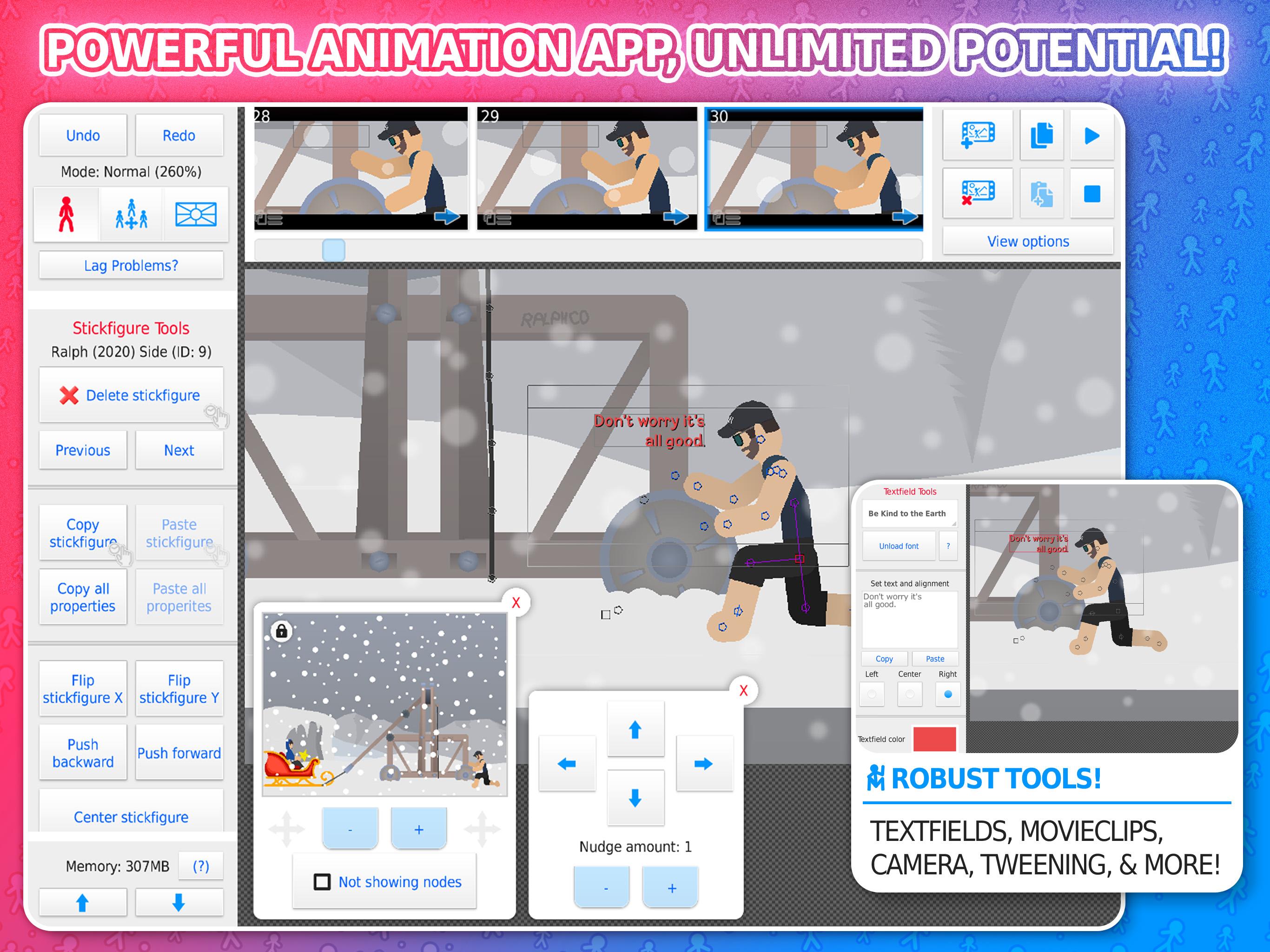
Stick Nodes can interpolate motion between your key frames to smooth out movement. You adjust how the tween behaves so timing and spacing match your intent. This reduces manual work when refining transitions and helps keep action consistent across longer clips.
Camera tools for dynamic shots
You control a virtual camera to pan, zoom, and rotate within a scene. This lets you frame close ups, wide angles, and tracking moves without redrawing elements. As a result, action stays readable and more engaging from shot to shot.
Movieclips to organize complex scenes
Use movieclips to group animation objects you plan to reuse or loop. You can drop a clip into different parts of a project and keep edits centralized, which saves time as scenes grow. This approach also helps maintain clean timelines and reduces duplication.
Import images and join figures
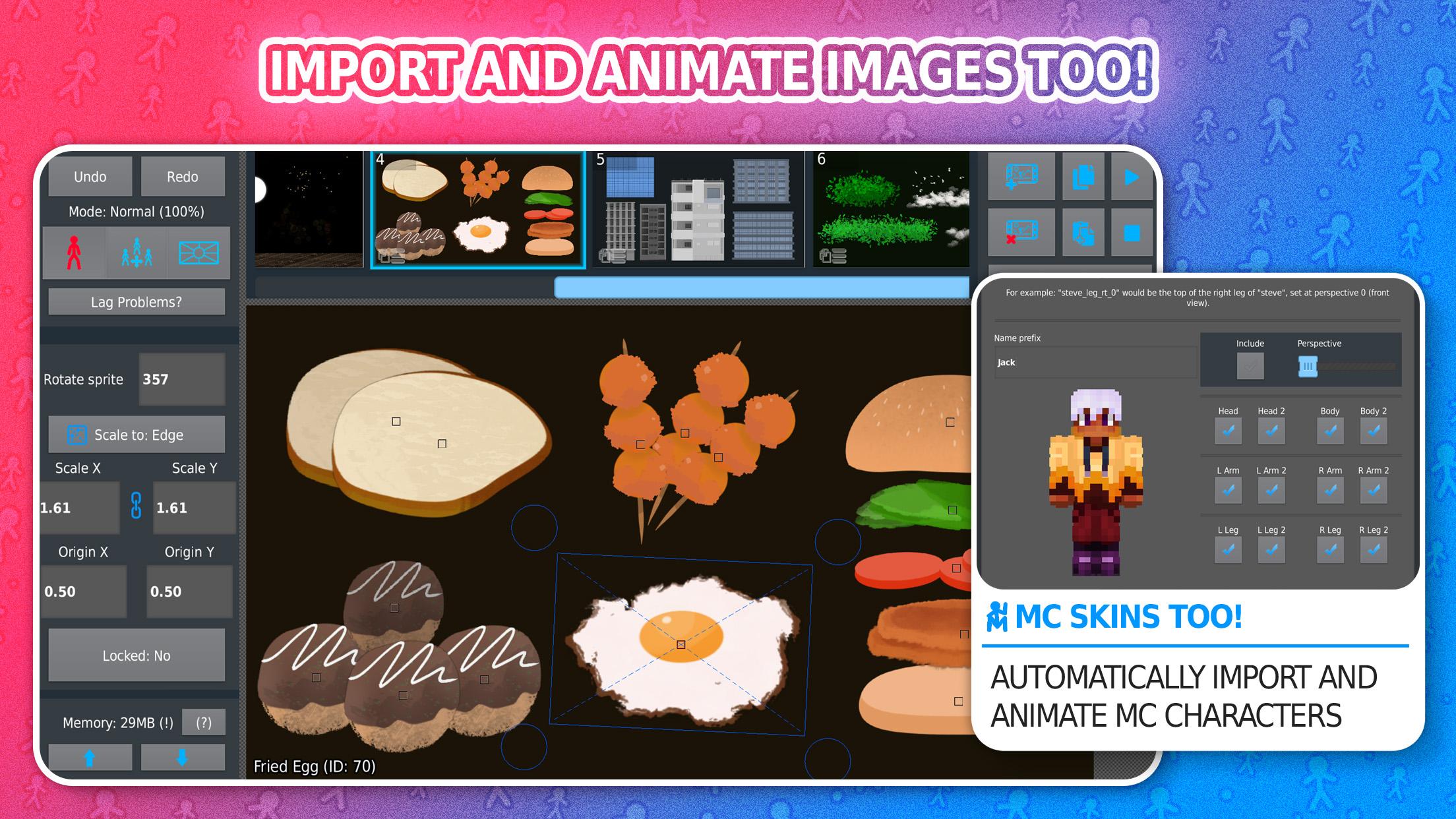
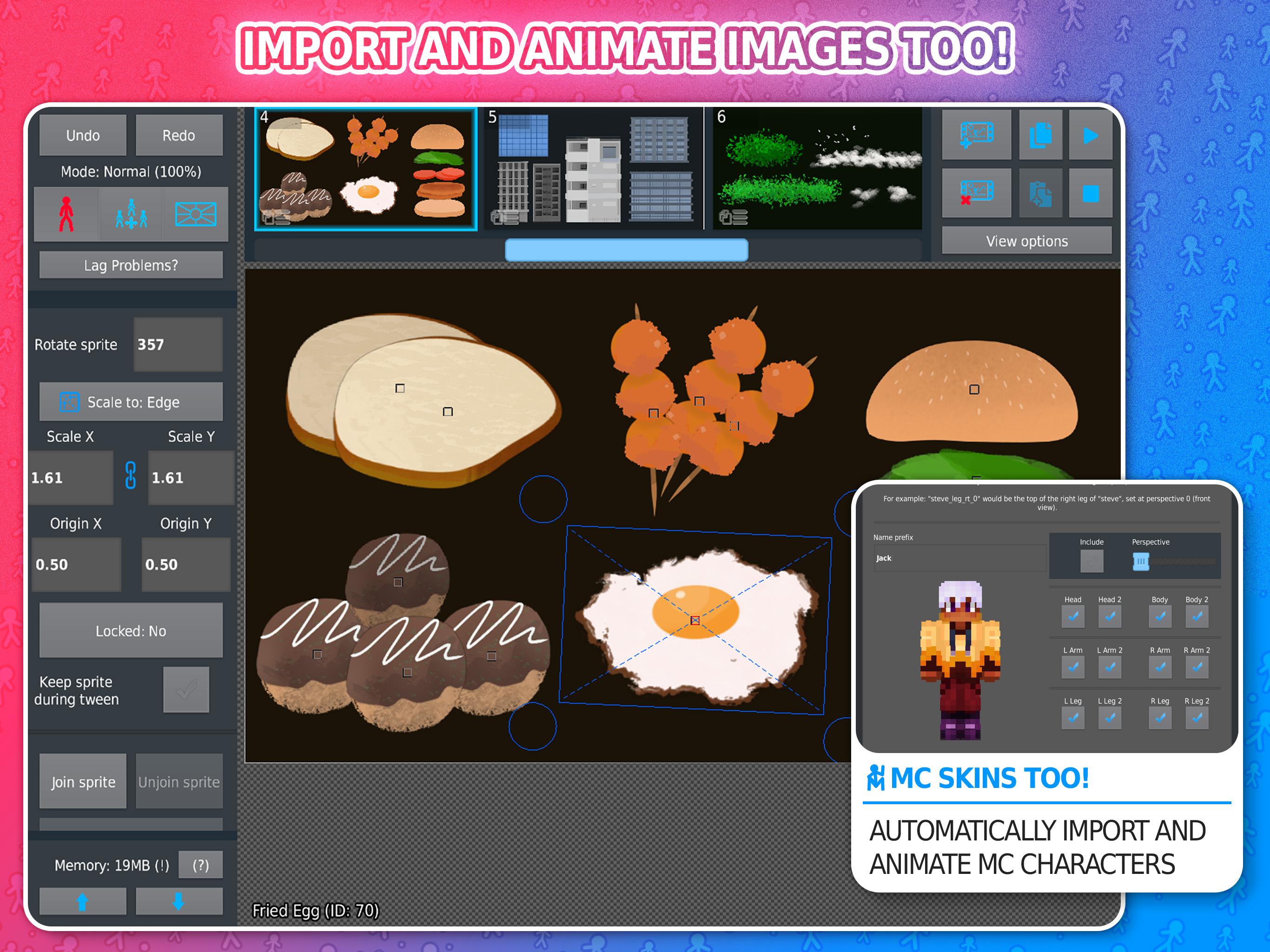
You can bring in sprites or other images to animate alongside stickfigures. Figures join together to simulate props, outfits, and layered effects, which keeps setups flexible. Many users also import character skins, such as Minecraft skins, then animate them like any other image asset.
Export options and Pro extras
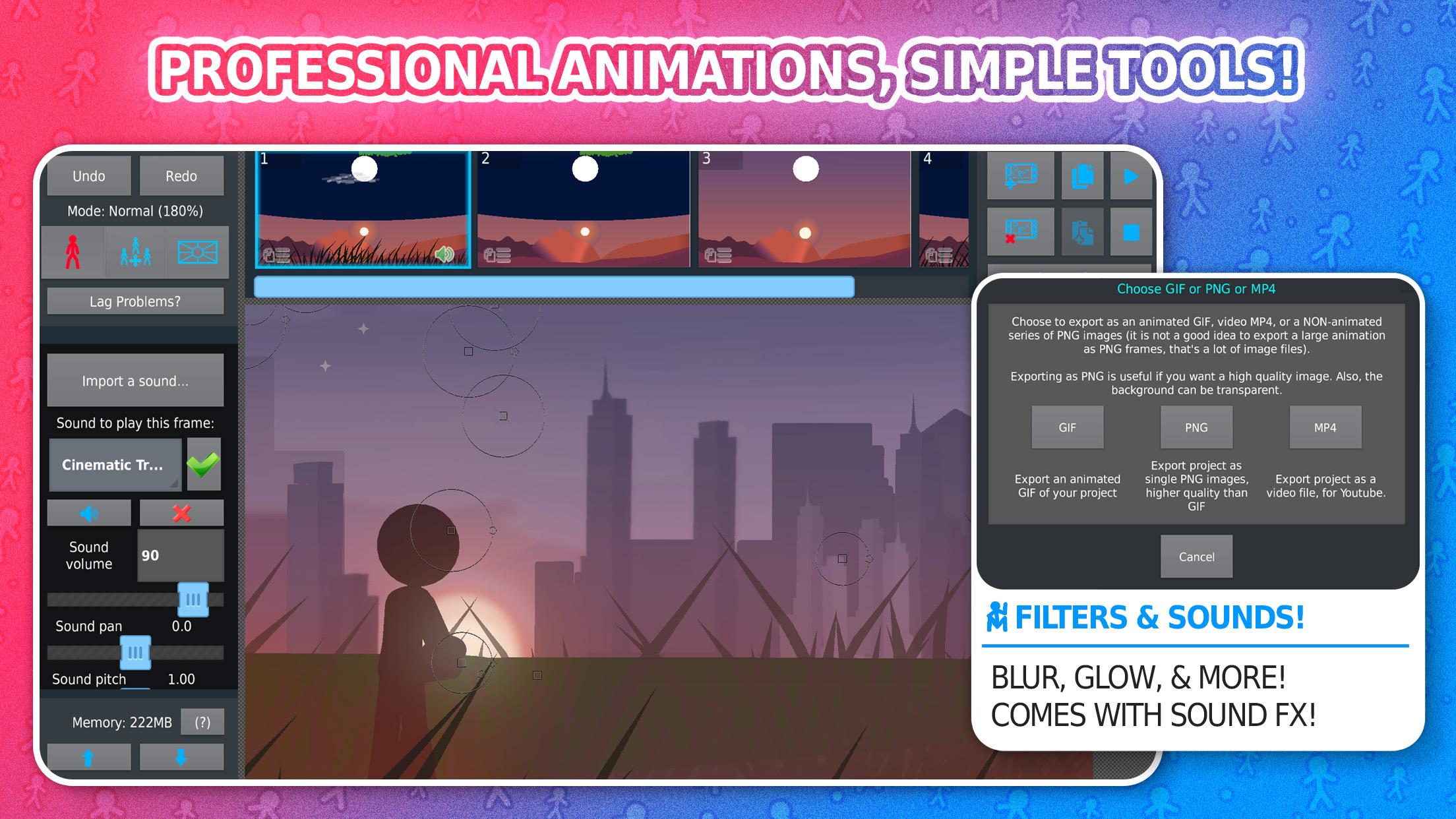
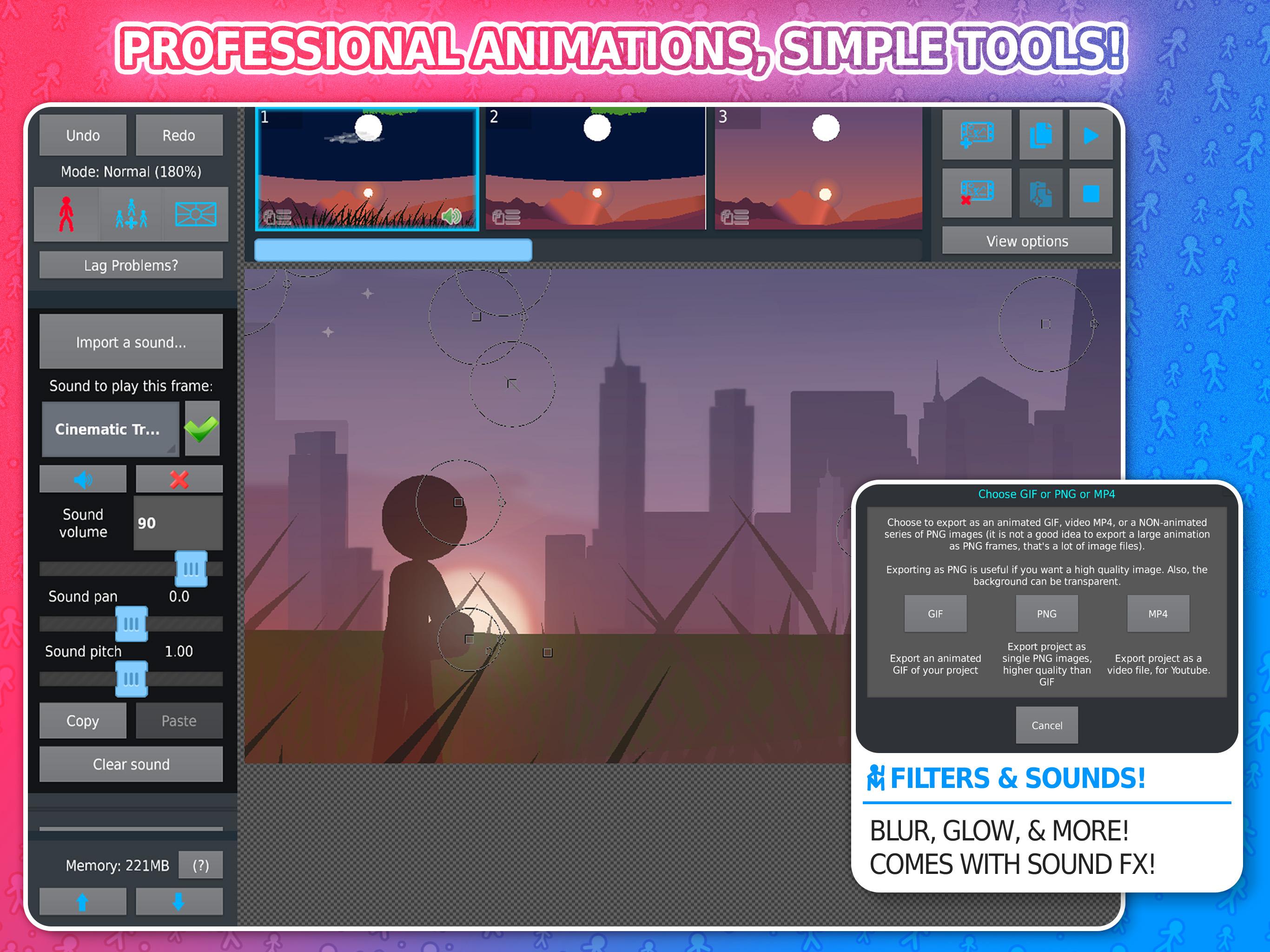
The free version exports to GIF for quick sharing. Stick Nodes Pro adds MP4 export, sound effects, and visual filters like blur, glow, saturation, hue shift, inversion, pixelation, and tint. Pro also removes ads and watermark, which is useful for posting finished videos.
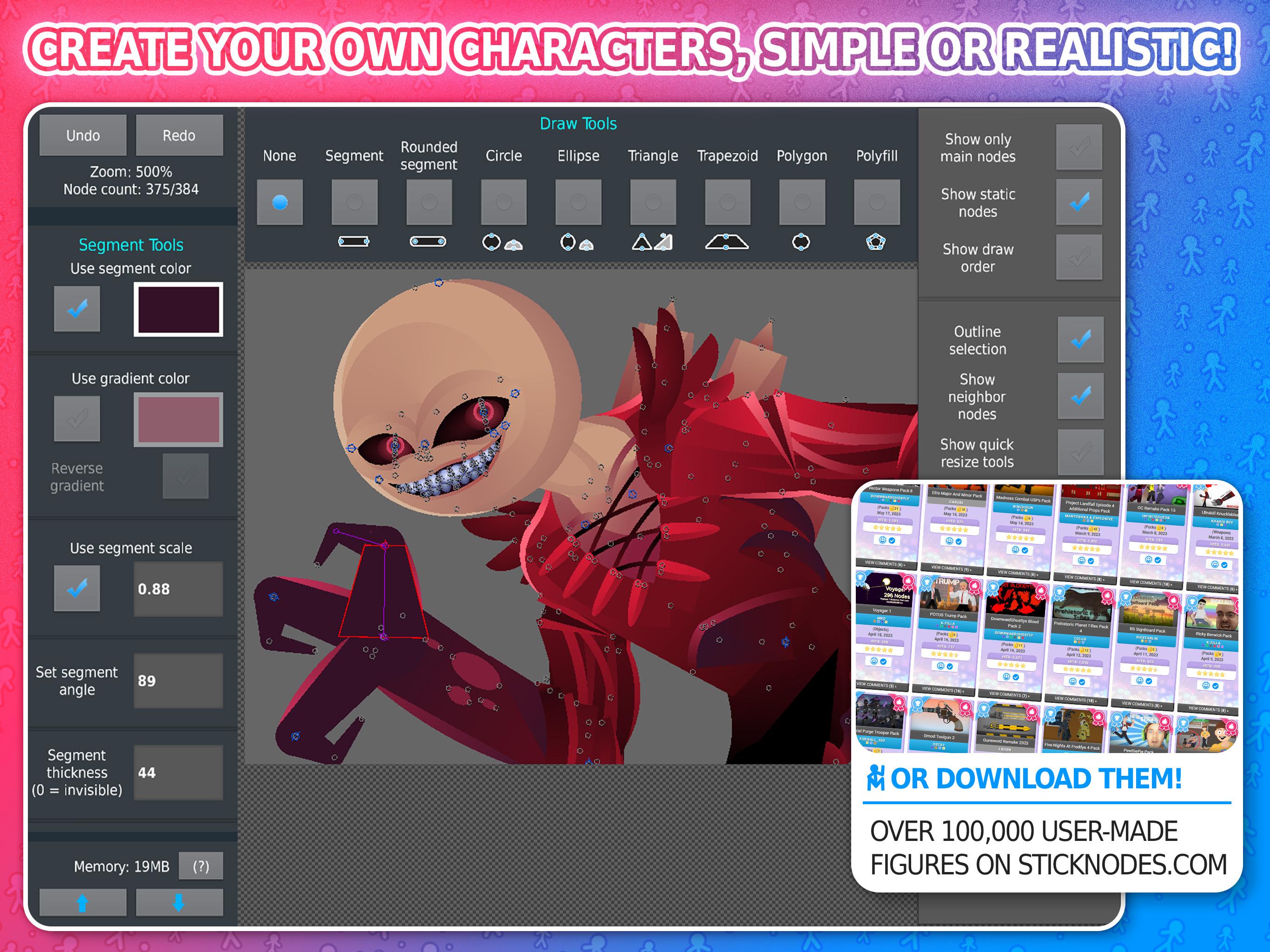
The Stick Nodes community hosts a large library of downloadable stickfigures across categories such as backgrounds, effects, objects, people, vehicles, and weapons. You can search, mix, and adapt these assets to learn faster and prototype ideas. There are also contests, a Discord community, and an activity feed where creators share tips and projects.
If you prefer a simple setup, Stick Nodes free download suits practice, short tests, and GIF sharing. Users who need MP4 export, audio, and filters often choose the Pro upgrade for production workflows. To follow updates and fixes, check the Stick Nodes latest version details before installing.
Start with a small test scene to learn the timeline and camera. After you download Stick Nodes, create a new project and build a short move or reaction to understand layering and motion.
Stick Nodes provides mobile tools for building stickfigure animations from simple tests to longer scenes. To begin quickly, find assets in the community library, set key frames, and preview often. When you are ready, use the export you need and consider the Pro upgrade features in the Stick Nodes latest version.
For official resources and support, visit:
Latest Version
4.3.0Uploaded by
Norbert Deák
Requires Android
Android 6.0+
Category
Free Entertainment AppContent Rating
Everyone
Security Report
Report
Flag as inappropriateLast updated on Apr 29, 2026
◆ Sprite distortion/skew (toggle with button in Sprite menu or docked quick tools)
◆ Added local project backup system, overridden saved projects are stored temporarily
◆ Added sideways gradient for triangles
◆ Many other improvements, full changelog: https://sticknodes.com


APKPure - A multi-platform app store primarily focused on Android, providing extensive app-related content. Discover the app you want easier, faster, and safer, with quick and efficient downloads and installations.