

Stick Fighter helps users who want to build simple stick figure animations on a phone without complex tools. It focuses on frame by frame creation in a clear touch workspace, so you can map out timing and movement at your own pace. Meanwhile, it fits quick doodles, small practice pieces, or short scenes you plan to share. With Stick Fighter APK, you organize scenes on the go and watch results right on your device.
Frame by frame editor with touch controls
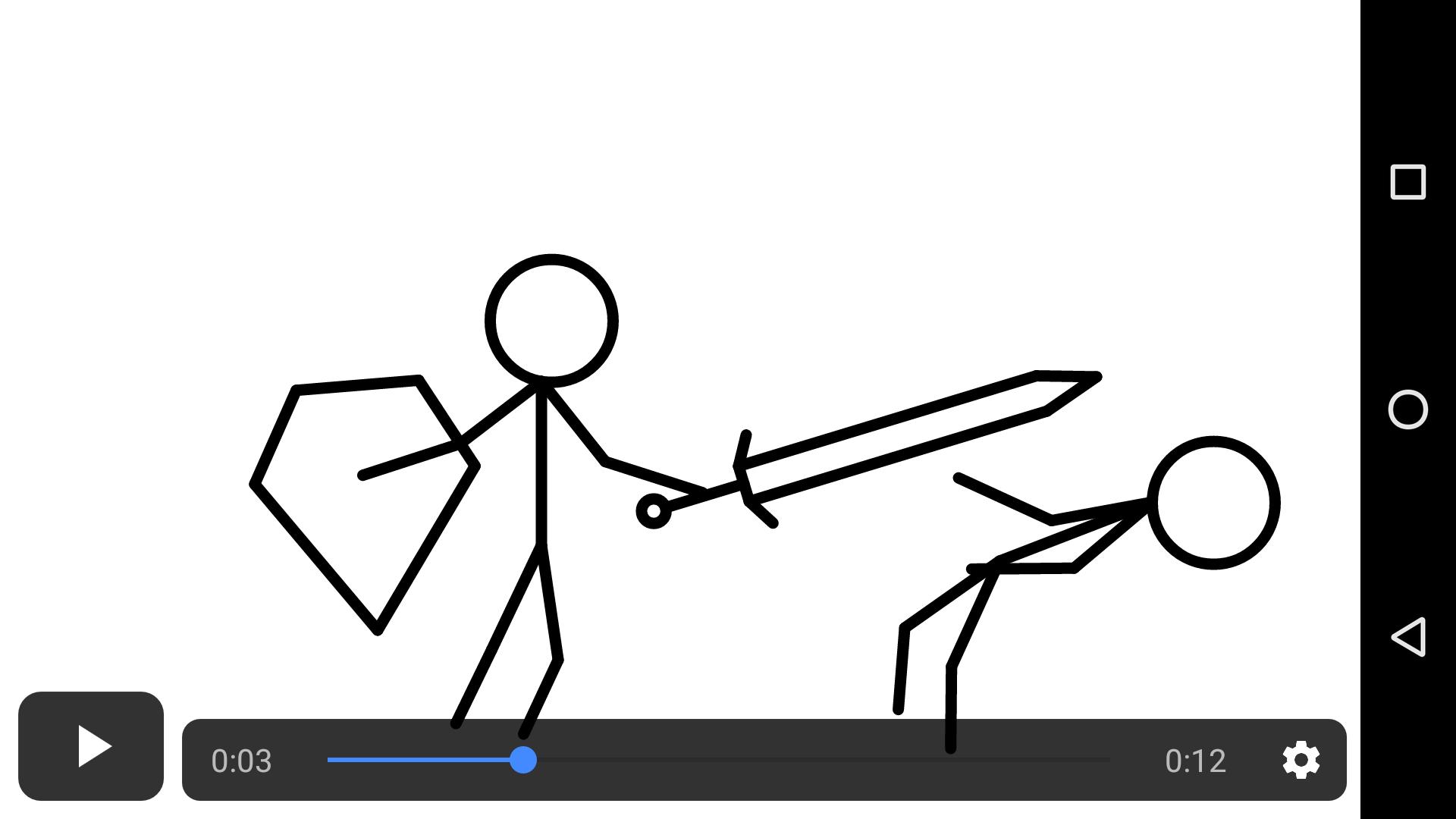
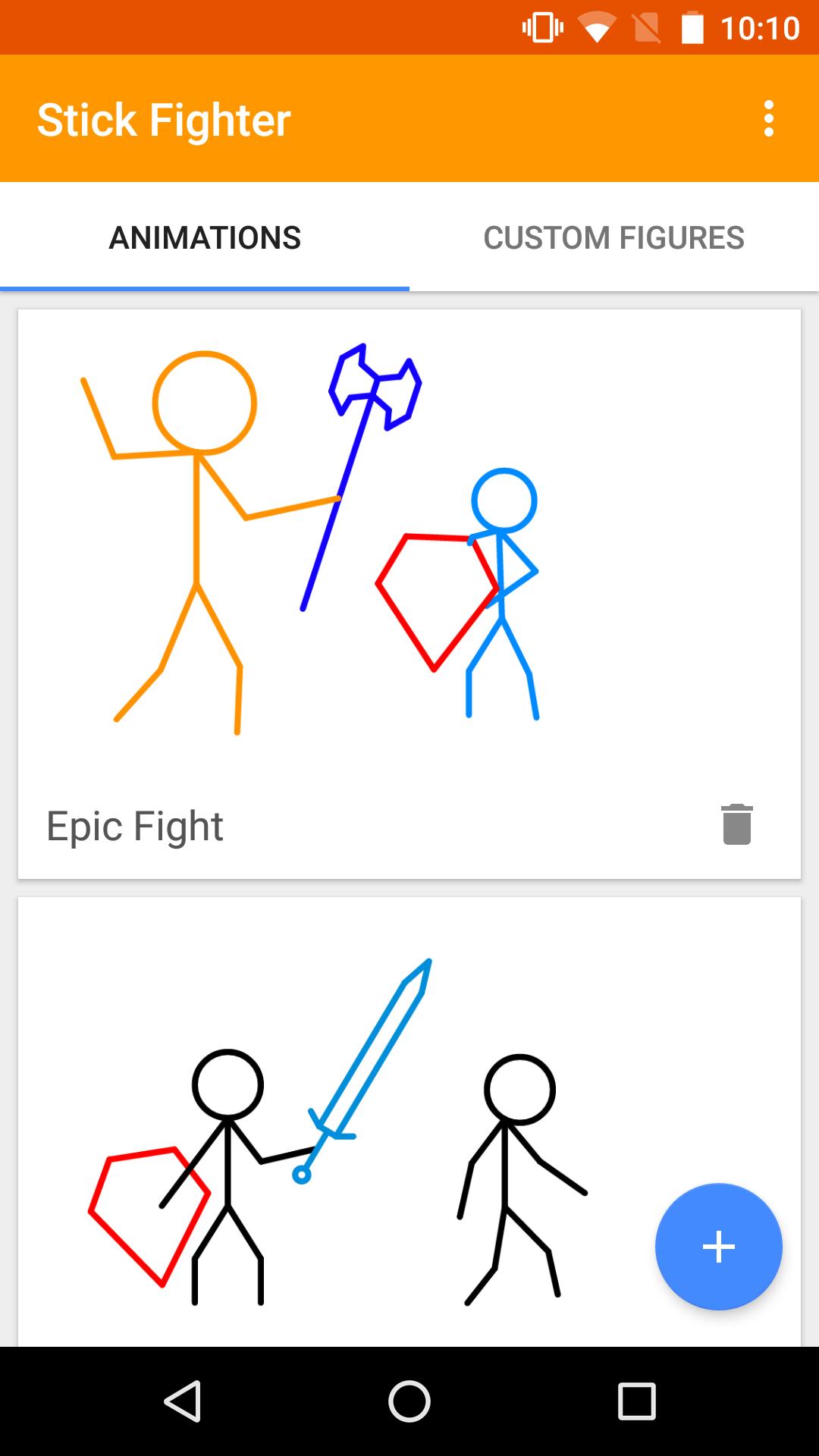
Stick Fighter lets you create and adjust frames directly on the screen. You can move stick limbs and objects step by step to shape clear motion. This setup makes it simple to manage timing and see changes as you go.
Battle elements and weapons
Object size and color controls
You can change the size and color of objects to suit each scene. This helps distinguish characters and items and keeps actions easy to read during playback.
Save, playback, share, and export
Stick Fighter focuses on straightforward frame by frame tools, simple customization, and options to share or export your work. It suits quick practice pieces and short battle scenes you plan to review on your phone. To try it on your device, download Stick Fighter and start building scenes at your own pace.
Latest Version
7.1.1Uploaded by
Langgie Kenidi
Requires Android
Android 4.4+
Category
Free Entertainment AppContent Rating
Everyone
Report
Flag as inappropriateLast updated on Dec 12, 2015
Dec 11 (7.1.1)
Bug fix on curves
Dec 10 (7.1)
All frames are now pre-loaded before playing an animation
Improved frame grid performance
Dec 7 (7.0.3)
Added background color selector
Improved frame buffer time
Dec 5
Added 3x and 4x playback rates
Automatically show the animation player settings
Fixed a bug when playing before buffering is complete
Fixed a bug when tapping the add figure button
Fixed a problem with Voyager 7 tablets hiding player controls
Dec 4
Minor update
Dec 3
Major update




APKPure - A multi-platform app store primarily focused on Android, providing extensive app-related content. Discover the app you want easier, faster, and safer, with quick and efficient downloads and installations.