Scan Date:May 15, 2026
Show More


stats.fm helps you understand your music habits across Spotify and Apple Music. It is useful when you want to review patterns all year, not just during a seasonal recap. Instead of waiting for a once a year summary, you can check your activity whenever you like and choose the period that matters to you. For quick access on Android, download stats.fm and keep your listening profile close at hand.
Custom time ranges and top items
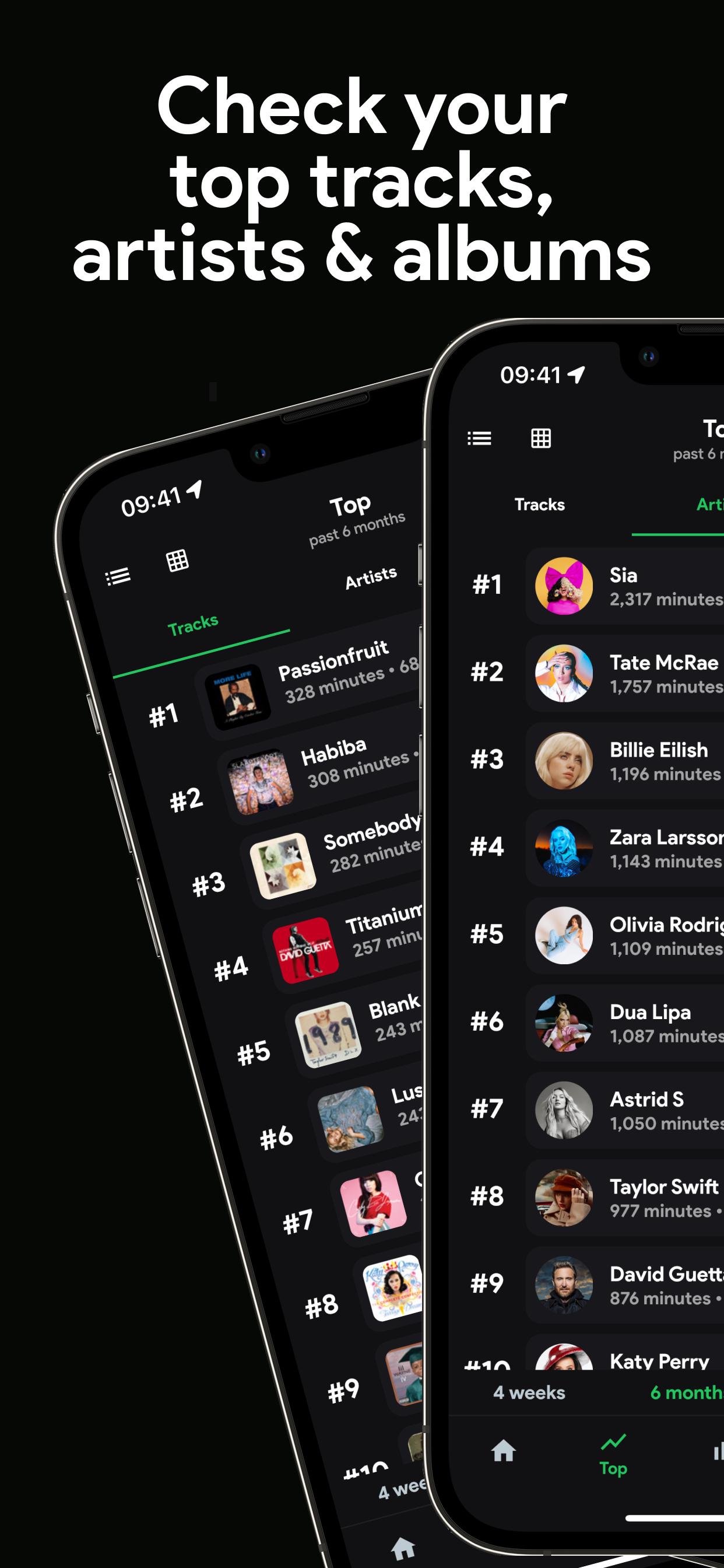
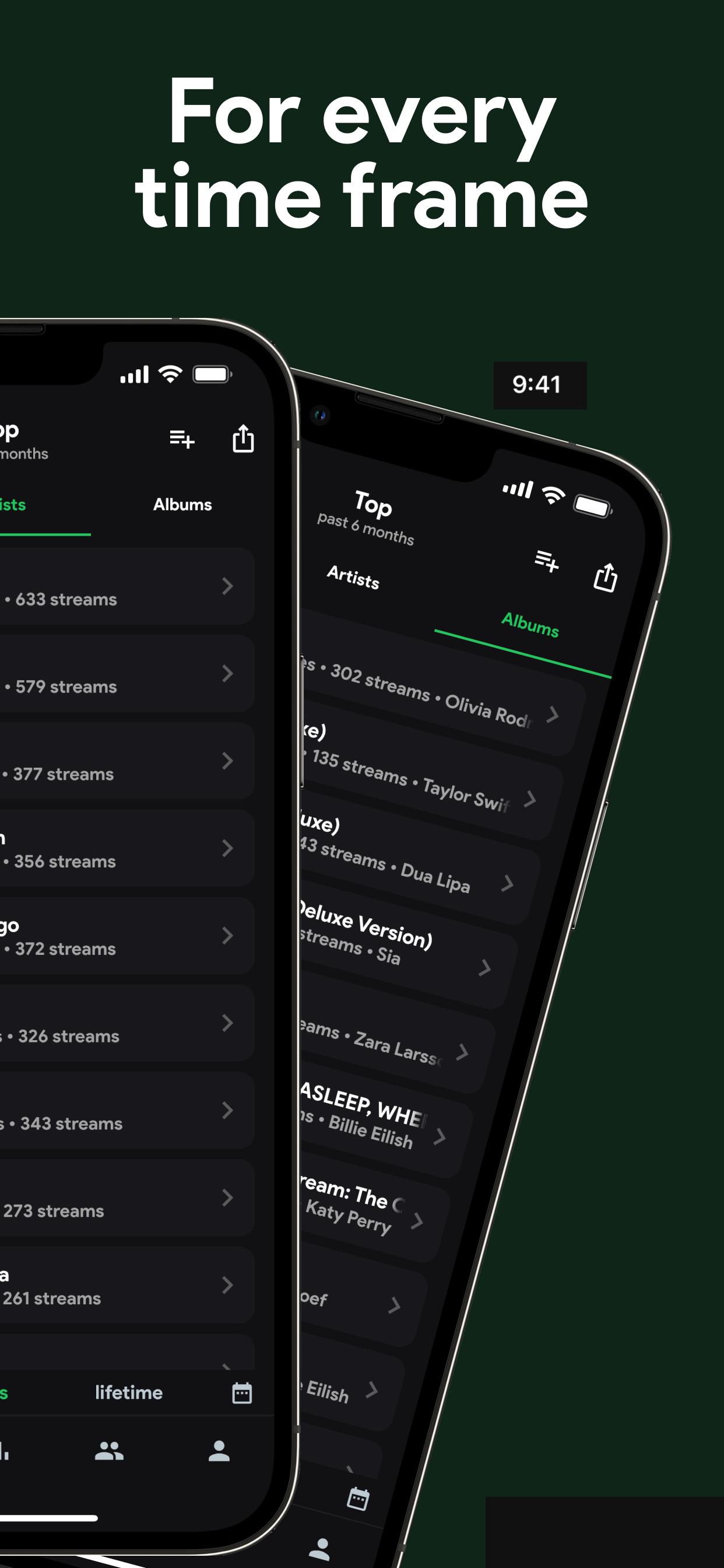
stats.fm shows your top songs, artists, albums, and genres at a glance. You can view different periods and sort by playtime or stream count to see what truly stands out. This flexible overview makes it easy to spot changes in your taste across weeks, months, or a custom span.
Import lifetime history for precise counts
You can import your lifetime streaming history to unlock exact playcounts and total minutes or hours streamed. The app guides you through an import flow so your records become more complete and accurate. Power users can consider Plus for the most precise stats across long periods and detailed categories.
Item level insights and audio attributes
When you tap a song, artist, or album, stats.fm expands the view with deeper context. You will see popularity indicators and audio traits such as lively, energetic, danceable, and instrumental. This helps you understand why certain tracks appeal to you and how they compare with others.
Listening behavior and timing
stats.fm outlines how much you stream and when you listen. A listening clock displays your activity by time of day so you can spot peaks and quiet hours. Over time, these insights help you recognize routines and changes in your listening schedule.
Social comparison with privacy controls
You can share your profile, send friend requests, and compare stats with friends in one place. Login is secure and privacy settings are granular, so you control what others see. If needed, you can delete your data at any time for peace of mind.
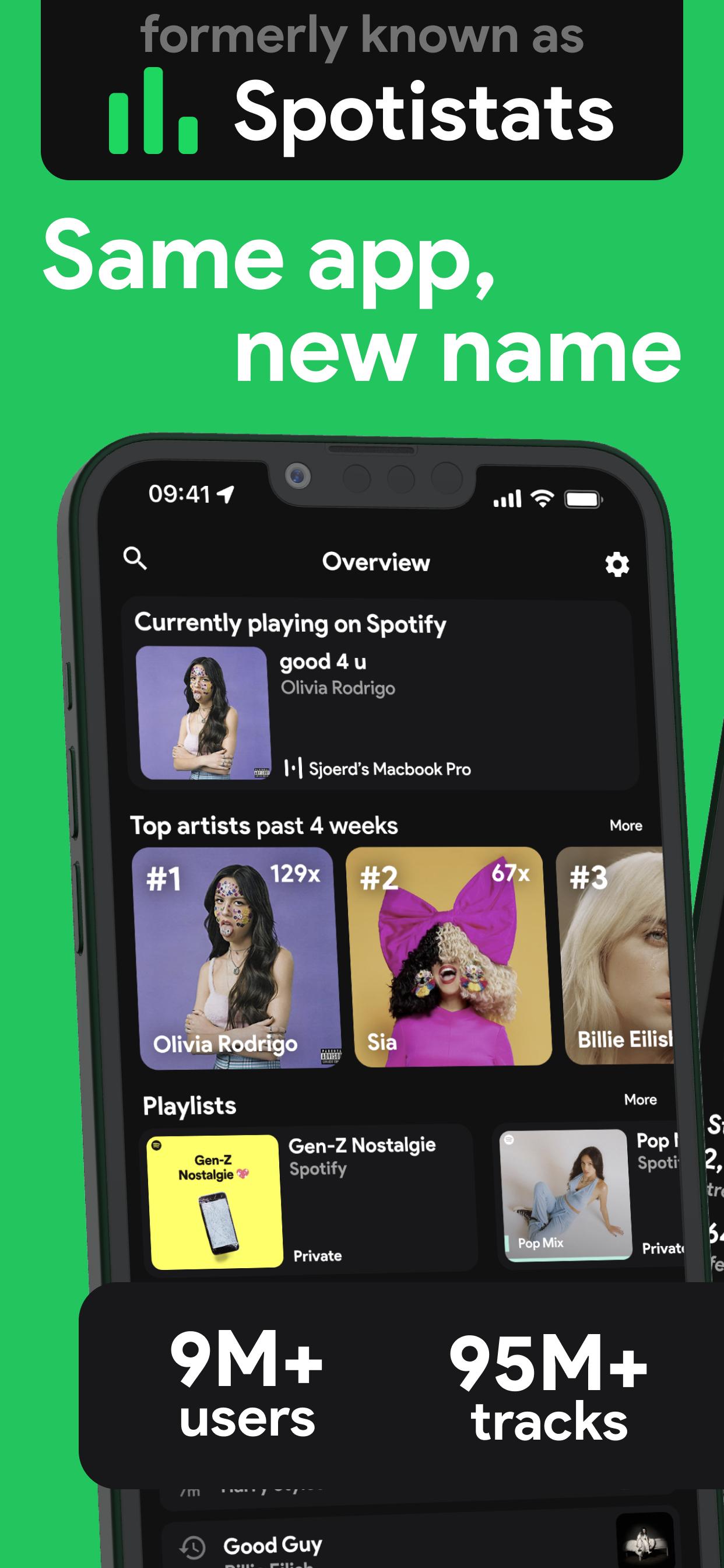
stats.fm is a companion app focused on reading and visualizing your listening data. It does not play music and it does not change your playlists or library. For the most accurate numbers, importing your lifetime streaming history is required because this unlocks exact playcounts and broader totals. The app was previously known as Spotistats, so familiar users may recognize the name change.
stats.fm works with both Spotify and Apple Music. At first launch, you choose your service and sign in, then the app reads your listening history to build your stats. If you want precision across years, follow the import flow and consider Plus features designed for extended coverage. Users looking for a stats fm app download can install it on Android and then sign in with their preferred service.
This quick guide helps you get started with the stats.fm latest version on Android. It covers login, history import, and viewing your stats. Follow the steps in order for a smooth setup.
stats.fm gives you clear music stats and listening insights across Spotify and Apple Music. To begin on Android, download stats.fm APK and sign in with your preferred service. Check your overview regularly and import history for precise totals.
For official information and support, visit the website below.
Latest Version
2.3.0Uploaded by
Yadanar Ko
Requires Android
Android 7.0+
Category
Free Music & Audio AppContent Rating
Teen
Security Report
Report
Flag as inappropriateLast updated on May 15, 2026
- Fixed bugs and improved app stability




APKPure - A multi-platform app store primarily focused on Android, providing extensive app-related content. Discover the app you want easier, faster, and safer, with quick and efficient downloads and installations.