An SSH client for when you're not at your desk. Server alerts at 1am, a bug needs a quick fix from the train, a log file you have to grab on the go. Open the app, tap the saved connection, you're in a shell. Fix the issue and get back to your life.
That's what this SSH client is built for. Not a port of a desktop tool, not a thin SSH wrapper around a web shell. A terminal that respects that you're holding a phone.
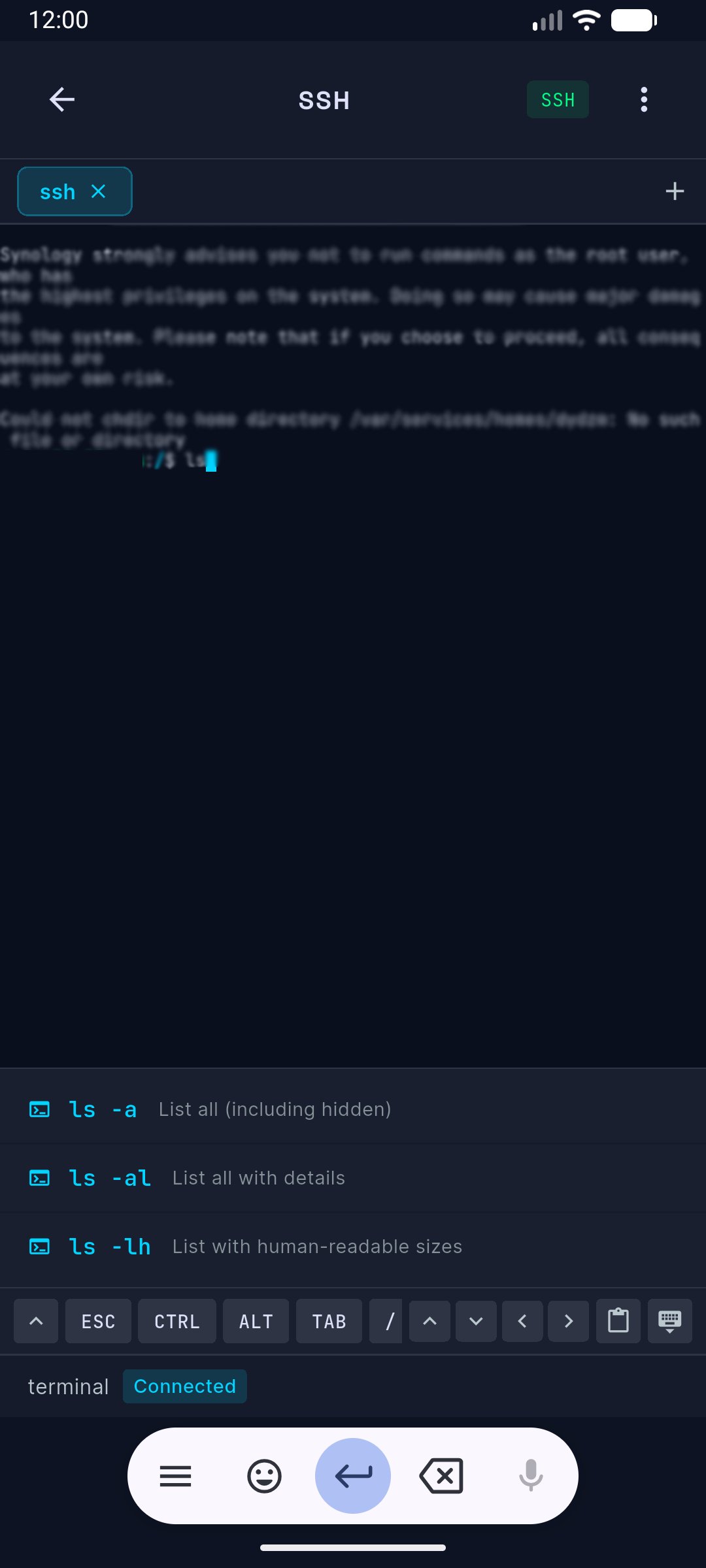
The keyboard toolbar puts Tab, Ctrl, Esc, and arrow keys above the on-screen keyboard. No more hunting through three pages of special characters to type a pipe symbol. SSH sessions stay alive when you switch apps or lock the phone, so you don't lose your shell every time you check a notification.
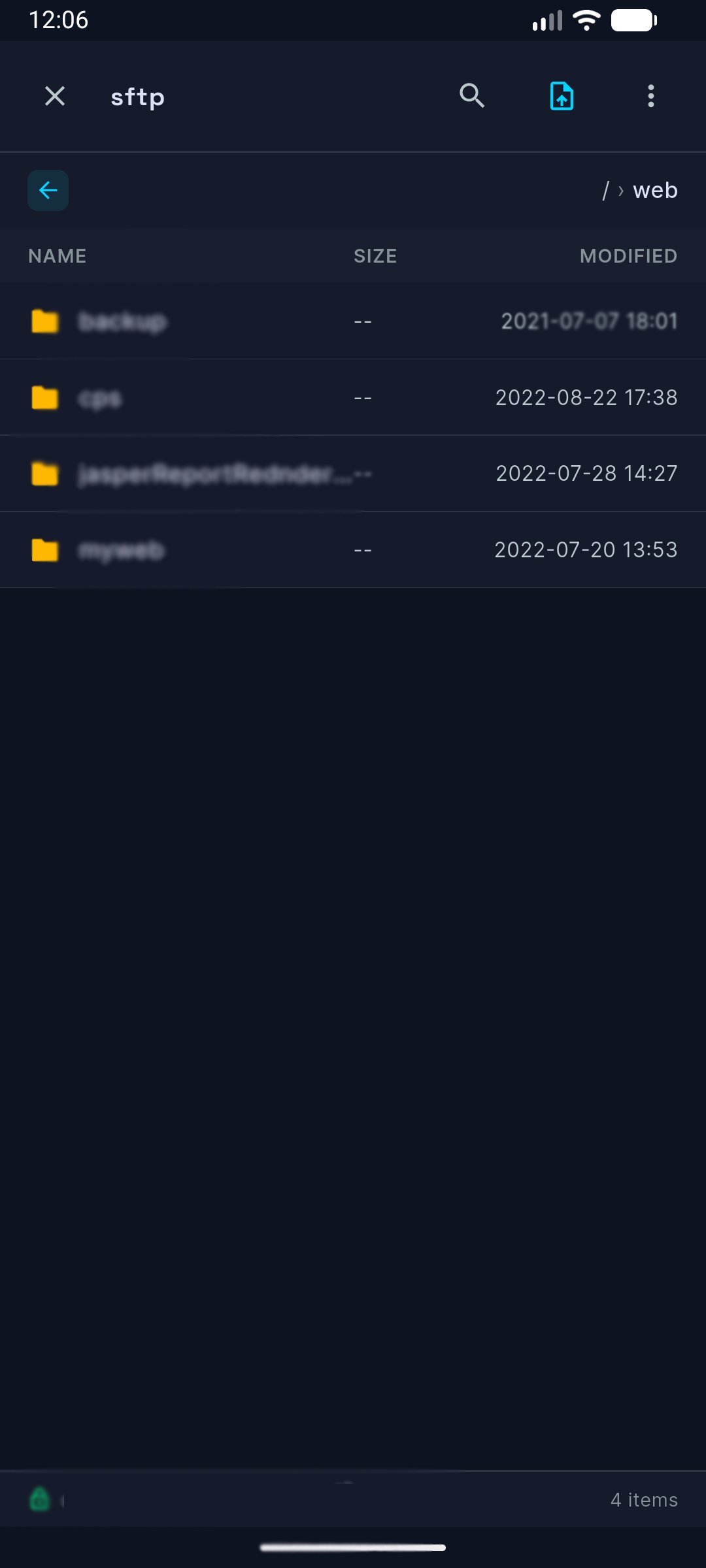
Need a log file or have to push a config? Same connection, switch to SFTP. Browse the directory tree, upload, download, rename, delete. SFTP transfers run in the background and progress shows up in your notifications, so leaving the app doesn't kill the upload.
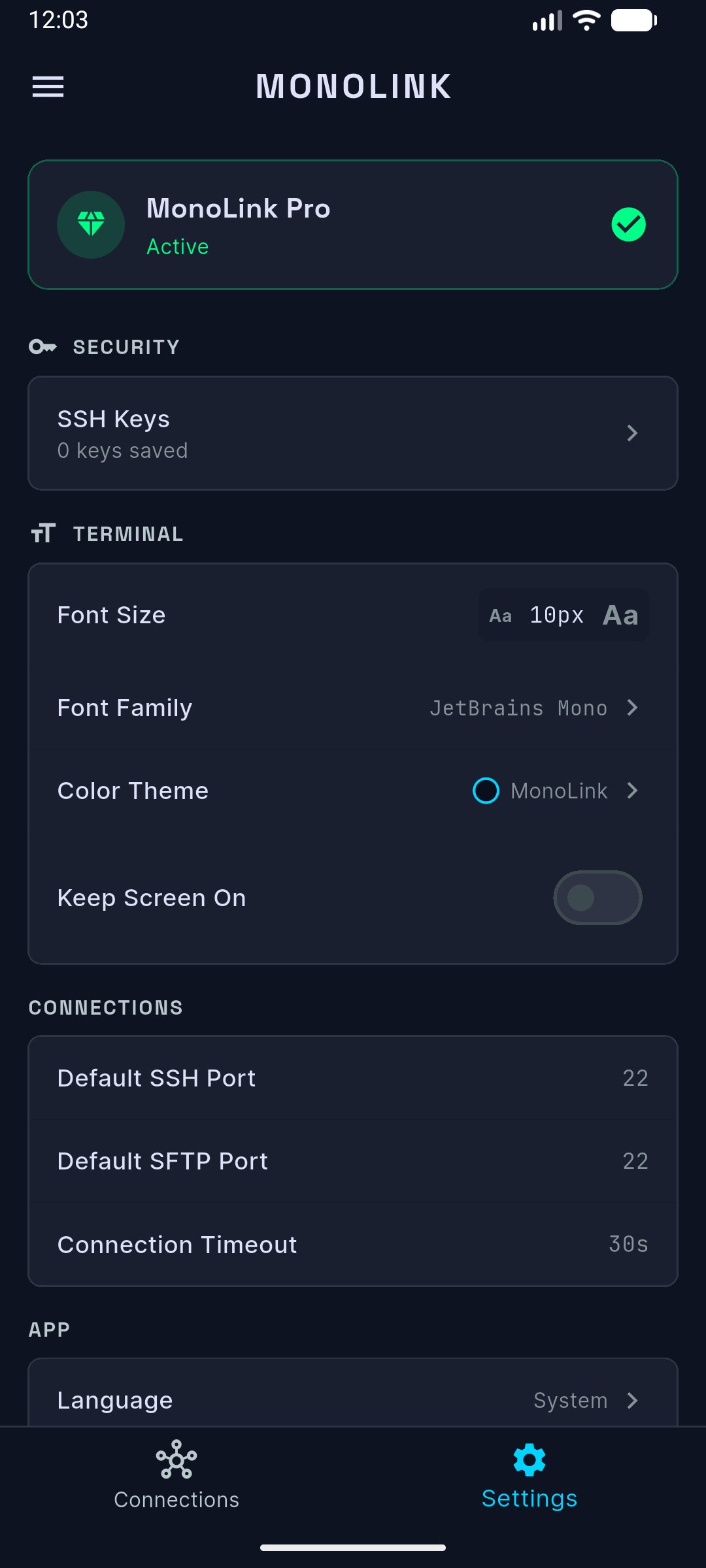
Save your server connections once. Hostname, IP, protocol badge, online status, all visible on the connection card. Next time, one tap. SSH key authentication works with RSA and ED25519, and the same keys are shared between the SSH terminal and SFTP, so you set them up once.
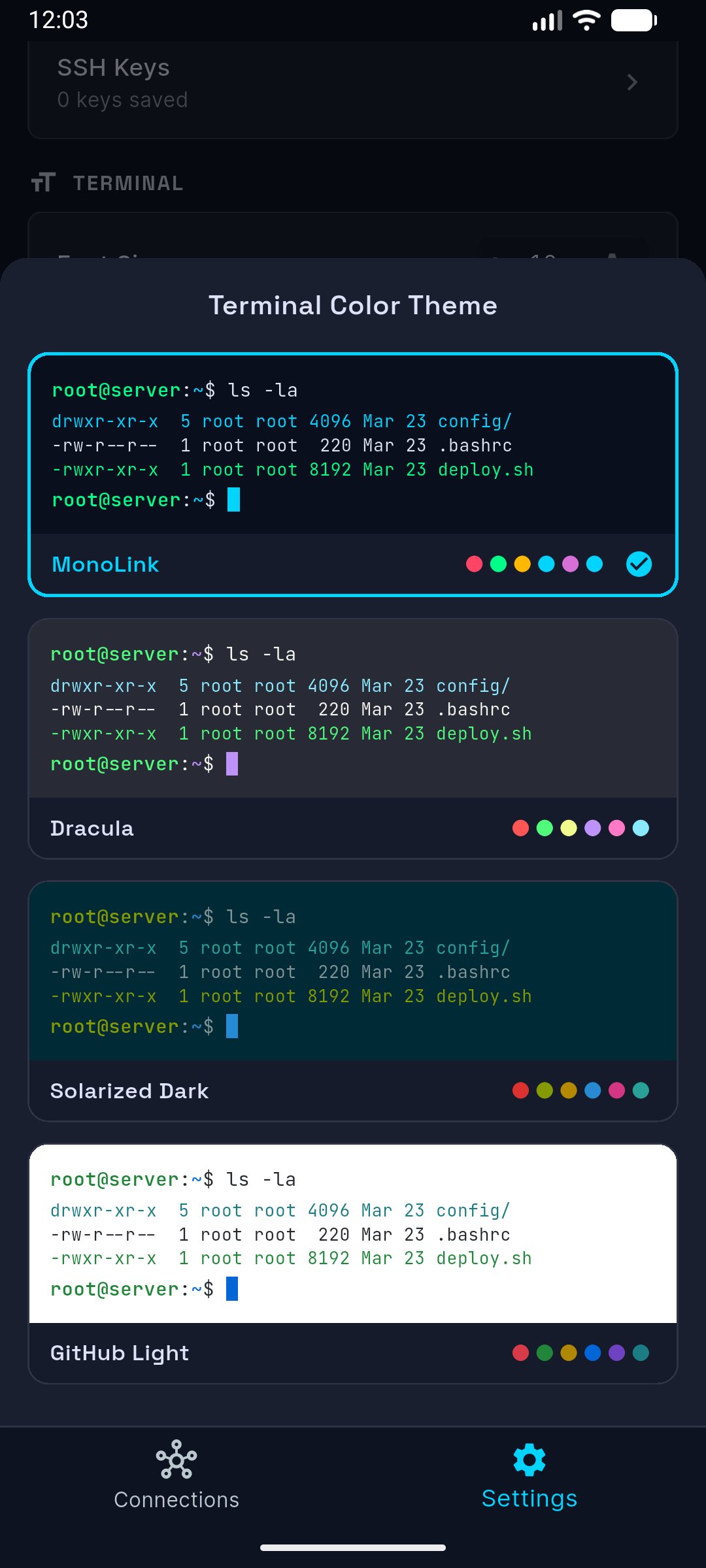
Dark theme only. JetBrains Mono in the terminal, SF Pro everywhere else. Easy on the eyes at 3am.
Available in English, Korean, Spanish, and Chinese. Credentials and SSH keys stay on your device, never on a server.
The SSH client and SFTP tool you'll actually keep on your home screen.