
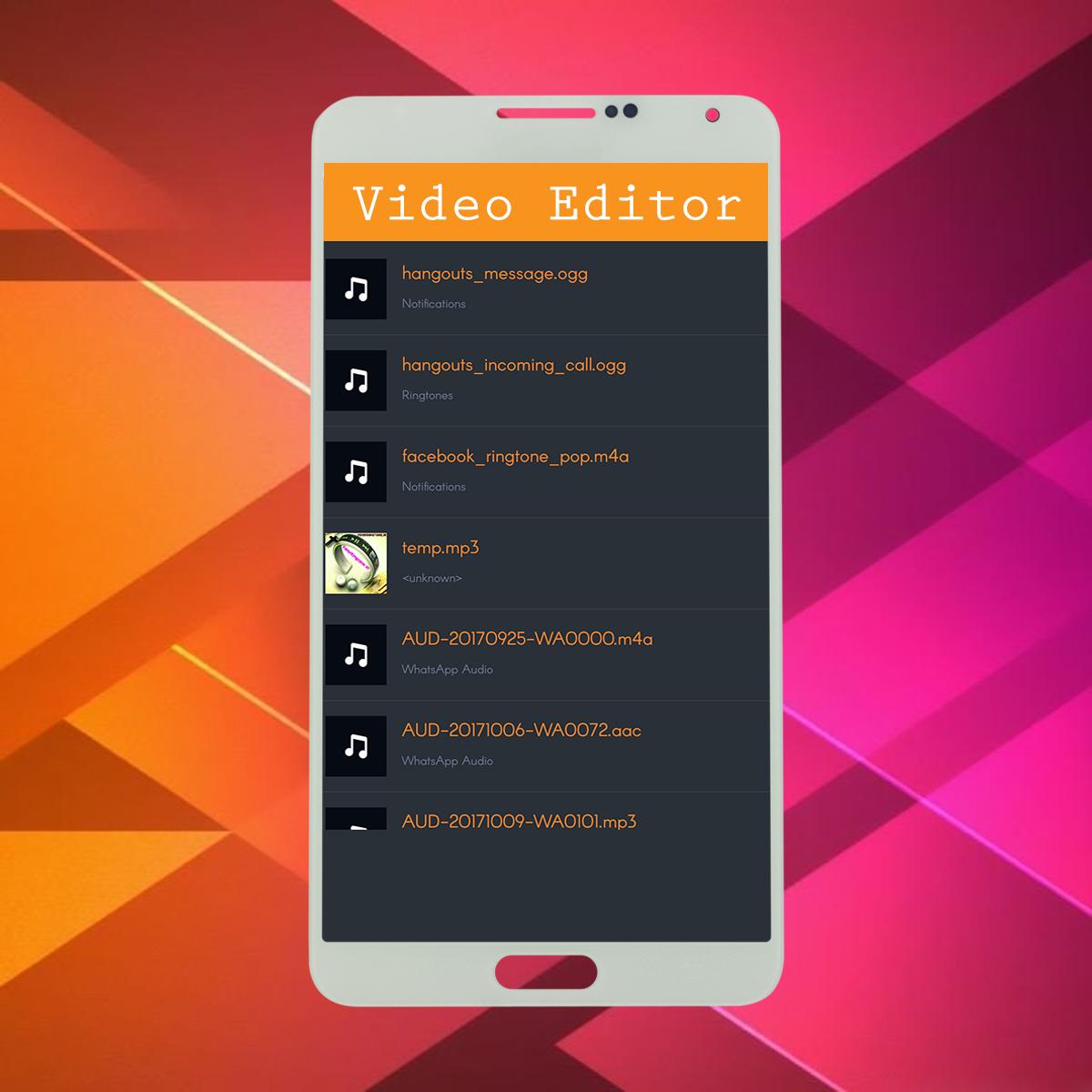
Square Video Editor - Magic Effects is a free professional video editing app and video maker, which can be used to edit a video in various ways like trimming, compressing, adding an audio and a watermark, rotating, converting to different formats, making it square, adding effects, changing the speed and merging videos.
Our Android Excellence app is an amazing way to create, edit, and publish videos on Android. Get this powerful and easy-to-use video editor app for making and sharing videos on YouTube, Facebook, Twitter, Instagram, and more. Add themes, filters, effects, transitions, emojis, voiceover narration, music, and more.
Video Editor - After Effects 4K is the easiest way to create, edit and share amazing music videos with your friends & family, transforming everyday moments into works of art * Post entire video to Instagram without cropping and with blur background * The newest Instagram video editor with blur border on video, best for social network videos
The easiest way to create, edit and share amazing music videos with your friends & family, transforming everyday moments into works of art
FEATURES
1. Trim: Cut out any unwanted moments.
2. Music: Add from your personal library or Videoshop's stock library.
3. Sound effects: Choose from animals noises, farts, Vine quotes, explosions, laughter, etc.
4. Slow motion (or fast motion): Adjust video speed to slow or fast.
5. Adjust Display: Change Brightness, Contrast, Saturation, etc.
6. Text: Type your own text with color and various fonts.
7. Merger: Combine multiple clips into one.
8. Voice overs: Record your own voice over the video.
9. Animated titles: Introduce your videos with animated titles.
10. Filters: Select from several Instagram-inspired filters to enhance your videos.
11. Transitions: Choose from 10 transitions to animate between video clips.
12. Photos: Create slideshows easily.
13. Stop Motion: Create Vine videos with stop motion recording.
14. Resize: Rescale your video within the video frame.
15. Reverse: Playback videos in reverse.
16. Copy: Create duplicate video clips.
17. High resolution videos.
18. Share on Vine, Snapchat, Instagram, Facebook, YouTube, Vimeo, or by E-mail.
Latest Version
1.1.4Uploaded by
Miguel Araujo
Requires Android
Android 4.1+
Category
Free Video Players & Editors AppContent Rating
Everyone
Report
Flag as inappropriateLast updated on Sep 12, 2018
◉ Slow motion (or fast motion): Adjust video speed to slow or fast.
◉ Reverse video.
◉ add filters to videos.
◉ Capture : video capturing screen.
◉ Bright : adjust video brightness
◉ Rotate : rotate your video in a few clicks
◉ Add text to videos.
◉ Trim: Cut out any unwanted moments.
◉ Music : Add from your Mobile library or stock library.
◉ Photos : Create slideshows easily.
◉ Reverse : Playback videos in reverse.
◉ Emojis : add emojis to video





APKPure - A multi-platform app store primarily focused on Android, providing extensive app-related content. Discover the app you want easier, faster, and safer, with quick and efficient downloads and installations.













