Scan Date:Jun 14, 2026
Show More
Launch two apps on your phone screen at the same time
Split Screen lets you open two apps at once and use them side by side, so you don't have to keep switching back and forth — making it easier to watch videos, chat, or look things up.
Based on your device and system version, the app automatically chooses a suitable way to start split-screen, helping it launch more reliably on more devices.
Easy to use:
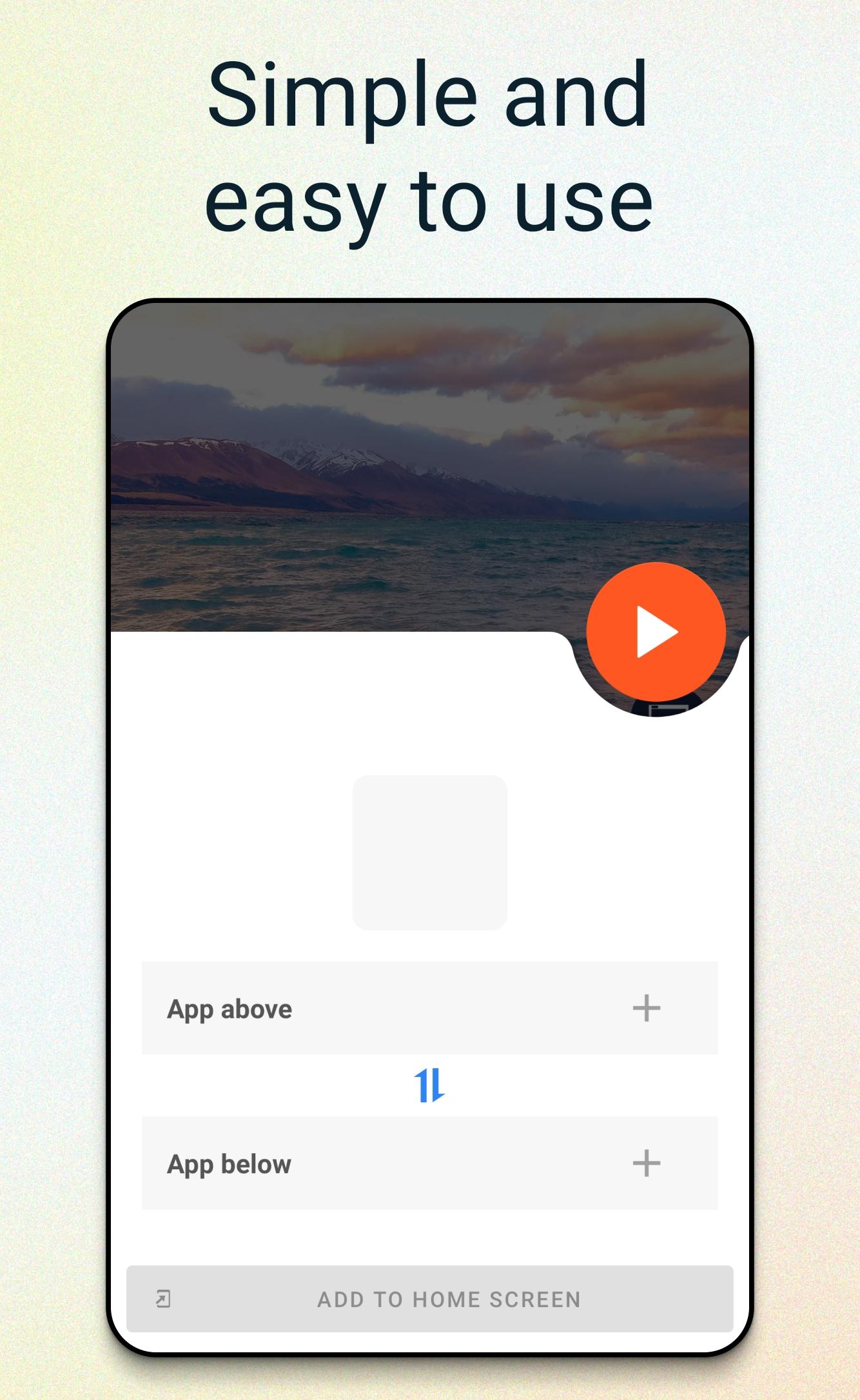
• Pick two apps and enter split-screen with a single tap
• Swap the top and bottom apps with one tap
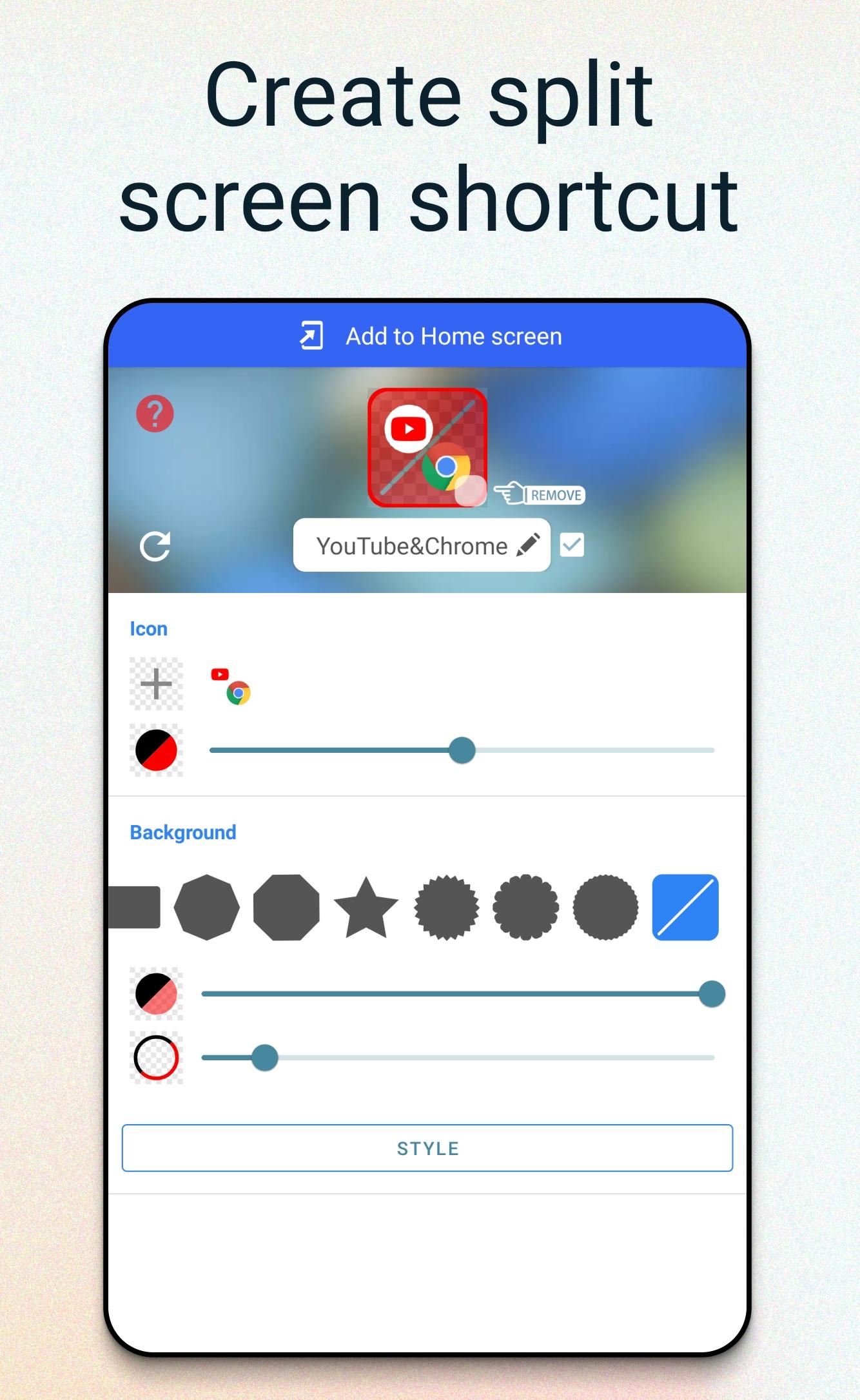
• Add your favorite app pairs to the Home screen and launch them directly next time
About the Accessibility Service
This app uses the Android Accessibility Service to provide its core split-screen feature — helping you start and arrange two apps on screen at the same time. The service is used only to help you enter split-screen mode, and it is turned on only after you review the in-app disclosure and tap Agree. It does not collect, store, or share any personal or sensitive data.
Latest Version
1.3.7Uploaded by
Regmi Sachin
Requires Android
Android 9.0+
Category
Free Tools AppContent Rating
Everyone
Security Report
Report
Flag as inappropriateLast updated on Jun 13, 2026
This release includes minor bug fixes and general improvements. Update to the latest version for the best experience.



APKPure - A multi-platform app store primarily focused on Android, providing extensive app-related content. Discover the app you want easier, faster, and safer, with quick and efficient downloads and installations.