Scan Date:Jul 22, 2025
Show More


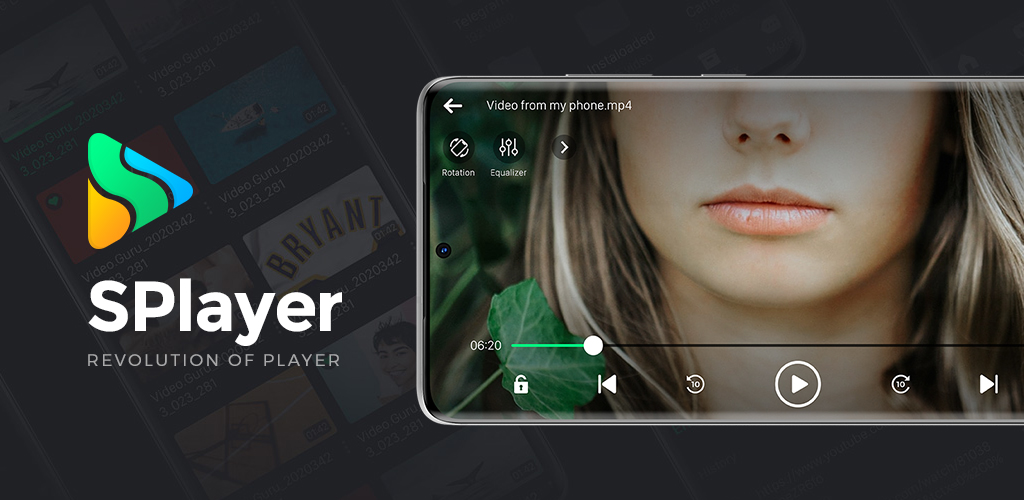
SPlayer suits users who want a lightweight player for local videos, direct links, and magnet sources without extra steps. It opens quickly, works on phone or tablet, and keeps viewing straightforward in different situations. The app does not host content, so you bring your own files or links. It emphasizes stability and everyday usability while keeping controls easy to reach. For clarity, it supports flexible viewing modes for busy moments. If needed, you can find the SPlayer APK through trusted distribution channels.
Wide format support
SPlayer plays most common video and audio formats with quick startup and stable performance. You can open local files and supported streams without converting in advance. This helps you move from browsing to playback with fewer interruptions, especially on mobile.
Advanced subtitle controls
You can import subtitles from a local file or a URL, then fine tune them for readability. SPlayer lets you adjust style, size, position, and timing with clear controls. It supports SRT, ASS and SSA, VTT, VobSub, and other widely used formats so existing subtitle files work as expected.
Cast to TV with Chromecast
SPlayer can cast local files and supported streams to a TV through Chromecast. When streaming torrents, casting works with MP4 streams; other formats should be viewed on the device or converted before casting. This keeps expectations clear and avoids delays when switching to a larger screen.
Viewing controls and boosters
For multitasking, SPlayer supports Picture in Picture and background playback, so you can keep audio or video running while using other apps. Gesture controls adjust volume, brightness, and seeking with a quick swipe. Audio Booster and Brightness Booster help in quiet or dim scenes, making dialogues and dark frames easier to follow.
Live torrent streaming
SPlayer opens magnet links or torrent files and starts playback as data arrives. You can seek during playback, choose specific files in multiple file torrents, and stream without limits set by the app. If you experience buffering, check your network quality or the validity of the magnet or torrent link.
SPlayer is a player, not a content provider. It plays your local files, direct URLs you add, and magnet or torrent sources you supply. The desktop project is at splayer.org, while an IPTV service at splayer.in is unrelated and not a source inside this app. This distinction helps avoid confusion when searching for more information.
Only MP4 torrent streams can be cast to TV through Chromecast. If a torrent uses another format, view it on your device or convert and download it before casting. This approach reduces playback issues on TV and keeps streaming behavior predictable across different files.
Use URL import when you have an online subtitle file and need a quick setup. If timing feels slightly off, adjust delay or sync controls to match your video. Style, size, and position settings help keep text readable on both small screens and larger displays.
To begin, download SPlayer and open it on your phone or tablet. The app guides you through basic permissions and then takes you to your media. After that, you can add files or links and start playback right away.
Open SPlayer and grant storage and network permissions when prompted, then wait for your library to load.
Browse local videos or tap the add option to paste a direct URL for streaming.
To stream a torrent, choose Open, paste a magnet link or select a torrent file, wait briefly for initial data, then press play.
If subtitles are needed, import from a file or a URL, and use sync controls to correct timing as you watch.
To cast, connect to a Chromecast device and cast local files or MP4 torrent streams; otherwise continue on-device and use Picture in Picture or background play as needed.
SPlayer delivers straightforward playback with practical controls, subtitle flexibility, and casting options. For the best experience, install the SPlayer latest version and add your files or links to start viewing.
For support or project details, use the official links below.
Official website: https://splayer.org
Support email: support@splayer.org
Latest Version
1.3.7Uploaded by
Tomas Bilinavicius
Requires Android
Android 7.0+
Category
Free Video Players & Editors AppContent Rating
Everyone
Security Report
Report
Flag as inappropriateLast updated on Jul 22, 2025
- Fixed offline video casting issue
- Fixed missing subtitles when casting
- Fixed errors when adding subtitle links
- Improved subtitle download speed
- Fixed crashes and improved app stability




APKPure - A multi-platform app store primarily focused on Android, providing extensive app-related content. Discover the app you want easier, faster, and safer, with quick and efficient downloads and installations.