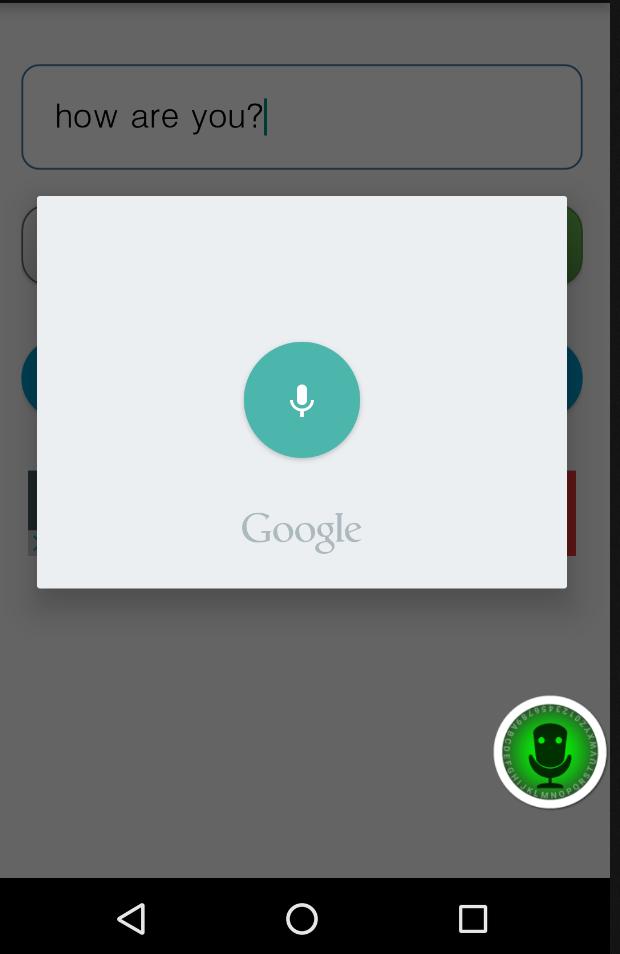
Turn speech to text.
In the middle of driving? Can't type?
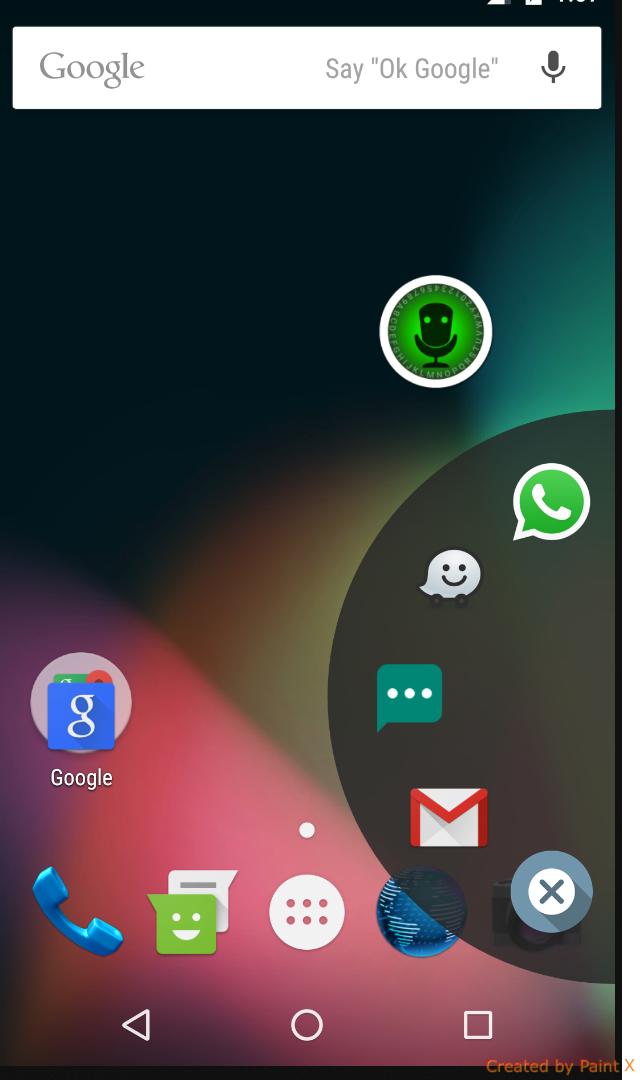
Talk and the application will turn it to text and automatically open WhatsApp, Gmail or sms.
Have Waze? Say the address and Waze will automatically open with the routes to the address you asked.
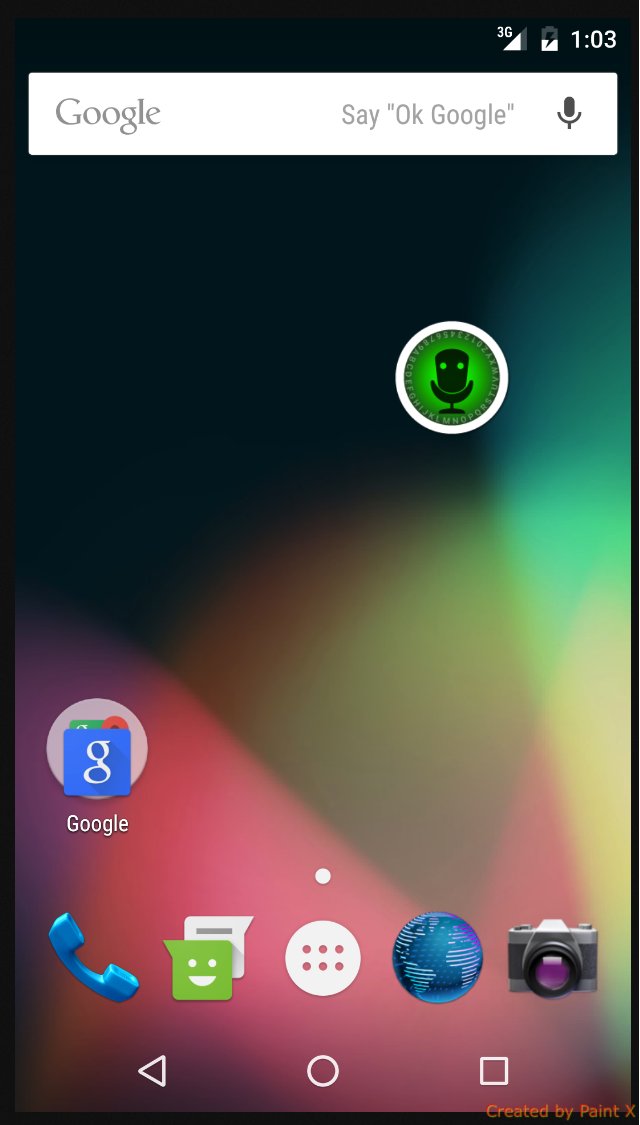
Speechy is always on the screen no matter which application you are using, always waiting to be open and hear what you have to say.
Latest Version
1.2Uploaded by
Luỵ Khánh Nhân
Requires Android
Android 4.0.3+
Category
Free Tools AppContent Rating
Everyone
Report
Flag as inappropriateLast updated on May 15, 2016
------ NEW ------
You can now say the app's name after clicking Speechy button.
You can say Whatsapp, Waze, Gmail, or SMS, and then say what you want to write.



APKPure - A multi-platform app store primarily focused on Android, providing extensive app-related content. Discover the app you want easier, faster, and safer, with quick and efficient downloads and installations.