SoundCast enables you to stream audio directly from your PC (Microsoft Windows only).
Use it as :
1.) Wireless Speakers
2.) Setting up Silent DJ
Features :
1.) High quality sound
2.) Minimal Latency (Can be used to watch Movies/Videos)
3.) Media Play/Pause, Next, Prev Buttons available
4.) Audio Compression
5.) Low bandwidth usages
SoundCast captures audio output from your PC and then transmits it to one or more android devices present on your Local Wi-Fi Network.
How to use ?
1.) Download and Install a server application on your PC from the given link.
Setup Link : https://github.com/Moboalien/SoundcastServer/raw/master/SoundcastSetup.exe
Portable Version Link : https://github.com/Moboalien/Soundcast_Portable
2.) Run the SoundCast Application on your PC and click "Install Drivers" (Just for first Time).
3.) Select Default Device as "VB-cable" from "Sound Settings" .
4.) Click "Start" Button.
5.) Connect you PC and Android Device to Same Wi-fi network or you can just create Hotspot from your smartphone and connect your PC.
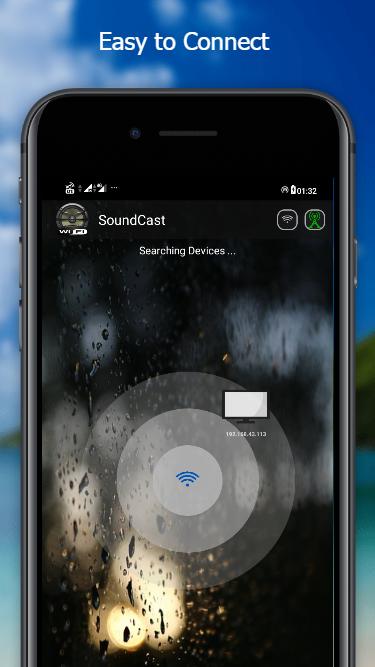
6.) Open SoundCast Application on your android device and it will start searching for available server on your local network. If it doesn't find your PC, you can manually enter IP address of your PC.
Latest Version
1.1freeUploaded by
Clark Offemaria Saludarez
Requires Android
Android 4.1+
Category
Free Tools AppContent Rating
Everyone
Report
Flag as inappropriateLast updated on Oct 16, 2020
First Release


APKPure - A multi-platform app store primarily focused on Android, providing extensive app-related content. Discover the app you want easier, faster, and safer, with quick and efficient downloads and installations.