Scan Date:Dec 10, 2025
Show More


Soul Browser suits users who want a clean, private way to browse, save media, and adjust the interface for comfort. It focuses on quick access, simple controls, and flexible layouts, so routine tasks stay efficient. Privacy choices are built in, and reading tools are available when needed. Moreover, permissions are never forced, which makes trying features straightforward. If you prefer a direct install route without extra requirements, Soul Browser APK provides an easy way to try it on any Android device.
Ad blocking and clean pages
You can remove ads and page clutter to focus on the content you want. A clean mode hides distracting elements, and you can also block a specific area on a page if something keeps getting in your way. With fewer elements to load, pages may open faster and feel easier to read.
Media tools and fast downloads
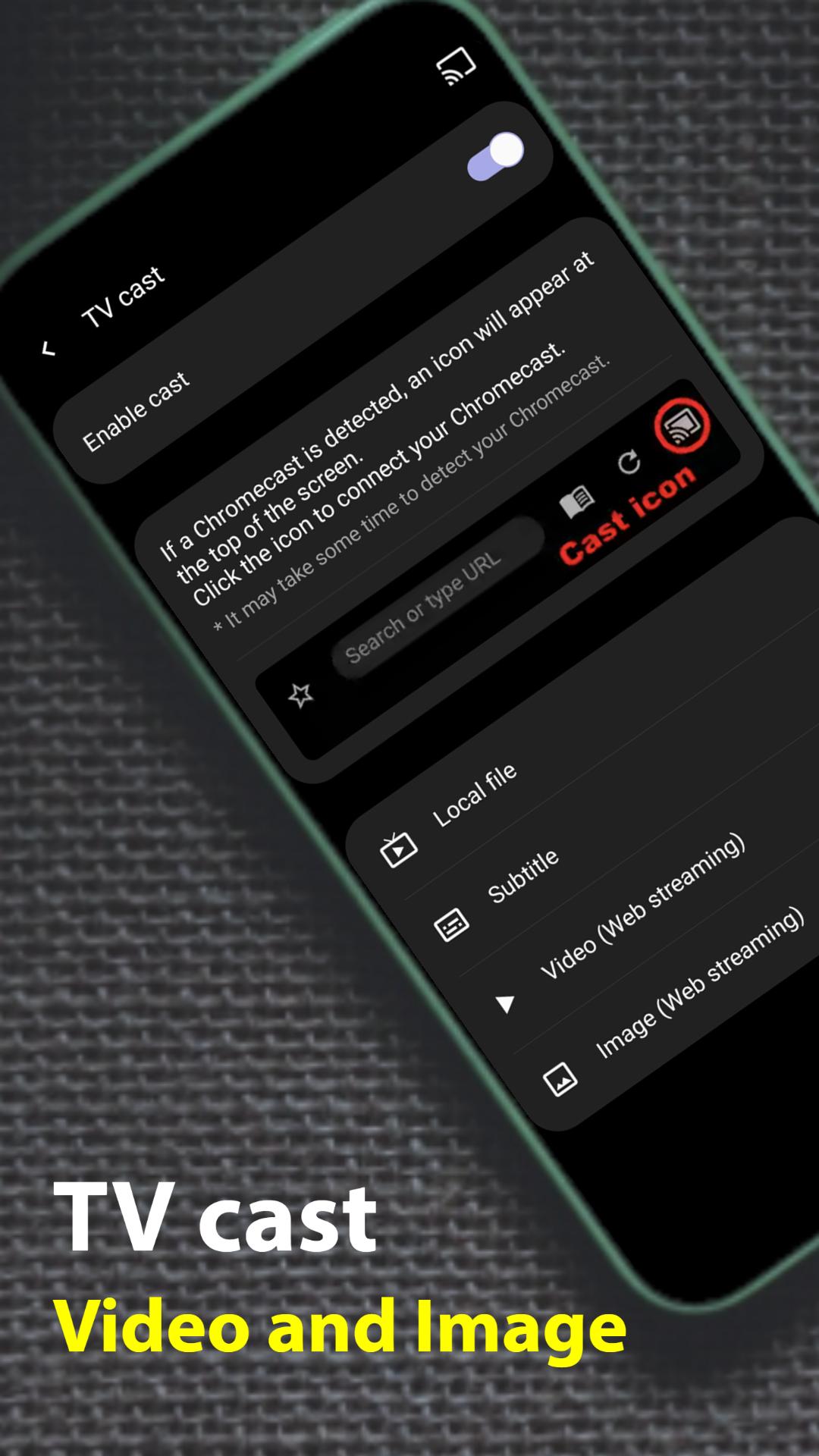
You can download videos from supported pages and save all images from a page in one action. There is an option to view only images on a page, plus a scrolling screenshot tool for long pages. When you need a bigger screen, you can cast supported media to a TV.
Deep customization for comfort
You can edit the layout, menus, search bar, tab bar, and gestures to match how you hold your phone. Theme options include dark mode, and you can change fonts and enlarge text for better readability. A one handed mode helps reach key controls without stretching your thumb.
Privacy controls and DNS change
You can browse in incognito mode, enable keyboard security, and set an app lock to limit access. The DNS change feature uses Android VpnService to apply your chosen DNS inside the browser, which helps control how connections resolve. These options work together to reduce traces on shared devices and tighten network behavior without extra apps.
Reading and utility tools
You can translate pages automatically and also translate text inside images. A reader mode simplifies long articles, and text to speech can read content aloud. Extra tools include a built in PDF viewer, QR code utilities, a basic photo editor, a screen filter for eye comfort, data saving options, and a “go back without refresh” behavior to reduce wait time.
Required permissions: none. Soul Browser does not require mandatory permissions to run, and features work within that design. If a feature needs access, the app requests permission only when you use it. For example, a website may ask for camera, microphone, or location access, and you can accept or deny per request.
Soul Browser is a web browser for Android focused on ad blocking, media saving, customization, and privacy tools. It is not a social or dating app. If you need a browsing app with downloadable media and reading aids, this is the intended use case.
The DNS change feature relies on Android VpnService to direct DNS queries through a resolver you choose. This operates within the app and does not require an external VPN subscription. Users who want more predictable name resolution can set a provider and keep the configuration active while browsing.
This short guide covers setup for blocking, privacy, customization, and media saving on Android. Follow the steps in order so each area is configured before you test it on web pages. For the newest tools and fixes, install the Soul Browser latest version.
Soul Browser brings ad control, flexible media tools, and practical privacy options together with layout customization. Users who prefer a tidy interface and quick controls can set it up in a few minutes. To try these tools on your device, download Soul Browser and adjust the settings to match your habits.
Latest Version
1.4.85Uploaded by
Adrien Gamboush
Requires Android
Android 6.0+
Category
Free Tools AppContent Rating
Everyone
Security Report
Report
Flag as inappropriateLast updated on Dec 10, 2025
⭐ Code optimized





APKPure - A multi-platform app store primarily focused on Android, providing extensive app-related content. Discover the app you want easier, faster, and safer, with quick and efficient downloads and installations.