
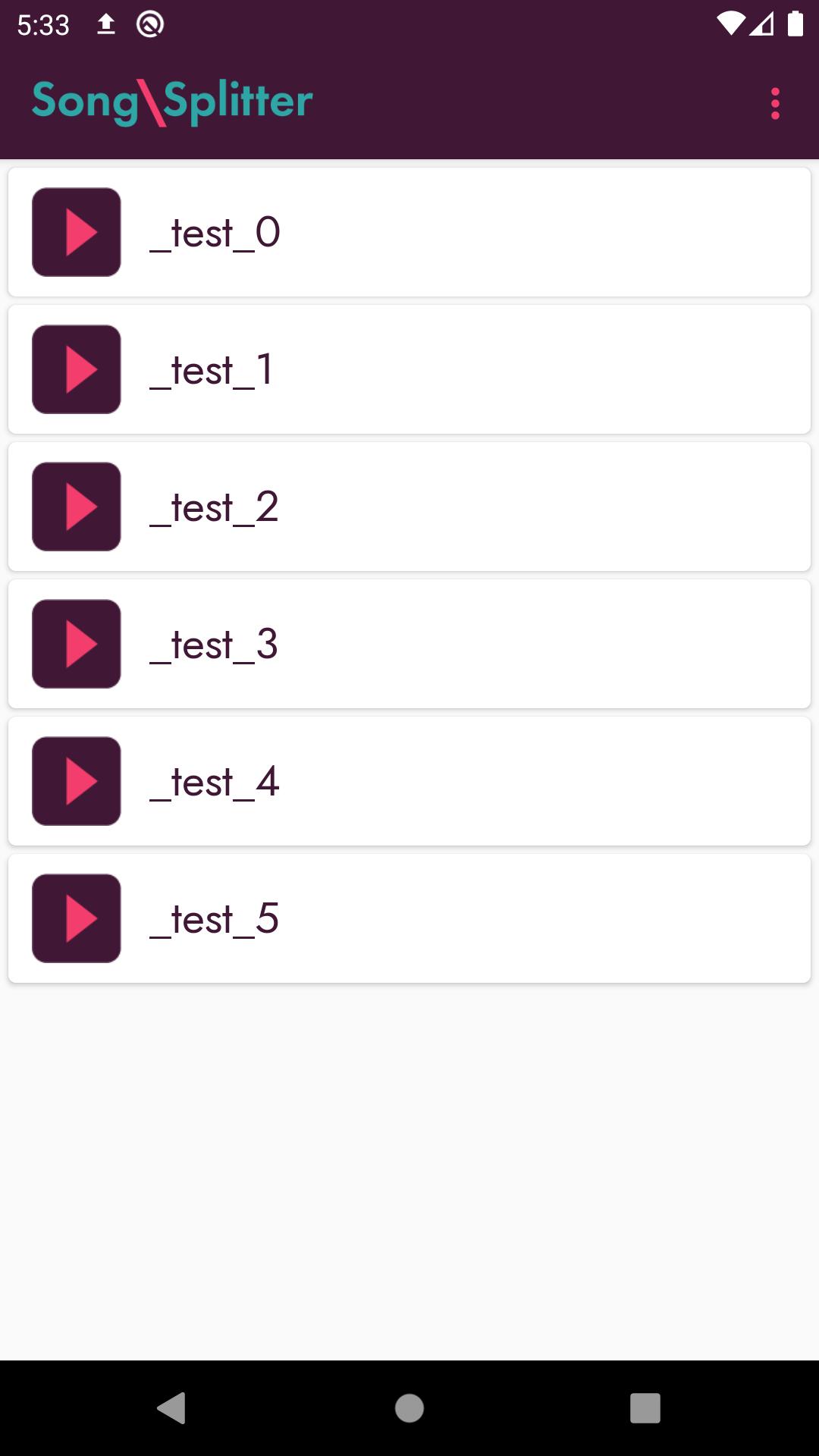
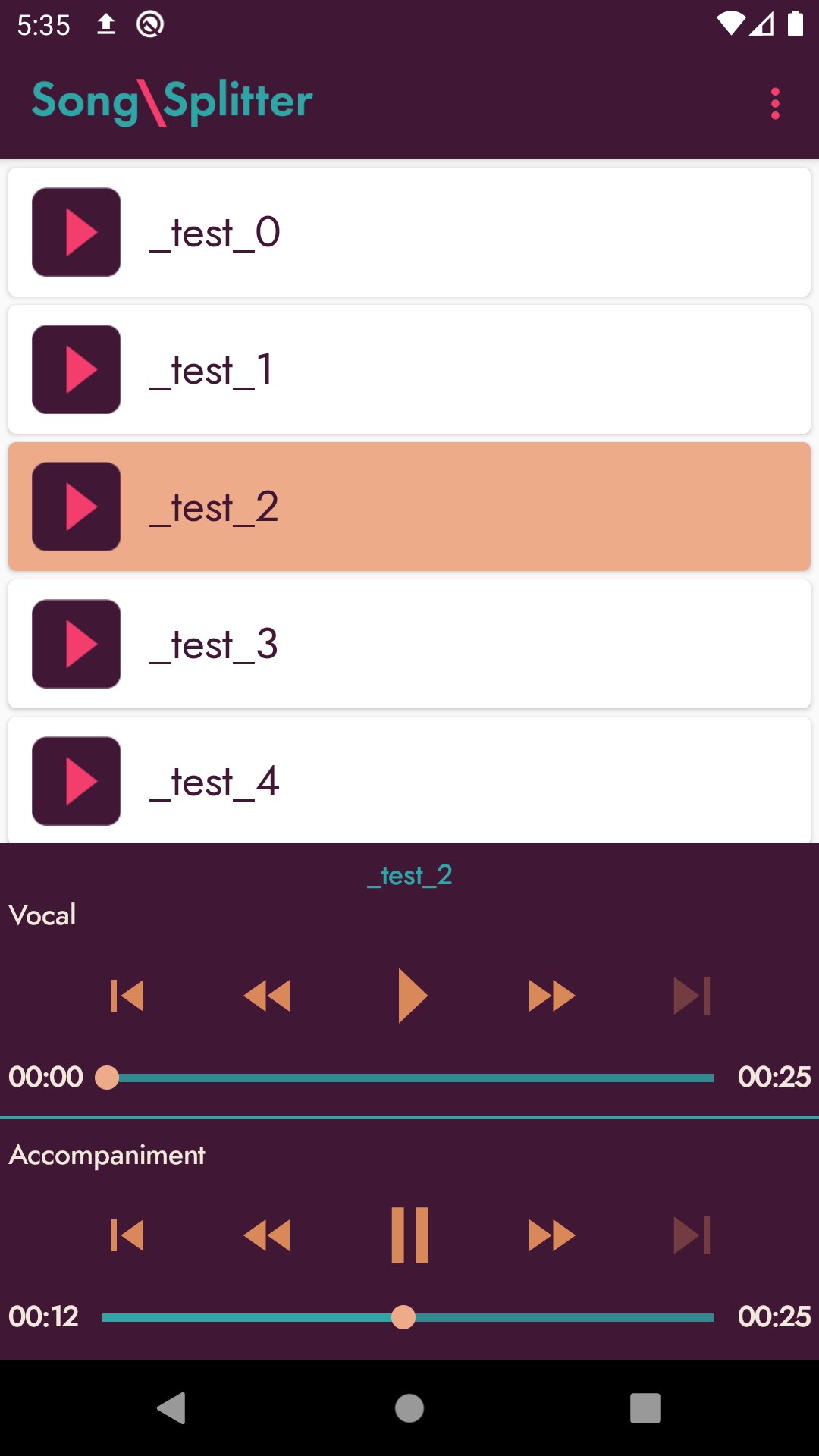
Songsplitter is an AI-driven application for splitting music and vocals into separate tracks, the results are then saved as separate audio files in MP3 format. Play the results directly through the app with the included multi-track player or freely copy the files into other applications.
This application is powered by AI found on the SingularityNET platform and required an internet connection to run. By default, the app will look for audio files on your device in MP3 format, however, you can manually add a file from a custom location using the "Open file" command in the app's menu.
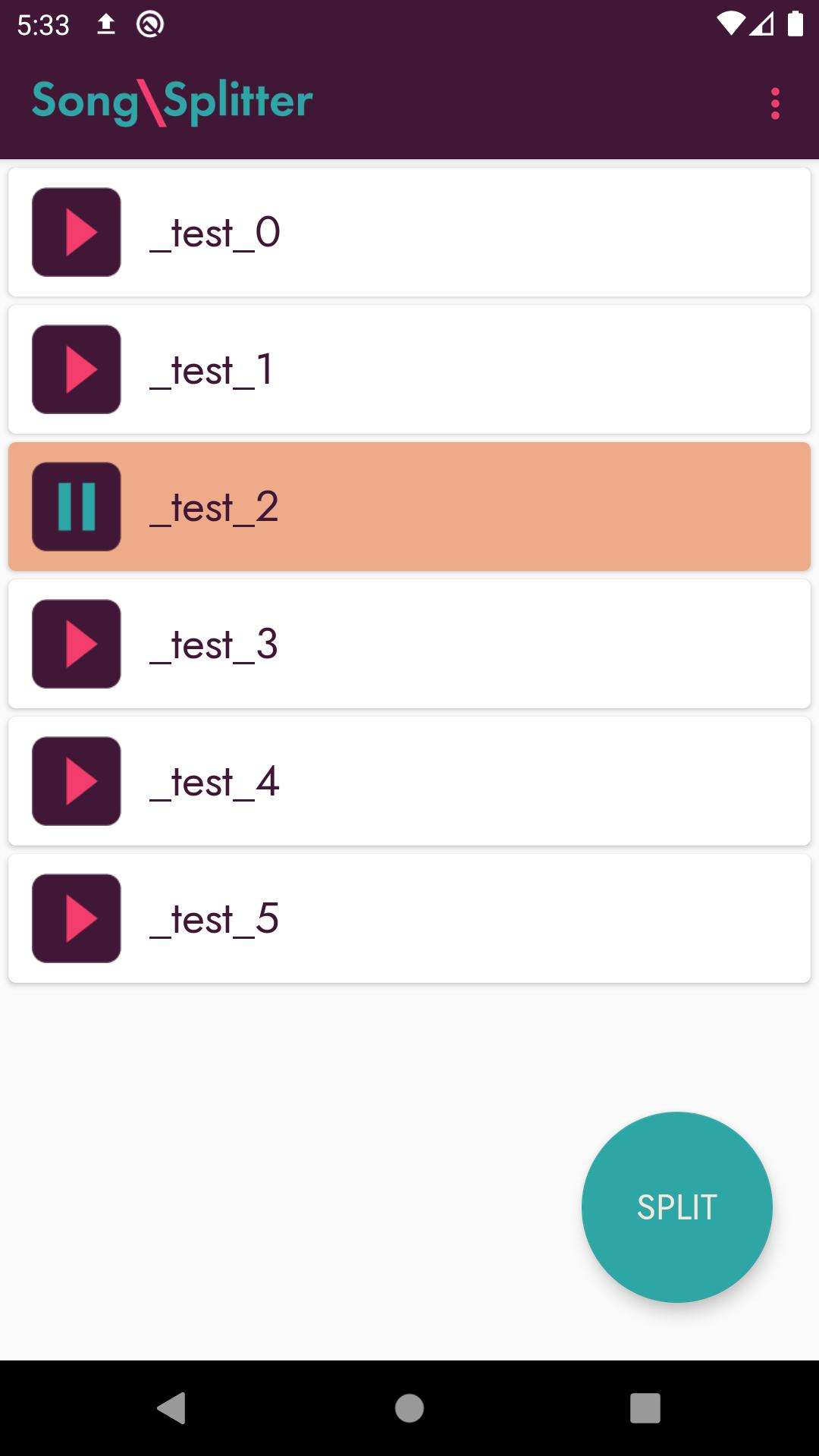
Simply open the browser, select the audio file you wish to process by tapping on it, and then press the "SPLIT" button to run the splitting process. Please make sure that your Internet connection is stable while the audio track is being processed.
Latest Version
1.4.23Uploaded by
Mark Arvin Gacuya
Requires Android
Android 5.0+
Category
Free Music & Audio AppContent Rating
Everyone
Report
Flag as inappropriateLast updated on Dec 2, 2023
Target SDK update





APKPure - A multi-platform app store primarily focused on Android, providing extensive app-related content. Discover the app you want easier, faster, and safer, with quick and efficient downloads and installations.