** IMPORTANT NOTICE **
Please use Soliton SecureDesktop Center V1.0.1 or later version before you use Soliton SecureDesktop Client V1.0.1 or later. This version is NOT compatible with Soliton SecureDesktop Center V1.0.0.
- Does not support IPv6.
When app run on IPv6 enabled mobile network, please change APN protocol setting from [IPv4/IPv6] to [IPv4].
* Description:
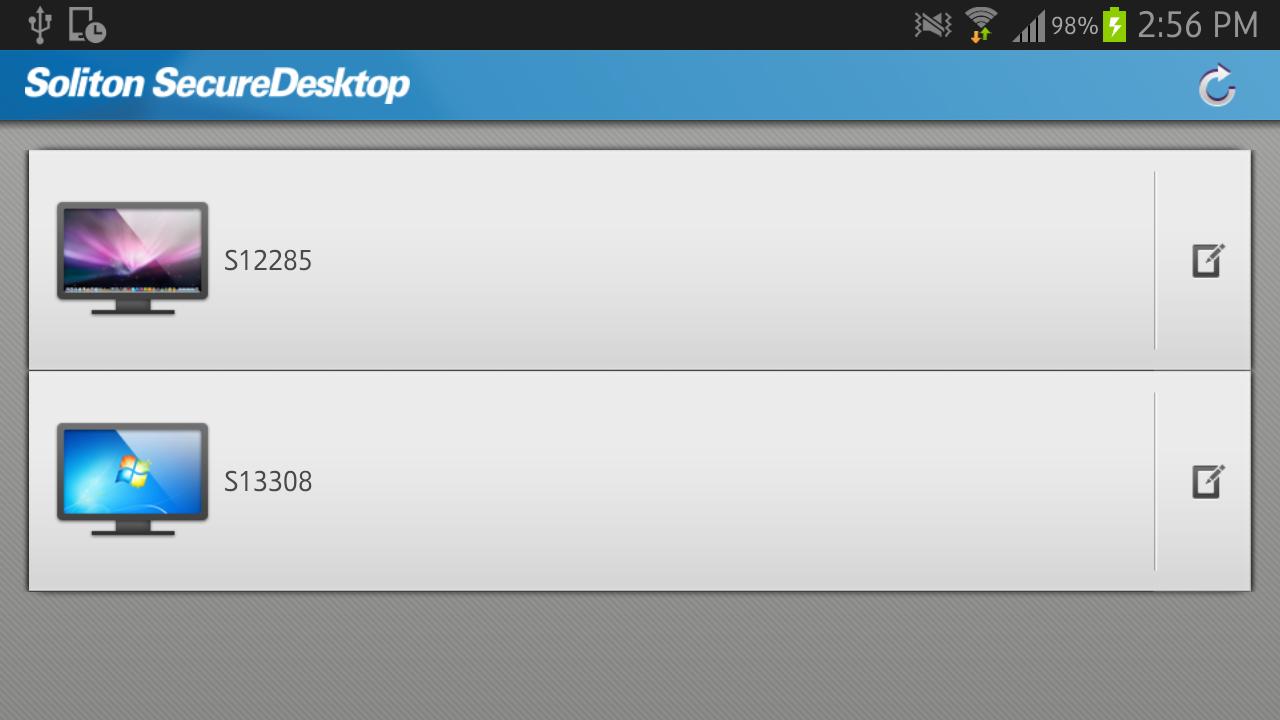
"Soliton SecureDesktop" is a remote control application for enterprise users. Soliton SecureDesktop is the easiest and fastest way to access your Mac or Windows PC in your office from across the Internet securely without VPN.
"Soliton SecureDesktop Center", gateway appliance, is required to be deployed in your enterprise network.
* Features:
- Strong security for remote control
The communication between Soliton SecureDesktop and Soliton SecureDesktop Center is fully secured by SSL. Furthermore X.509 certificate can be used to authenticate you and your mobile device.
- 100% compatibility with your desktop
You can access all of the programs and files on your computer with 100% compatibility, including Microsoft Office and iWork, any desktop browsers such as IE, Safari, Chrome, and Firefox with full Flash and Java support, with all of your bookmarks and your favorite plug-ins.
- High performance
Real-time streaming technology including 3D graphics, HD video and synchronized audio optimizes performance that automatically adapts to varying network condition over Wi-Fi and 3G/4G. You can operate your computer from your mobile device effectively as if you were sitting in front of your computer.
*Requirements:
- Soliton SecureDesktop Center
For details please visit Soliton SecureDesktop website:
https://www.soliton.co.jp/ssd/
By downloading, you agree to the Terms of Use at:
https://www.soliton.co.jp/eula/