Scan Date:Apr 4, 2026
Show More


SocksIP Tunnel helps users connect on restricted networks such as campuses, workplaces, and public hotspots. It addresses situations where websites, apps, or games are blocked, and a stable tunnel is needed to reach them. The app builds encrypted paths over common protocols, which keeps traffic flowing even on controlled networks. As a result, browsing, streaming, and gaming remain accessible. For clarity on updates and connection reliability, users often look for the SocksIP latest version to get the most recent improvements.
SocksIP Tunnel focuses on creating paths that bypass firewalls and regional blocks. You can reach sites and apps that are otherwise filtered, which restores normal access for daily tasks. This approach is useful when a service is limited by location or a network policy. In turn, your traffic is routed through a secure method so the connection can continue.
Free servers and custom SSH supportSocksIP Tunnel provides built in free servers for quick connections, which helps new users get started without extra setup. If you need more control, you can connect your own SSH server through HTTP, SSL, or TLS proxies. This flexibility lets you tailor the path to match your location and service needs. As a result, you can switch between options as conditions change.
Multiple tunnel modes for different scenariosSocksIP Tunnel includes SocksIP Single and Request modes, plus SSH, WebSocket, DNS, and UDP tunneling. Each mode serves a distinct situation, such as general browsing, app specific routing, or traffic types that benefit from UDP. You can pick a mode that aligns with the target app or game, then adjust the connection method accordingly. This selection improves compatibility on various network setups.
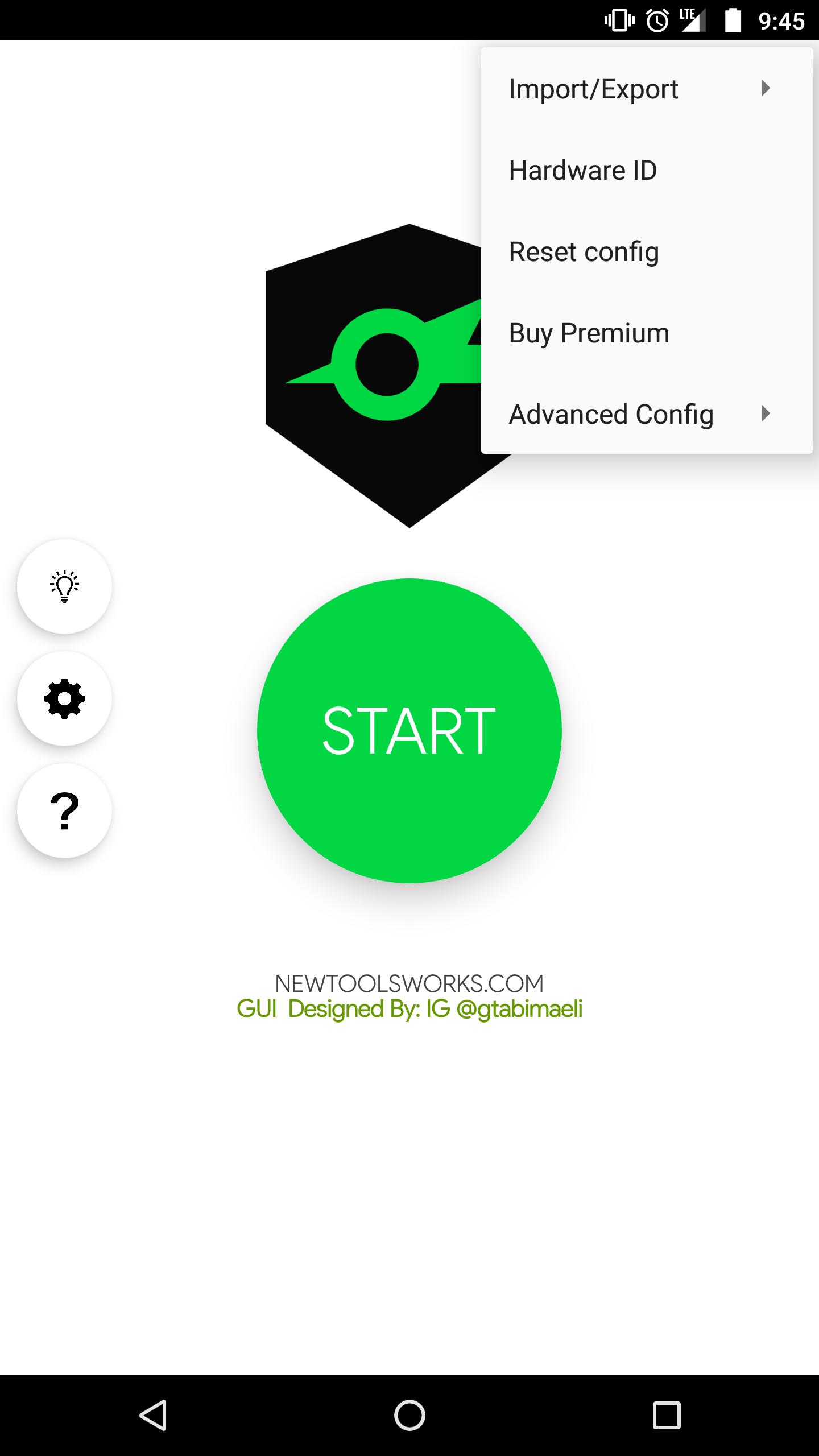
Simple connection flow and HTTP request setupThe app uses clean screens with clear sections for selection, input, and connection status. You can set HTTP requests when a proxy requires them, which helps the tunnel pass through limited gateways. The interface guides you through picking a mode, entering server details, and starting the session. As the session runs, status indicators show activity so you can verify that traffic is moving.
Optimized resource usage and UDP stabilitySocksIP Tunnel is designed to consume minimal resources while maintaining stable connections. This makes it suitable for gaming and streaming that rely on steady UDP behavior. When a network is busy, the app still aims to keep the tunnel responsive and consistent. This focus supports extended sessions without frequent drops.
Decide between free servers and custom SSH based on control and consistency. Free servers are convenient for quick tests, but performance can vary with location and load. Custom SSH gives you control over credentials, server region, and proxy type. For proxies, use HTTP when a simple gateway is enough, and consider SSL or TLS when a network requires encrypted handshakes to pass firewall checks. Switching proxy types can improve connection success on strict networks.
Speed depends on server distance and user load. To improve performance, pick a region closer to your location and monitor server status when possible. If your SSH service shows active users, choose a less crowded time or move to another host. When streaming or gaming, test UDP mode first, then compare with other modes to see which delivers lower latency. If pages are slow, try DNS or WS for routing that fits the network policy, and adjust HTTP request settings to match proxy requirements.
Use the steps below to start a tunnel and adjust it for your connection. To get the app ready fast, users often look for the SocksIP APK from a trusted source.
SocksIP Tunnel builds reliable paths on controlled networks and supports browsing, streaming, and gaming. For quick setup, download SocksIP and choose either free servers or your own SSH service.
For official resources related to SocksIP Tunnel, use the link below.
Latest Version
15.14.4Uploaded by
古月
Requires Android
Android 5.0+
Category
Free Tools AppContent Rating
Everyone
Security Report
Report
Flag as inappropriateLast updated on Apr 4, 2026
-Fix server bug





APKPure - A multi-platform app store primarily focused on Android, providing extensive app-related content. Discover the app you want easier, faster, and safer, with quick and efficient downloads and installations.