

Snitchchat addresses a common situation where you want to keep a personal copy of a Snap on your device without changing how Snapchat works. It runs as a separate utility and adds lightweight controls over the Snapchat screen so you can capture what you see. On first launch, it guides you through essential permissions so everything works on top of the app. It does not log in to your account or contact Snapchat servers. For a straightforward setup and local saves, Snitchchat APK focuses on on-device capture only.
Stealth screenshots
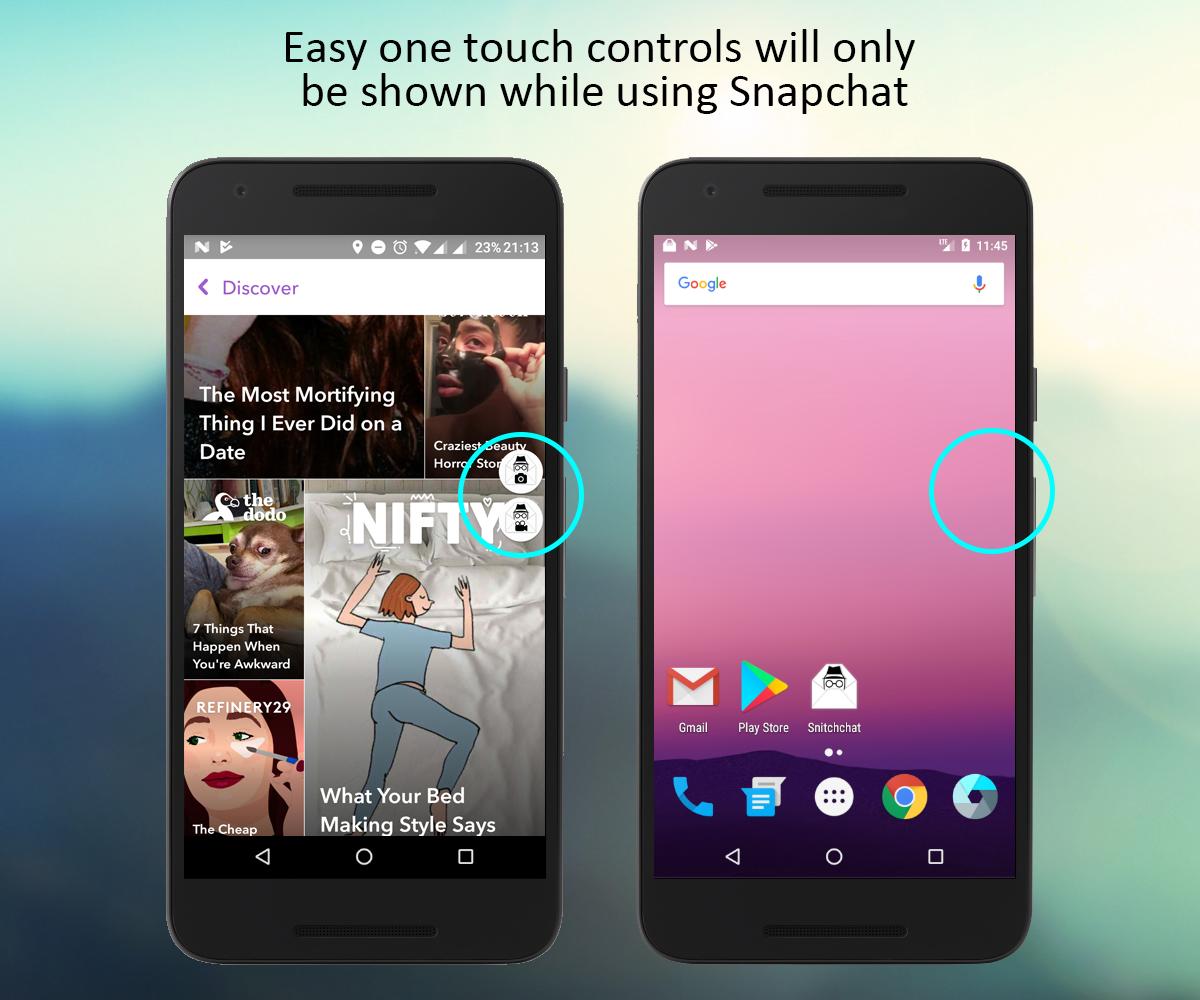
Snitchchat places a small camera control on top of the Snapchat viewer when a Snap is open. Tapping this control captures the visible screen and stores an image file locally without triggering sender notifications. The action happens on your phone, so nothing is sent to external services.
Silent video recording
You can press and hold the video control to record a Snap as it plays. Recording continues while you hold the button and stops when you release it, then the clip is saved to storage. This option helps when a Snap includes motion or audio that you need to keep.
Local save and share
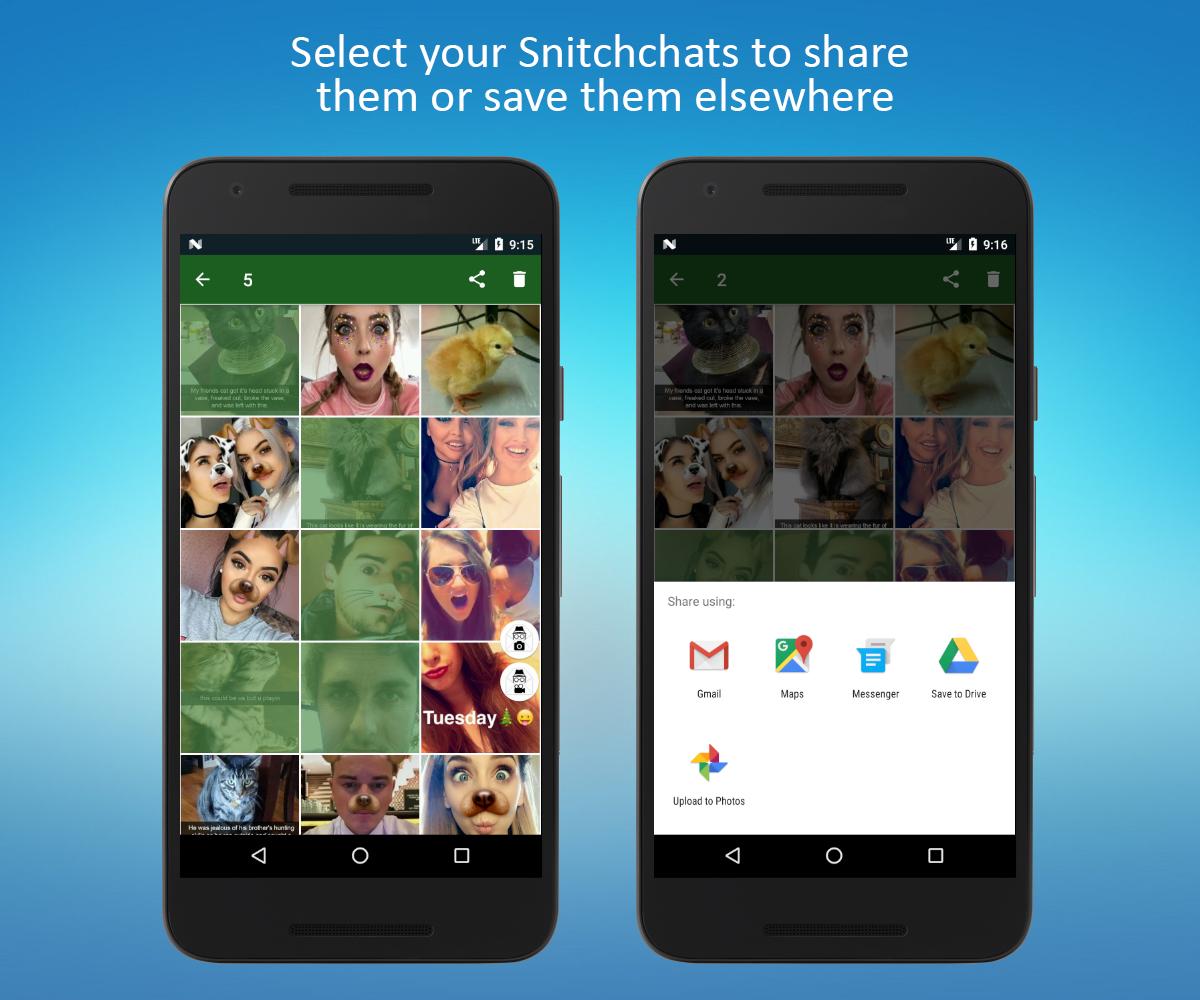
Captured photos and videos are written directly to your device. From there, you choose if and when to share them with other apps or contacts. Snitchchat does not upload your media to any server.
Contextual, clutter free UI
The overlay controls appear only when Snapchat is in the foreground. This keeps your screen clean in other apps and reduces accidental taps. When you leave Snapchat, the overlay hides automatically to stay out of the way.
Private, standalone operation
Snitchchat does not require a Snapchat login and does not connect to Snapchat servers or third party APIs. It functions as a focused Snapchat screenshot tool and screen recorder overlay for Android, keeping your capture actions separate from your Snapchat account.
Capturing or saving Snaps with a third party tool may violate Snapchat’s Terms of Service and could infringe on others’ privacy. Use Snitchchat responsibly, and get consent from the sender before saving or sharing their content. Be cautious of unrelated websites or rumor posts that use similar names but are not Android apps. This listing describes an Android overlay utility that runs locally on your device.
On first use, Snitchchat requests a small set of permissions so the overlay and capture actions work correctly. If any permission is skipped during setup, you can enable it later in your device settings for Snitchchat.
Snitchchat is an Android app and is not available for iPhone. It is not endorsed by, affiliated with, or supported by Snap Inc. or Snapchat. The app does not access Snapchat servers and does not require a Snapchat login. It operates only as an overlay on your device to capture what is on screen.
After you download Snitchchat and install it, setup takes a minute. The overlay appears only when Snapchat is active, keeping the rest of your phone unchanged. Follow the steps below to start capturing Snaps privately on your device.
Snitchchat provides focused on-screen capture controls for saving Snaps to local storage. If this tool matches your needs, get the Snitchchat latest version to keep your setup current and working smoothly.
Latest Version
3.0Uploaded by
ศร'เออ' เร่ออ'
Requires Android
Android 5.0+
Category
Free Tools AppContent Rating
Everyone
Report
Flag as inappropriateLast updated on Sep 27, 2017
New UI! The same functionality but much easier to use.



APKPure - A multi-platform app store primarily focused on Android, providing extensive app-related content. Discover the app you want easier, faster, and safer, with quick and efficient downloads and installations.