Package Name:com.appclick.allvideodownloader
SHA-256:041b265105422eb271f2039178b82546f65aa115d9e2ab298e6f8b666888f5cb
Show More


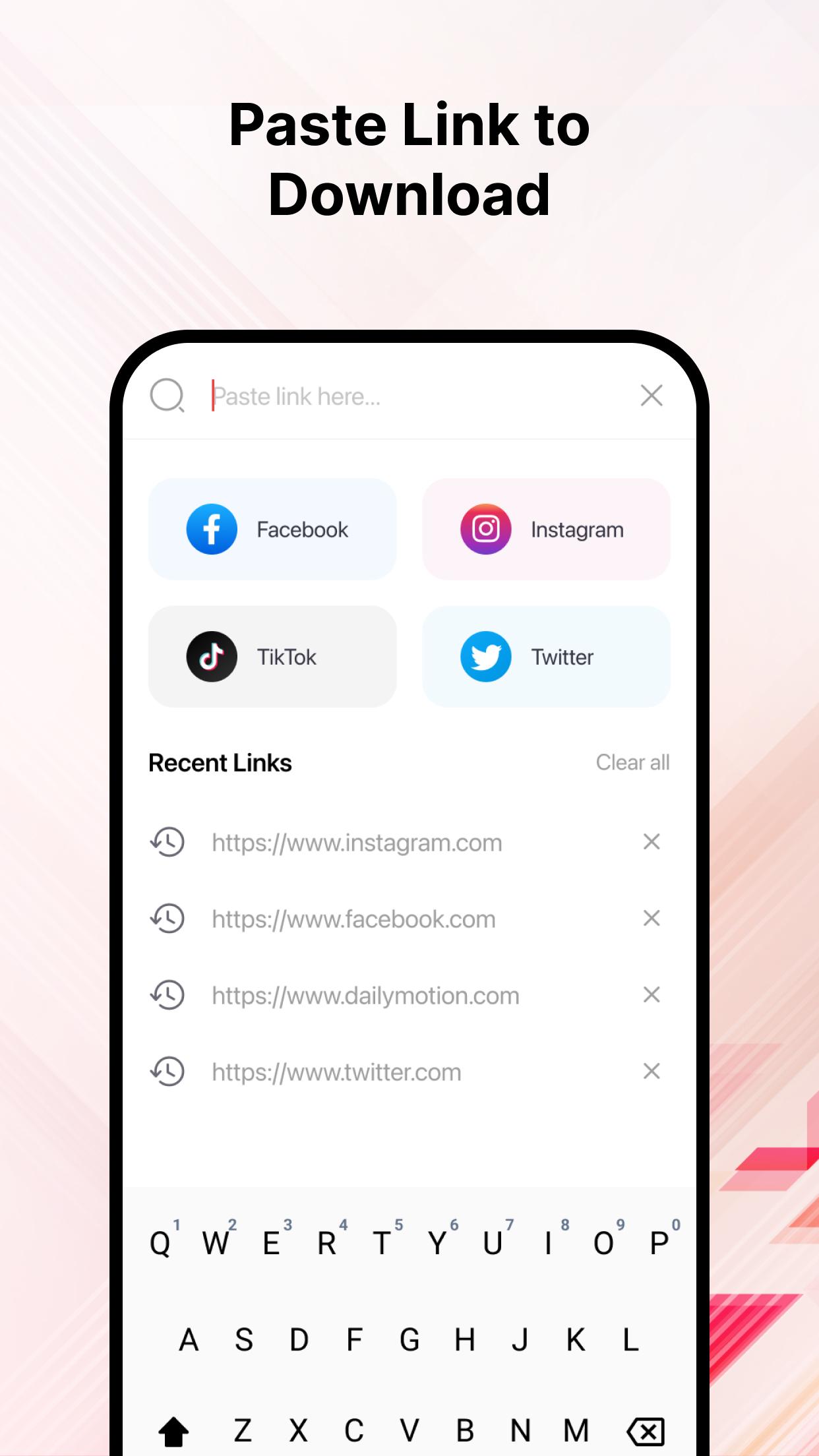
VidVault : Video Downloader helps when you want to keep clips from social apps and video sites for later. Instead of juggling different tools, you copy a link, paste it, and save with a simple flow. The app keeps downloads organized so you can find and play items easily, and it suits quick saving on the go. For users looking to try it directly, the VidVault : Video Downloader APK is available without a signup requirement.
VidVault : Video Downloader offers fast transfers with a manager that lets you pause and resume tasks. If a connection drops, downloads can recover rather than starting over. This helps when using spotty mobile networks. You keep control of each job without switching tools.
Multi-platform coverage including Instagram Reels and TikTokThe app supports 15 plus popular sources such as Instagram Reels, Stories and IGTV, TikTok, Facebook, Twitter, Reddit, LinkedIn and Vimeo. For YouTube links, Shorts and Live, a built in web tool provides a fallback when needed. You can use it as an Instagram downloader, a TikTok downloader, and a general YouTube downloader through the web tool. Short form clips and longer videos can be saved in one place.
Quality and format choicesVidVault : Video Downloader lets you pick from HD up to 4K or 8K MP4 for broad device support. When you only need audio, you can extract tracks to MP3, WAV or FLAC. This fits music, podcasts and voice notes. It reduces the need for a separate converter.
Privacy first usage without registrationYou can use the app without signing up. There is no tracking and no data storage beyond your downloads on your device. This reduces friction and keeps usage simple. It suits users who want private saving for personal viewing.
Built in library for organizing and sharingVidVault : Video Downloader includes a library where you can group files, play offline and share to other devices or apps. Everything stays in one place so you can find items quickly. This helps manage large collections of clips and audio. Playback works with common players.
Downloads are intended for personal use, and you should follow each platform’s terms and copyright rules. Availability of certain sources may vary by distribution policies in your region. If a source is limited, the official web downloader offers an alternative path for saving supported links. This ensures you can handle YouTube, Shorts and Live links even when in-app access is restricted.
Users can queue multiple links and download them in batches, which is helpful when saving a series of clips. When connections are unstable, the pause and resume controls help maintain progress. This reduces the risk of failed transfers and duplicated files. It also makes large download sessions more manageable.
Saving content follows a simple flow on Android. To start, download VidVault : Video Downloader and open it. Then use the steps below for a clean process.
VidVault : Video Downloader offers a straightforward way to capture links and store media for offline viewing. If you need consistent saving across platforms, consider the VidVault : Video Downloader latest version. It keeps downloads organized and supports format choices and private playback on your device.
For support and the web downloader, visit the official site:
Latest Version
3.8Uploaded by
Ataryi Mhamad
Requires Android
Android 8.0+
Category
Free Video Players & Editors AppContent Rating
Everyone
Security Report
Check Now
Report
Flag as inappropriateLast updated on Aug 28, 2025
- Performance and Stability Improvements
- Other Bug Fixes





APKPure - A multi-platform app store primarily focused on Android, providing extensive app-related content. Discover the app you want easier, faster, and safer, with quick and efficient downloads and installations.