Package Name:com.crazum.snapsplit
SHA-256:5fb254b8fb11a6c362a5a3583af15d0bcb7439d9c6791e03feb29ee18cb4c8ef
Show More
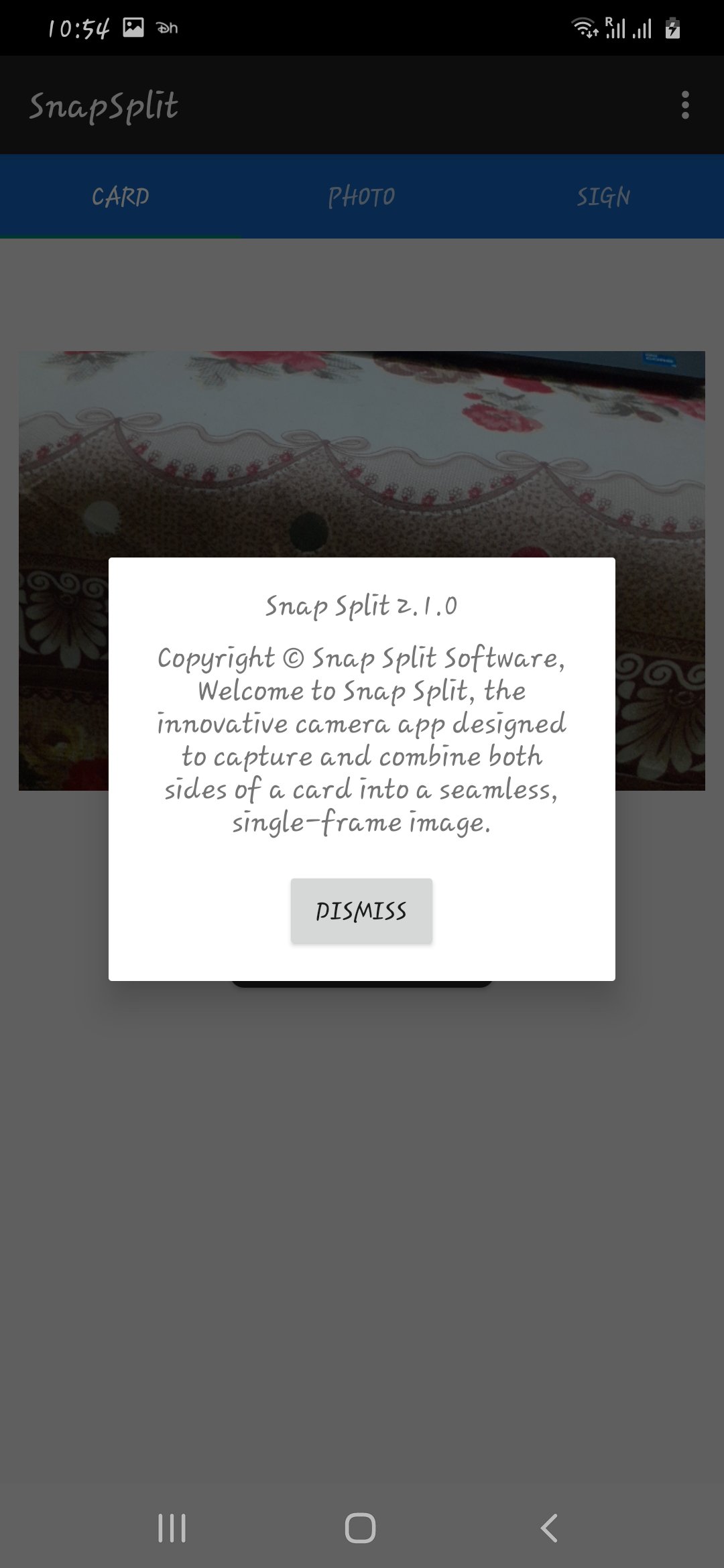
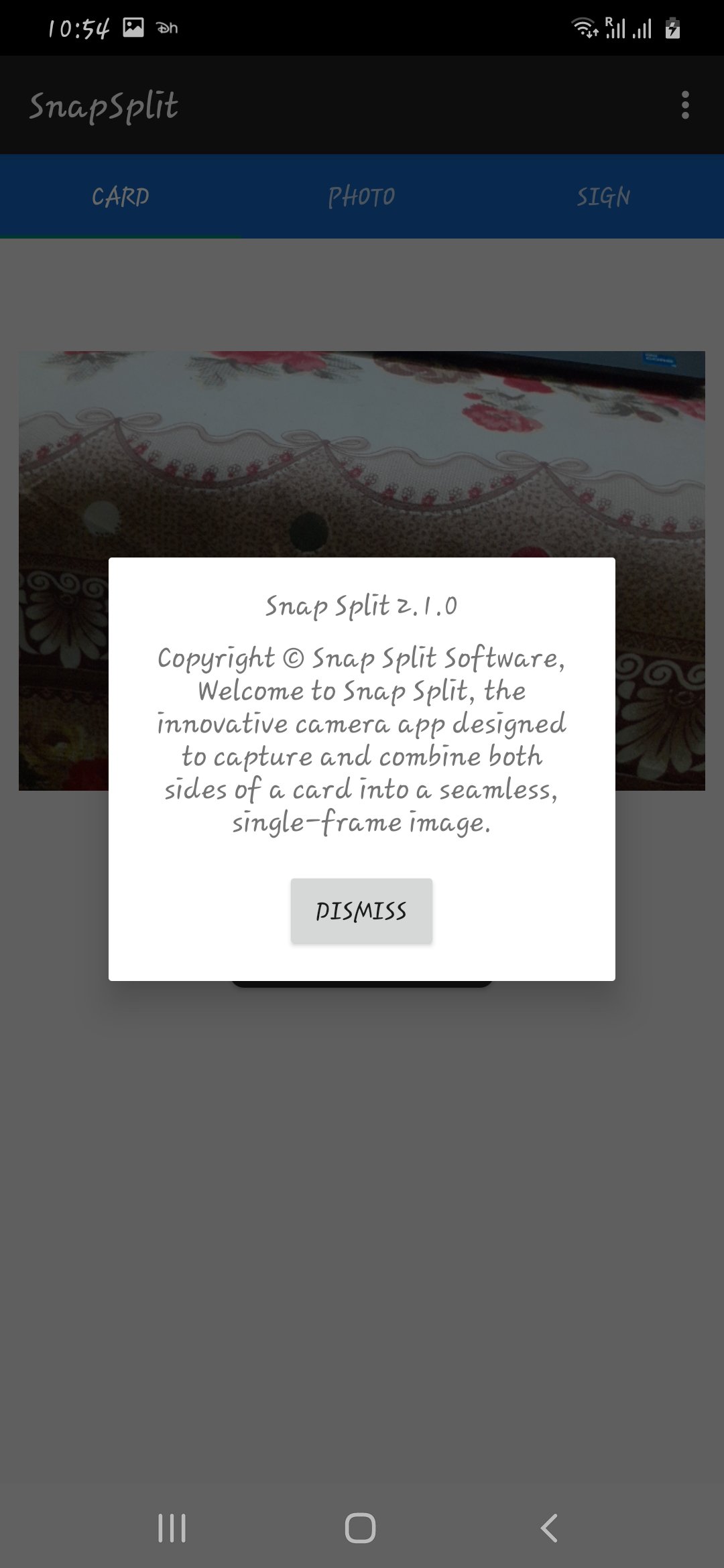
Snap Split is a user-friendly tool designed to enhance your image capture experience. With its dual-camera capture and join functionality, the app simplifies the process of creating unique side-by-side image compositions. Whether you're looking to juxtapose two scenes, compare before and after shots, or simply create engaging visual stories, Snap Split has you covered.
Snap Split is your go-to tool for seamlessly merging images. Capture the front and back of a card with your device's dual-camera setup, and the app will intelligently combine them into a single frame. Whether you're documenting both sides of an ID card, business card, or any other card, Snap Split streamlines the process. Enhance your image documentation experience with this user-friendly app. Download Snap Split now to effortlessly create unified card images.
Key Features:
Dual Camera Capture: Utilize the power of both front and back cameras to capture two separate images.
Seamless Joining: Combine the captured images horizontally to create a visually appealing composition.
Quick and Intuitive: The app's interface is designed for simplicity, allowing users to capture, join, and save images with ease.
Interactive Guidance: Receive informative prompts at each step, guiding you through the capture and join process.
Efficient Compression: Snap Split automatically compresses the combined image, ensuring a manageable file size without compromising quality.
Save and Share: Save your creations directly to your device's gallery, ready to be shared on social media or with friends.
How to Use Snap Split:
Capture Left Image: Launch the app, click the capture button to take the left image. Follow the on-screen instructions and enjoy a shutter sound confirmation.
Capture Right Image: Click the capture button again to take the right image. Receive a prompt indicating successful capture.
Combine Images: The app automatically combines the left and right images horizontally. Hear a join sound, and view the combined image on the screen.
Save and Share: Save the creatively combined image directly to your device's gallery. Share your unique creations with friends and family effortlessly.
Snap Split is your go-to tool for creating captivating visual stories using the dual-camera capabilities of your device. Download Snap Split today and explore the exciting possibilities of dual-image capture and composition.
Latest Version
1.1.0Uploaded by
Khanh Nguyen
Requires Android
Android 8.0+
Category
Free Tools AppContent Rating
Everyone
Security Report
Check Now
Report
Flag as inappropriateLast updated on Aug 5, 2024
This release includes minor bug fixes and general improvements. Update to the latest version for the best experience.







APKPure - A multi-platform app store primarily focused on Android, providing extensive app-related content. Discover the app you want easier, faster, and safer, with quick and efficient downloads and installations.