
You can use Bulk SMS for following Purpose:
* Send Bulk SMS to MS. Excel File (CSV Format)
* Send Bulk SMS to Number Series
How to Use:
* Install the application.
* Register your profile by entering your details.
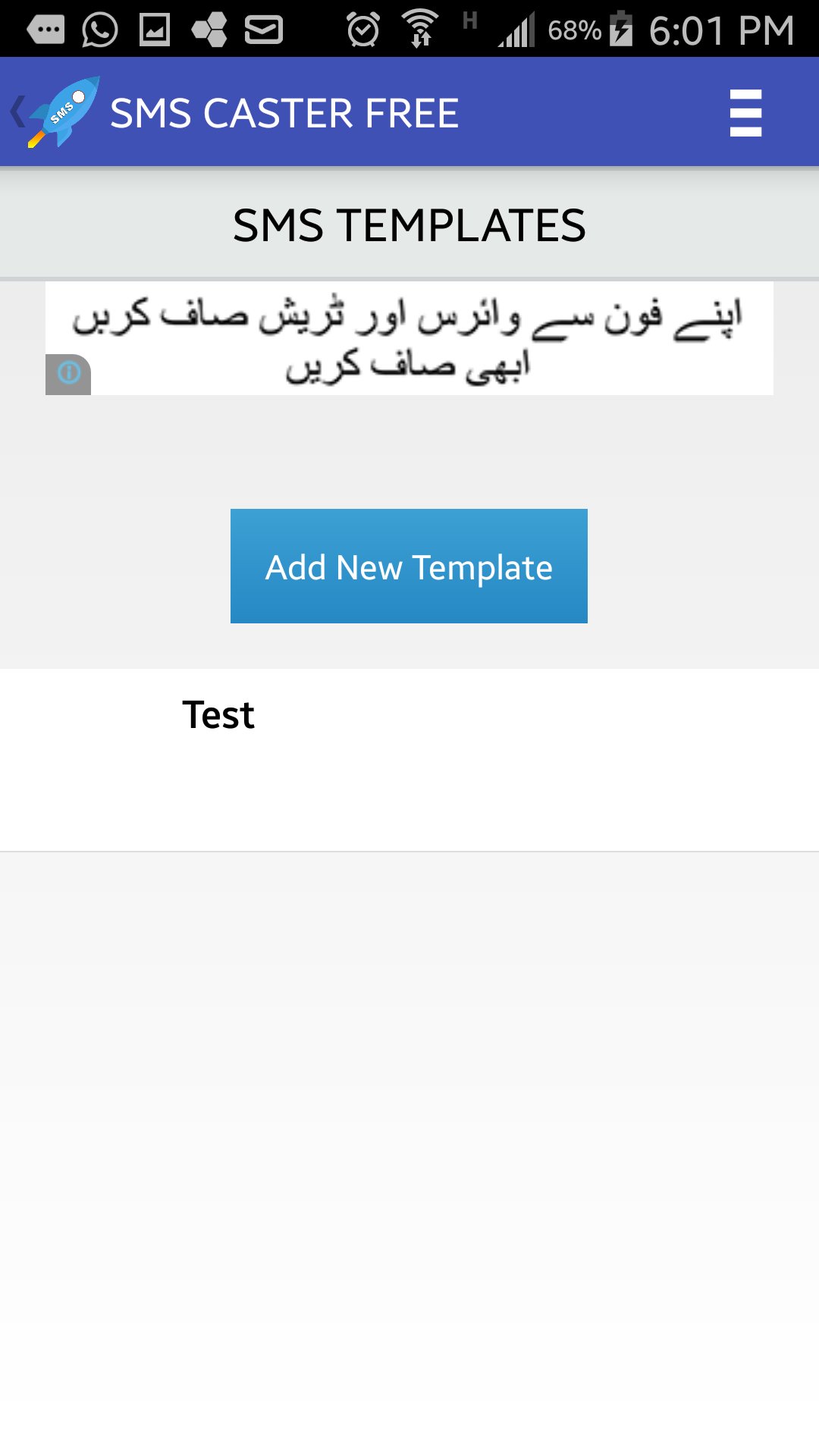
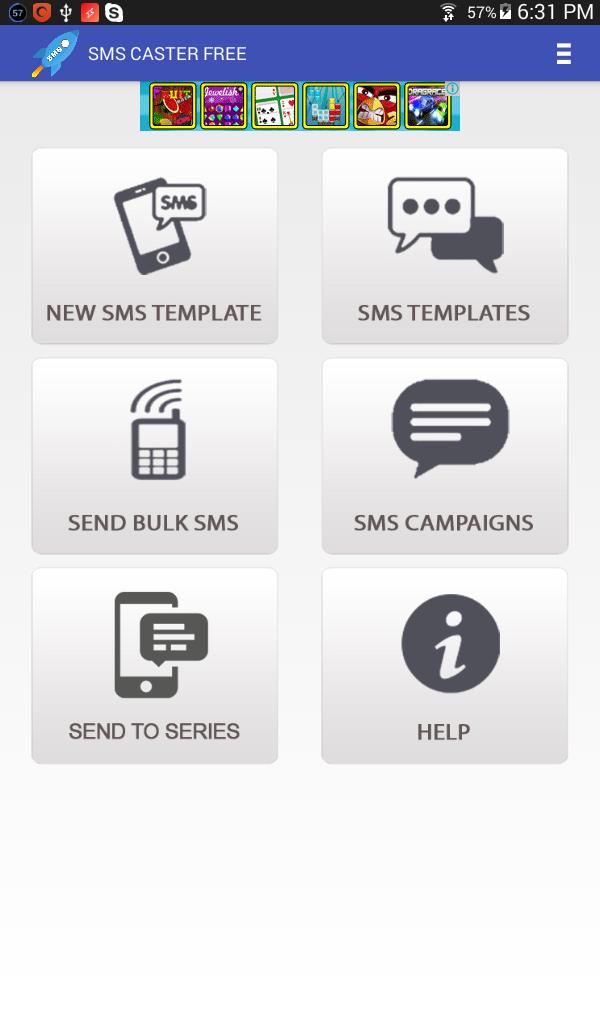
* Create a new SMS template through New SMS Template button. (We will be using this template in our campaign)
* Open Send Bulk SMS menu & select CSV file from your mobile storage.
* Select a Template.
* No of SMS: Total no SMS per shot. After completing the shot the campaign will end & can be resumed any time.
* Duration in second: It is the delay between each sent SMS.
* Signature: Signature can be set from profile area on top menu.
* Each campaign can be paused & resumed.
Dual Sim Android smartphones NOT supported.
If you find any difficulty in using our application kindly contact us at info@blazeminds.com.
Latest Version
1.8Uploaded by
Zhaakir Ahmed
Requires Android
Android 4.4+
Category
Free Business AppContent Rating
Everyone
Report
Flag as inappropriateLast updated on Jan 29, 2020
Minor bug fixes and improvements. Install or update to the newest version to check it out!





APKPure - A multi-platform app store primarily focused on Android, providing extensive app-related content. Discover the app you want easier, faster, and safer, with quick and efficient downloads and installations.