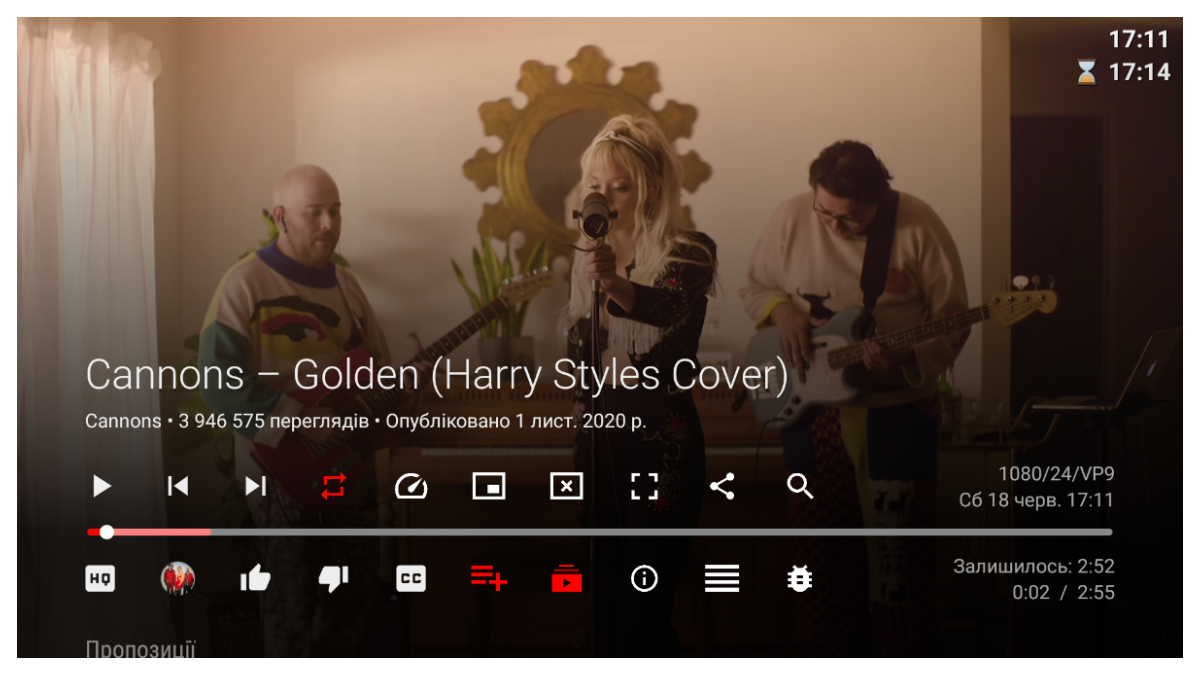

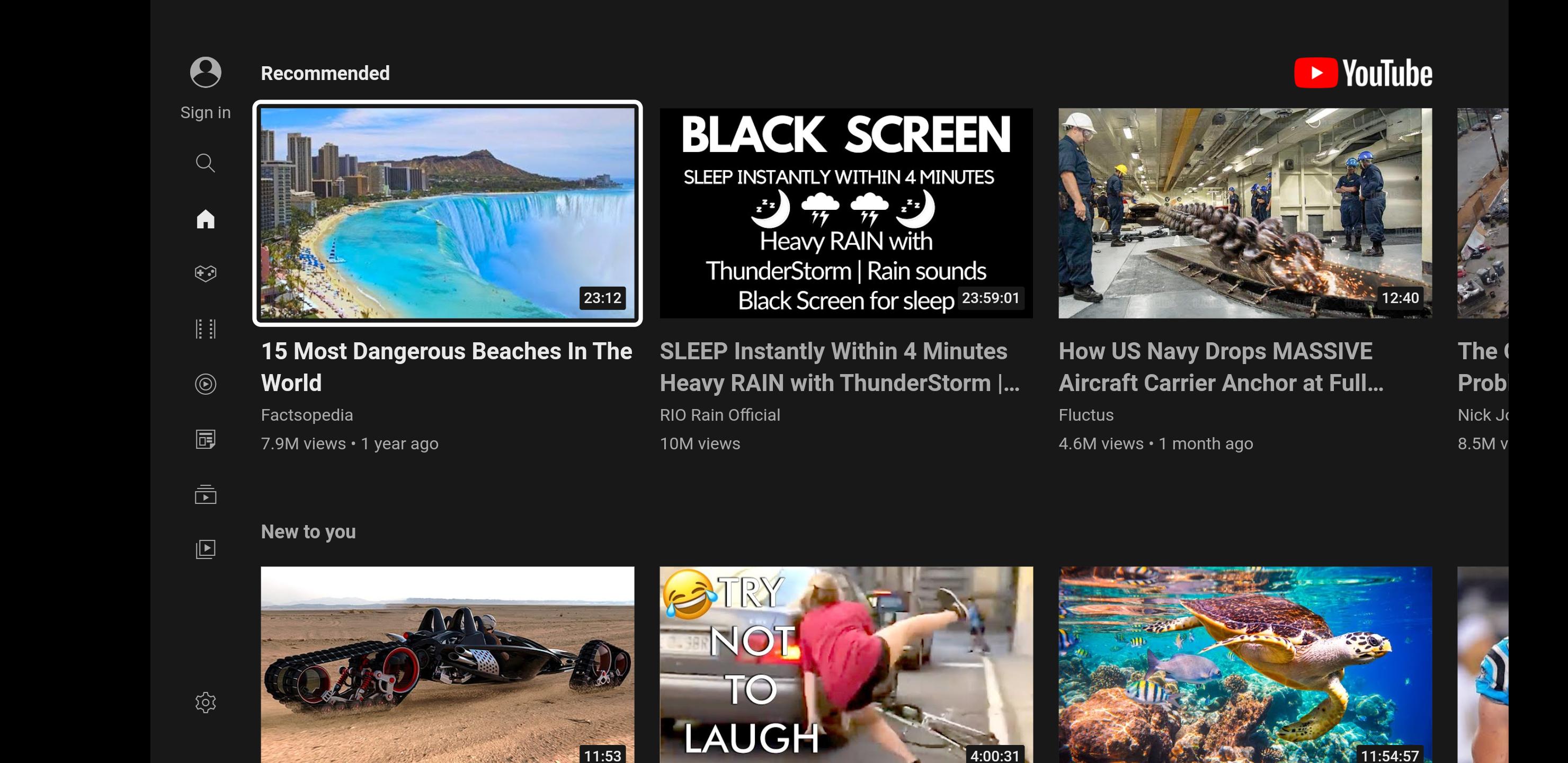
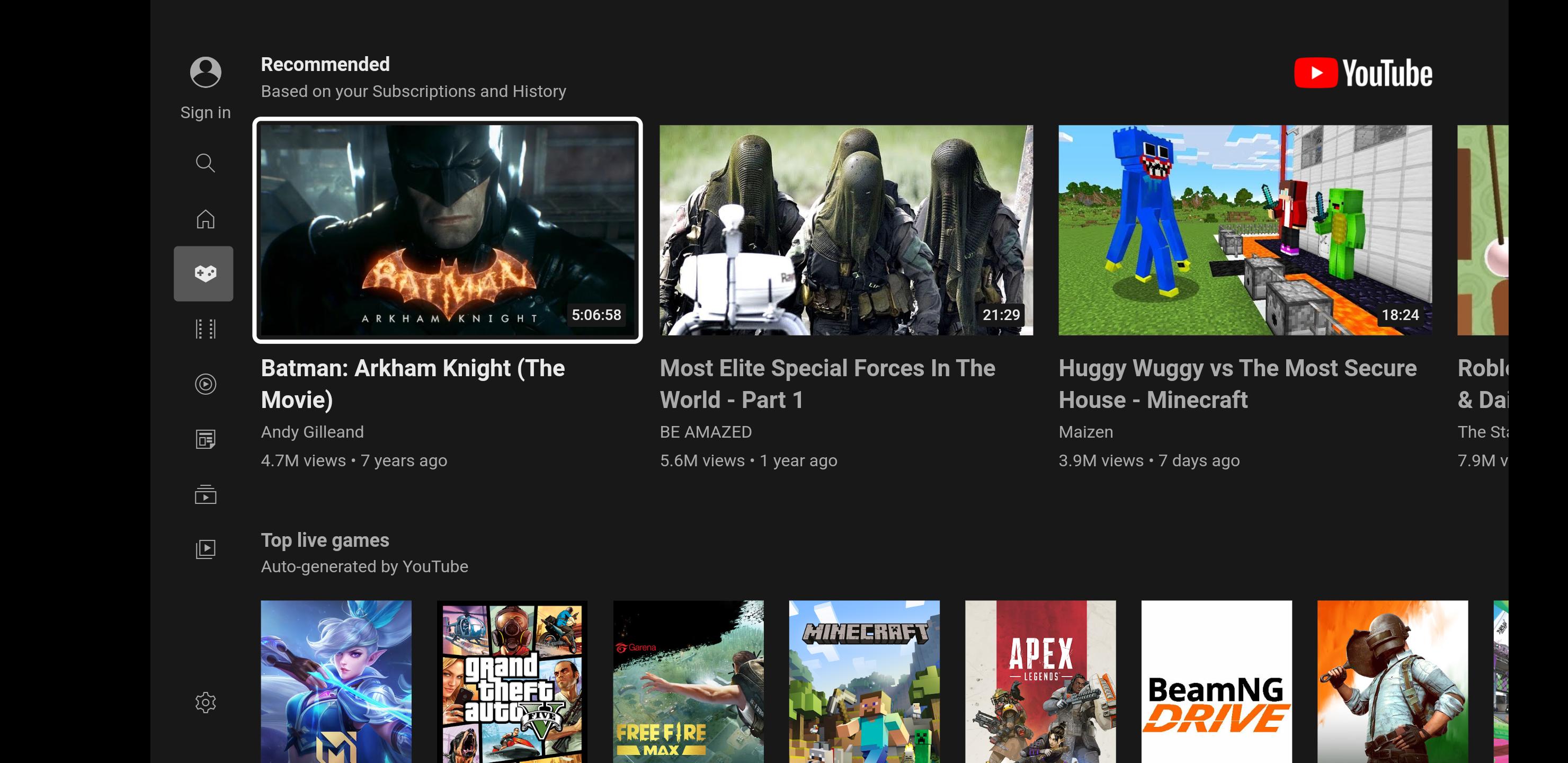
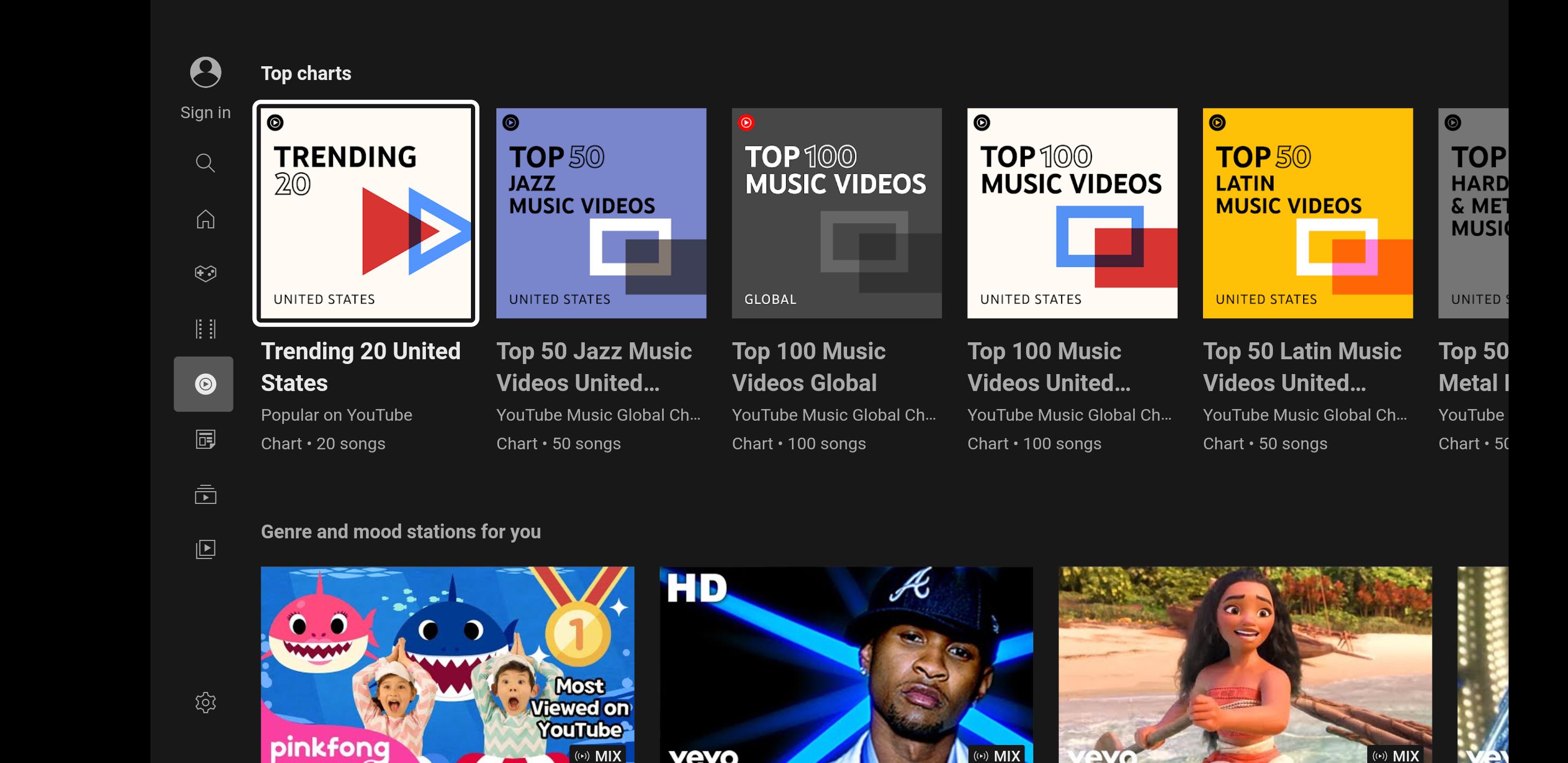
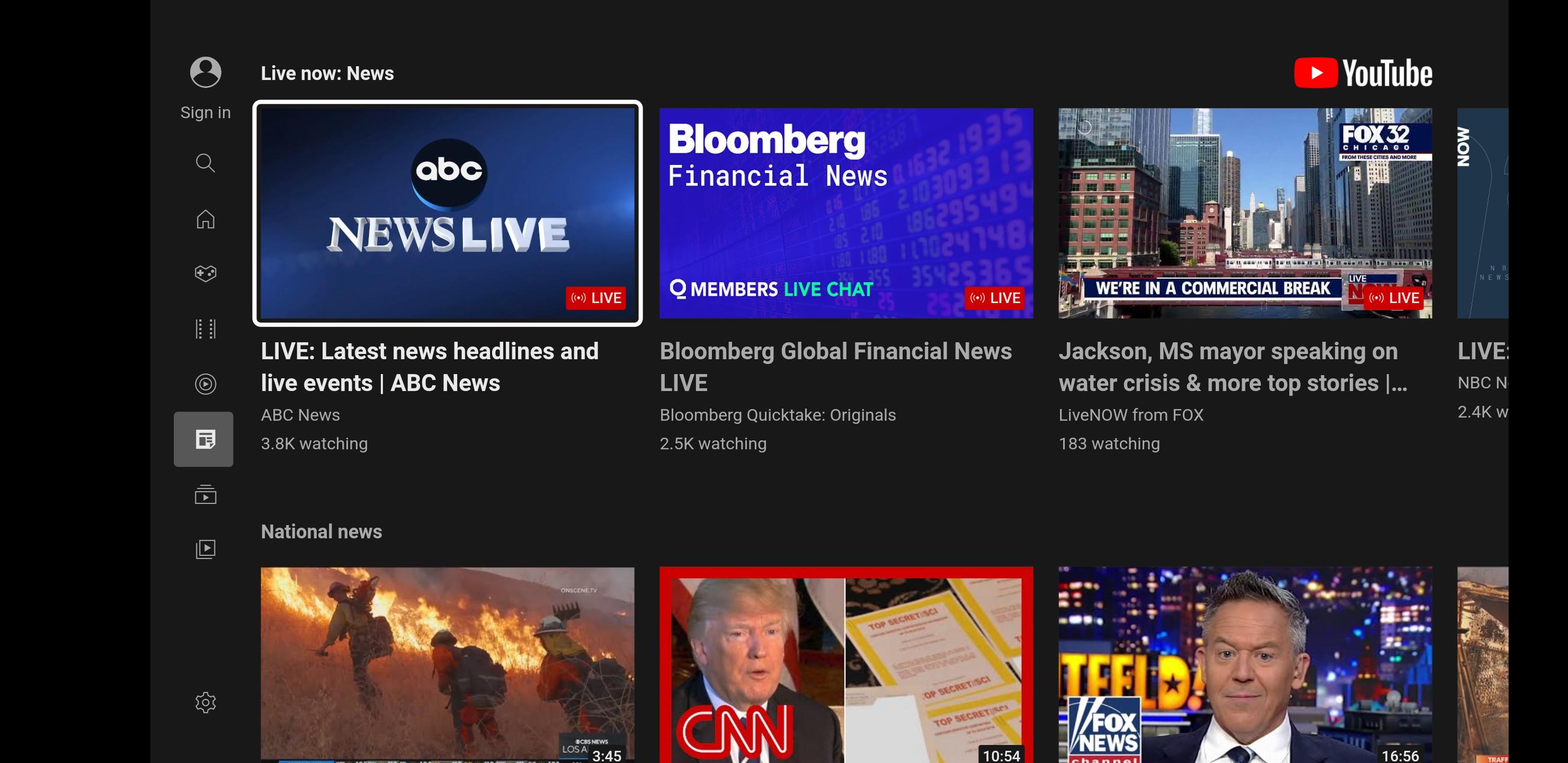
Smart YouTube TV helps when your smart TV or Android TV box does not include Google Services or the official YouTube app. It offers a free, open-source client you can sideload to watch videos on large screens. The app was created by independent developer Yuriy Lyskov and is no longer actively maintained, so compatibility may vary. Even so, it follows a familiar TV layout and focuses on simple remote navigation. The Smart YouTube TV APK makes installation straightforward for users who prefer external sources.
TV-friendly layout
Resolution modes up to 4K
No Google Services needed
Smart YouTube TV runs on devices without Google Services and does not require root. You can sign in to your YouTube account directly in the app. It is ad free and open source, which keeps viewing focused on content.
Simple sideload setup
Enable installation from unknown sources in your TV settings, copy the APK to a USB drive, and install it on your TV. After you download Smart YouTube TV, open it and choose the resolution mode that fits your device.
Smart YouTube TV offers a focused way to watch YouTube on Android TVs without relying on Google Services. It is not officially supported by YouTube or Google and is no longer actively maintained, so test it on your model first. When installing Smart YouTube TV latest version, follow the setup steps and check device compatibility.
Latest Version
Varies with deviceRequires Android
Available on
yuliskov
Category
Free Video Players & Editors AppReport
Flag as inappropriateLast updated on Nov 26, 2025
Minor bug fixes and improvements. Install or update to the newest version to check it out!



APKPure - A multi-platform app store primarily focused on Android, providing extensive app-related content. Discover the app you want easier, faster, and safer, with quick and efficient downloads and installations.