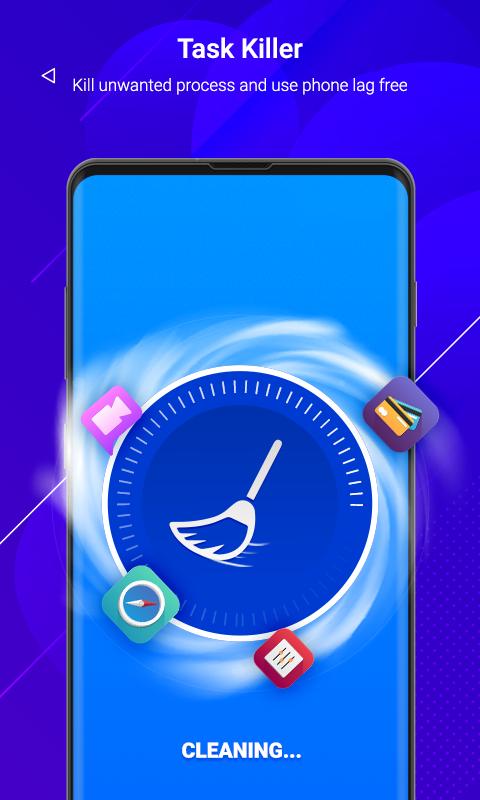
Use Smart Task Manager to close all your background running apps. It will help you to improve your device performance and speed up your phone. Get full list of background running apps and check all recent task. View full list and clear background running tasks. Also select the apps and task that you do not wish to kill or clear.
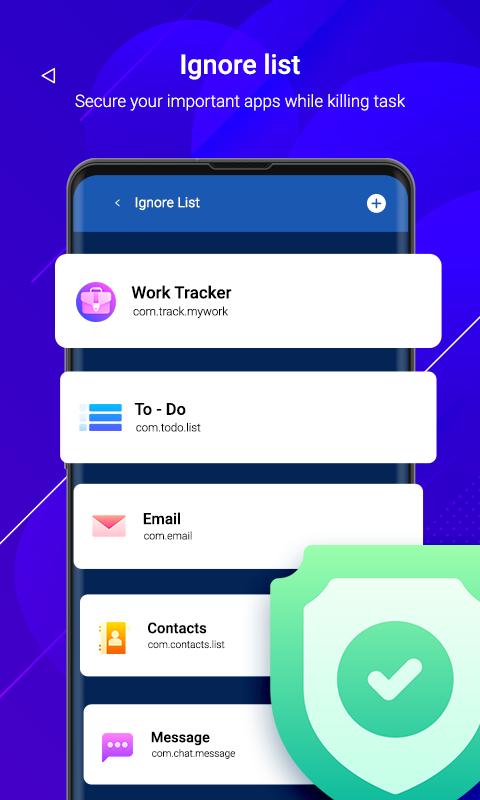
Add apps in Ignore list so when app killing start these apps are not killed stay as it is.
Smart Task Manager Settings :
Start Up Kill : Auto kill background apps when device start up.
Screen Off Kill : Auto kill recent tasks and apps when screen is turned off.
Regular Kill : If you want to kill your background task at particular time inteval then enable this service and set your time when you wish to remove background running apps.
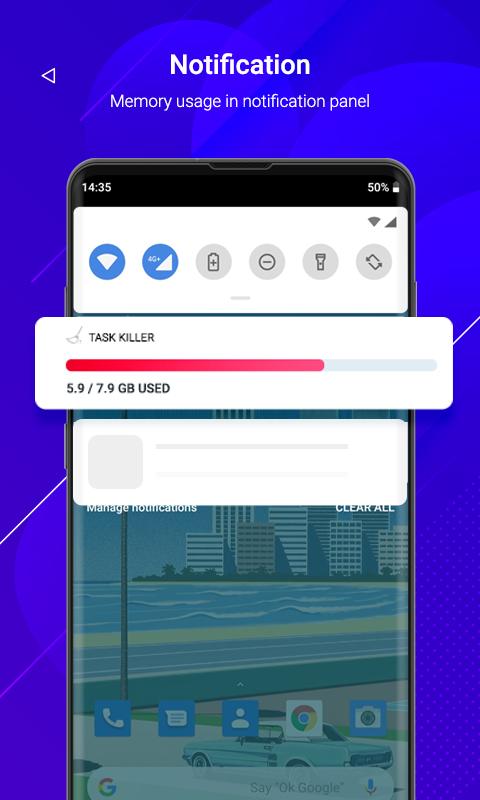
App displays phone memory usage in notification so you can easily check without any delay.
Main Purpose of app:
- Close unnecessary tasks that utilize your phone memory.
- Free up memory to help device perform better.
- Boost your Phone speed.
- Save Battery life to last longer.
Install app now and clear your tasks with just one tap.
Latest Version
1.0Uploaded by
Helvian Fakhri Iqbal Ramadhan
Requires Android
Android 5.0+
Category
Free Tools AppContent Rating
Everyone
Report
Flag as inappropriateLast updated on Oct 29, 2020
This release includes minor bug fixes and general improvements. Update to the latest version for the best experience.




APKPure - A multi-platform app store primarily focused on Android, providing extensive app-related content. Discover the app you want easier, faster, and safer, with quick and efficient downloads and installations.