
Smart Switch - Copy My Data: Your Ultimate file sharing & content transfer companion
Smart switch phone transfer app lets you share files anytime, anywhere with no internet connection required.
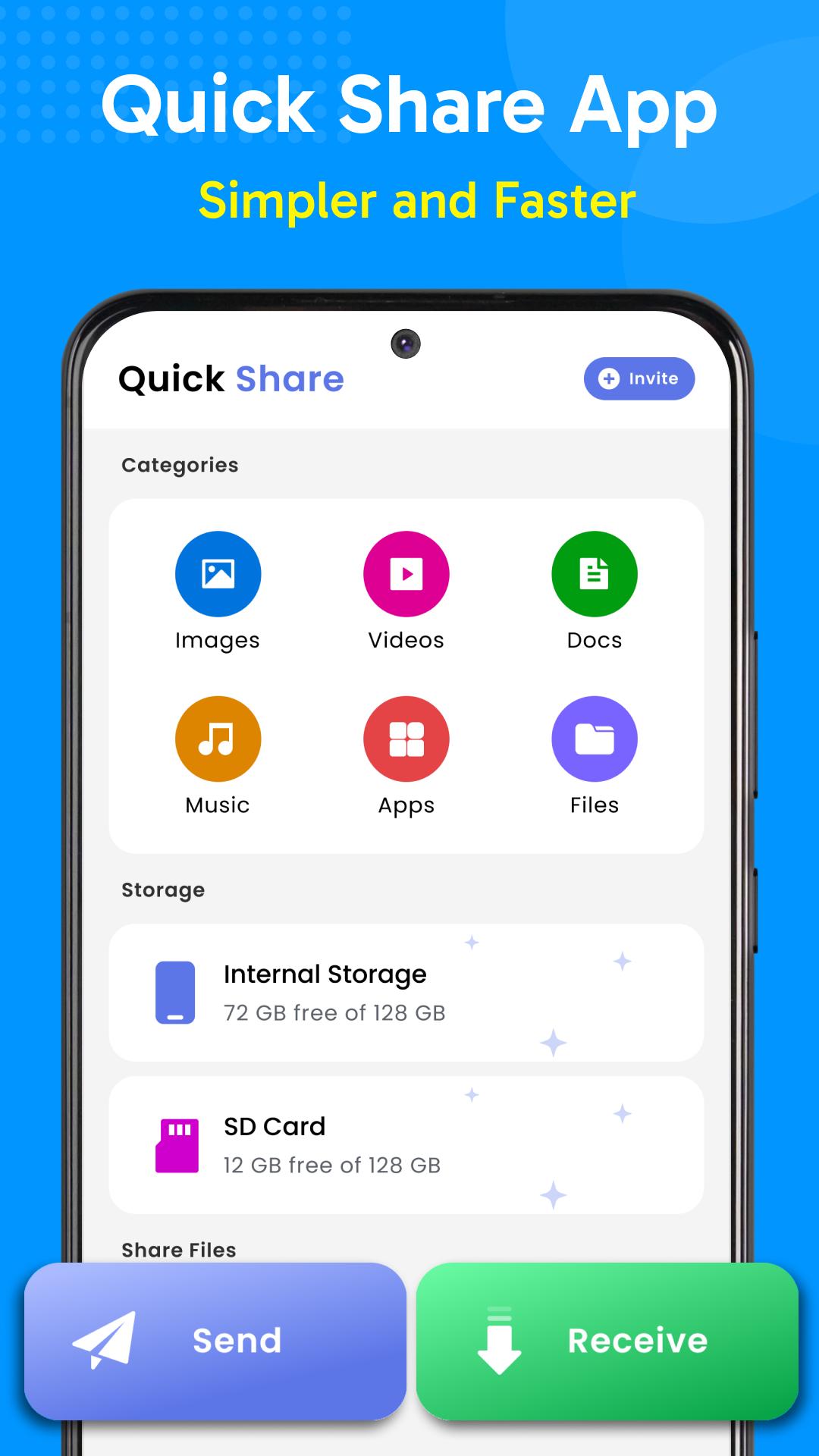
Smart Switch - Copy My Data is the quickest and most reliable file sharing and phone clone app that lets you transfer data from phone to phone seamlessly. Whether you're sharing photos, videos, documents, or any other type of file share, this data sharing - transfer my data app offers a quick and easy way to transfer files without the hassle of cables or complicated procedures.
How Data Transfer File sharing - Phone Clone App works:
• Install and open the Smart Switch - Copy My Data App on both devices.
• Turn On Wi-Fi: On the sender device, enable Wi-Fi (for hotspot purposes, not data usage).
• Connect Devices: Use one device to scan the QR code generated by the other to establish a connection.
• Select Files: On the sender device, Pick the files you want to transfer.
• Share Files: Transfer files instantly with a tap of the send button—it's that simple!
• Receiver Settings: If you are the receiver, disable your Wi-Fi to avoid automatic connection to other networks.
• Complete Transfer Files: Wait until the transfer finishes and confirm that the files were received successfully.
Key Features of Smart Switch - Copy My Data:
• A reliable phone to phone transfer solution
• Quick File transfer, even share large files instantly
• Phone switch, File share app offers transfer my data offline without internet connection
• Smart switch phone transfer app supports all file types, photos, videos, docs, and more
• File sharing app protects your privacy, your files are transferred securely
• Easy-to-use interface makes file sharing a breeze, even for those new to technology
Why choose Smart Switch - Copy My Data & Content Transfer?
• Speed: Data transfer file share app offers unparalleled transfer speeds, saving you valuable time.
• Reliability: Experience seamless file sharing and transfer data from phone to phone without interruptions or errors.
• Convenience: Share files on the go without an internet connection.
• Security: Your files are protected with advanced security measures.
• Ease to use: Simple interface of smart switch phone transfer makes file sharing and data transfer an easy and enjoyable experience.
Phone to phone transfer is no more complicated now. Explore Smart Switch - Copy My Data today and revolutionize how you share files and transfer data from phone to phone!
At Smart Switch - Copy My Data, we value user feedback and continuously strive to enhance your experience. If you love our file share features or have suggestions for improvement, feel free to leave a review at support@matcheclub.com. Your feedback helps us to improve the app to meet your needs better. We are dedicated to making Smart Switch - Copy My Data the reliable file transfer app for all users!
Latest Version
1.0.38Uploaded by
Andrea Radetic
Requires Android
Android 8.0+
Category
Free Tools AppContent Rating
Everyone
Report
Flag as inappropriateLast updated on Aug 30, 2025
Minor bug fixes and improvements. Install or update to the newest version to check it out!





APKPure - A multi-platform app store primarily focused on Android, providing extensive app-related content. Discover the app you want easier, faster, and safer, with quick and efficient downloads and installations.












