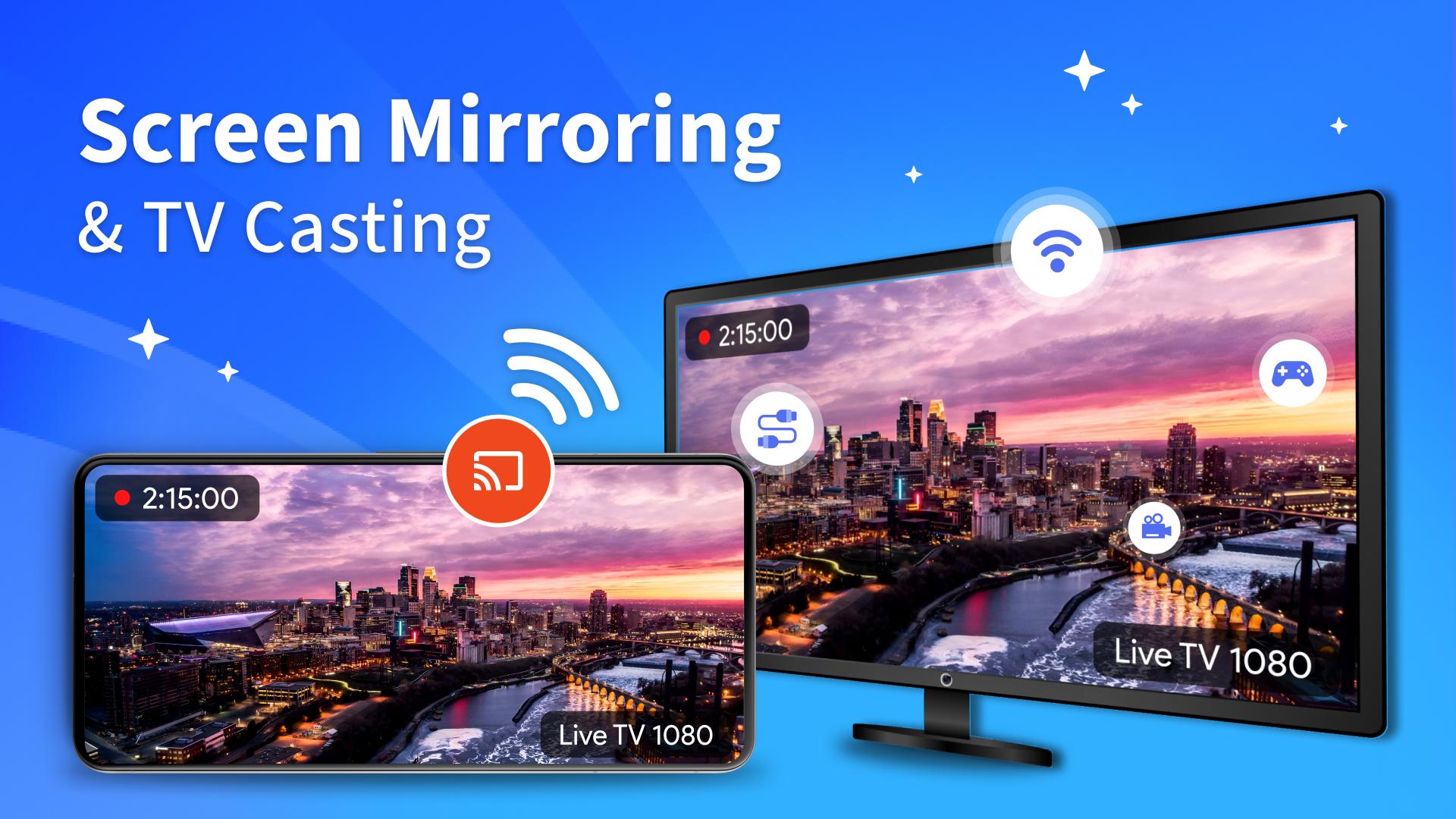
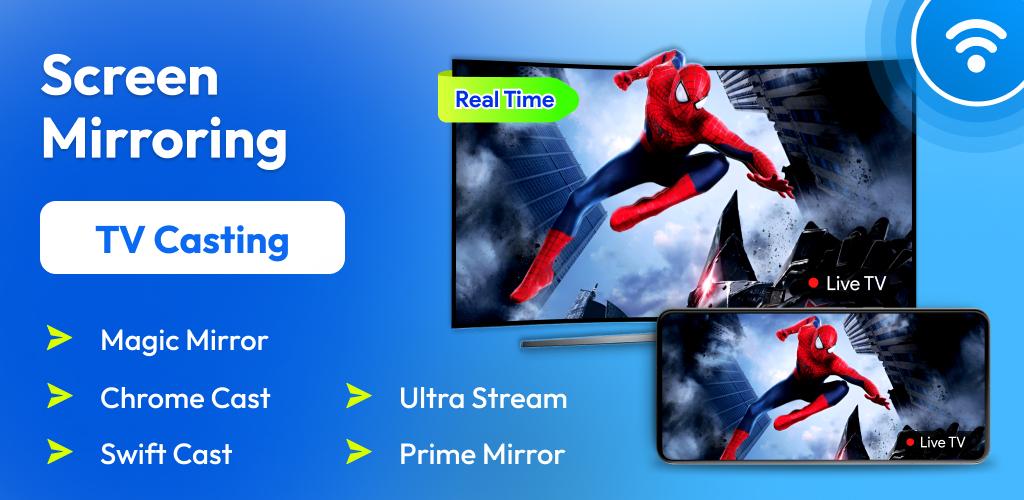
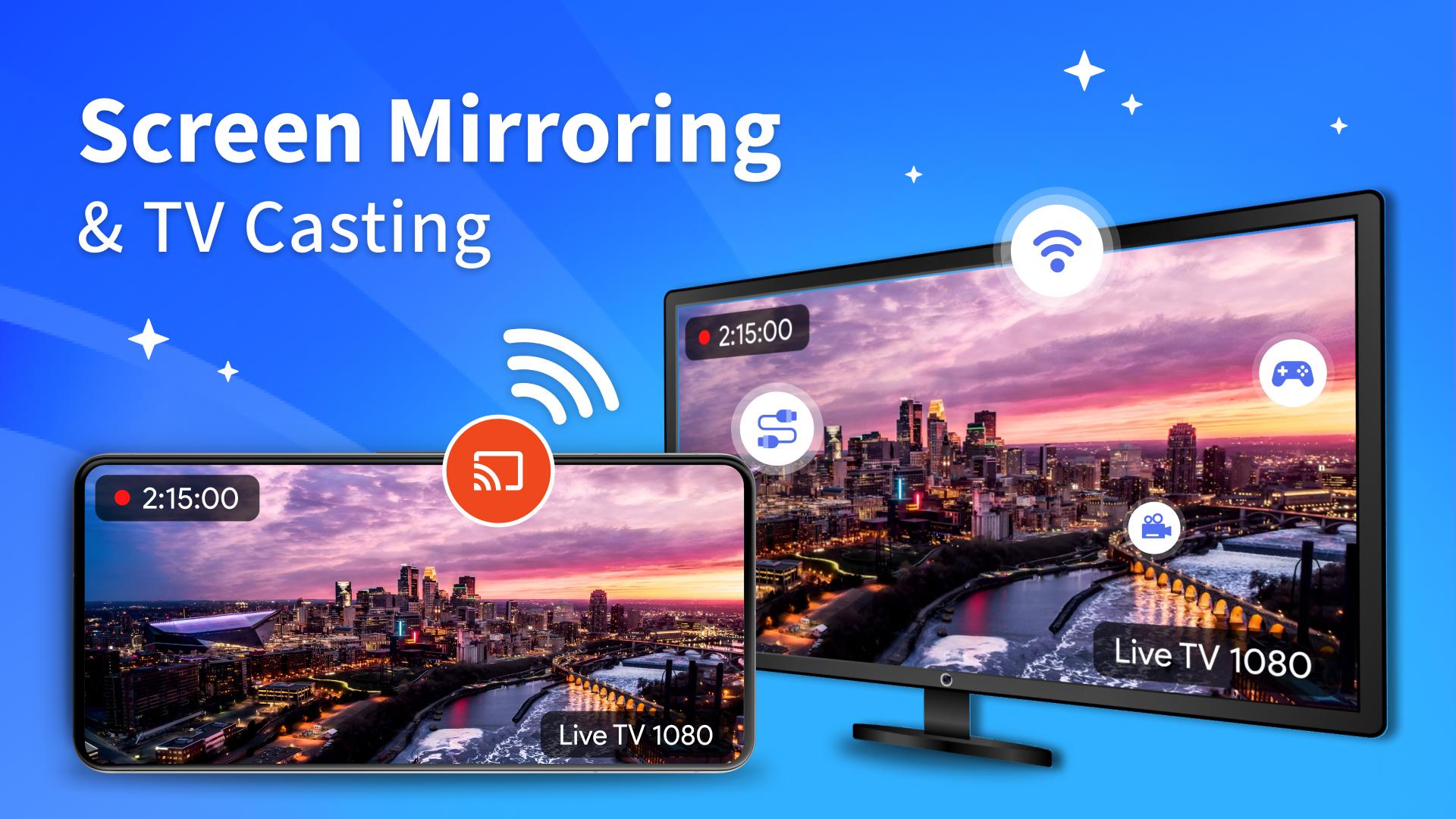
Experience the ultimate convenience with Screen Mirroring & TV Casting! This powerful app allows you to cast videos, photos, music, apps, and even mirror one mobile device to another effortlessly and wirelessly. Enjoy your content on the big screen or another device with smooth, lag-free performance.
Features:
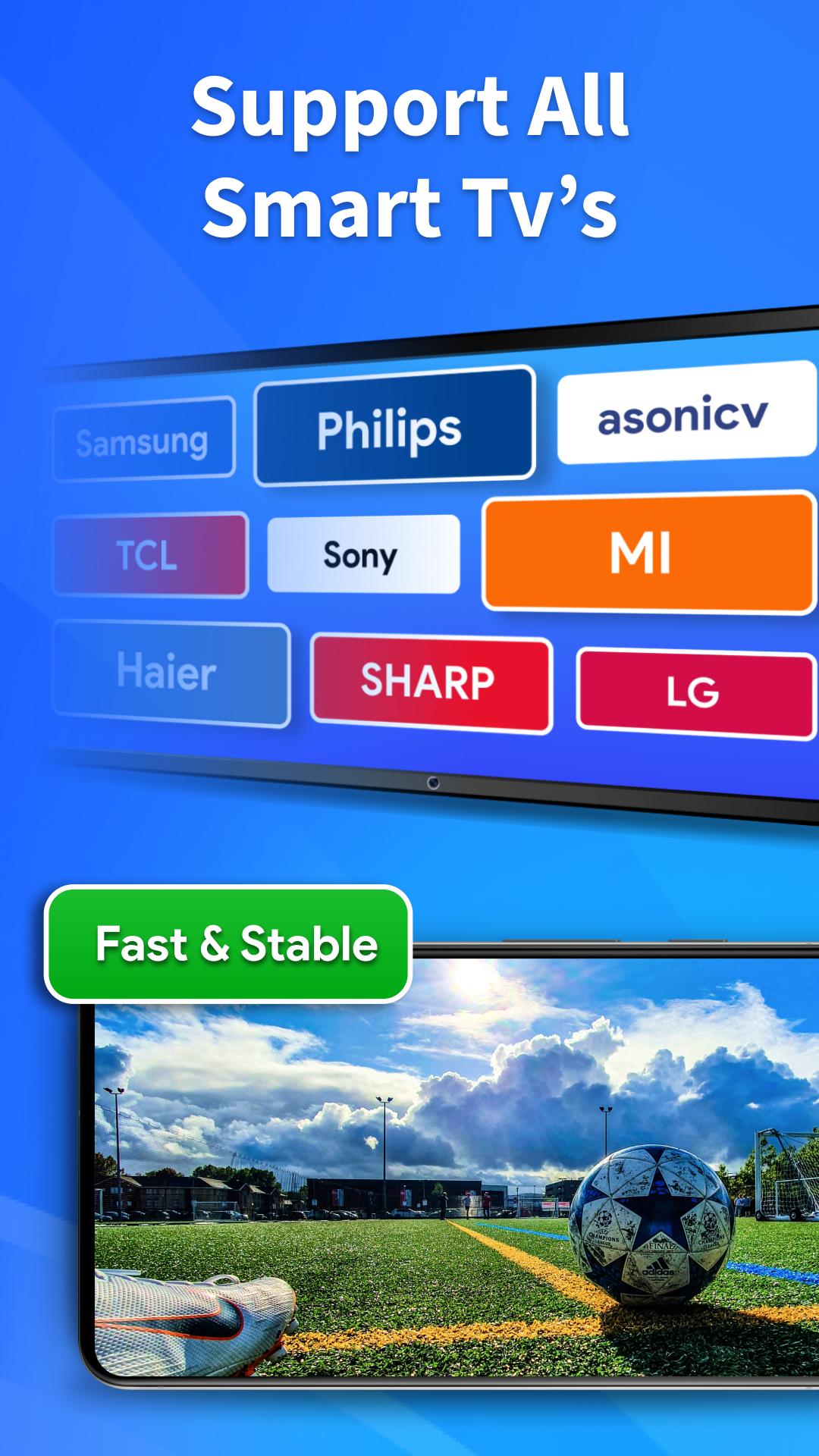
Seamless TV Mirroring: Mirror your smartphone or tablet screen to any TV.
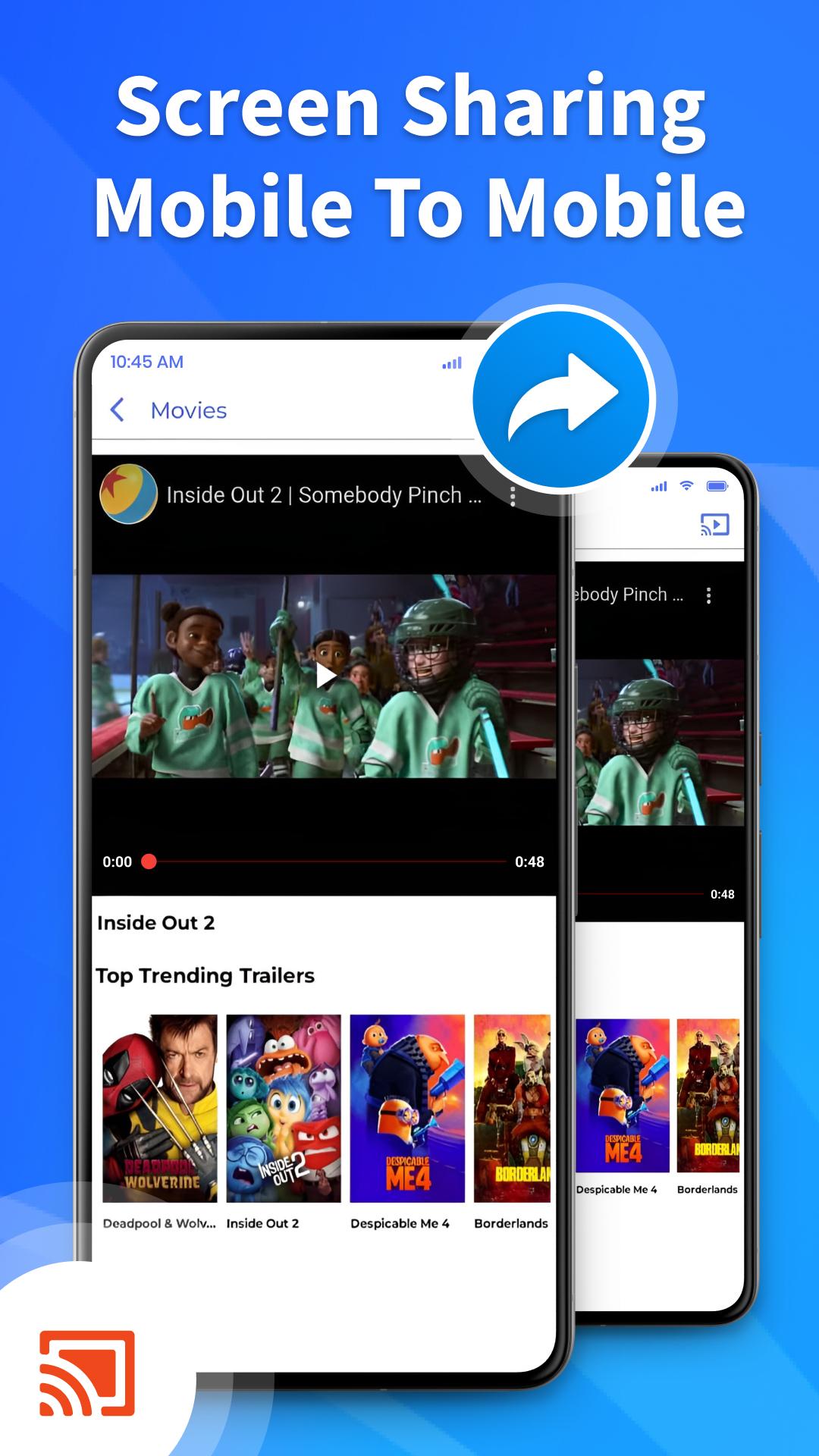
Mobile-to-Mobile Mirroring: Connect and mirror your phone to another phone or tablet.
Wireless Casting: No cables required! Cast wirelessly with fast connectivity.
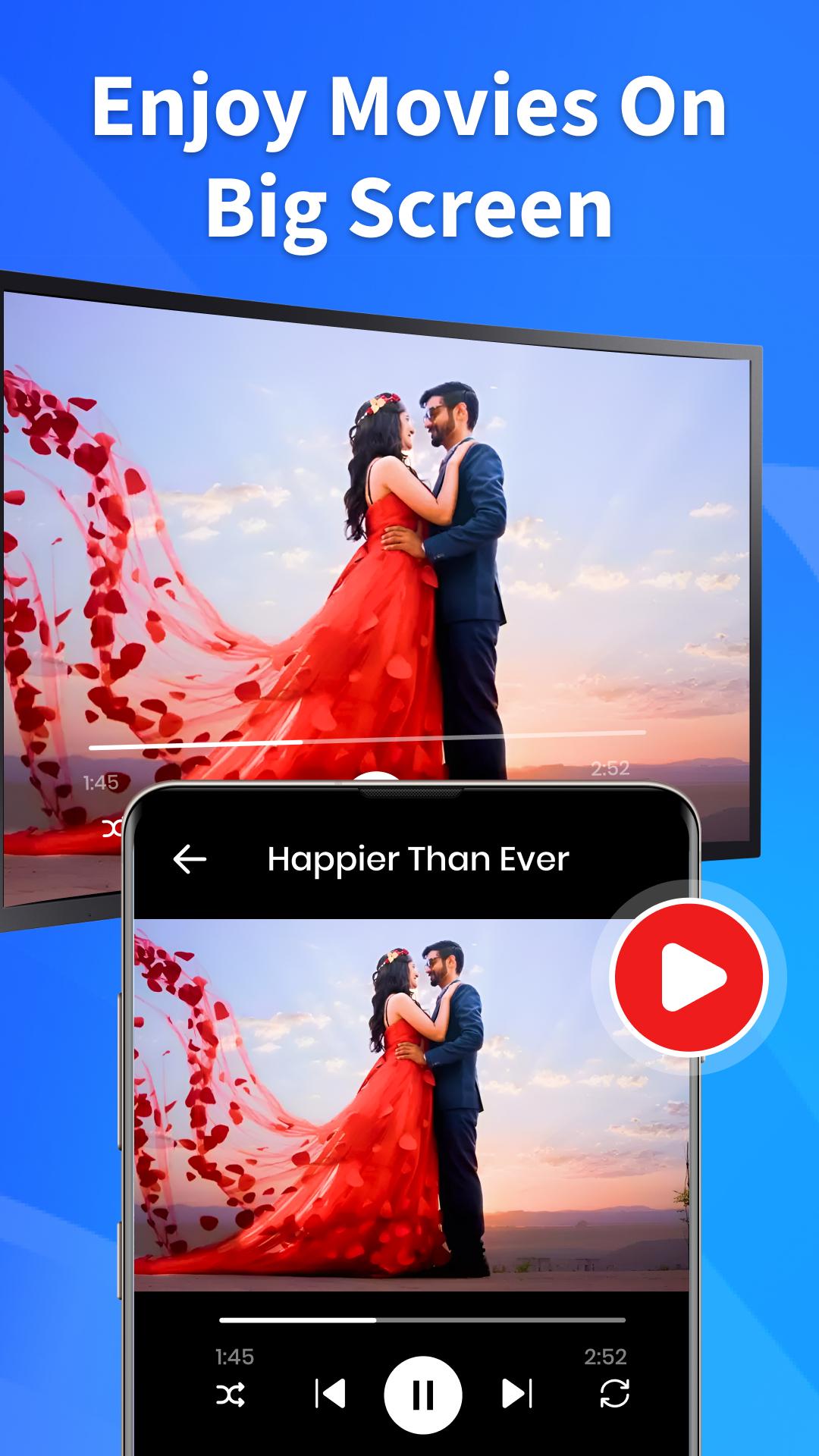
Stream Videos & Music: Enjoy movies, YouTube, and music on any screen.
Display Photos & Presentations: Share memories or professional presentations easily.
Low Latency Performance: Experience lag-free mirroring and fast casting.
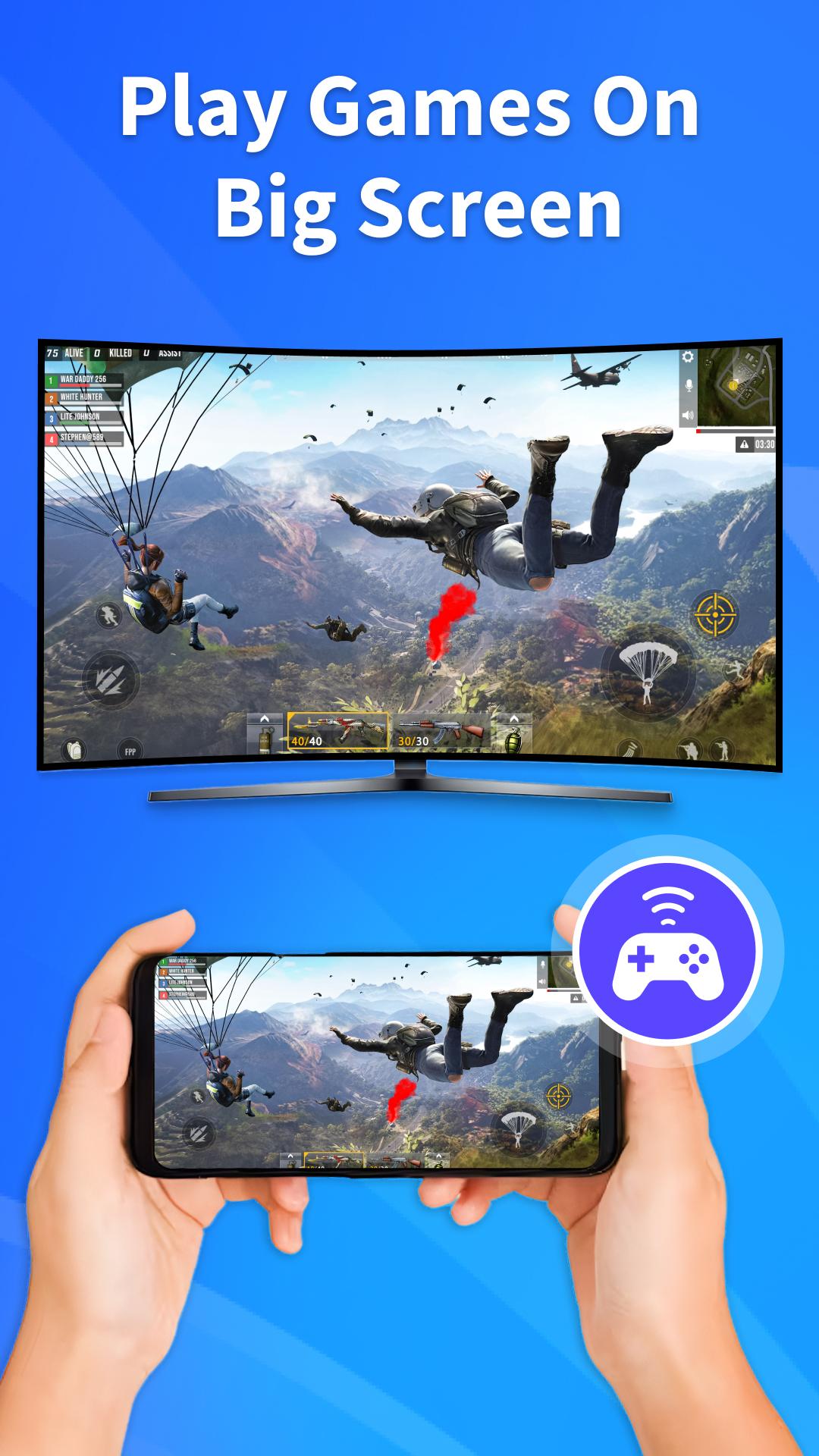
Gaming on Big Screens: Play games from your mobile device on a TV or another phone for extra fun.
No Additional Hardware Needed: Connect with built-in wireless features.
Full Screen Mode: Maximize your videos and games on larger displays.
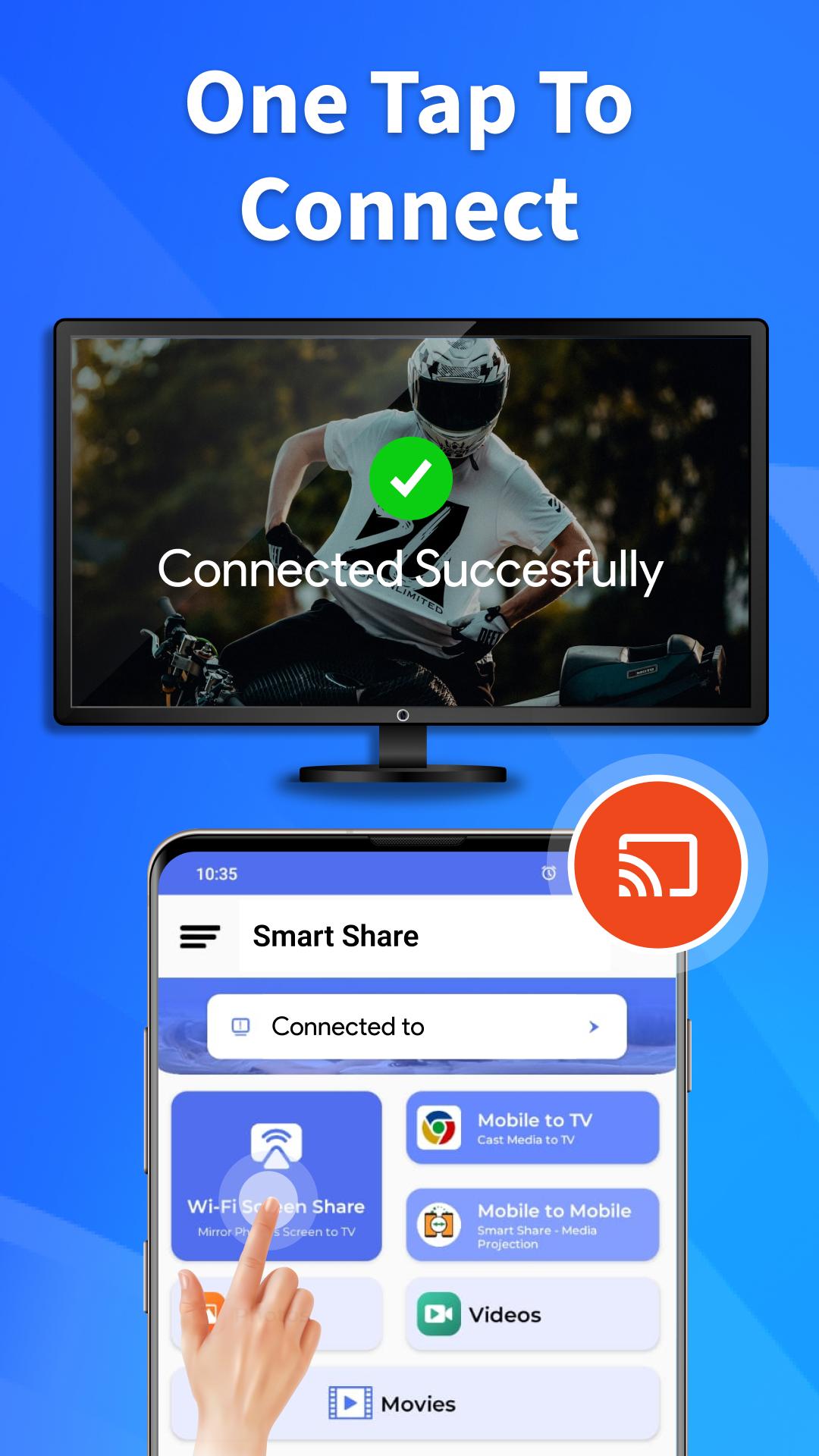
Simple Setup: Easy connections with just a few taps.
How to Use Screen & Mobile Mirroring:
Make sure both devices (TVs or phones) are on the same Wi-Fi network.
Open the app and choose the device you want to mirror or cast to.
Select your content—whether it’s videos, apps, photos, or games.
Start streaming to a TV or share screens between phones with mobile mirroring.
Use Cases for Mobile-to-Mobile Mirroring:
Share Your Screen with Friends: Watch the same video together on two phones.
Collaborate on Tasks: Work on apps or presentations across different devices.
Remote Assistance: Help others troubleshoot their device via screen mirroring.
Enjoy Gaming: Share your screen for a better gaming experience on another device.
Perfect for All Occasions:
Home Entertainment: Watch movies, shows, and videos on TV or another phone.
Business Meetings: Mirror presentations from one device to another or to a TV.
Educational Use: Share study materials or online classes across connected screens.
Gaming Fun: Mirror your gameplay from one phone to another for added enjoyment.
Why Choose Screen Mirroring & TV Casting?
Mobile-to-mobile support for seamless mirroring between phones or tablets.
No complex setup—easy and fast connections.
High-quality streaming with no delays or buffering.
Battery-efficient performance for extended usage.
Works with popular platforms like Smart TVs, Chromecast, and Android devices.
Troubleshooting Tips:
Ensure both devices are on the same Wi-Fi network.
Restart the app or devices if the connection fails.
Use a stable Wi-Fi connection for the best performance.
Make sure your devices support screen mirroring technology.
With Screen Mirroring & TV Casting, you can effortlessly enjoy your content on a bigger screen or share it with another mobile device wirelessly. Whether you’re streaming movies, collaborating on tasks, or sharing gameplay, this app ensures a smooth, hassle-free experience.
Download Now and Start Casting!
Transform your media experience with seamless TV and mobile mirroring. Enjoy high-quality casting and smooth screen sharing, all in one app.
Latest Version
1.0.56Uploaded by
อย่า โง้ เยอะ
Requires Android
Android 6.0+
Category
Free Tools AppContent Rating
Everyone
Report
Flag as inappropriateLast updated on Jan 11, 2025
Minor bug fixes and improvements. Install or update to the newest version to check it out!


APKPure - A multi-platform app store primarily focused on Android, providing extensive app-related content. Discover the app you want easier, faster, and safer, with quick and efficient downloads and installations.