The main purpose of this app is you can use clock, timer, and stopwatch while using other apps on your mobile phone.
Steps to create a floating clock:
- Click on the ‘+’ button.
- Select the Clock option.
- Write a name and description for your clock.
- Adjust size, padding, and radius of the clock.
- Select a timezone.
- Turn on the 12-hour clock option to display time in 12-hour format or turn it off to display time in 24-hour format.
- On the clock, you can also display seconds, date, and battery percentage.
- Select font color and background color.
- Select the font style.
- Click on the tick button to save the clock.
- In the CLOCK section of the app, you will see a card with your clock name and description, click on it to activate the floating clock.
- By dragging you can move the floating clock.
- Long press the floating clock to remove its floating window.
Steps to create a floating timer:
- Click on the ‘+’ button.
- Select the Timer option.
- Write a name and description for your timer.
- Adjust size, padding, and radius of timer.
- Enter the value of the timer.
- On the timer, you can also display hours, milliseconds, and battery percentage.
- Select font color and background color for running condition and pause condition.
- Select the font style.
- Click on the tick button to save the timer.
- In the TIMER section of the app, you will see a card with your timer name and description, click on it to activate the floating timer.
- By dragging you can move the floating timer.
- Long press the floating timer to remove its floating window.
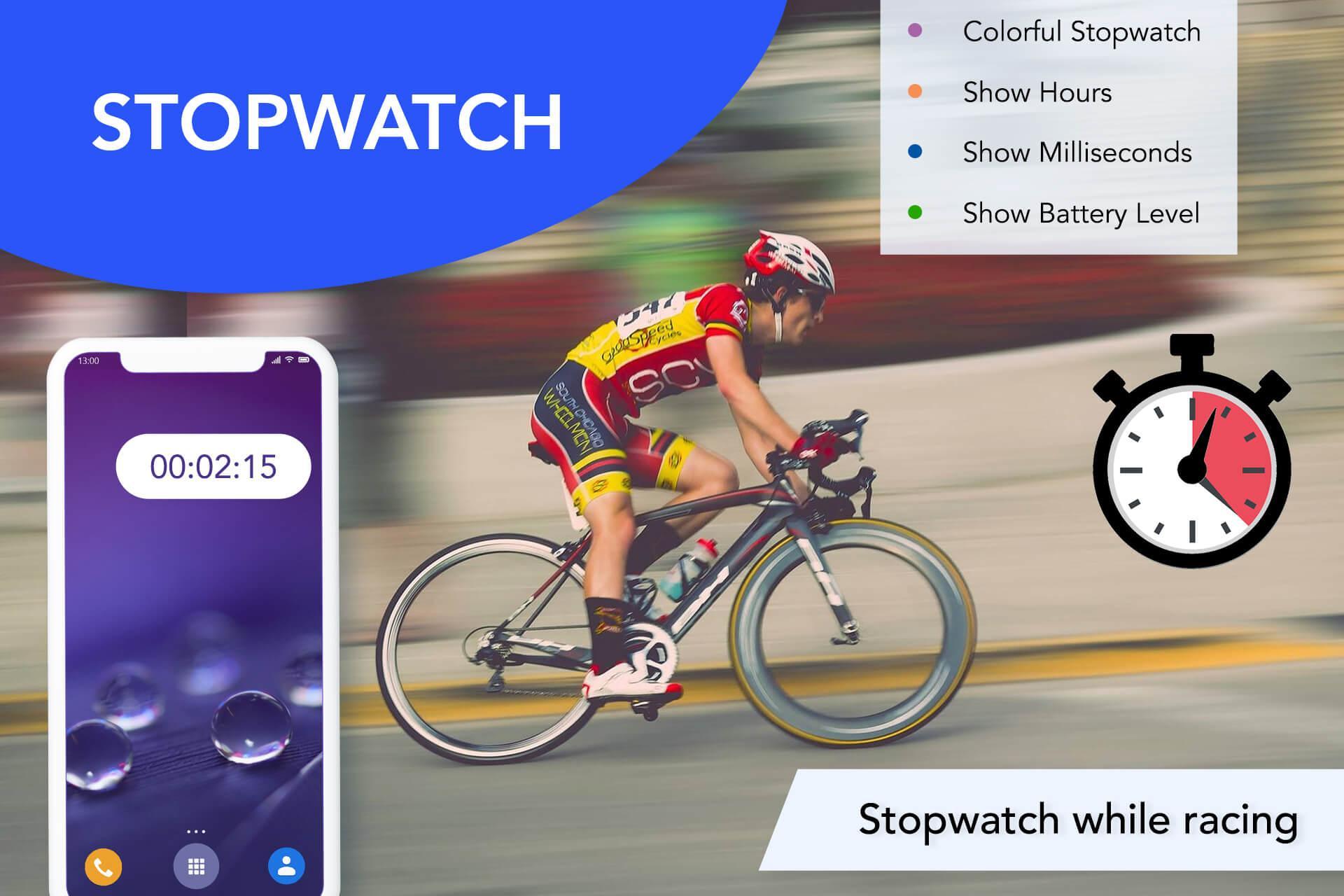
Steps to create a floating stopwatch:
- Click on the ‘+’ button.
- Select the Stopwatch option.
- Write a name and description for your stopwatch.
- Adjust size, padding, and radius of the stopwatch.
- On the stopwatch, you can also display hours, milliseconds, and battery percentage.
- Select font color and background color for running condition and pause condition.
- Select the font style.
- Click on the tick button to save the stopwatch.
- In the STOPWATCH section of the app, you will see a card with your stopwatch name and description, click on it to activate the floating stopwatch.
- By dragging you can move the floating stopwatch.
- Long press the floating stopwatch to remove its floating window.
Features of Smart Multi Floating Clock app:
- It has a floating clock.
- It has a floating timer.
- It has a floating stopwatch.
- You can create multiple floating clocks, timers, and stopwatches.
- There are 8 types of font styles for the clock, timer, and stopwatch.
- You can change the font color and background color.
- In stopwatch and timer, you can keep different font color and background color for running condition and pause condition.
So download the Smart Multi Floating Clock app and access clock, timer, and stopwatch even if other apps are running on your phone.
Latest Version
4.2Uploaded by
فؤاد العبود
Requires Android
Android 7.0+
Category
Free Tools AppContent Rating
Everyone
Report
Flag as inappropriateLast updated on Dec 5, 2022
- Bug Fixes.





APKPure - A multi-platform app store primarily focused on Android, providing extensive app-related content. Discover the app you want easier, faster, and safer, with quick and efficient downloads and installations.