Scan Date:Jun 4, 2026
Show More

Connect your Smart Kitchen Dock to discover the full potential of your connected kitchen.
You will need a Smart Kitchen Dock device, a Home Connect account and an Amazon Alexa account to use this app. Follow the onscreen guide, which will guide you through the setup of your device.
The app will also introduce to you all of the exciting and essential functions:
- Intelligent kitchen management: manage the household and cook your favourite recipe, all at the same time
- Innovative recipe apps (download separately)
- Pick and enjoy great-tasting recipes created by highly experienced chefs
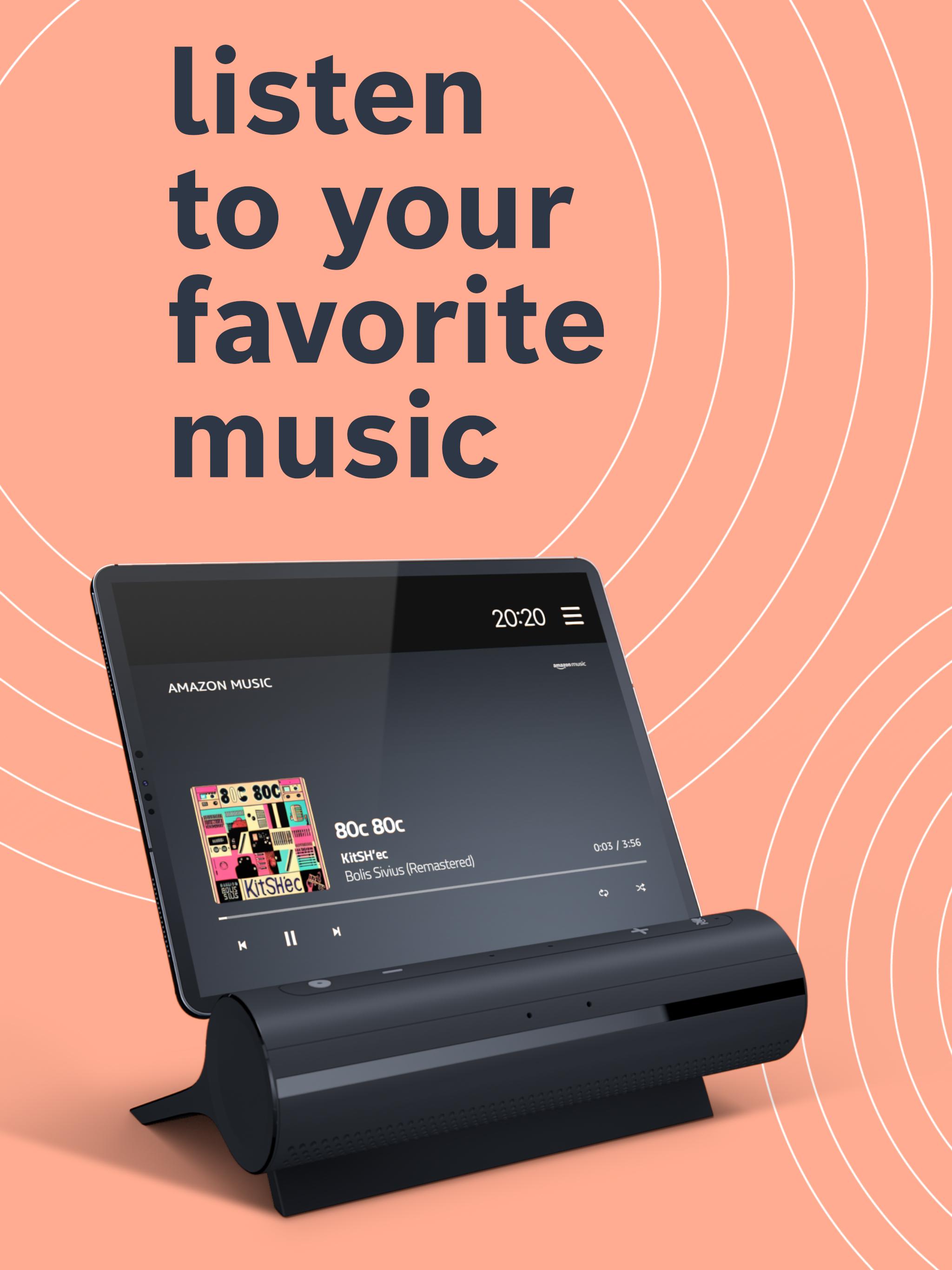
- Music and Entertainment
- Listen to your favourite music while spending time in the kitchen
- Control your connected home appliances and use digital services through one central hub
- Tips and tricks
- Discover the full potential of the Smart Kitchen Dock and your connected home appliances.
- Privacy Protection: Keep control of your privacy
How it works:
1) Download the Smart Kitchen Dock app from the app store and install the app on your tablet or smartphone.
2) Pair your tablet or smartphone with the Smart Kitchen Dock.
3) Connect the Smart Kitchen Dock to your local Wi-Fi network.
4) If you already have a Home Connect account, follow the Smart Kitchen Dock app instructions to sign in to your Home Connect account. To create an account, download the Home Connect app from the relevant app store. Next, open the Home Connect app and register a Home Connect account with your name and e-mail address. You will then receive a confirmation link in an e-mail. Open the link to complete your registration. Then return to the Smart Kitchen Dock app and sign in to your Home Connect account.
5) If you already have an Amazon Alexa account, follow the Smart Kitchen Dock app instructions to sign in to your Alexa account. If you want to create an account, download the Amazon Alexa app from the app store and follow the instructions in the app.
6) Follow the Smart Kitchen Dock app instructions.
The Smart Kitchen Dock is compatible with tablets / smartphones running on Android 11 or higher.
Latest Version
3.4.1.1875Uploaded by
Cahya Rizky
Requires Android
Android 10.0+
Category
Free House & Home AppContent Rating
Everyone
Security Report
Report
Flag as inappropriateLast updated on Aug 2, 2025
This release includes minor bug fixes and general improvements. Update to the latest version for the best experience.




APKPure - A multi-platform app store primarily focused on Android, providing extensive app-related content. Discover the app you want easier, faster, and safer, with quick and efficient downloads and installations.