Package Name:tk2013.useful_clipboard
SHA-256:887fad6e65a6affccec8e0ef4eb1f38ebb57a036e983602aabd2e1e064afda3f
Show More

Enhance your smartphone experience with Smart Clipboard! Efficiently manage copied text, easily retrieve predefined phrases and past copy history - all in one handy app! Ad-supported free version available.
📋 Key Features:
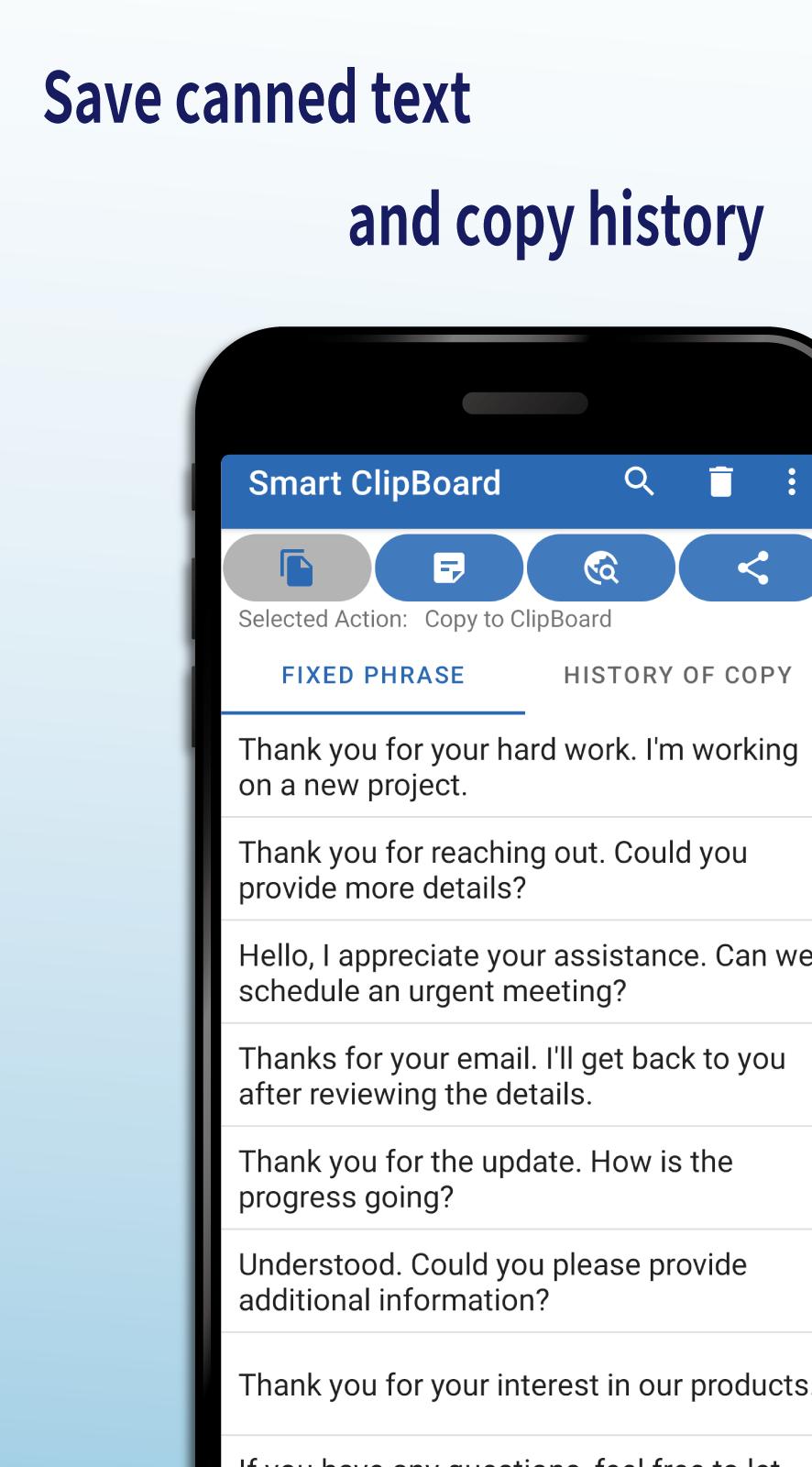
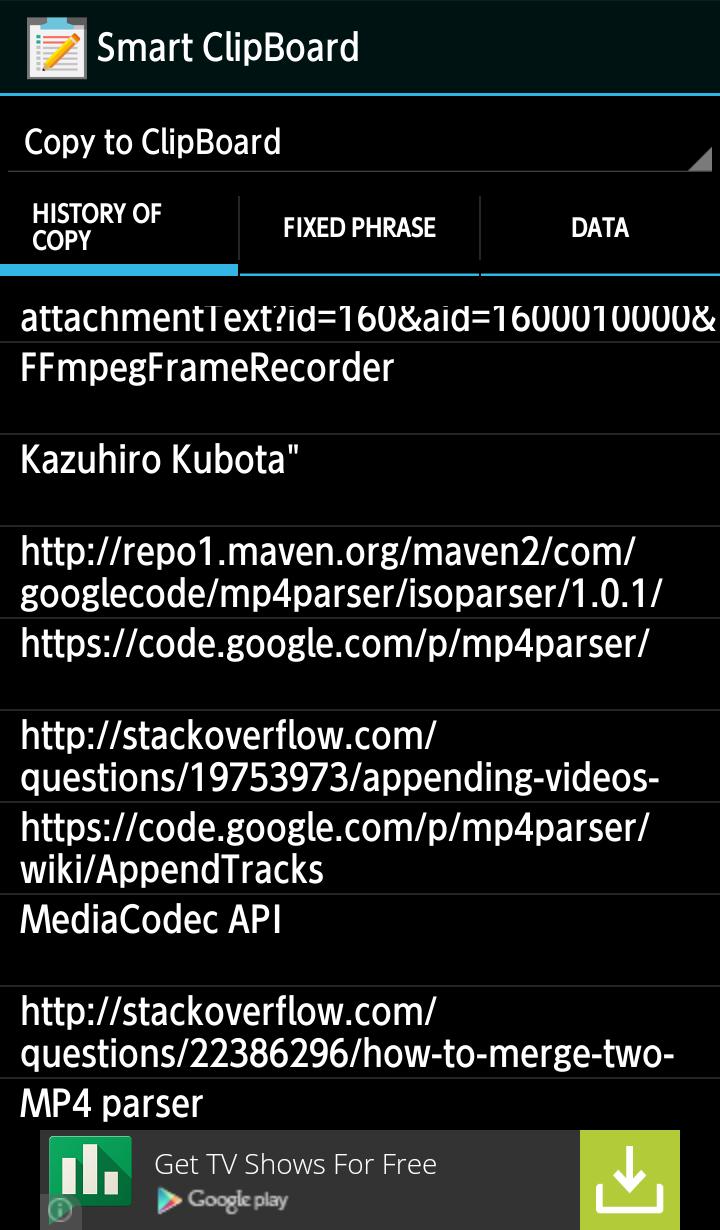
Quick Access to Past Copy History: Retrieve copied text swiftly from your past clipboard history.
Customize Copy History: Edit and reuse specific portions of your copy history with ease.
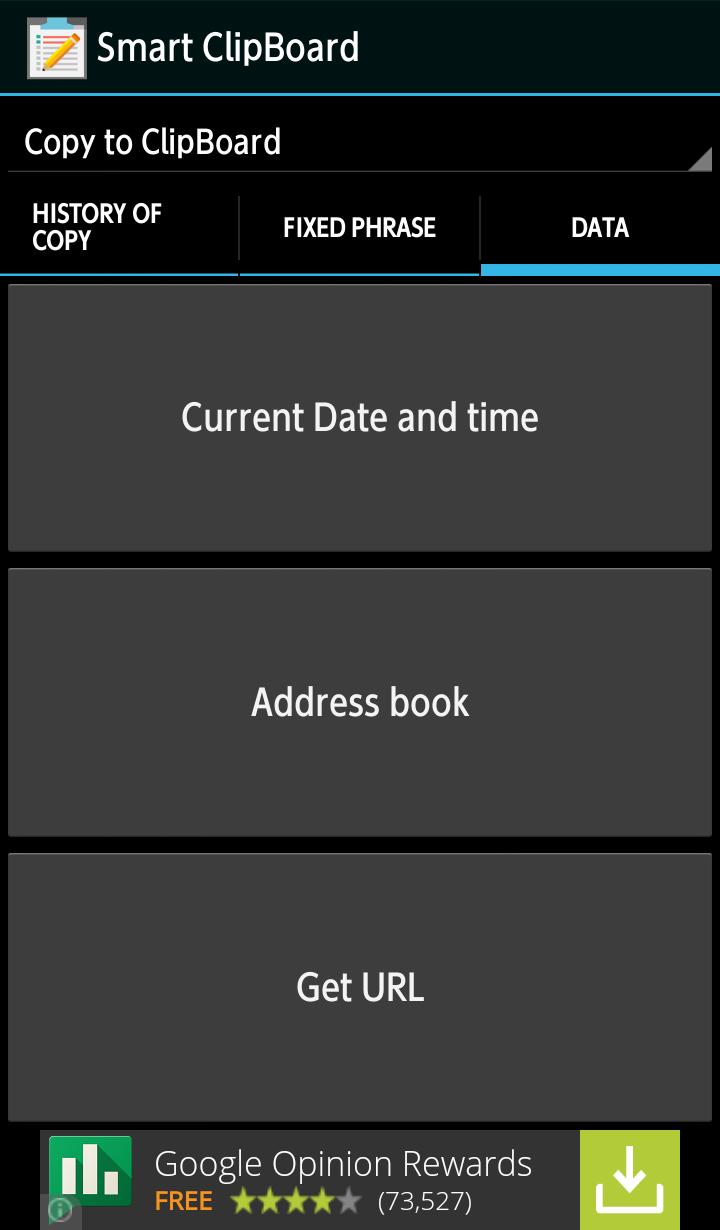
Create Predefined Texts: Save frequently used texts for quick and easy copying.
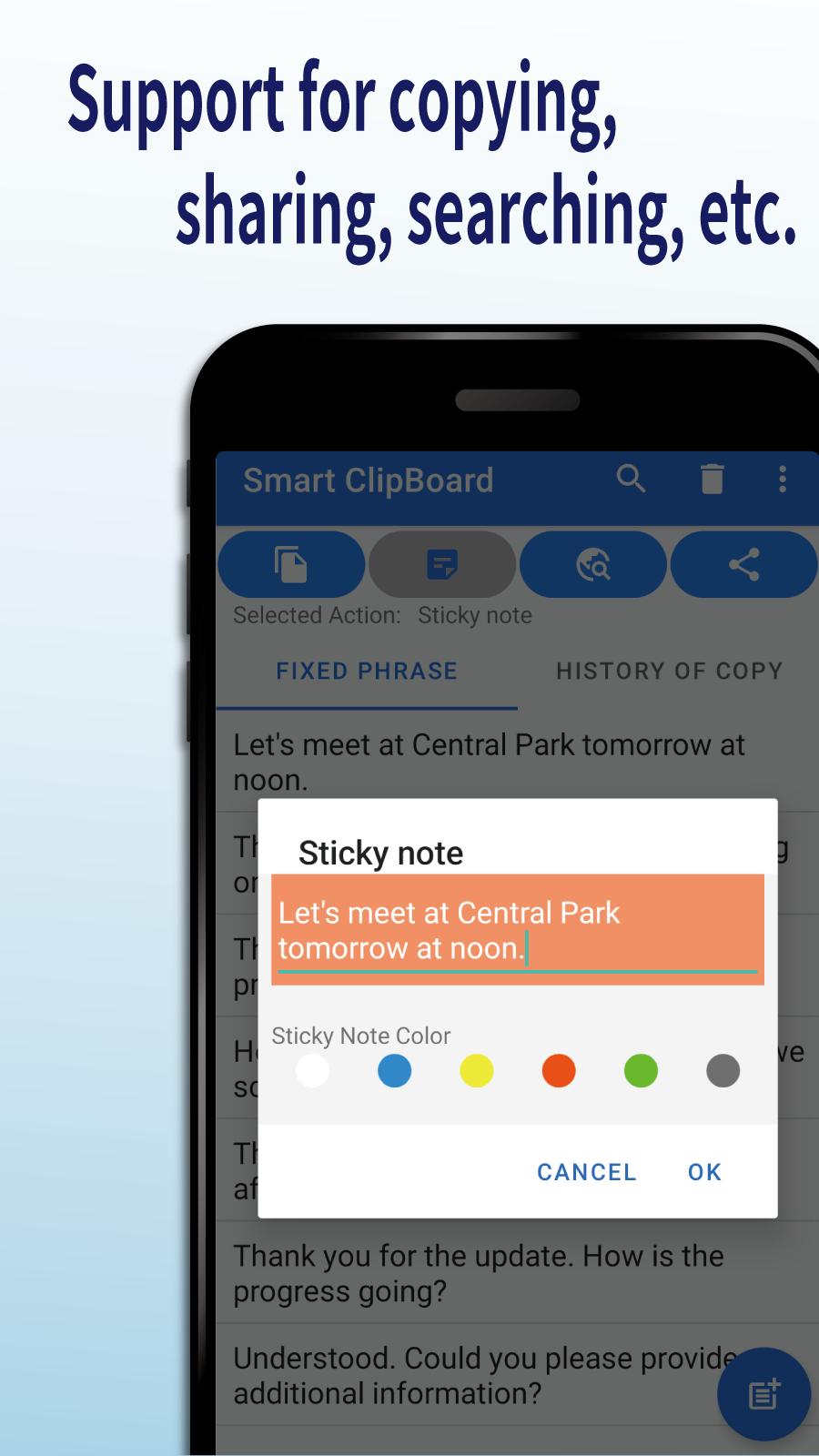
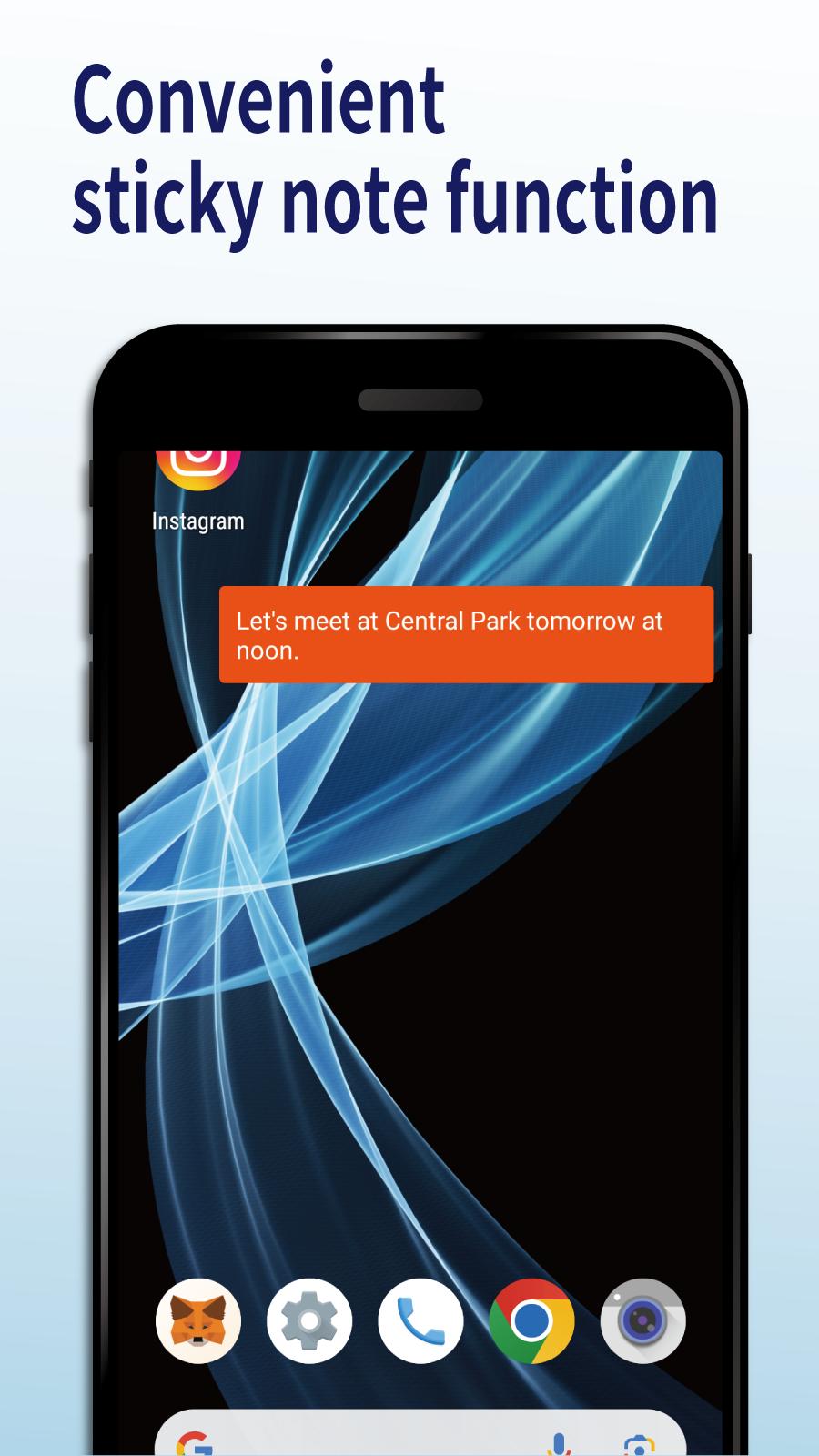
Utilize Stored Texts on the Clipboard: Copy, search, and even stick saved texts as sticky notes on your smartphone.
🚀 Simple to Use:
Launch from Notification Bar: Access Smart Clipboard easily by launching it from the notification bar.
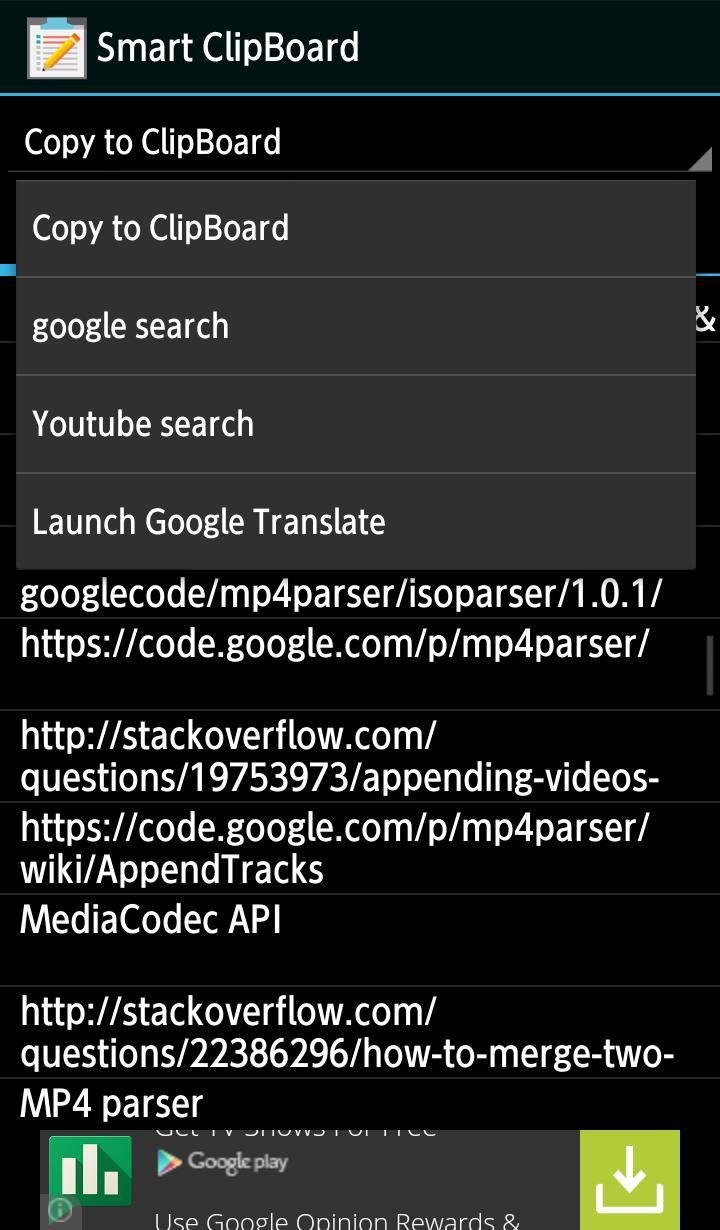
Choose Actions: Long-press on a list item to select actions such as copy, search, sticky note, share, and more.
Click on List: Based on your chosen action, click on the list to copy, search, or access the text you want.
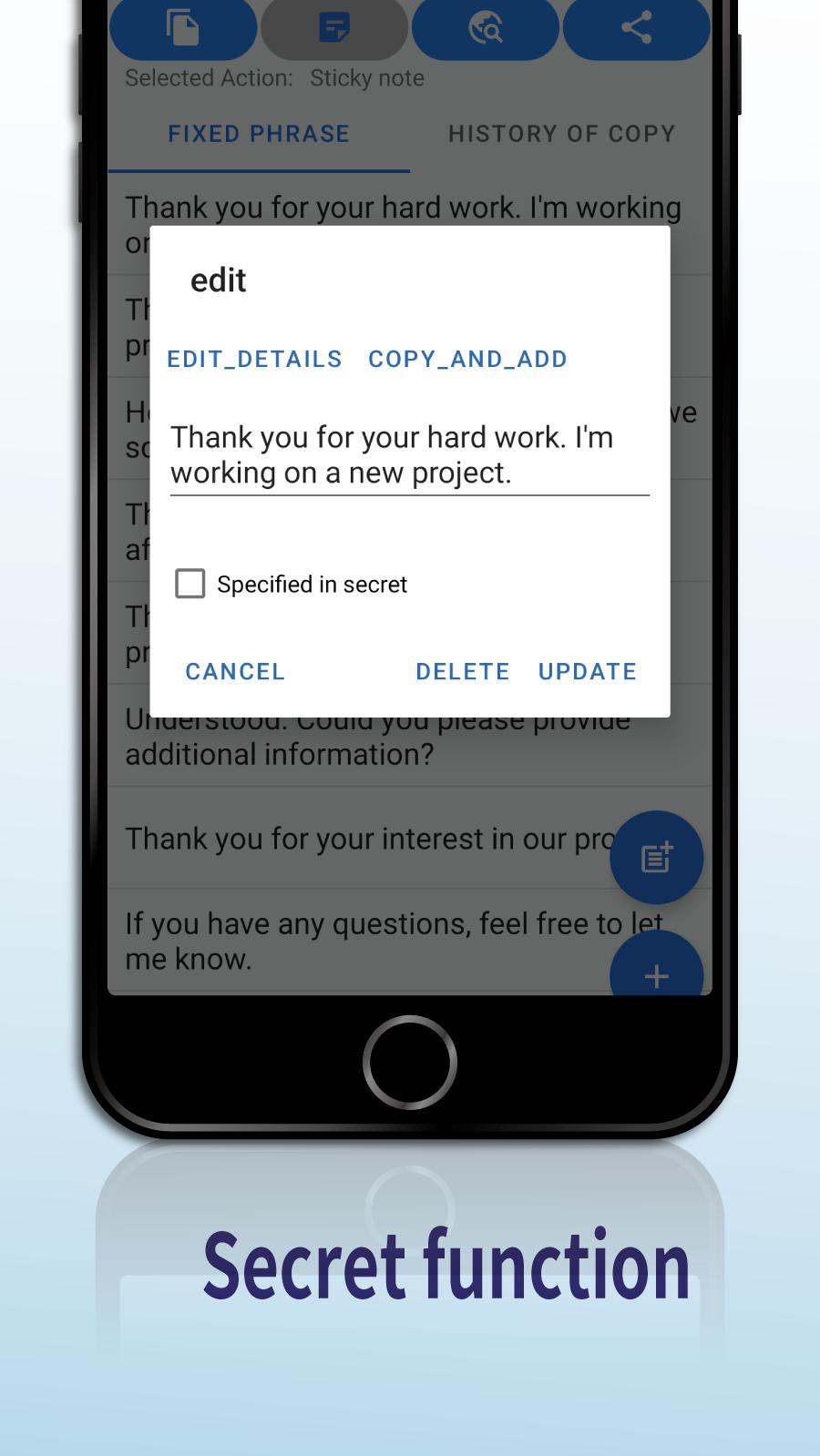
Edit with Long Press: Long-press on a list item to edit or customize the text as needed.
🎉 New Feature: Introducing Sticky Notes! In this latest update, we've added a new feature - Sticky Notes. Easily paste text on your smartphone screen to keep important information in view at all times. Be sure to try out this exciting new feature!
This app is designed to support your smartphone life, making text management a breeze. Try the free version now!
Latest Version
5.0.21Uploaded by
Aaryan Bhardwaj Ji
Requires Android
Android 12.0+
Category
Free Tools AppContent Rating
Everyone
Security Report
Check Now
Report
Flag as inappropriateLast updated on Apr 16, 2025
Interface Improvements
Sticky note function added

APKPure - A multi-platform app store primarily focused on Android, providing extensive app-related content. Discover the app you want easier, faster, and safer, with quick and efficient downloads and installations.