
Package Name:com.aviarlabs.skyglass
SHA-256:66b179a6accf7fd329af31a45a60f652f0b3579f0842302d58371c0202f83a97
Show More

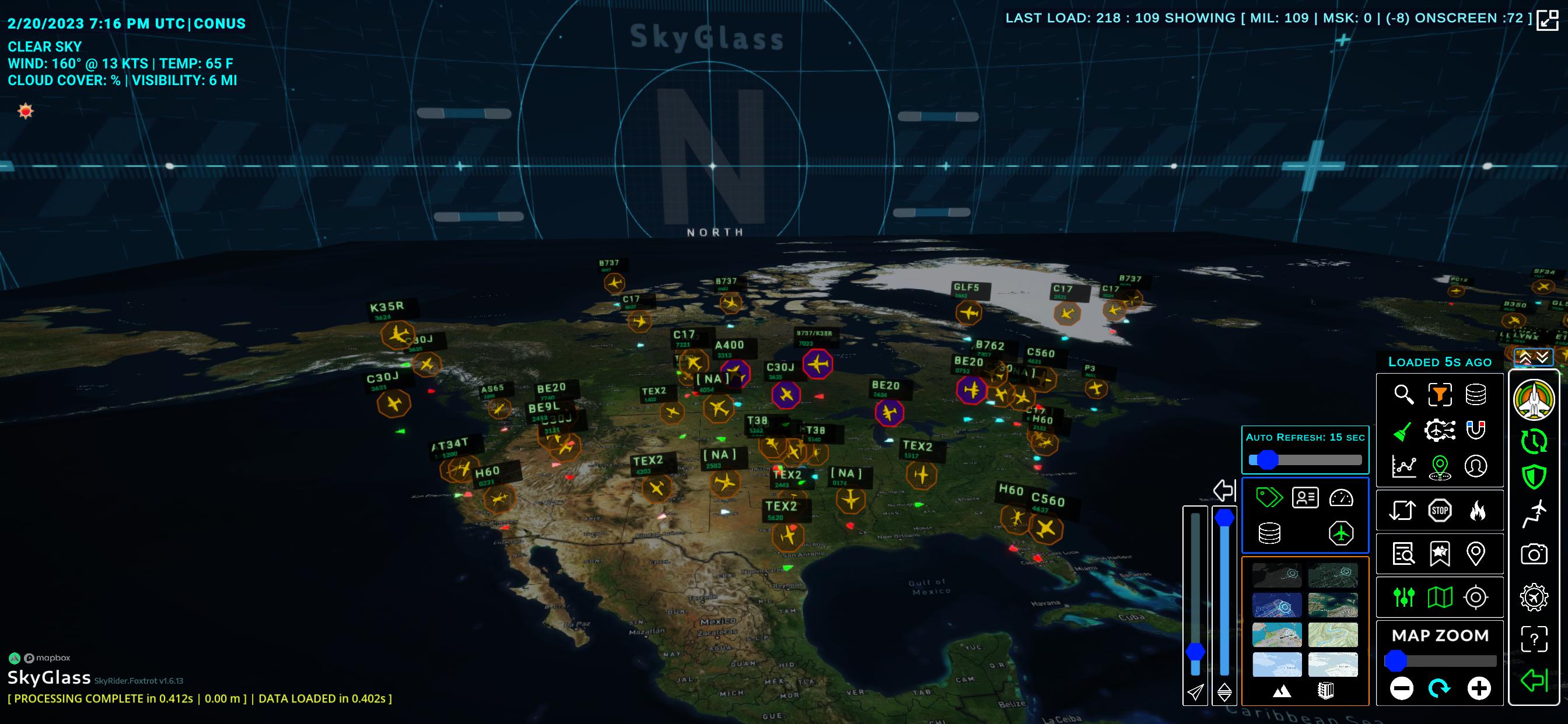
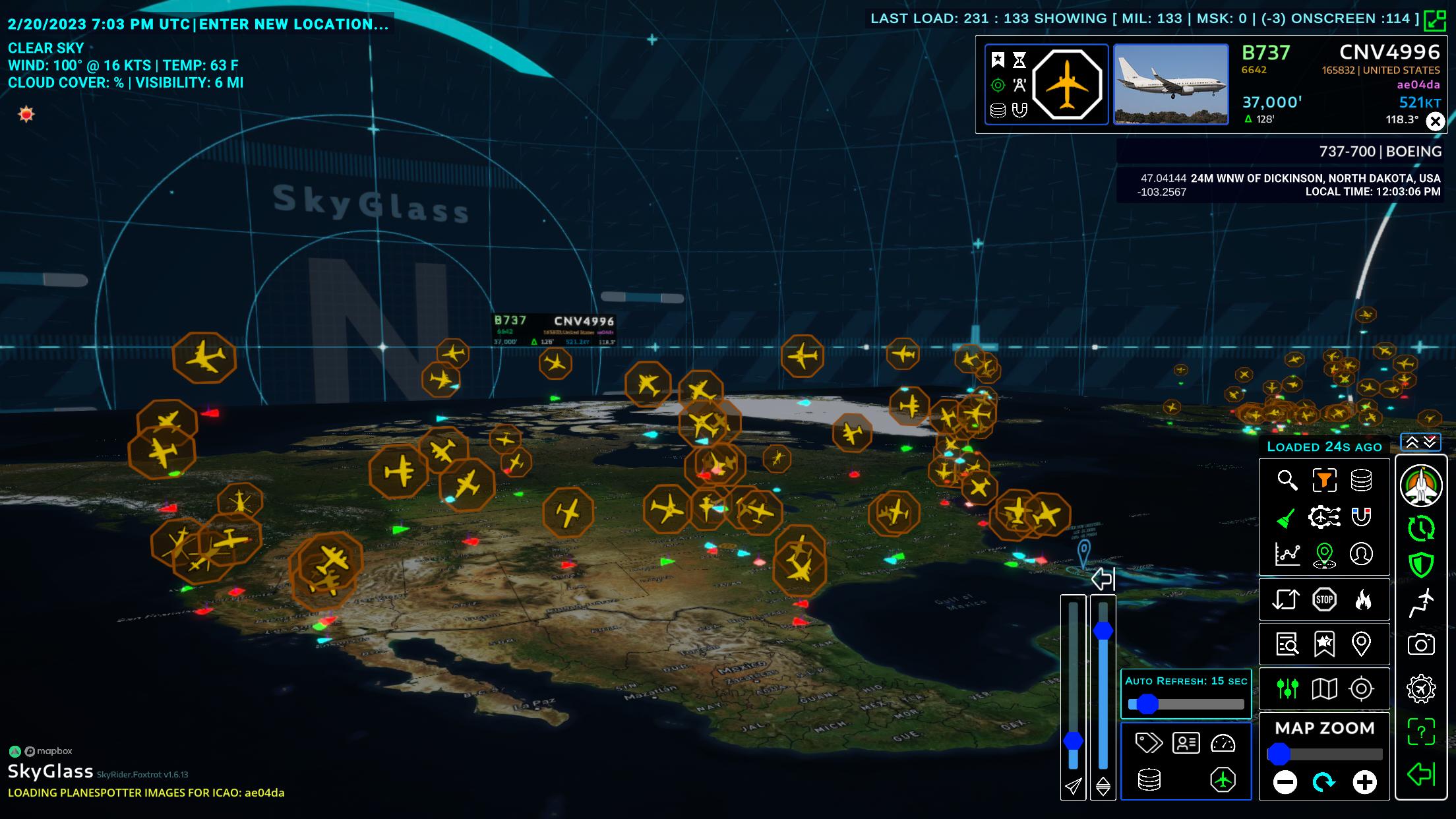
SkyGlass helps users who follow flights, teach aviation, or spot planes see air traffic clearly. It presents aircraft activity in 3D and also supports looking back at prior movements, so you can study patterns with context. Data comes from the ADSB Exchange crowdsourced network, which offers broad coverage without relying on a single source. To keep things current and stable, consider using the SkyGlass latest version for your device.
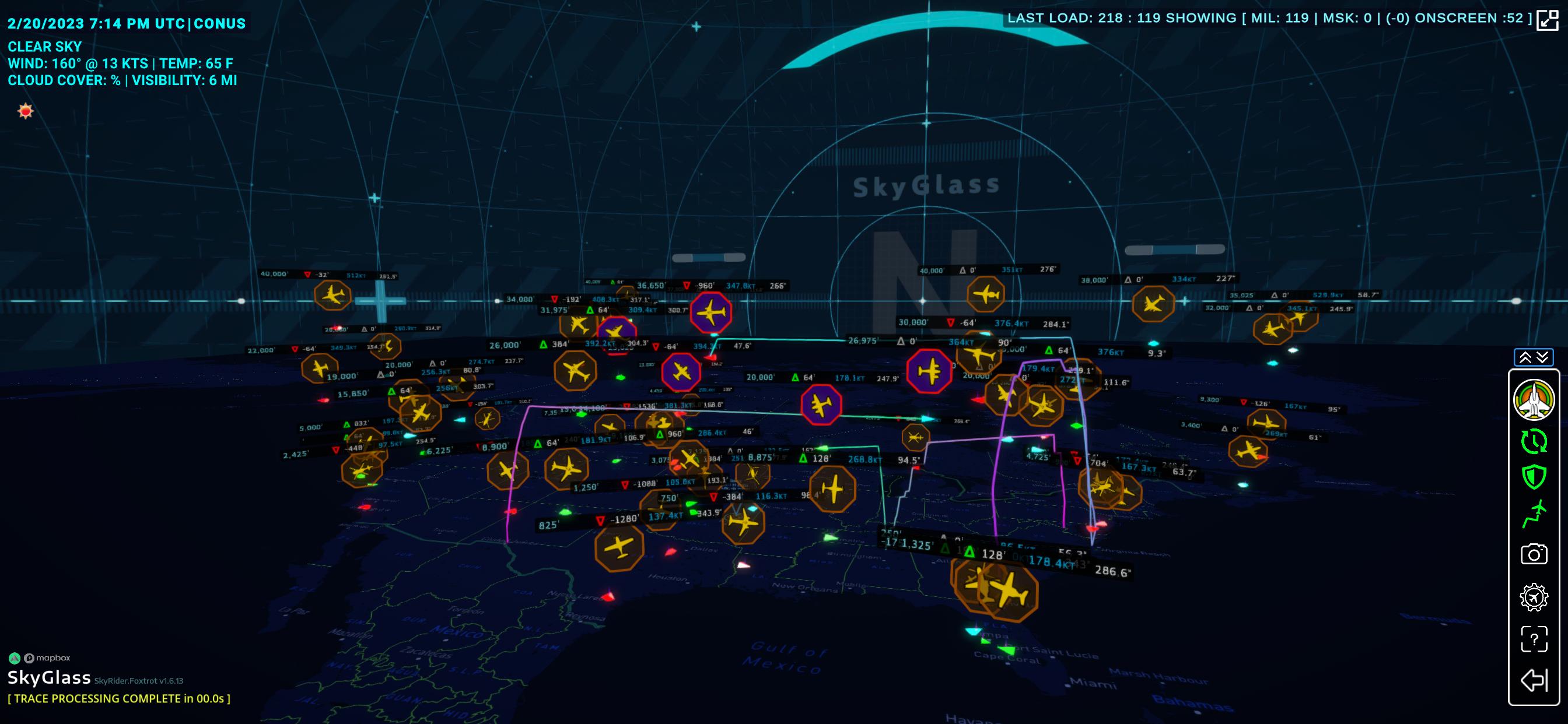
Live 3D traffic and traces
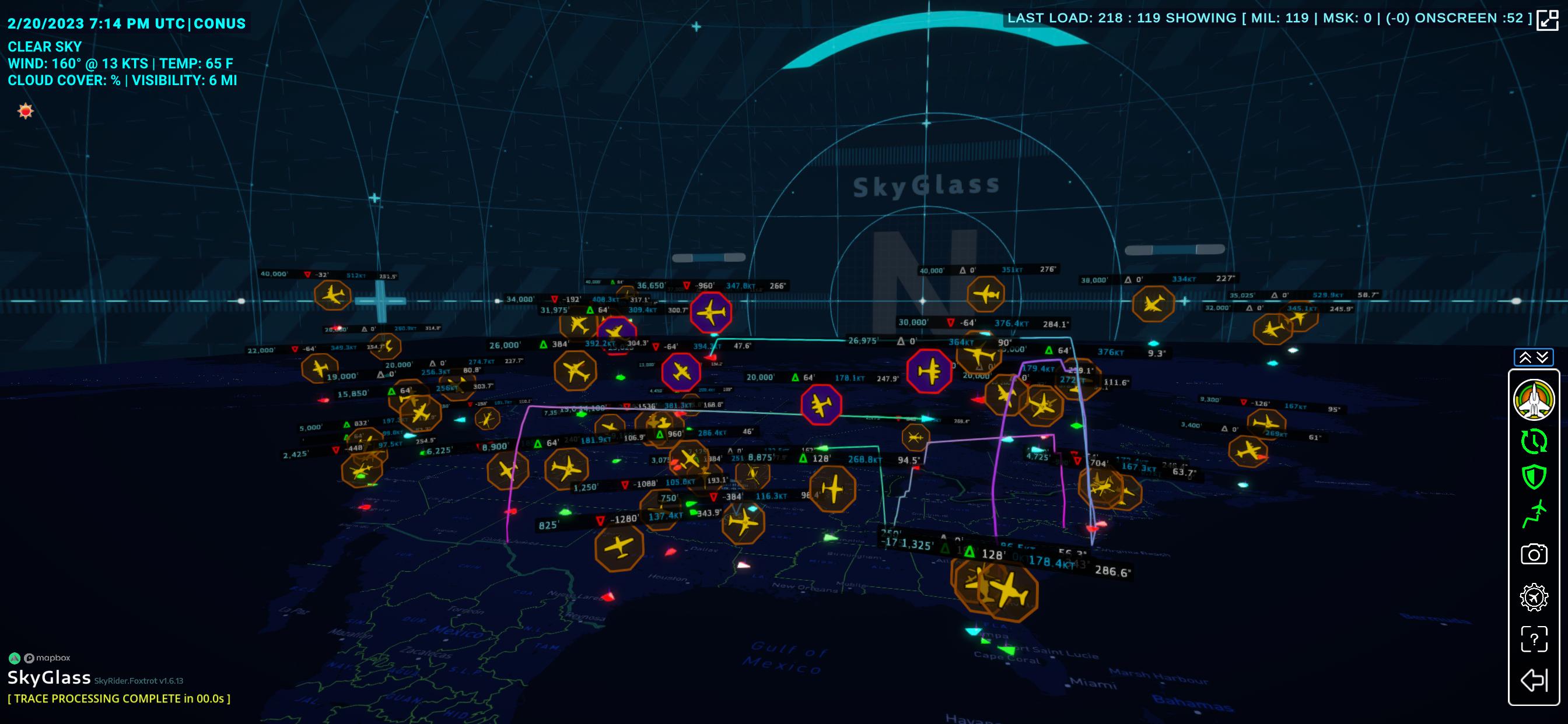
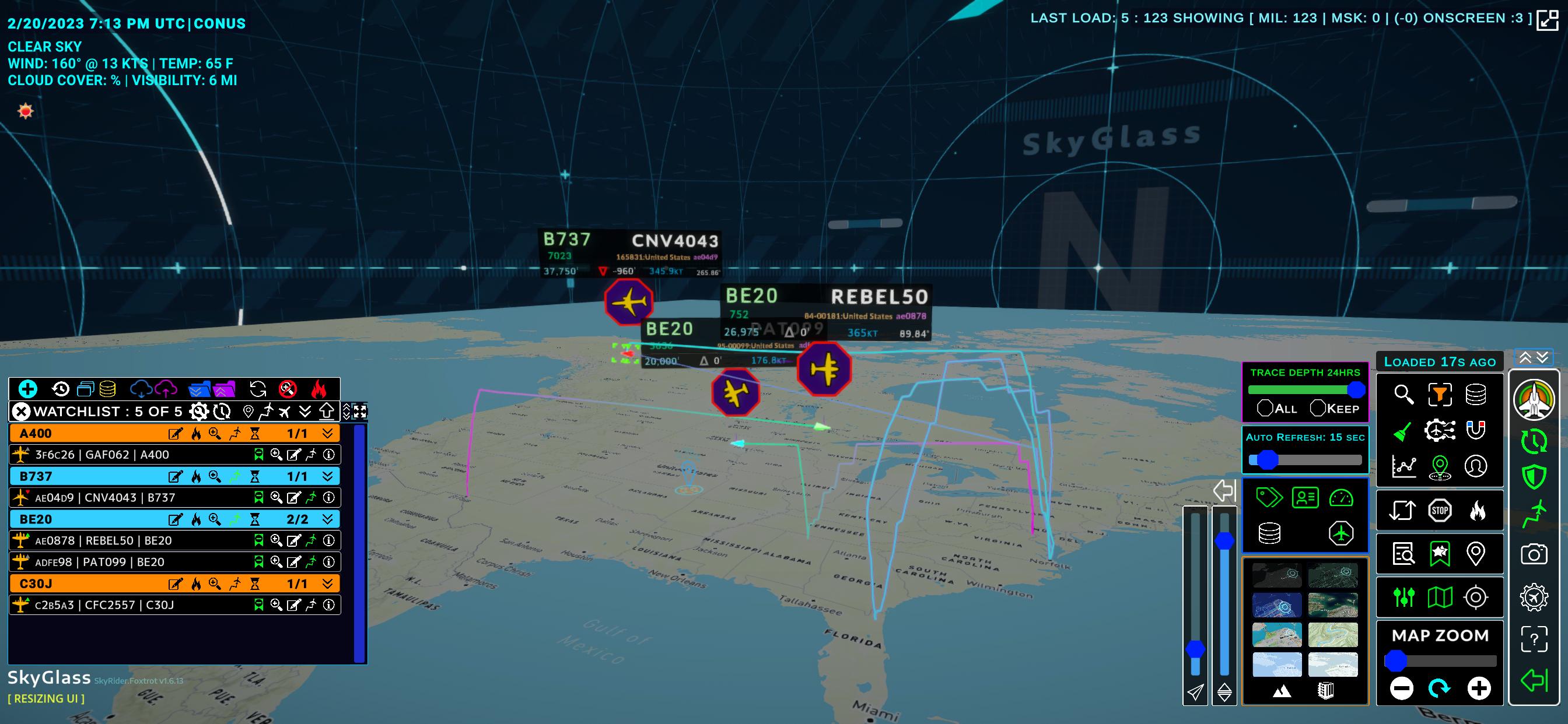
SkyGlass shows aircraft positions in real time in a 3D view. You can display flight traces, set how much history appears, and choose colors to make routes easy to follow. A zoomable flat map with height control separates traffic by altitude for clarity.
Global and local viewing modes
Additionally, you can switch to a military focused view to see worldwide military flights, then return to standard mode for traffic near a home location. This makes it simple to move between broad monitoring and nearby activity.
Filters and precise search
Watchlists and history tools
Finally, build a watchlist to track favorite aircraft and see whether they are airborne or on the ground. Run flight history reports to review previous routes, or use Time Travel Mode to view historic traffic positions.
SkyGlass provides a clear 3D view of live and past air traffic with practical controls. Use filters, search tools, and history options to focus on the flights that matter to you. To install, get the SkyGlass APK and follow the available onboarding instructions.
Latest Version
2.2Uploaded by
ยศกร คนทน
Requires Android
Android 8.0+
Category
Free Travel & Local AppContent Rating
Everyone
Security Report
Check Now
Report
Flag as inappropriateLast updated on Mar 13, 2026
-Bug fixes and other improvements





APKPure - A multi-platform app store primarily focused on Android, providing extensive app-related content. Discover the app you want easier, faster, and safer, with quick and efficient downloads and installations.