Scan Date:Jul 17, 2024
Show More


Skin Tools helps players who want to customize a Free Fire character and items without changing gameplay. It focuses on showing how outfits, emotes, and other cosmetics would appear, so you can decide what fits your style before you play. Moreover, everything runs inside a simple interface that keeps attention on visuals and choices. If you are looking for an easy way to try cosmetic options, Skin Tools APK offers a focused experience built around previewing looks.
Wide catalog for customization
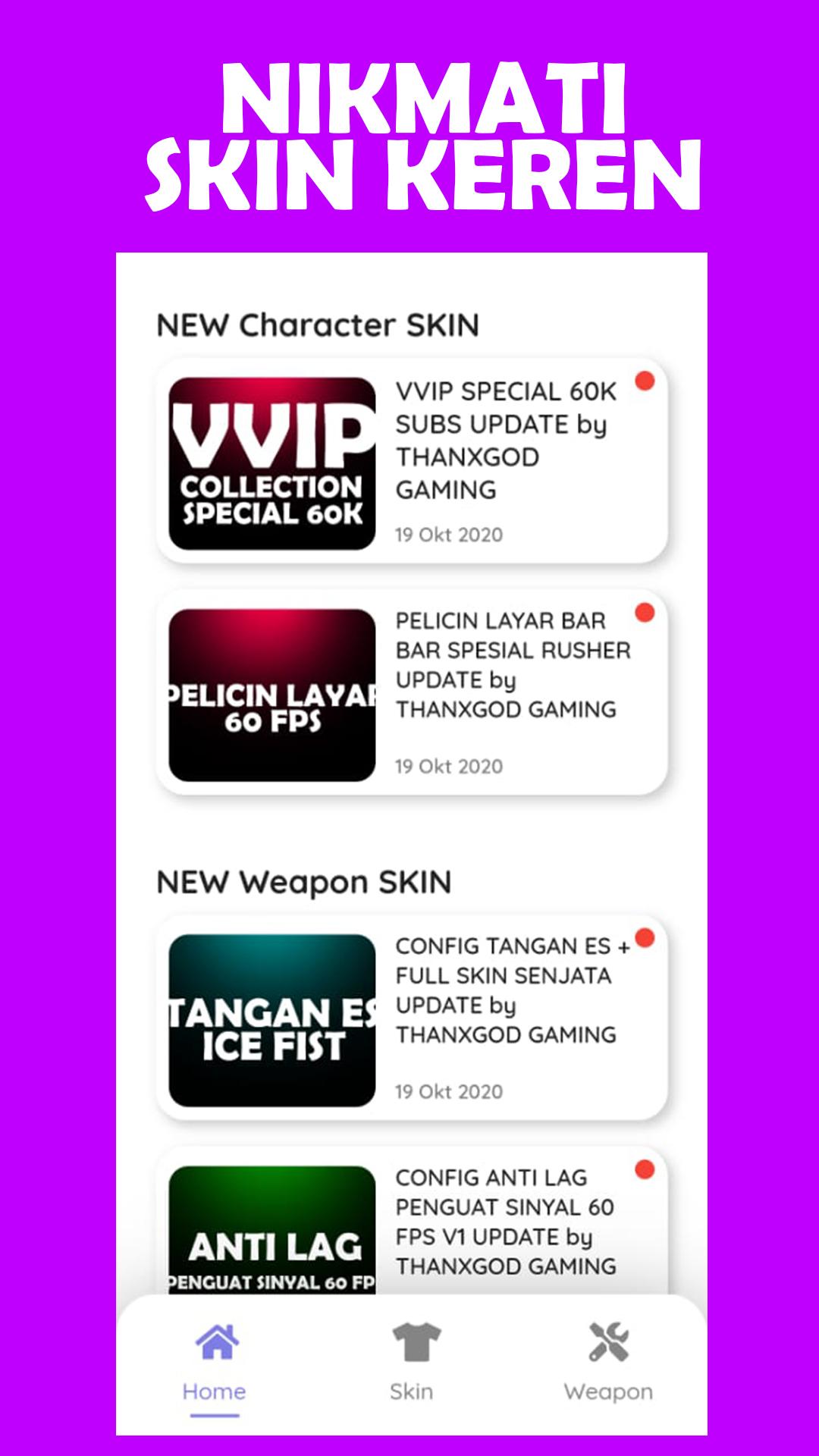
Skin Tools offers a large selection of cosmetic options, including outfits, bundles, emotes, weapons, and accessories. You can explore different styles to match a preferred theme or mood for your character. The catalog is expanded over time, which helps you discover fresh looks when you return.
Direct browsing with no safelinks
You can view skin information directly inside the app without external redirects or safelink pages. This keeps navigation simple and reduces extra taps while you move between items. As a result, you spend more time comparing styles and less time dealing with outside pages.
Quick preview and local apply
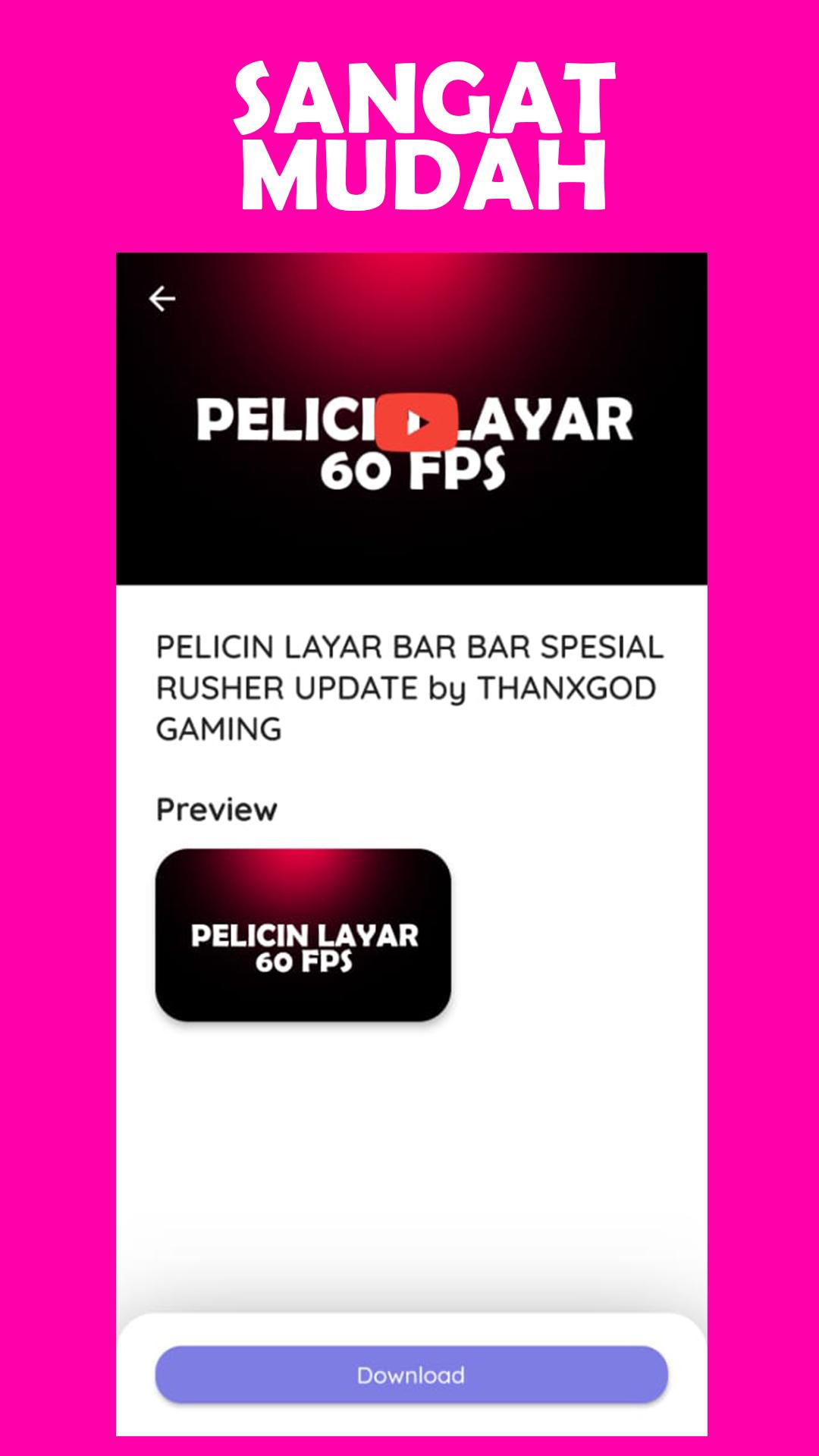
Skin Tools lets you quickly preview and apply a local configuration for your character and items. This setup helps you see how a full bundle or a single item appears together before entering a match. After a short setup, switching between options is straightforward.
Only visible on your device
Applied skins are cosmetic and visible only on your device. They do not affect gameplay, enemy visibility, weapon stats, or match outcomes. This distinction sets clear expectations for multiplayer, since other players will not see these changes.
Simple interface for most Android devices
The interface is designed for easy navigation on touch screens, so finding categories and previews is direct. It is intended to work across most Android devices, which helps more players try visual changes without extra steps. Moving from item to item feels consistent across the app.
Skin Tools is not affiliated with any game publisher. It does not modify gameplay, grant advantages, or provide in game currency such as free diamonds. All applied visuals are cosmetic previews that remain local to your device. If you are deciding whether to install, keep in mind that the app focuses on appearance only.
If you are wondering whether the app works with Free Fire, the answer is that Skin Tools works as a cosmetic preview and local configuration tool without altering game files or mechanics. Many users also search for related terms like Skin Tools Pro, Skin Tools VIP, FF Skin Tools Max, Gloo Wall Skin Tool FF, and FFF FF Skin Tool Emote Bundle when looking for visual customization options. These terms often point to similar intent around styling a character or items. If you seek an APK download, review version notes and details before installing to match your needs.
To start, download Skin Tools and open the app on your Android phone. The basic flow focuses on browsing categories, previewing cosmetics, and applying a local setup for your device.
Skin Tools focuses on browsing, previewing, and applying cosmetic looks that remain local to your device and do not affect gameplay. If you want a straightforward way to personalize visuals, consider trying the Skin Tools latest version for your next session.
Latest Version
6.1.0Uploaded by
Lamar Zakarni
Requires Android
Android 5.0+
Category
Free Tools AppContent Rating
Teen
Security Report
Report
Flag as inappropriateLast updated on Jun 11, 2024
- minor change



APKPure - A multi-platform app store primarily focused on Android, providing extensive app-related content. Discover the app you want easier, faster, and safer, with quick and efficient downloads and installations.